How PallasMark works: From the packing bench to the answer for every claim

Record each order as it is packed, seal it, and put it to work when a buyer approves, a return arrives or a dispute opens.

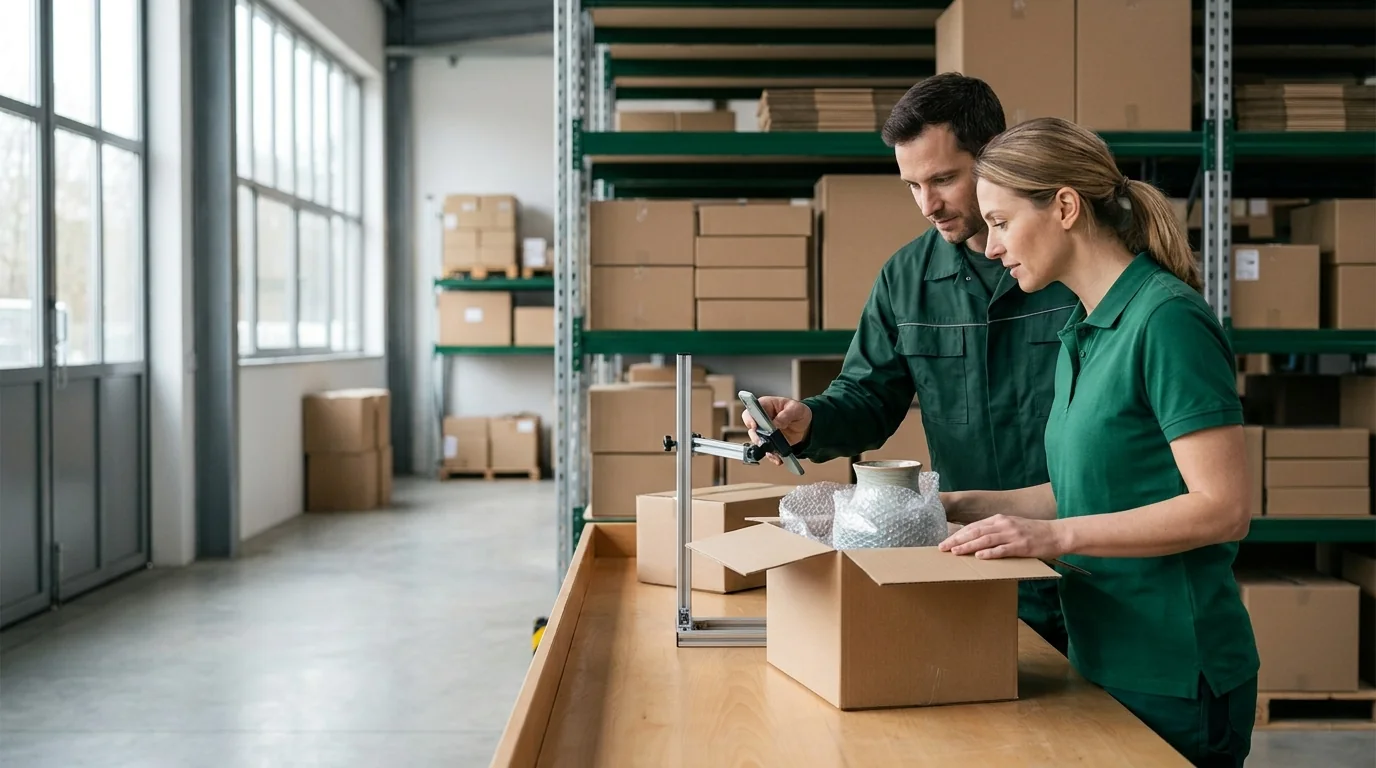
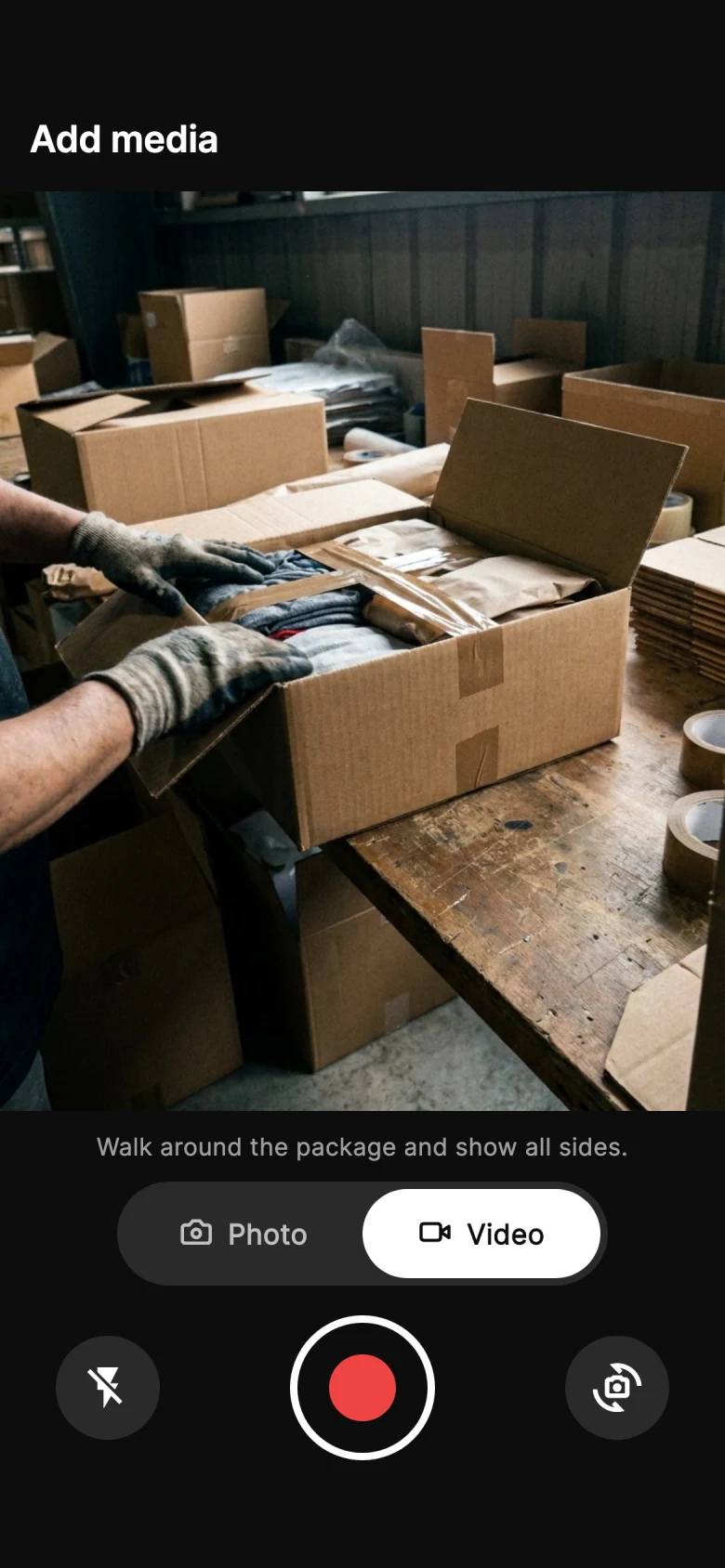
A team lead and a packer check a recording of an open box at a warehouse packing bench

One order, start to finish

Six steps, one record

Every step adds to the same order record. Nothing is copied between tools, so the answer to a claim is already in one place when the claim arrives.

  1. Orders
  2. Record
  3. Seal
  4. Approve
  5. Return
  6. Dispute
Orders

Orders arrive from your store

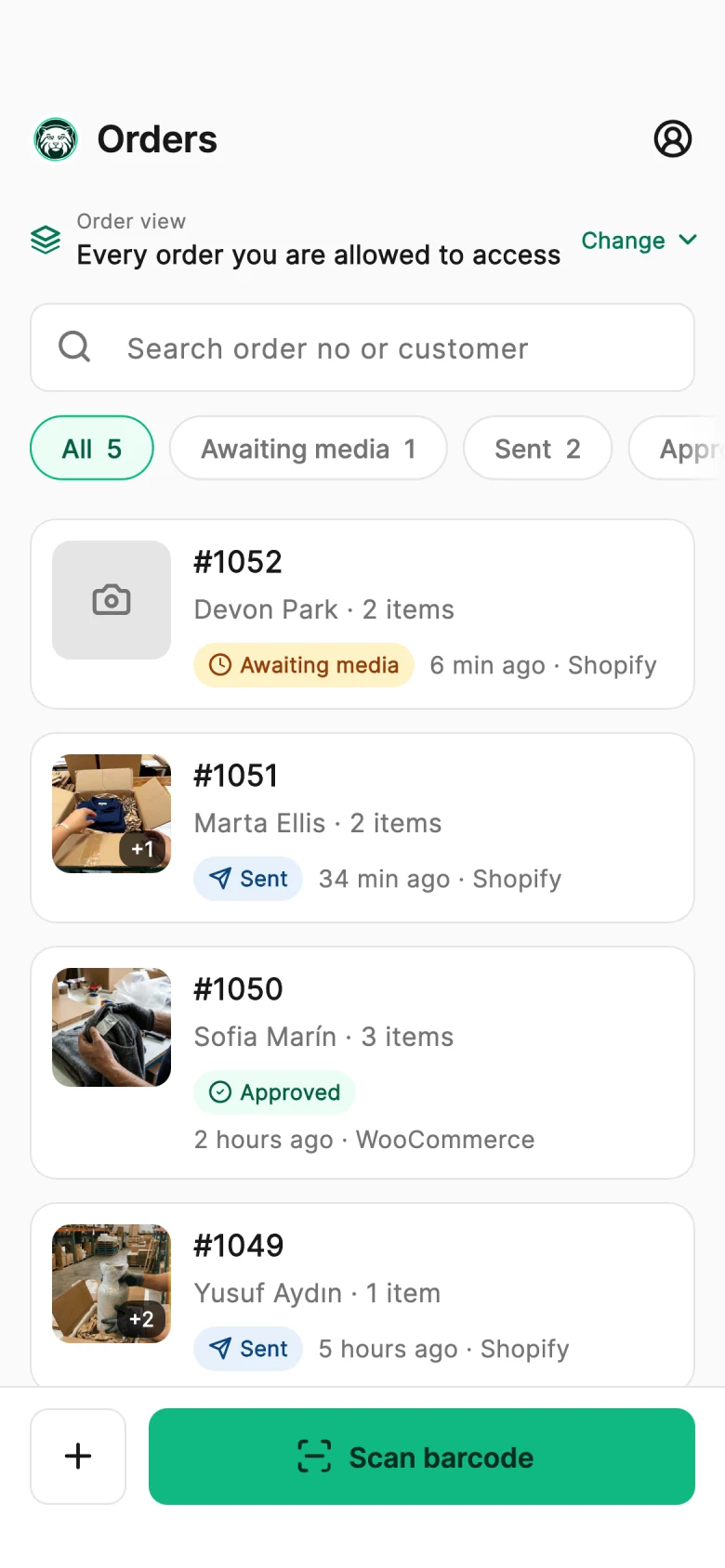
Connect Shopify or WooCommerce, or bring orders in from Amazon, ShipStation and ShipHero. Every new order appears in the PallasMark app ready to record — nobody types an order number.

Learn more: Store integrations

Record

Your team records the packing

Scan the order's barcode and film the items going into the box on the phone your team already carries. The recording is linked to the order the moment it is made, with who recorded it and when.

Learn more: The recording app
Seal

Every file is sealed with a fingerprint

Each photo and video gets a SHA-256 fingerprint when it is stored. Anyone can open its public verification page and confirm the file is exactly the one recorded — no account needed.

Learn more: Tamper-proof video
Approve

The buyer sees the box before it ships

Send the buyer a private link to their packing video. They approve or report a problem in their browser, and the answer stays on the order with the time, the device and how much they watched.

Learn more: Buyer approval
Return

Returns come back with the buyer's own video

When a return is requested, the buyer films the item and its packaging before sending it back. You compare both ends of the same order before the refund goes out.

Learn more: Return evidence
Dispute

A dispute is answered with one file

When a chargeback opens, the order's evidence file puts packing frames, fingerprints, the buyer's answer, tracking and the full timeline into one PDF or secure link, ready to upload.

Learn more: Chargeback evidence file

Questions merchants ask

How PallasMark works — questions

How does PallasMark work?

PallasMark turns the packing of each order into evidence. Orders arrive from your store, your team films the packing on a phone in the PallasMark app, and every photo and video is linked to its order and sealed with a SHA-256 fingerprint. From that one record, PallasMark can send the buyer a private link to approve the packing video before dispatch, ask the buyer for a video when a return is requested, and build an evidence file — PDF or secure link — when a chargeback or claim arrives.

What do I need to get started?

A phone with the PallasMark app for iOS or Android, and a PallasMark account. Connecting a Shopify or WooCommerce store takes a few minutes and brings your orders in automatically; you can also add orders by hand. The Free plan needs no card, and the 14-day Pro trial does not ask for one either.

Does the buyer need to install anything?

No. Every buyer-facing step — approving the packing video, sending return evidence, checking a recording on its verification page — is a link that opens in any mobile or desktop browser, in the buyer's language, with your logo and brand colour. There is no app to download and no account to create.

How does a packing video become evidence?

Three things make a recording hold up: it is tied to a specific order, it is fingerprinted when it is stored, and its context is kept with it. PallasMark records against the order number, gives every file a SHA-256 fingerprint anyone can re-check on a public page, and keeps who recorded it, when, on which device and — if the buyer was sent it — the buyer's own approval on the same order.

How long does setup take?

Minutes. Install the PallasMark app from the Shopify App Store or the PallasMark plugin from WordPress.org, approve the connection, and install the phone app for your team. Orders flow in as they are placed, so your packers can record the next order the same day — there is no hardware to buy and nothing to configure at the packing bench.

Who stays in charge of shipping and refunds?

You do. PallasMark records, seals and shares evidence; your store and your team keep deciding when an order ships and how a return or dispute is resolved. With write-back on, the evidence status and link are added to the store order, so the proof is right where your team already works.

Record one order and see the whole flow

Connect your store, record the next order on a phone, and open its verification page — the rest of the flow builds on that one record.