Packing video software: Packing video proof that stops false refund claims and chargebacks
Film each order on your team's phones. Every video is tied to its order and sealed, so buyers, banks and carriers can check what shipped for themselves.
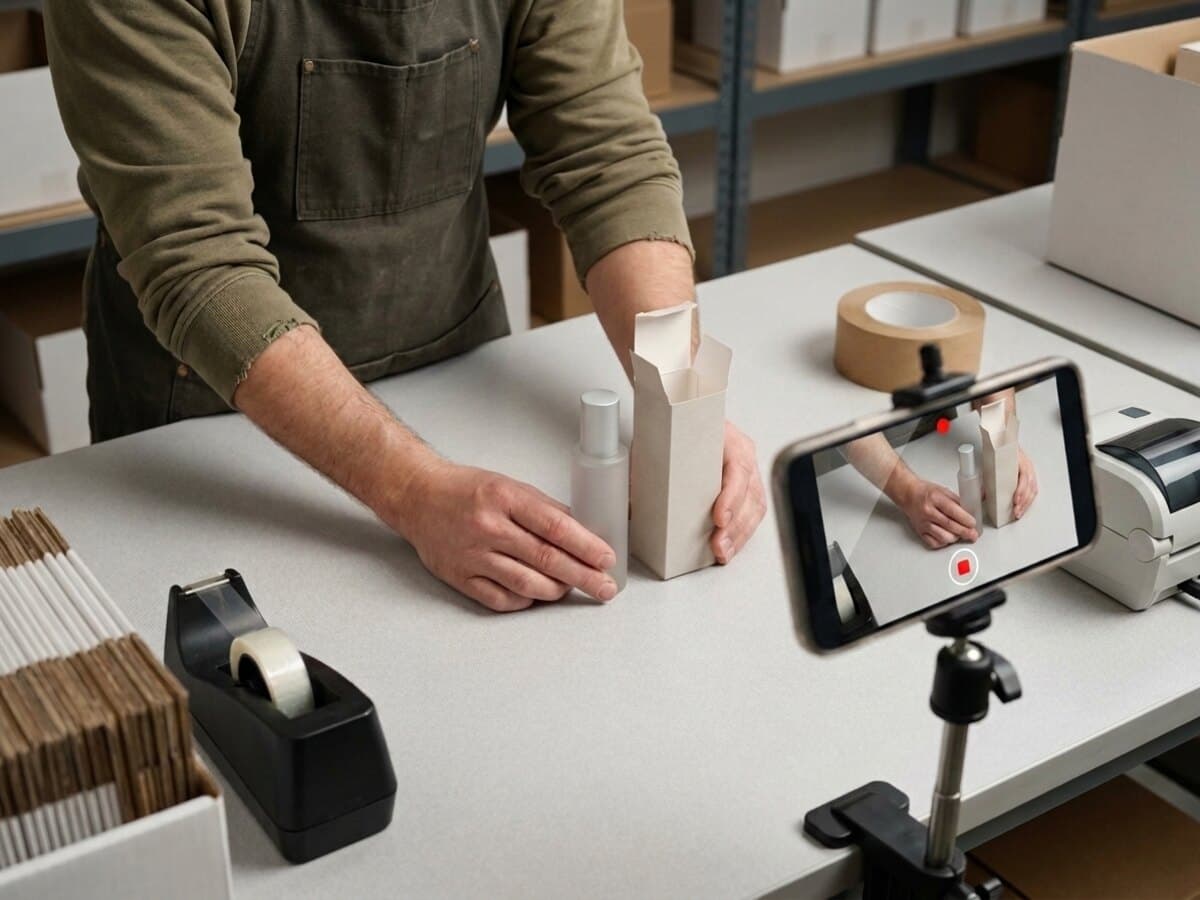
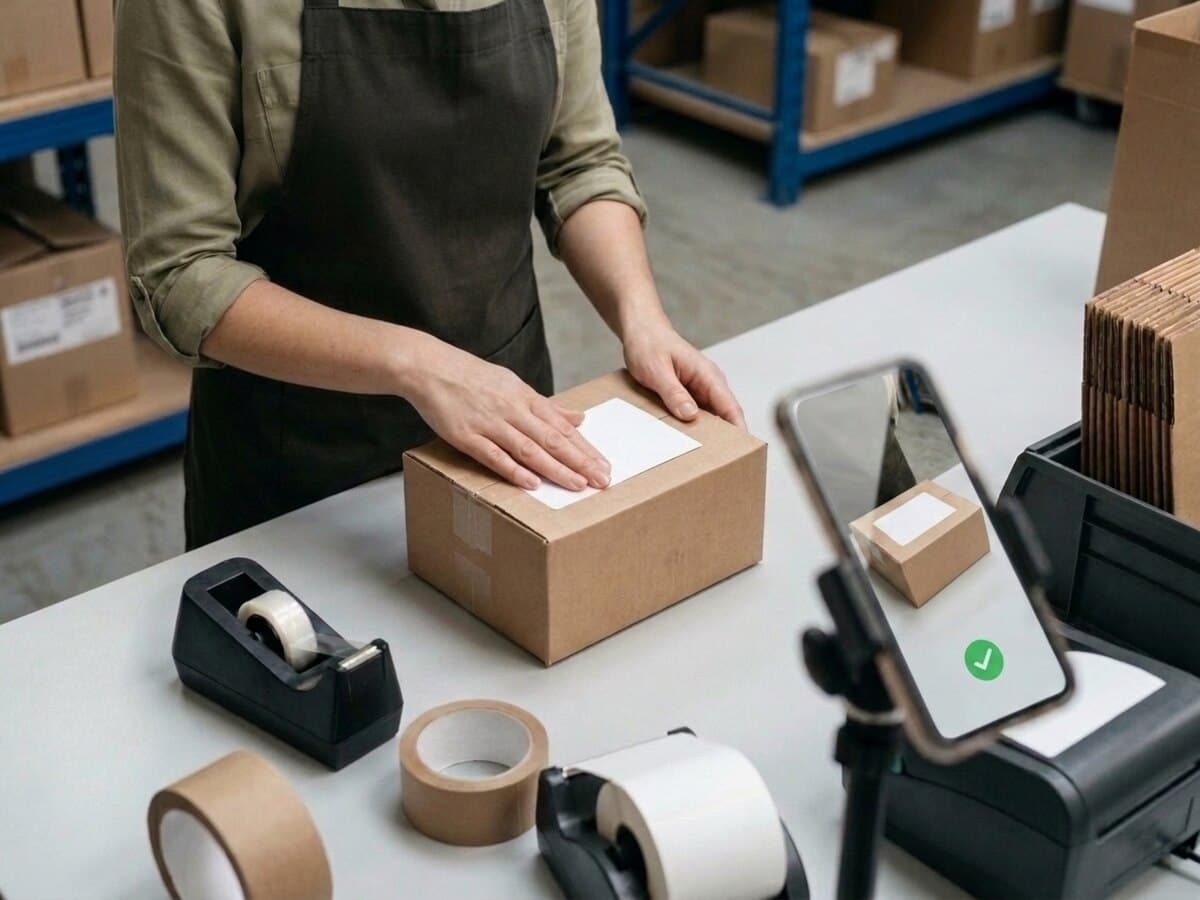
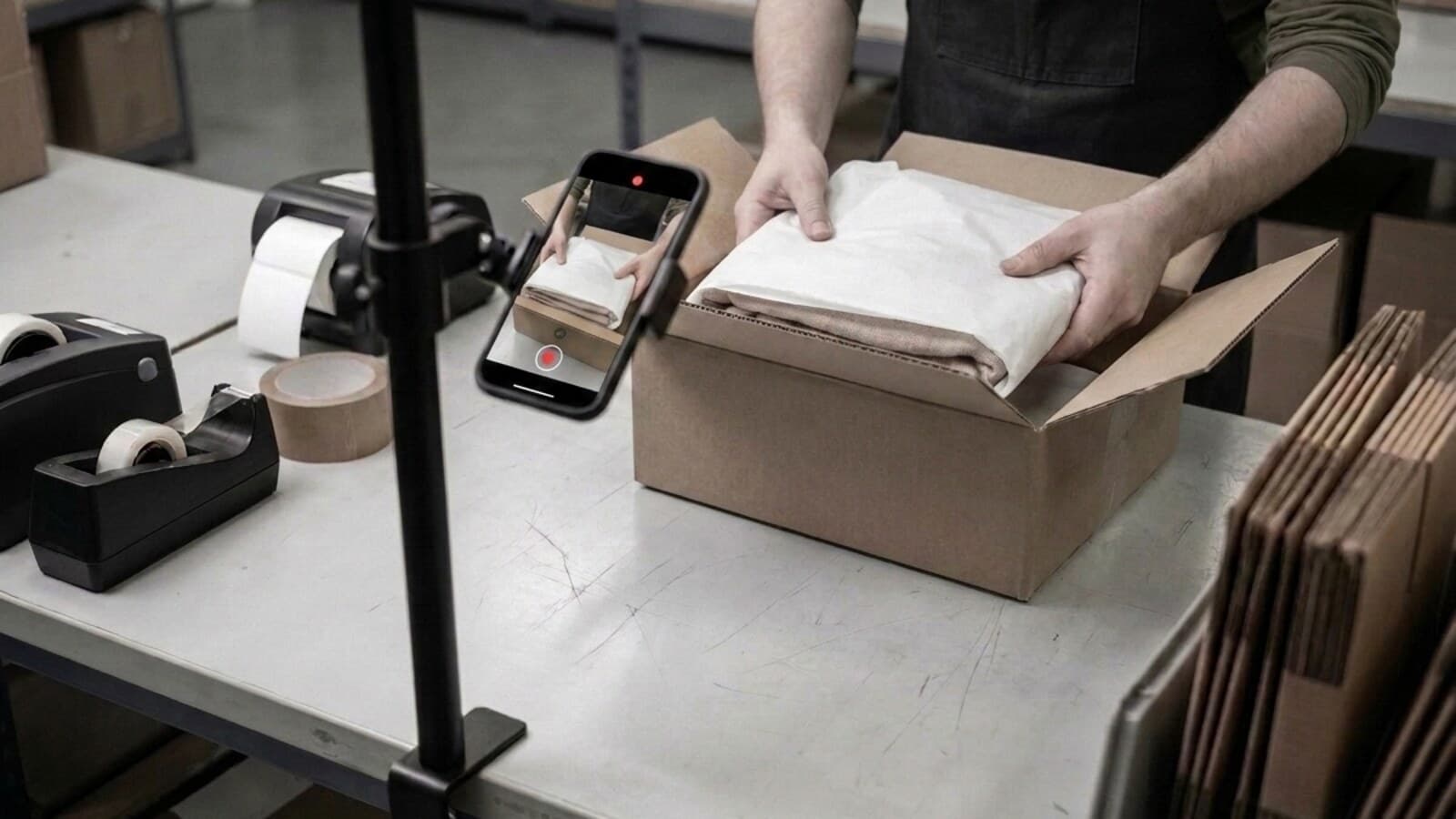
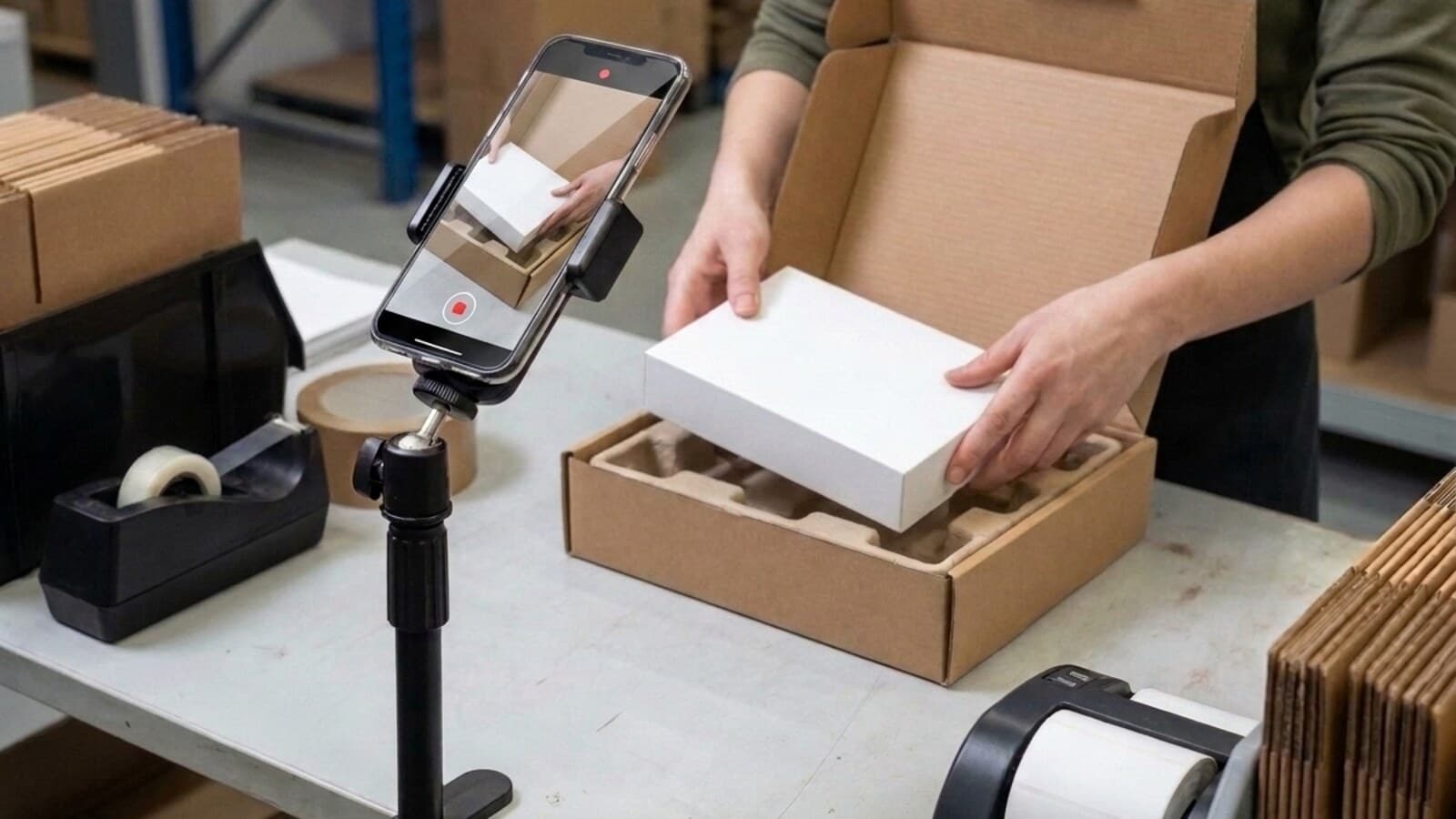
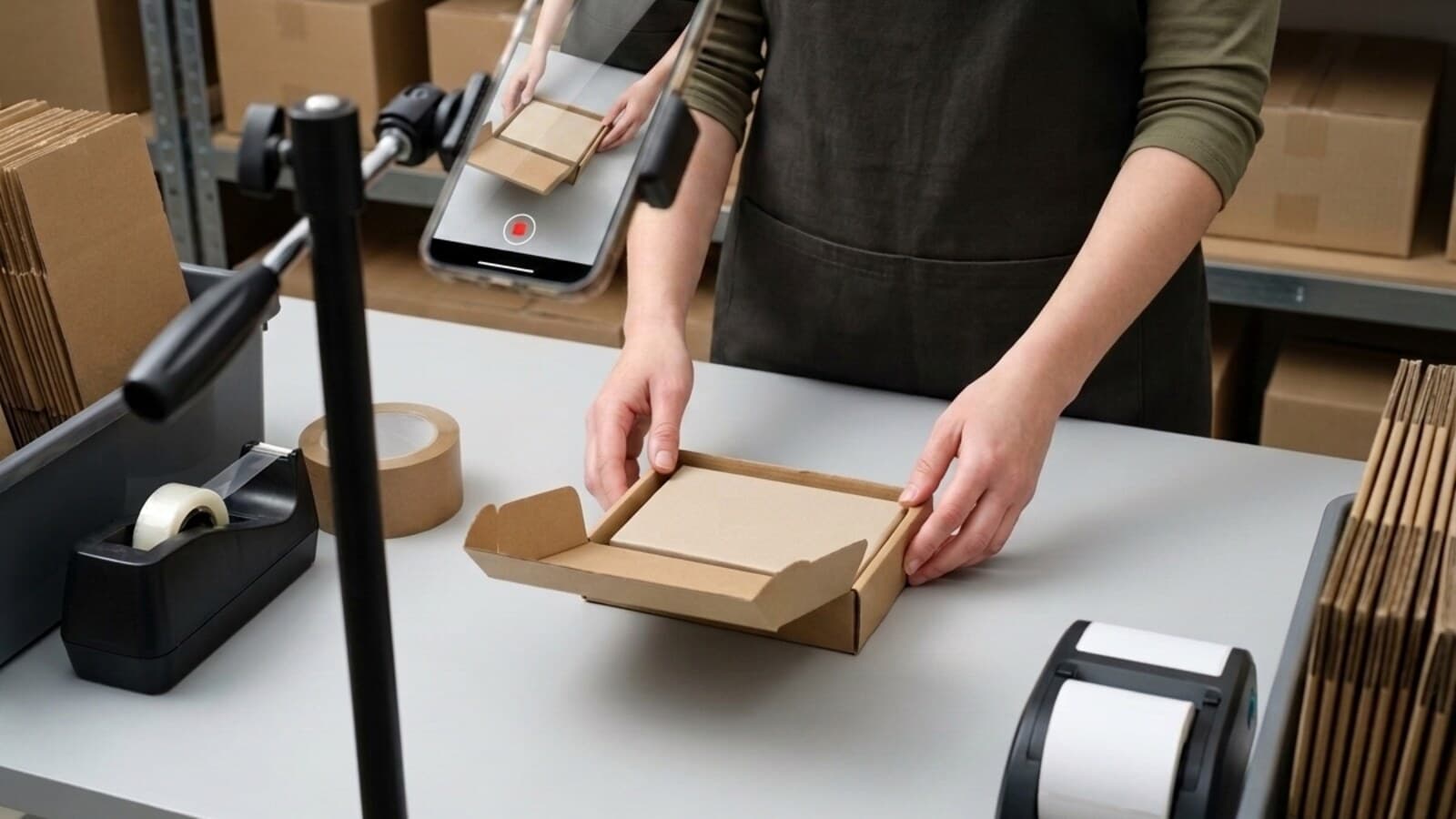
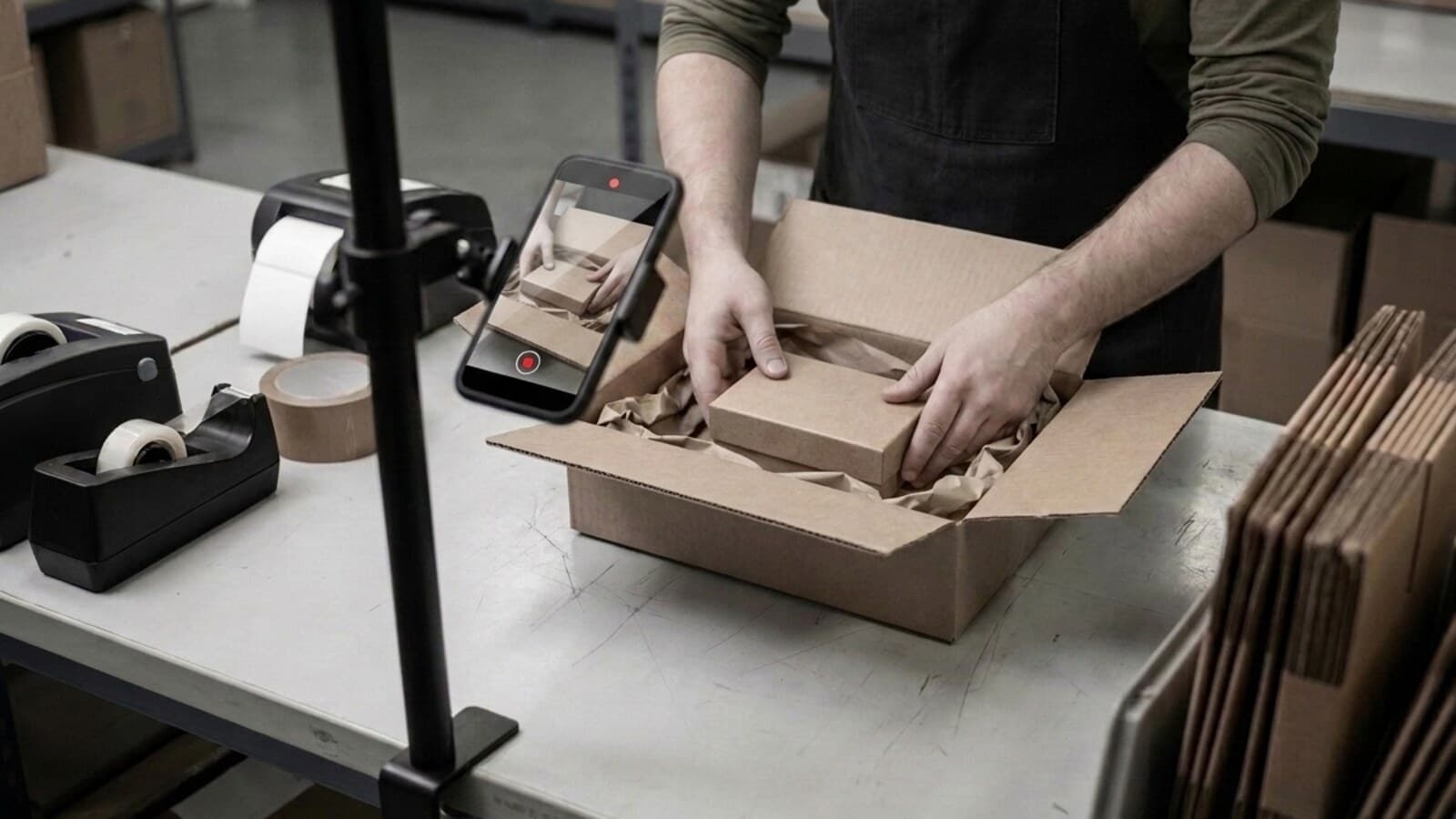
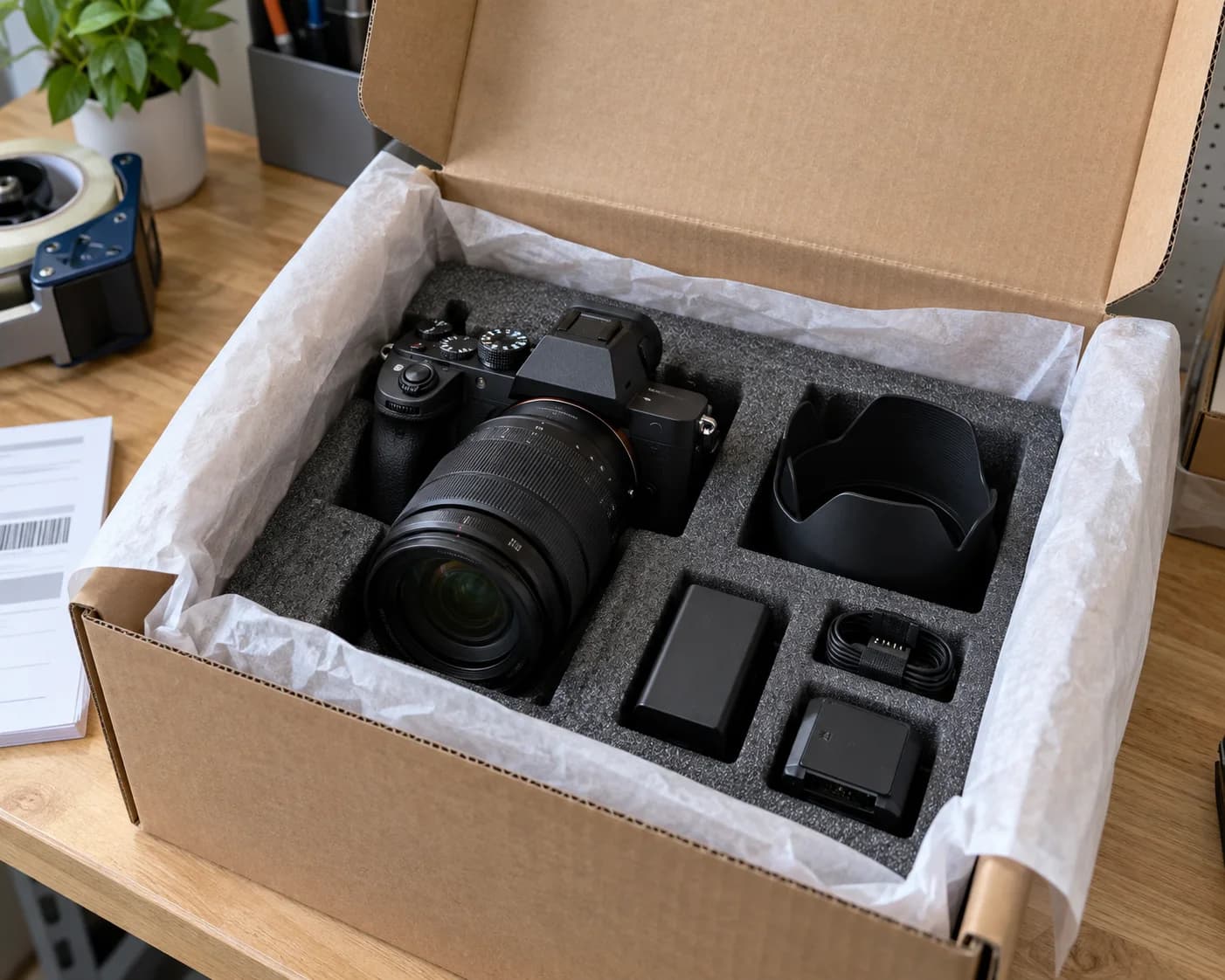
It is a recording of an order being packed, tied to that order and stored so it can be shown later as evidence of what shipped. It normally runs in one continuous take from empty box to sealed parcel, with the item, its condition, the order reference and the shipping label all visible in the same clip.
A packing video becomes proof at the moment someone who does not trust you can check it without taking your word for anything.
Three things turn a recording into proof
Almost every seller can film a parcel. Very few can produce a recording that someone who does not trust them will accept. These three checks are the difference.
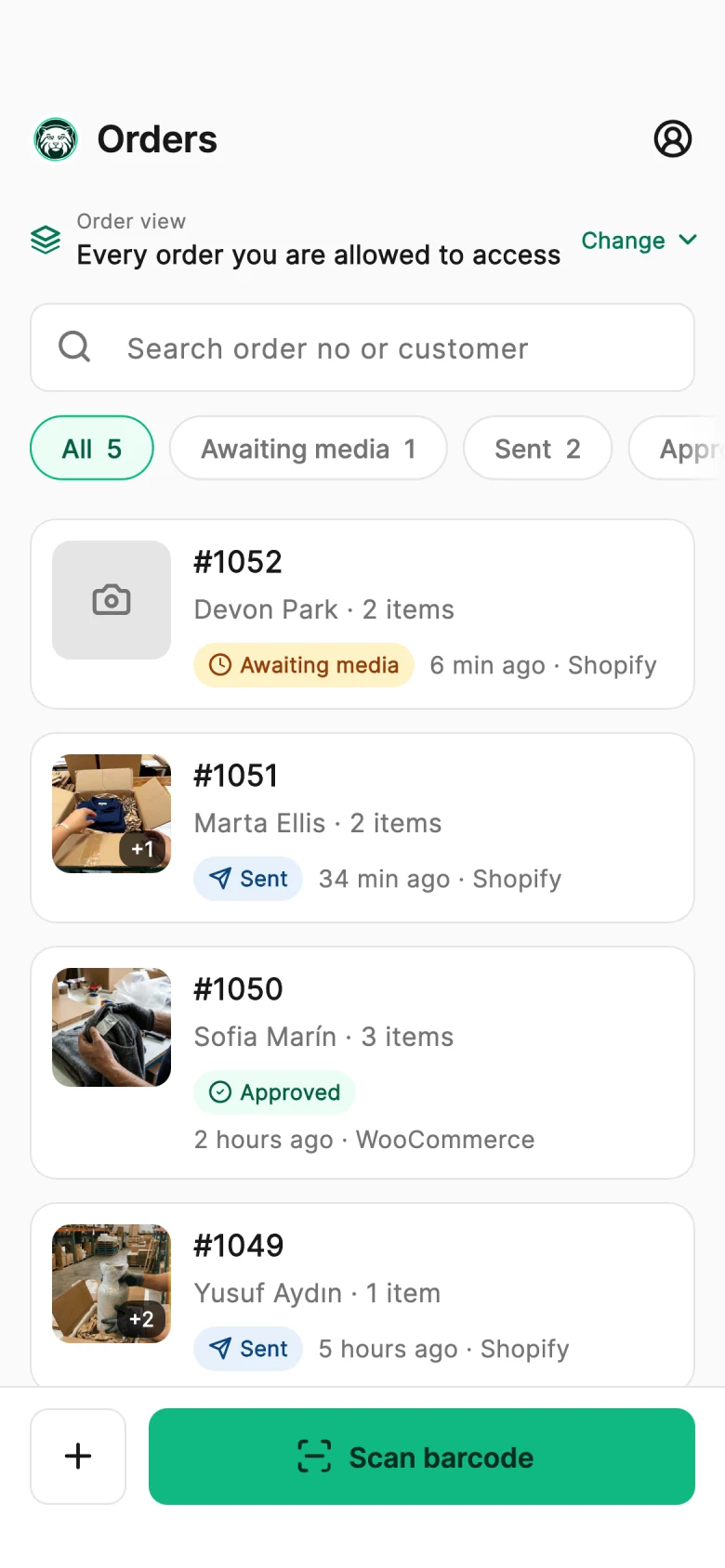
Shopify and WooCommerce push new orders straight into PallasMark — Amazon, ShipStation and ShipHero too. Nobody retypes an order number, and orders still waiting for a recording are marked so the bench knows what to pick up next.
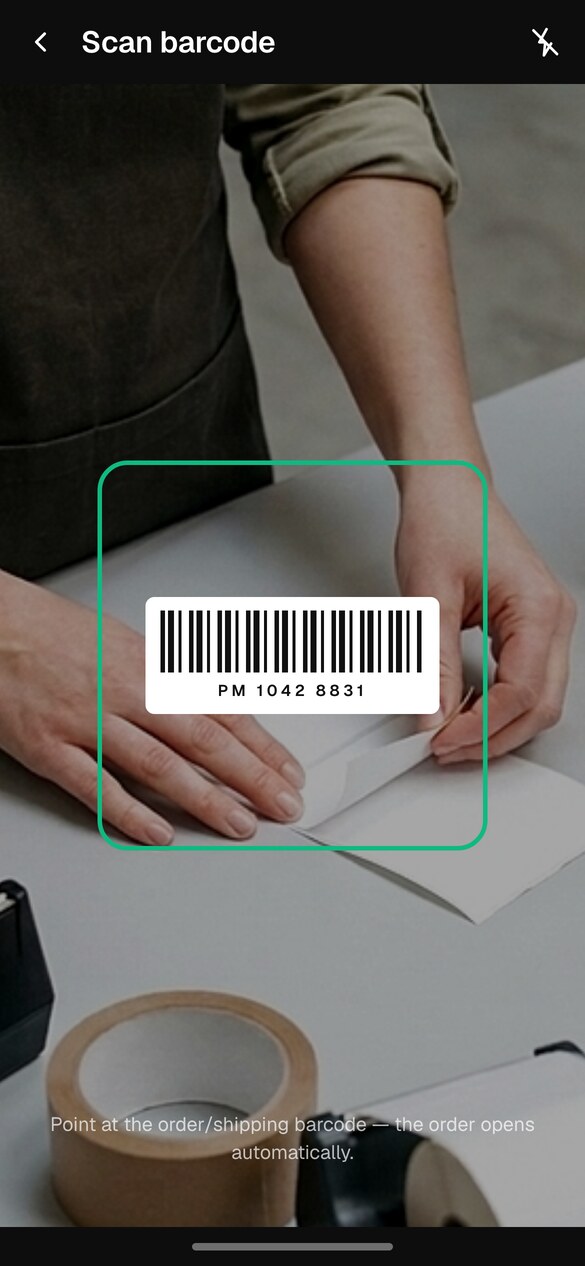
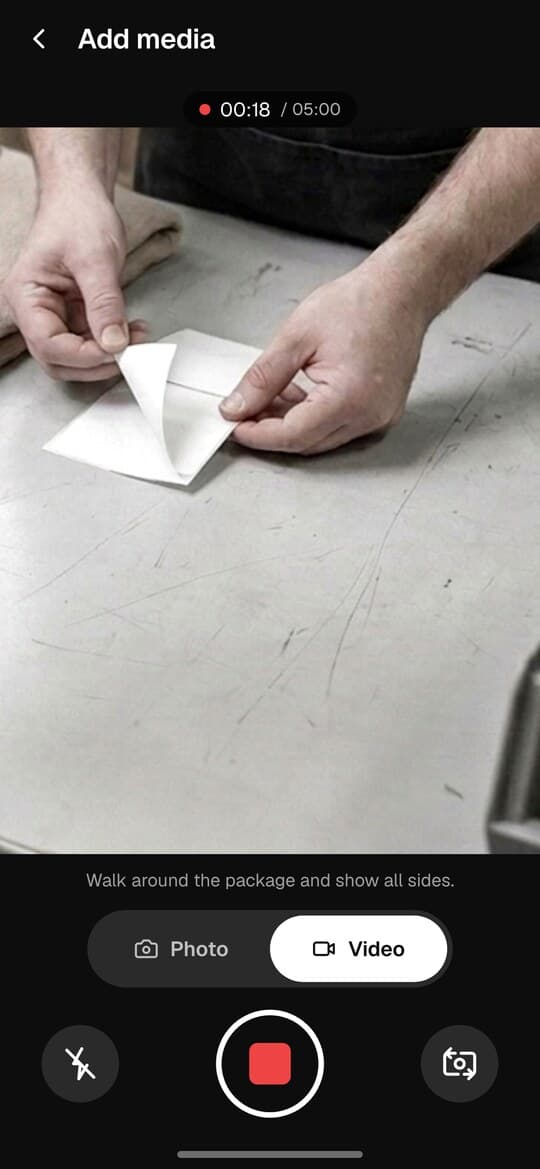
The packer opens the same list in the iOS or Android app and scans the barcode on the picking slip or shipping label. The recording is bound to an order before a single frame exists, which is why nobody films the wrong one.
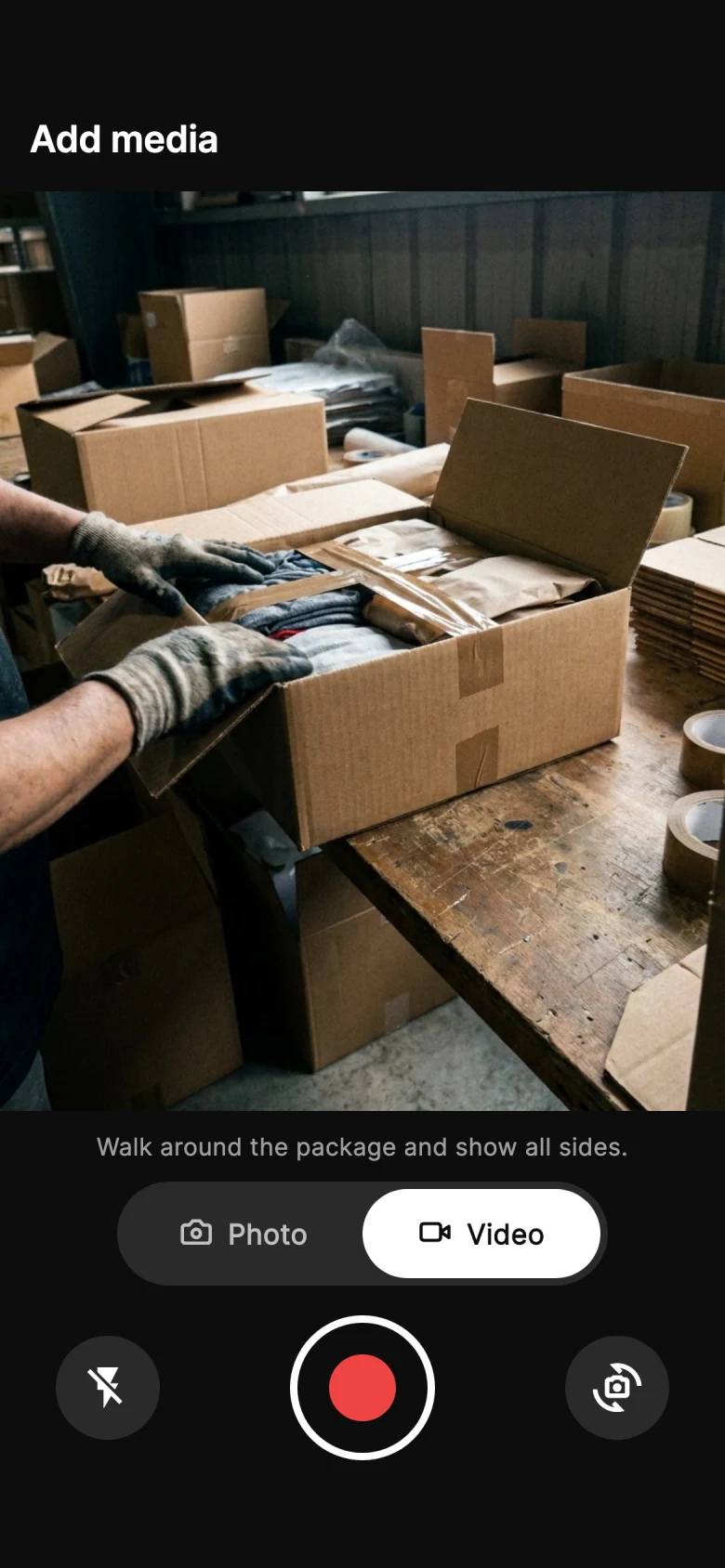
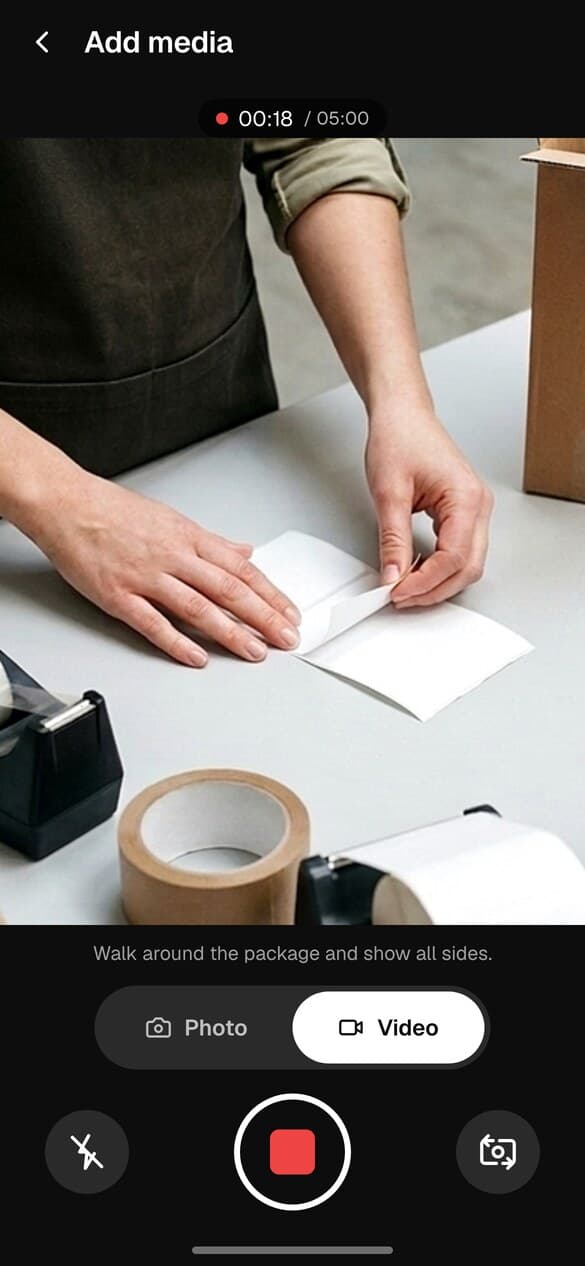
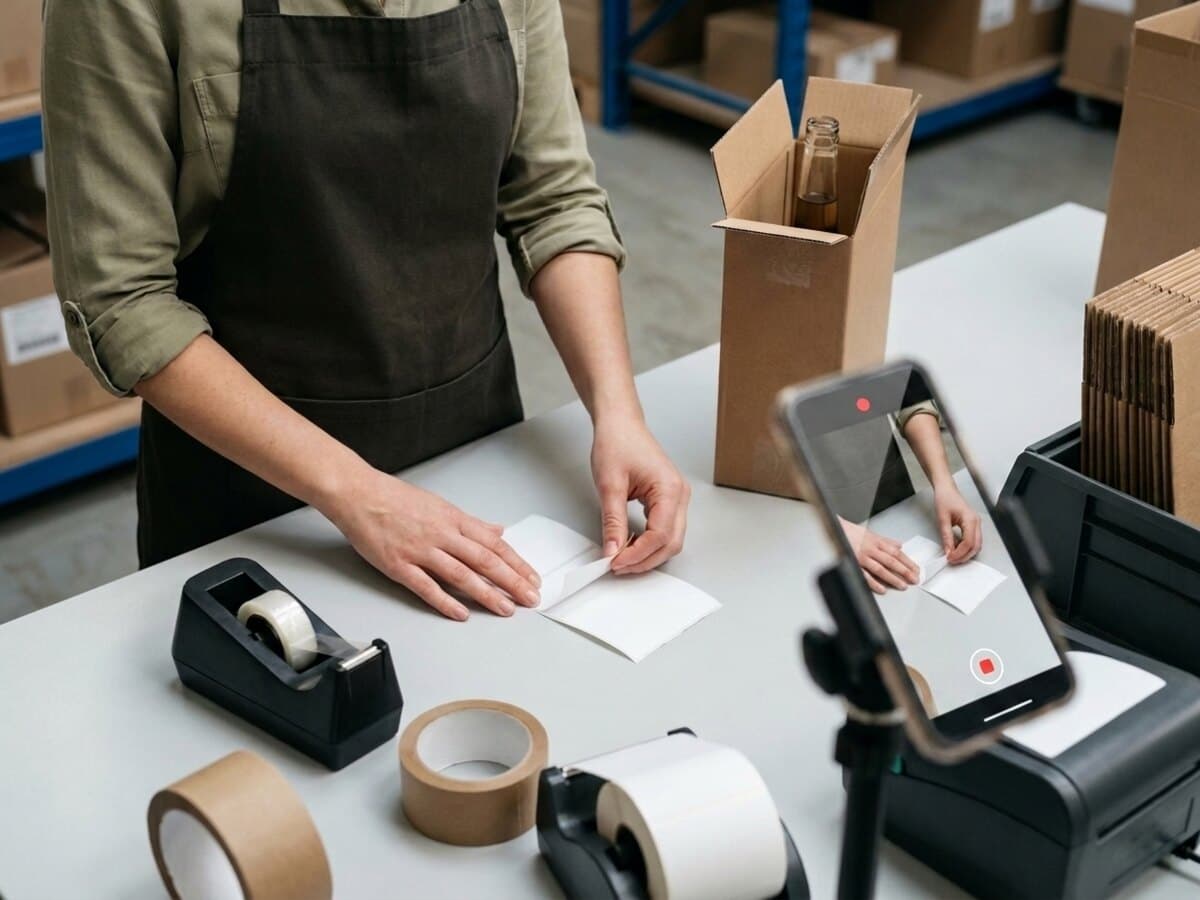
The item, its condition, the shipping label and the box closing, in one continuous recording. Stop, check, upload — the upload carries on by itself even if the signal drops.
Adds seconds per order: scan, record, confirm, next
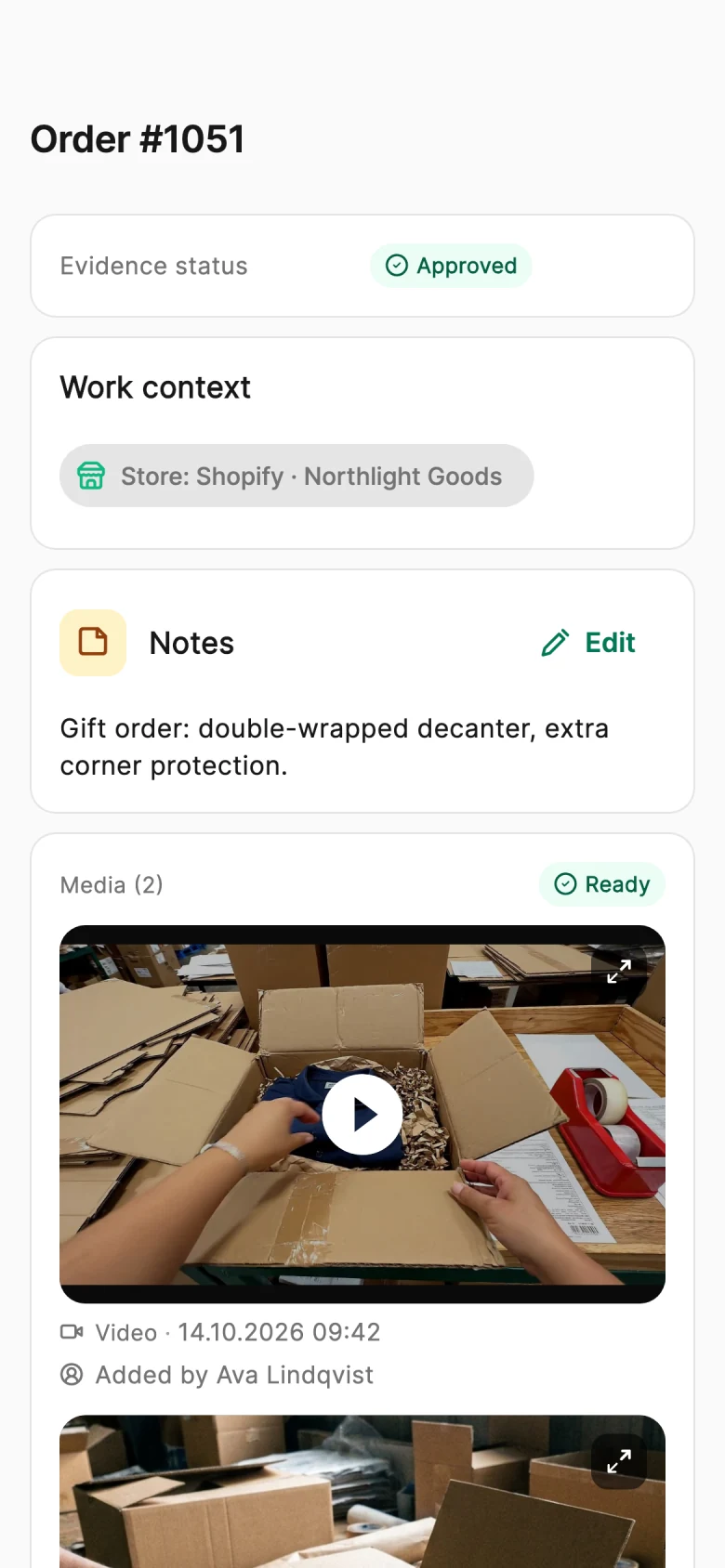
The recording lands on the order record with its SHA-256 fingerprint, the upload time and who recorded it, next to the customer and the items. The proof link is ready to share.
For high-value or dispute-prone orders, send the buyer the packing video first. They open a link — no app, no account — watch it and approve, and their answer is recorded with the time and how much they watched.
Device and connection details plus basic page interactions are recorded to preserve evidence integrity. Form field contents are not recorded.
This link expires on August 28, 2026
Secure approval · PallasMark
9:41
6Return
If it comes back, the buyer films it too
A return request sends the buyer a link to film the item and its packaging before it ships back, so two recordings of the same order sit side by side before you refund.
This page collects evidence for your existing return request.
Items being returned
1 × Hand-painted porcelain vase
Choose how to add evidence
Please film the vase and its packaging before you seal the box. It helps us process your return quickly.
Take a photo or video here, or choose an existing file.
Camera off
JPG, PNG or WebP up to 20 MB; MP4, MOV or WebM up to 500 MB.
This link expires on Sep 18, 12:00 PM UTC
9:41
7Verify
Whoever doubts you checks it themselves
The verification link opens a public page that re-checks the stored file against its fingerprint, right there. No account and no login — the answer comes from the file, not from you.
The green verified result appears only after the stored file is re-hashed and compared with this recorded fingerprint.
Powered by PallasMark — Pre-shipment video proof platform
8Your dashboard
Every order, proof and answer in one workspace
The order, its sealed video, the buyer's approval and any return land on the same record in the web dashboard — searchable, shareable and ready the day a claim arrives.
Northstar Commerce
PallasMark
Northstar Commerce
Orders
Interactive demo
Awaiting approval
12
Approved today
28
Open disputes
3
Proofs this week
146
Search order, customer, email or phone…
MediaOrderChannelStatusAction
Choose a record below to see its videos, photos and status.
Record one yourself, right now
Not a sample and not a video of the product — your own clip, through the real pipeline, ending on a real verification page you can send to anyone.
1Scan the code that appears and the recording screen opens on your phone.
2Film anything you have on hand for a few seconds.
3You get the sealed record and its public verify link.
Takes about a minute. Nothing is installed and no card is involved.
One unbroken take
What a packing video that holds up actually shows
The item, its condition, the shipping label and the box closing — in one continuous recording, filmed on the phone at the bench.
What makes a packing video useful as proof? A useful packing video stays in one continuous take from the empty box to the sealed parcel, showing the item and its condition, the order reference and the shipping label.
0:04
The item itself
What it is, what condition it is in, that it is the right one.
0:18
The label on camera
The shipping label goes on camera before it goes on the box — this parcel is this order.
0:41
Everything that goes in
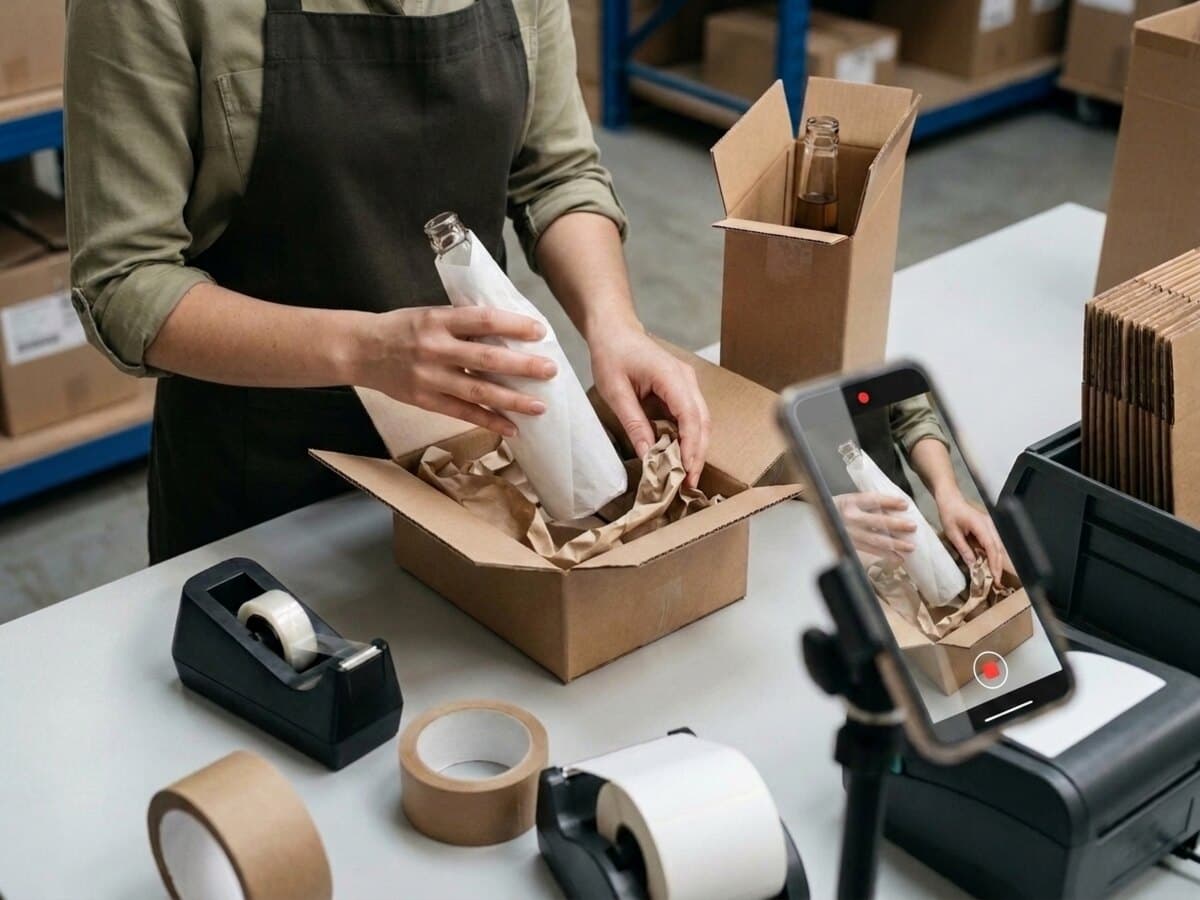
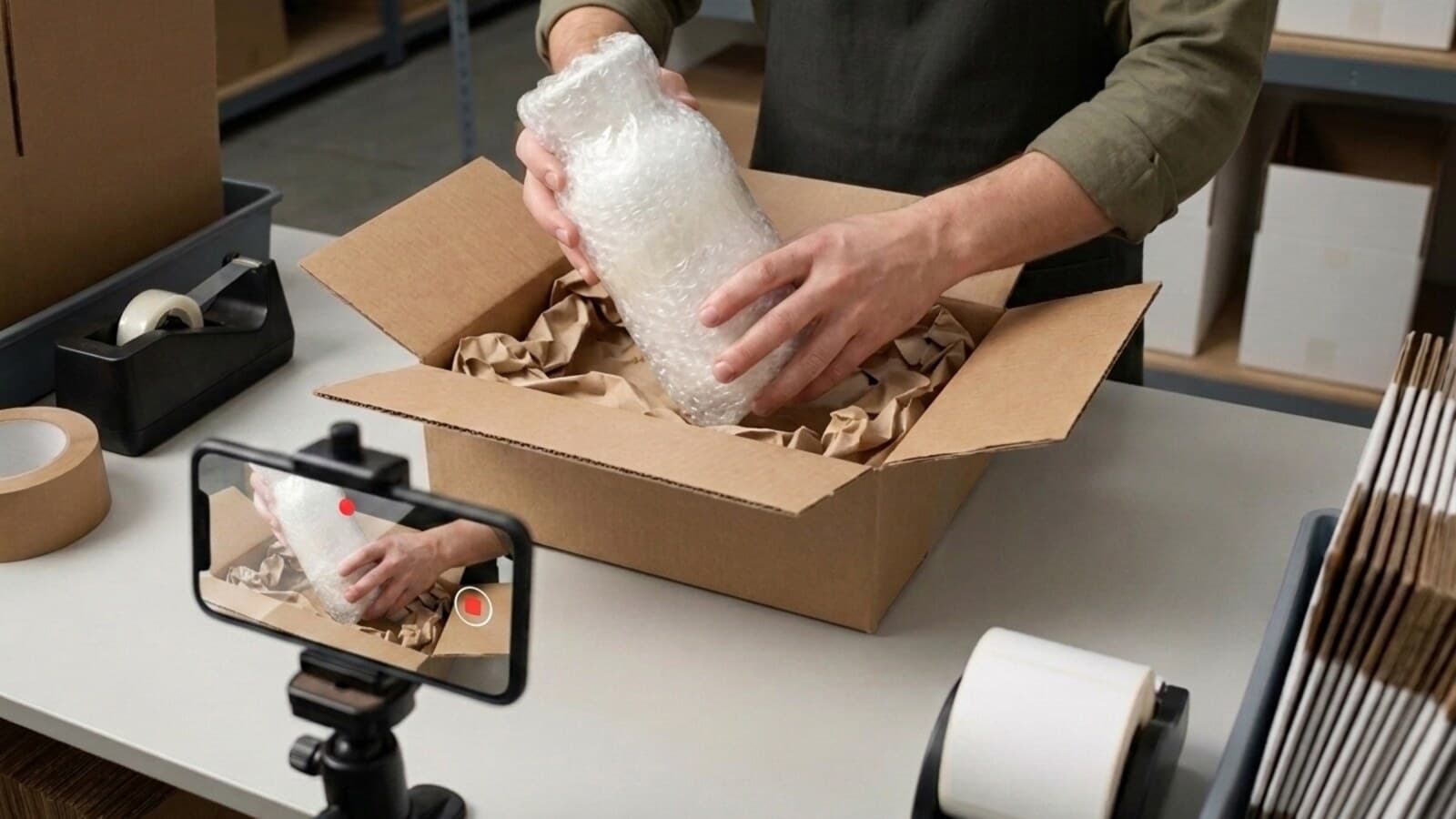
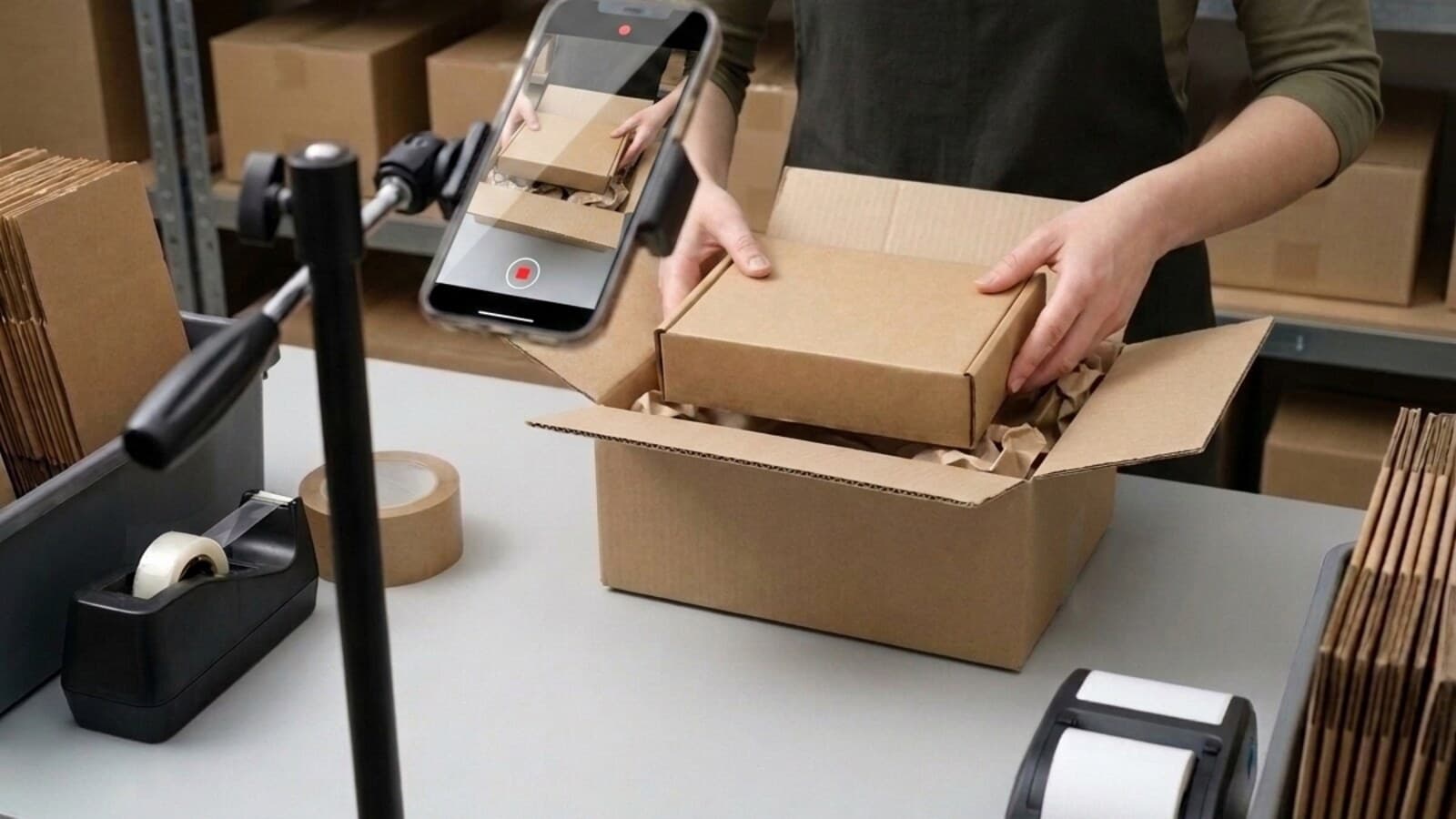
Padding, placement and the box closing, all inside the same take — no cut for anyone to wonder about.
1:07
Sealed and sent
The take ends when the parcel does. One tap uploads it, and it is fingerprinted the moment it is stored.
Use the same sealed video wherever an order is questioned — from the first refund request to a card dispute.
1
Packing video proof for refunds and returns
Most claims start here, weeks before a bank is involved. When a buyer says the item was wrong, damaged or missing, send the verify link in your first reply. Marketplaces and payment providers treat it as documentation of what shipped, and many cases stop right there.
2
Card disputes about the item itself
Visa's dispute condition 13.3 covers merchandise that is not as described, damaged or simply the wrong thing. Visa's guidance to merchants is to provide as much specific documentation as possible and to address each point the cardholder made. A sealed recording showing the correct item, undamaged, going into the box is exactly that kind of documentation.
3
Delivery disputes: tracking on the same page
Condition 13.1, "merchandise not received", turns on carrier proof of delivery. The PallasMark evidence file shows the carrier and tracking number right next to the packing video, so the delivery side and the item side of a claim sit on one page.
4
Marketplace and platform claims
Marketplace cases are decided by a support agent reading a thread, usually in minutes. A link that opens instantly, shows the order reference in the picture and proves it has not been edited does more in that thread than a paragraph of explanation ever will.
5
Video proof for shipping and carrier claims
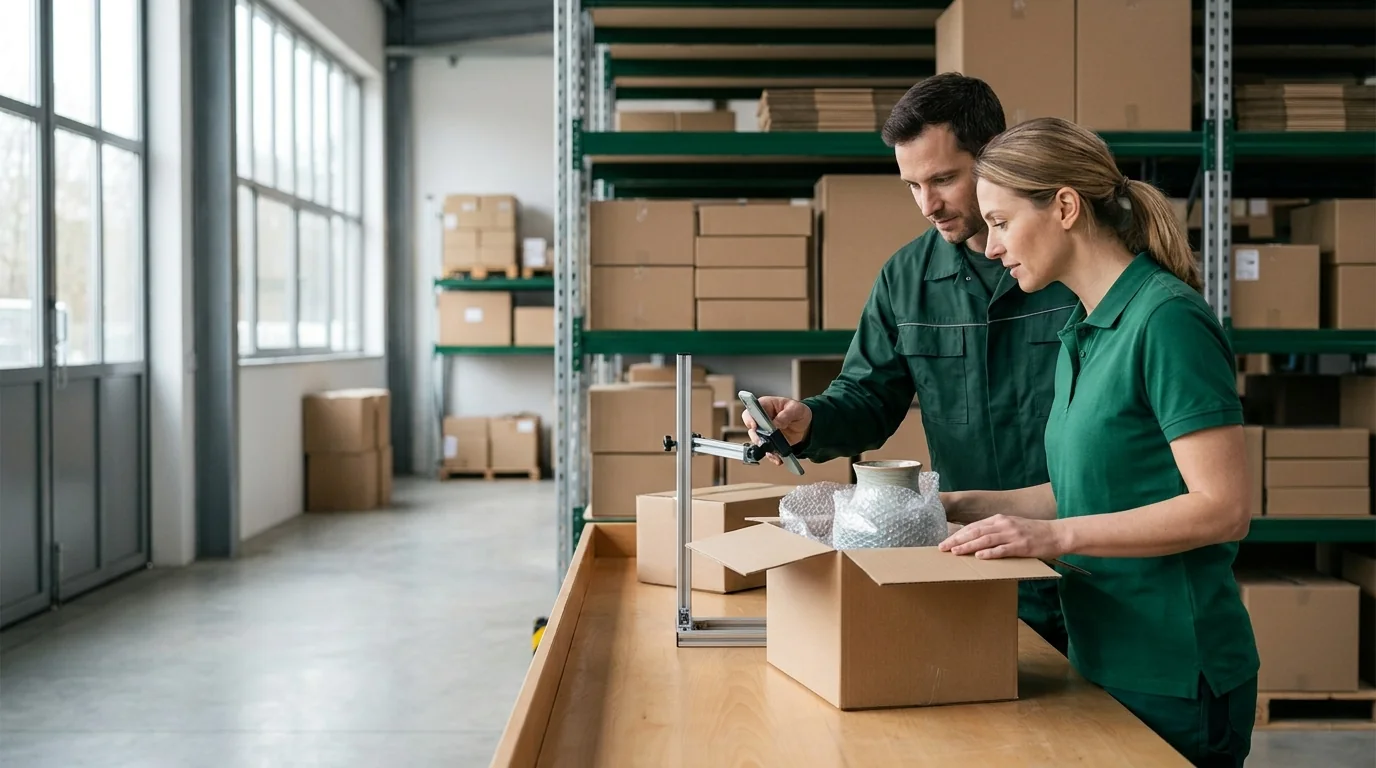
Carriers ask you to show the item was packed adequately for transit. A recording of the packing material going in, taken before the parcel left you, answers the question their claims form is actually asking.
You can have your first sealed proof in about five minutes
Free plan, no card. Record one order tonight and send yourself the verify link.
Tell us how you ship and what keeps coming back. We will show you the setup that fits.
Questions sellers ask
Packing video proof, answered
Should I record a video of every order I pack?
For most stores, yes — the claims you lose are rarely on the orders you expected. Recording every order on a phone takes seconds at the bench and needs no extra hardware, and it means the recording already exists when a refund request, carrier claim or chargeback arrives weeks later. If you only want extra steps on some orders, evidence rules ask for the buyer's approval only above an order value, while every order is still recorded and sealed.
Is a packing video proof of shipment?
It is proof of what you shipped: the item, its condition, the shipping label and the parcel being sealed, tied to the order and fingerprinted so a later edit shows. Proof that the parcel arrived comes from the carrier's tracking and delivery scan — PallasMark reads the carrier and tracking number from your store and puts them in the order's evidence file next to the packing video, so a reviewer sees both in one place.
Does packing video proof work for shipping and carrier damage claims?
Yes. Carriers ask you to show the item was packed adequately for transit, and a recording of the padding going in and the box being sealed, taken before the parcel left you, answers exactly that. The verification link shows the file has not been edited since it was stored, and the evidence file adds the order, the items and the tracking number in one document you can attach to the claim.
Does a packing video actually help in a chargeback?
It helps in the disputes that are about the item — wrong product, damaged, not as described. Visa's guidance for that dispute condition asks the merchant to provide as much specific documentation as possible and to address each point the cardholder raised, and a sealed recording of the correct item going into the box is that documentation. For "I never received it", the evidence file puts the carrier and tracking number right next to the packing video. Compelling Evidence 3.0, the rule quoted most often, covers fraud conditions and asks for matching device, IP, address and account history; the packing video is the record built for the item disputes.
What stops someone editing the video afterwards?
Any edit is detectable. The fingerprint is calculated from the file's exact bytes when it is stored, so changing a single frame produces a different fingerprint and the file no longer matches the sealed record. That is what separates a sealed recording from a watermarked one: a watermark makes a file identifiable, it does not tell anyone whether the file was changed.
Can a buyer or a bank verify it without an account?
Yes. Every proof has a public verify link. Whoever opens it sees whether that fingerprint belongs to a sealed recording and when it was made, with no PallasMark login on their side.
Do we need a special camera or a fixed packing station?
No. Your team films on the phone or laptop already in the room, in the browser or in the PallasMark app for iOS and Android. A mounted camera at a permanent bench is a reasonable setup for one high-volume station, but it stops working the moment packing happens in more than one place.
How long do we have to keep packing videos?
Long enough to outlast the dispute window you are actually exposed to, which is usually months rather than weeks. Current plan retention periods: 90 days. Each proof receives its own retention period when created; custom agreements and existing proof retention periods are preserved. Orders with an open dispute, chargeback or return are never purged.
Is it legal to film our own packing process?
Filming a parcel being packed on your own premises is ordinary business record-keeping. The care needed is about your staff, not the parcel: tell your team the packing area is recorded, keep the frame on the bench rather than on people, and store the recordings only as long as you need them. If you operate in the EU or UK, treat that notice as part of your normal employee privacy notice.
Does this work for a 3PL or a multi-warehouse operation?
Yes — including warehouse claims and B2B disputes, where the video evidence shows the condition of each pallet or carton before it left. Proofs can be tied to a facility, warehouse staff can be assigned an operator role with the applicable team-seat capacity, and where location is available it is checked against the facility's geofence and saved with the proof.
Is this a packing video recorder, or a packing video system?
A recorder is the part that captures the clip; a packing video recording system is what makes that clip mean something six months later. The recording side is deliberately ordinary — the phone or laptop already at the bench, in the browser or the app. What sits around it is the part that matters: each recording is tied to its order as it is made, fingerprinted from the bytes that arrived so a later edit is detectable, kept under the retention policy recorded for the proof, and openable by a bank or a buyer through a link that needs no account. Software sold purely as a packing video recorder or capture system usually stops at the file, which leaves you holding a video whose origin nobody else can check.
Which stores and systems does PallasMark work with?
Shopify (install from the Shopify App Store; orders sync in and the proof link travels back to the order), WooCommerce (a free plugin on WordPress.org), Amazon Seller Central through SP-API for the US and Canada marketplaces, ShipStation, and ShipHero for 3PL and warehouse stacks. Anything else connects through the REST API and signed webhooks: create an order, attach a proof and get notified when the buyer approves. Every connection is set up once from the web workspace, with no CSV and no developer needed for the listed platforms.
What should packing video software do?
Good packing video software covers the whole life of a recording, not just the capture. It should open the right order from a barcode scan, record video and photos at the bench on the phones you already have, attach each file to its order with who recorded it and when, seal it with a fingerprint so an edit is detectable, and let a buyer, bank or marketplace check it without an account. Around that sit the packing video management parts that make it an ecommerce packing video evidence system: one list of orders from your store, order packing video capture for every packer, buyer approval before dispatch, return evidence capture from the buyer's side, and one evidence file per order — the dispute evidence pack — when a refund request, chargeback or carrier claim arrives.
Does packing video proof help with refunds and returns, not just chargebacks?
Refunds are where most sellers meet this first, because a refund request arrives long before a bank ever gets involved. The same sealed recording answers both, but earlier: when a buyer opens a return saying the item was wrong, damaged or missing, you can send the verify link in your first reply instead of arguing. Marketplaces and payment providers treat that as documentation of what shipped, and in practice many claims stop there — the case never becomes a chargeback at all. Returns that are genuinely your error still get refunded; what changes is that you can tell the two apart.
Stop refunding orders you packed correctly
Free plan, no card, and the first sealed proof takes about five minutes to produce.







 ShopifyStore
 WooCommerceStore
 AmazonMarketplace
 ShipStationShipping
 ShipHeroWMS