
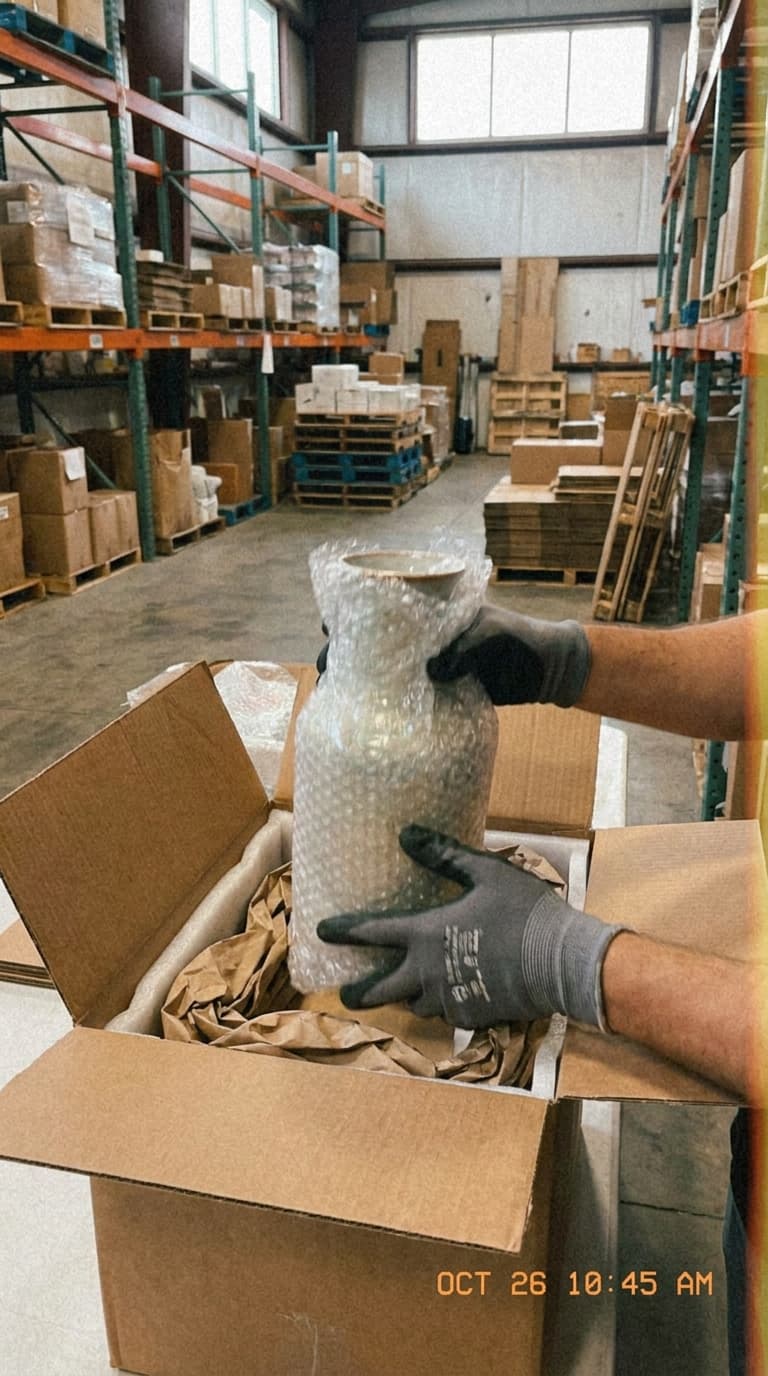
Missing item
Review the visible contents before the box was closed.
Find the order in the mobile app, record the items and packaging, then review the saved evidence in your dashboard. Share it with the buyer when you choose.
Keep the item, packaging and order reference in the same evidence record.
A useful record shows the visible items, their condition and how they were protected.
Review the visible contents before the box was closed.
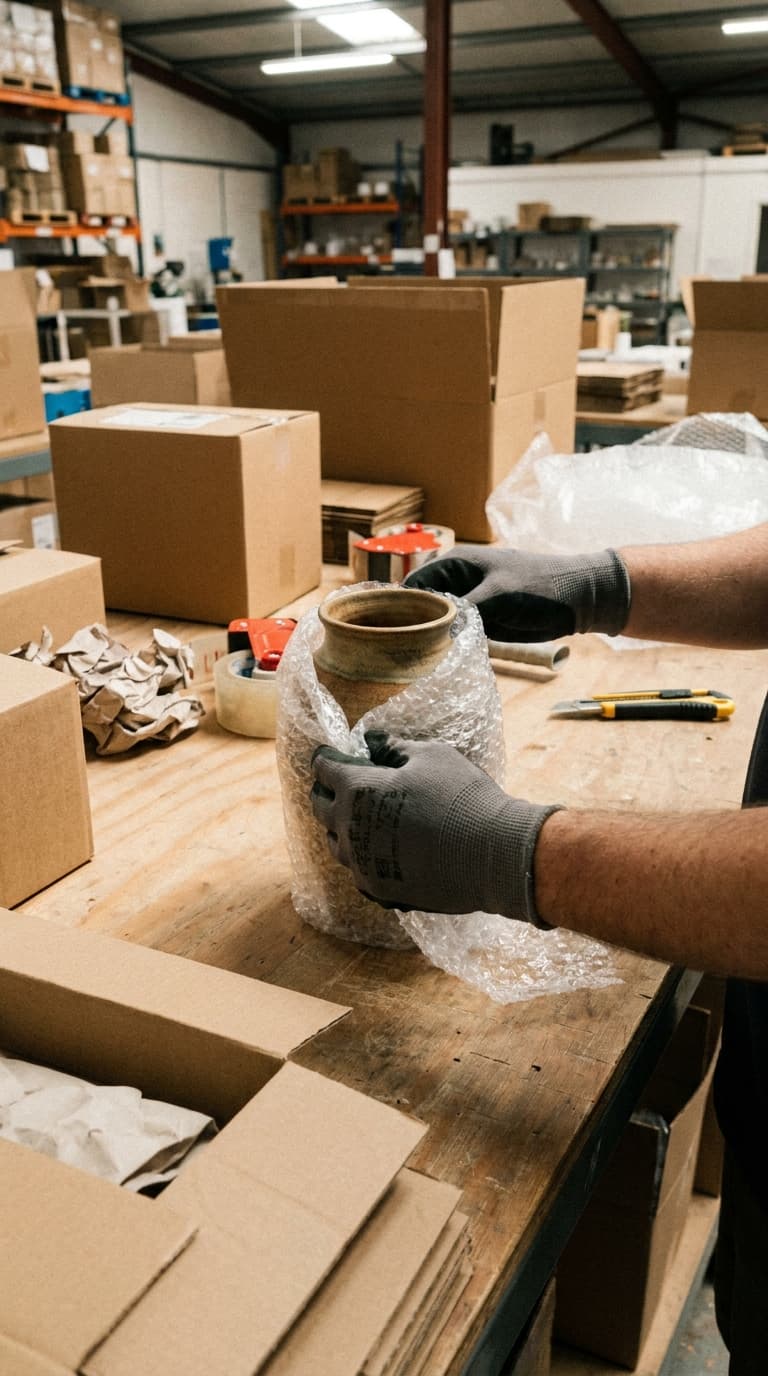
Check the recorded item condition and protective packaging.

Compare the return evidence with the original packing record.
Choose a situation to see what to capture and how the record helps your support team.
Was this item visible during packing?
A buyer says an item is missing. Open the order and check what is visible in its packing evidence.
Use the recording to explain what your team can verify. Items outside the camera view remain unverified.
How was the product protected?
A fragile product arrives damaged. Review its visible condition and the packaging used before dispatch.
Support can review the evidence before choosing the next step in the carrier or customer process.
What changed between packing and return?
A returned product appears different or damaged. Review the original evidence alongside authorized return evidence.
Evidence supports your review. Refund decisions remain in your commerce process.
Example capture checklists; configure the fields and working instructions for your operation.
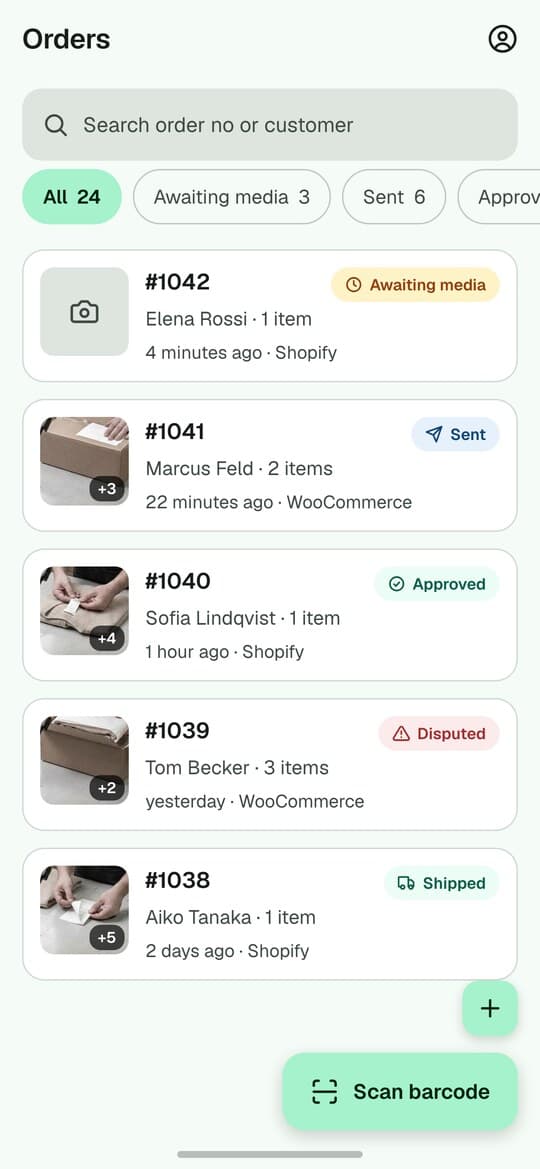
Select a step to view the mobile interface and see what the operator does.
Scan a supported barcode or find the order in the correct connected store.
PallasMark interface examples. Records and camera scenes are illustrative; no customer data is shown.
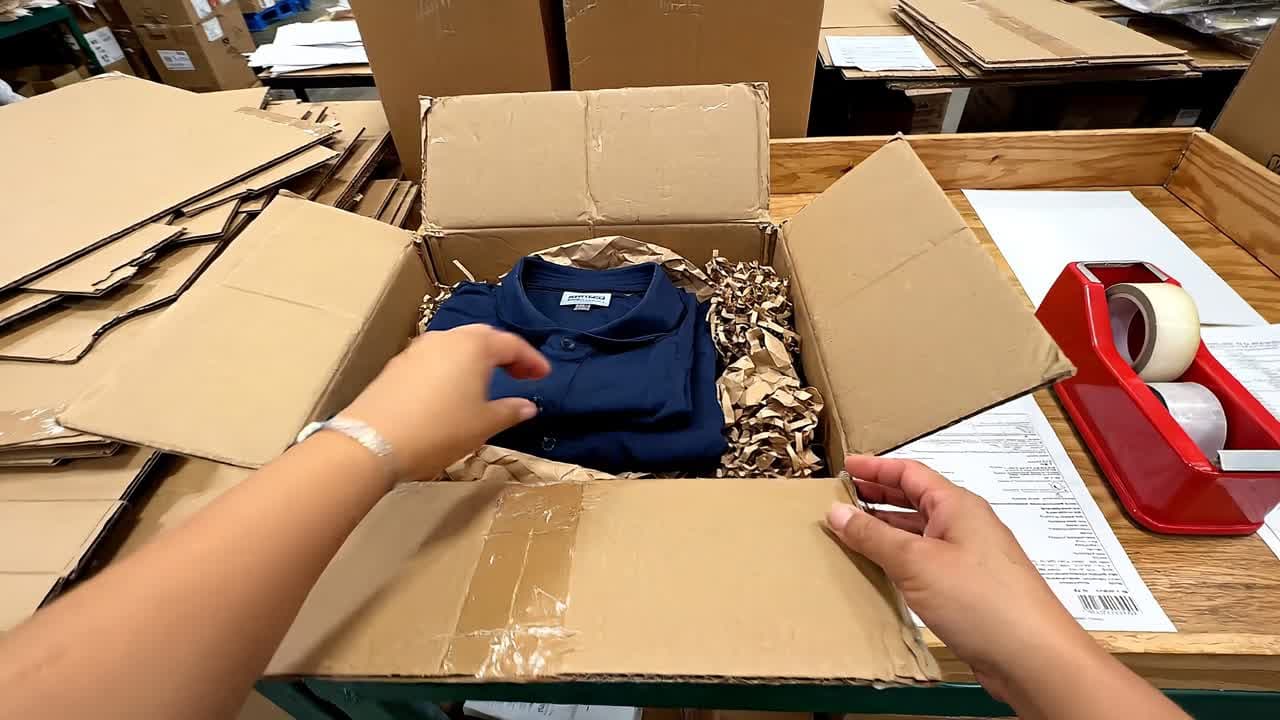
Use the mobile camera to photograph or film the items and packaging.
See the record after capture
Open a sample record below to inspect the media and details. This is an interactive product illustration, not live customer data.

Northstar Commerce
PallasMark
Northstar Commerce
Awaiting approval
12
Approved today
28
Open disputes
3
Proofs this week
146
Choose a step above or click a record below to open its full history.
Select the correct connected store and order. Keep the commerce order and the evidence linked, while managing payment and fulfillment in your commerce platform.
Shopify / WooCommerce
Example order number
#4821
Order reference
Example order number
#4821
Packing evidence
#4821
Each store keeps its own connection and applicable agreement. Connecting a store does not automatically grant another store its paid features.
Connect the Shopify shop to the appropriate PallasMark account and store. Reconnecting the same shop should return to its existing connection.
Authorize your store and verify order reading, barcode lookup and evidence visibility. Missing permissions need to be corrected in the connection setup.
Completion saves the packing evidence state. It does not mean the buyer has received a message.
Sharing and delivery status are separate from completion. Review the intended recipient and shared evidence.
Published plan retention: 90 days. Your applicable agreement and the retention recorded for each proof govern its storage. Confirm any longer requirement before rollout.
The selected store and staff permissions determine which orders and evidence a person can use.
Start with one store and the person who packs orders. Include a normal order, a fragile item and a return.
Verify that the intended orders appear.
Show items, packaging and the reference.
Wait for uploads and inspect the saved record.
Use a test recipient and check the buyer view.
Compare current order capacity, team members, connected stores, video duration and retention. An order counts when its first media upload succeeds in that usage period.
See current plans and limitsNo. Completion and buyer sharing are separate actions. Check the sharing and delivery state before assuming the buyer has received anything.
No. Import, search and notes do not consume an order. The first successful media upload for an order in the usage period counts it once.
Yes, subject to your current plan and agreement. Select the correct store for each order; billing and access may be scoped differently for Shopify and workspace-funded connections.
Both have dedicated integrations. Check the connection permissions and test the full order-to-evidence workflow after setup.
No. It helps you document what was visible during packing. Banks, marketplaces and carriers apply their own rules and make their own decisions.
Yes. Review authorized return evidence alongside the original order record. PallasMark does not make the refund decision for you.
Current published plan retention: 90 days. Your applicable agreement may differ, and existing proofs keep their recorded retention terms. Discuss a longer requirement before capture rather than assuming old evidence will be extended.
Access follows the roles and permissions assigned to the person. Review the intended staff access during setup.
Check the upload queue and retry when connected. A recording still on the device is not yet available to the support team.
Compare the published pricing page with your monthly proof orders, staff, stores and recording needs. Paid plans are billed annually; displayed monthly equivalents are for comparison.
Create your account, connect your store and check the complete evidence workflow with your team.
Email the team