
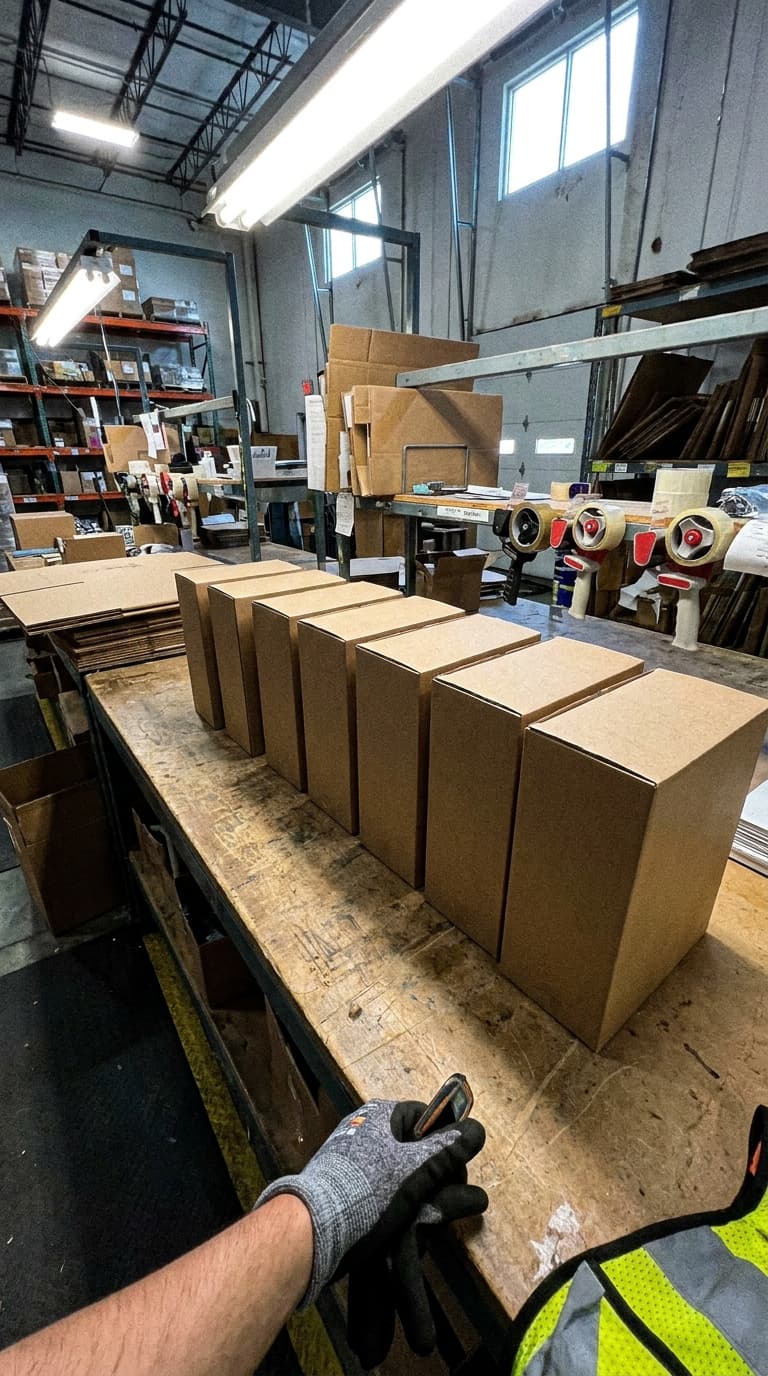
Which client?
Keep each record attached to the appropriate client context.
Record receiving, packing and dispatch on mobile. Keep the client, facility and reference with each record so an authorized colleague can investigate a question without calling the original operator.
Keep the client, warehouse and shipment reference attached to the evidence.
Separate operational context from the start: who owns the goods, where the work happened and which shipment it concerns.
Keep each record attached to the appropriate client context.
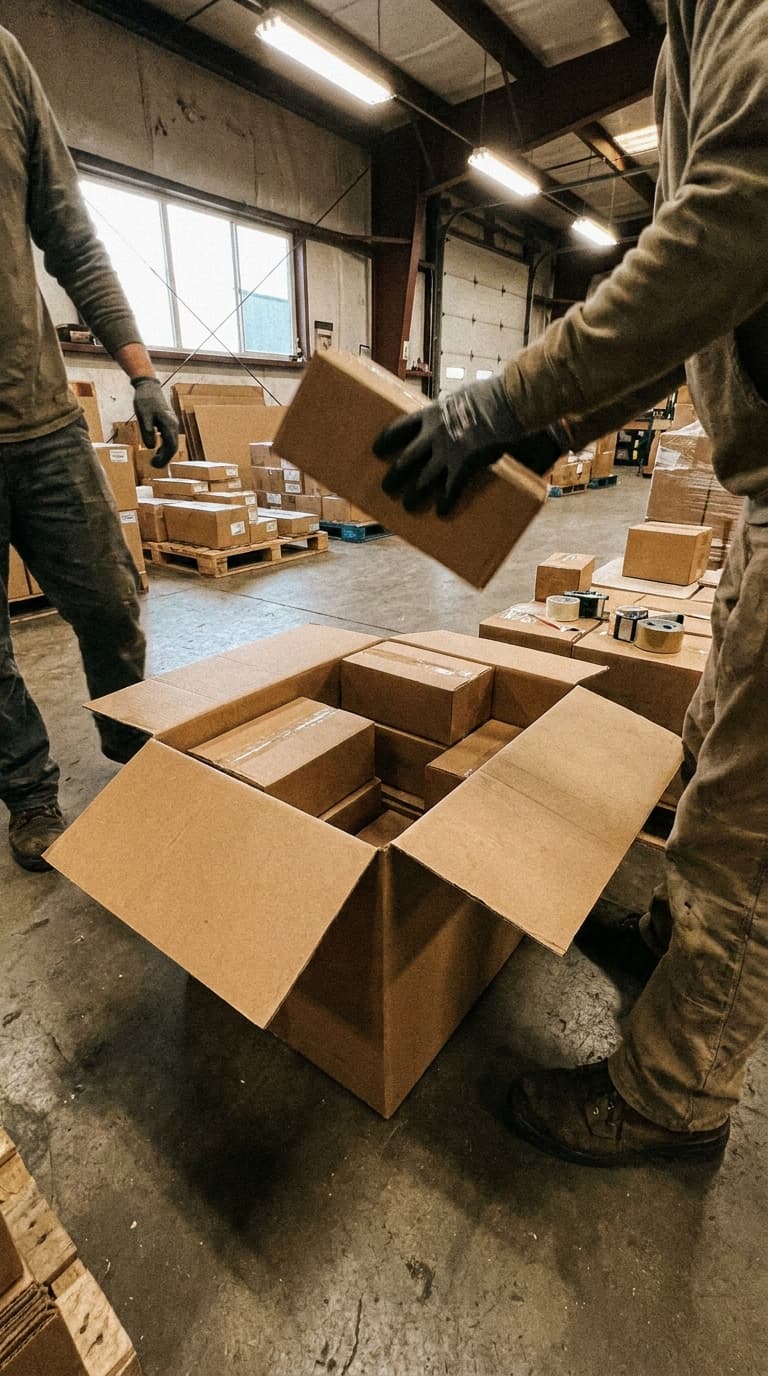
Record the warehouse and location where the work occurred.

Use a reference that the reviewer can match to the source system.
Use a consistent recording checklist for each client and task. Select an example below.
Was the damage present on arrival?
Capture the load, label and visible exceptions before put-away changes the scene.
Review the receiving record with the applicable client and shipment.
What did our team hand over?
Capture visible contents and the completed shipping unit against the correct client reference.
Retrieve the record when the client asks about packing or dispatch condition.
Which exception needs a decision?
Document a damaged carton or handling exception with the surrounding context.
An authorized reviewer selects the evidence for external sharing; internal records remain separate.
Example capture checklists; configure the fields and working instructions for your operation.
Select a step to view the mobile interface and see what the operator does.
Find the reference in the context assigned to you. Confirm the client and facility so the evidence is stored against the intended work.
PallasMark interface examples. Records and camera scenes are illustrative; no customer data is shown.
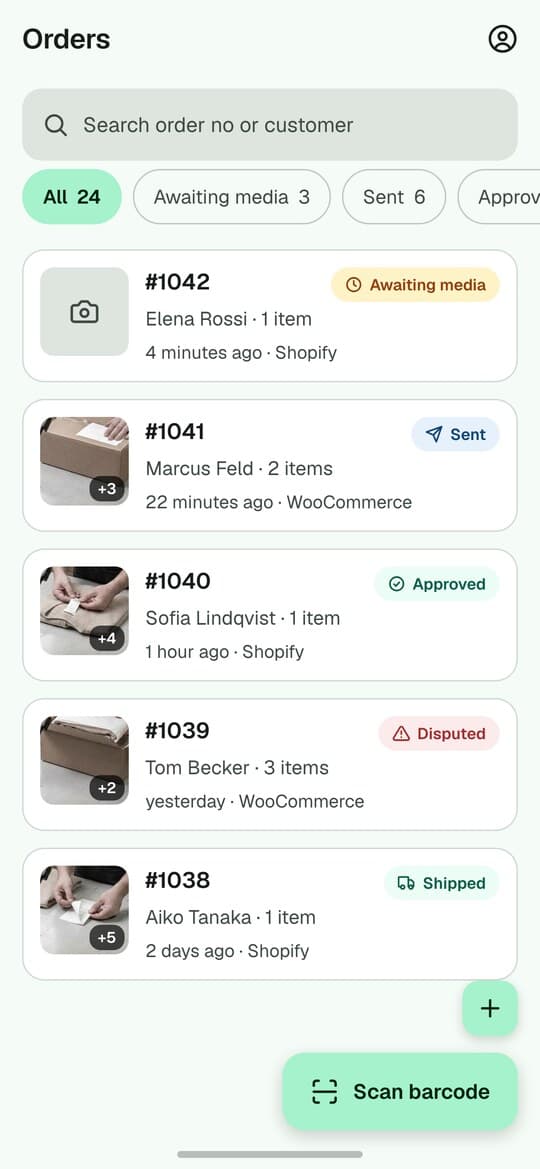
Add photos or video against the selected record. Show the label, the load and any condition detail.
See the record after capture
Open a sample record below to inspect the media and details. This is an interactive product illustration, not live customer data.

Northstar 3PL · Dock 4
PallasMark
Northstar 3PL · Dock 4
Awaiting intake
8
Locked today
34
Damage flagged
2
Lots protected
91
Choose a step above or click a record below to open its full history.
Keep allocation, inventory and fulfillment in your operational system. Use PallasMark to capture and retrieve the evidence for the applicable client and facility.
Client & WMS
Example client and shipment scope
CLIENT A / RCV-1048
Facility & shipment
Example client and shipment scope
CLIENT A / RCV-1048
Evidence record

CLIENT A / RCV-1048
Reference matching is not a universal WMS connector. Confirm the available API, identifier mapping and connection scope for your system before rollout.
Check identifiers, client and facility mapping, API access and failure handling before agreeing the connected workflow.
A warehouse evidence workflow can begin without a storefront connection. Define the client, facility and required reference fields first.
Access follows the person’s assigned scope. Verify that an operator cannot open another client’s restricted records.
Use an authorized record-specific link and review its expiry, PIN and download settings. This is not a promise of a separate client portal.
Published plan retention: 90 days. Your applicable agreement and the retention recorded for each proof govern its storage. Confirm any longer requirement before rollout.
Recording, completion and external sharing are distinct responsibilities. Configure the permissions your process requires.
Include both a routine shipment and an exception. Ask a different colleague to find the record and prepare the evidence for the client.
Agree a single recording use case.
Define operators, reviewers and references.
Use the same checklist on mobile.
Check retrieval, sharing and missing context.
Review current capacity and any customer-specific agreement. Client count, staff access and multiple facilities need a defined setup; do not assume a pooled unlimited allowance.
See current plans and limitsThe record carries its client and facility context. Define assignments and permissions for your setup, then verify isolation using representative users.
No. Standalone warehouse evidence does not require a storefront connection. Agree the client and required reference fields during setup.
No. Inventory, allocation and fulfillment stay in the source system. Confirm reference mapping and supported APIs for a connected evidence workflow.
No. Discuss the exact system, identifiers and available interfaces before treating a connection as supported.
Do not grant broad internal access merely to share evidence. Authorized record-specific links can be used for the selected record; verify what the recipient sees.
An authorized person can share a record-specific link with appropriate settings. Confirm the intended recipient and the evidence included.
Current published plan retention: 90 days. Your applicable agreement may differ, and existing proofs keep their recorded retention terms. Discuss a longer requirement before capture rather than assuming old evidence will be extended.
It records what was visible at capture. It cannot establish unseen events or guarantee a carrier, insurer or client decision.
Measure capture time, reference accuracy, retrieval by another colleague and the quality of the shared evidence. Include an exception as well as normal shipments.
Use the current pricing catalogue and your applicable agreement. Define facilities, staff, client setup, proof volume and retention before expanding.
Include the client count, facilities, source systems and who needs to review the record. We can discuss a pilot around those requirements.
Email the team