
Answer with a link01
Stop arguing about whether the video is real
Send the verification link. The reviewer opens it in any browser and the page re-checks the stored file against its fingerprint — no account, no software, no trust in you required.
Every recording gets a SHA-256 fingerprint the moment it is stored. Anyone can re-check it from a link, with no account.
Why it matters in a dispute
A phone video proves nothing on its own
Banks and marketplaces treat plain video as unverifiable: no fixed time, no chain of custody, and trivially trimmed. The clip that should have saved you gets ignored, because nothing about it rules out that you made it afterwards.
Send the verification link. The reviewer opens it in any browser and the page re-checks the stored file against its fingerprint — no account, no software, no trust in you required.
The fingerprint comes from the file's exact bytes. Trim it, re-encode it or edit a single frame and the result no longer matches what was recorded on the order.
Recording and upload time, the team member, device model and operating system are kept with every file — and, where location is available, whether it was captured inside your warehouse area.
The check anyone can run
Every packing video gets a SHA-256 fingerprint the moment it is stored. A buyer, a bank or a marketplace opens the verification link, the file is hashed again, and the two fingerprints match — no account, no software, no need to take your word for it.
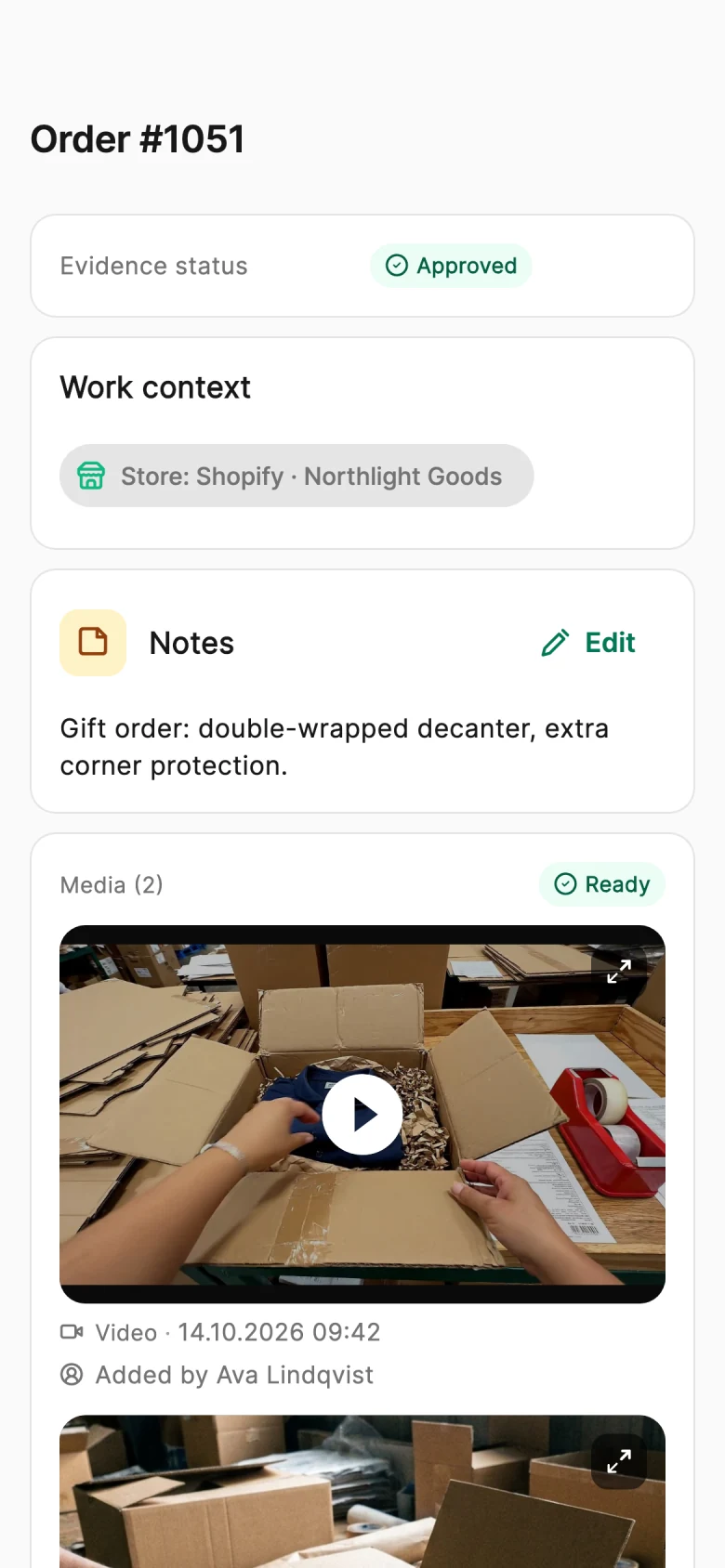
Order #1042 · packing video
Stored fingerprint
sha256 9f2c41d87a0be35c6e19f4a2d7b08c5e3a61f9d24b7c0e85a3d16f2b9c47e41a
Stored fingerprint
sha256 9f2c41d87a0be35c6e19f4a2d7b08c5e3a61f9d24b7c0e85a3d16f2b9c47e41a
Checked now
sha256 9f2c41d87a0be35c6e19f4a2d7b08c5e3a61f9d24b7c0e85a3d16f2b9c47e41a
Fingerprints match
The packing video is linked to its order and gets a SHA-256 fingerprint calculated from its exact bytes.
The verification link opens a public page with the recording, its upload time and its fingerprint.
The stored file is hashed again and compared. The same file gives the same fingerprint; a single changed frame never would.
How tamper-evident recording works
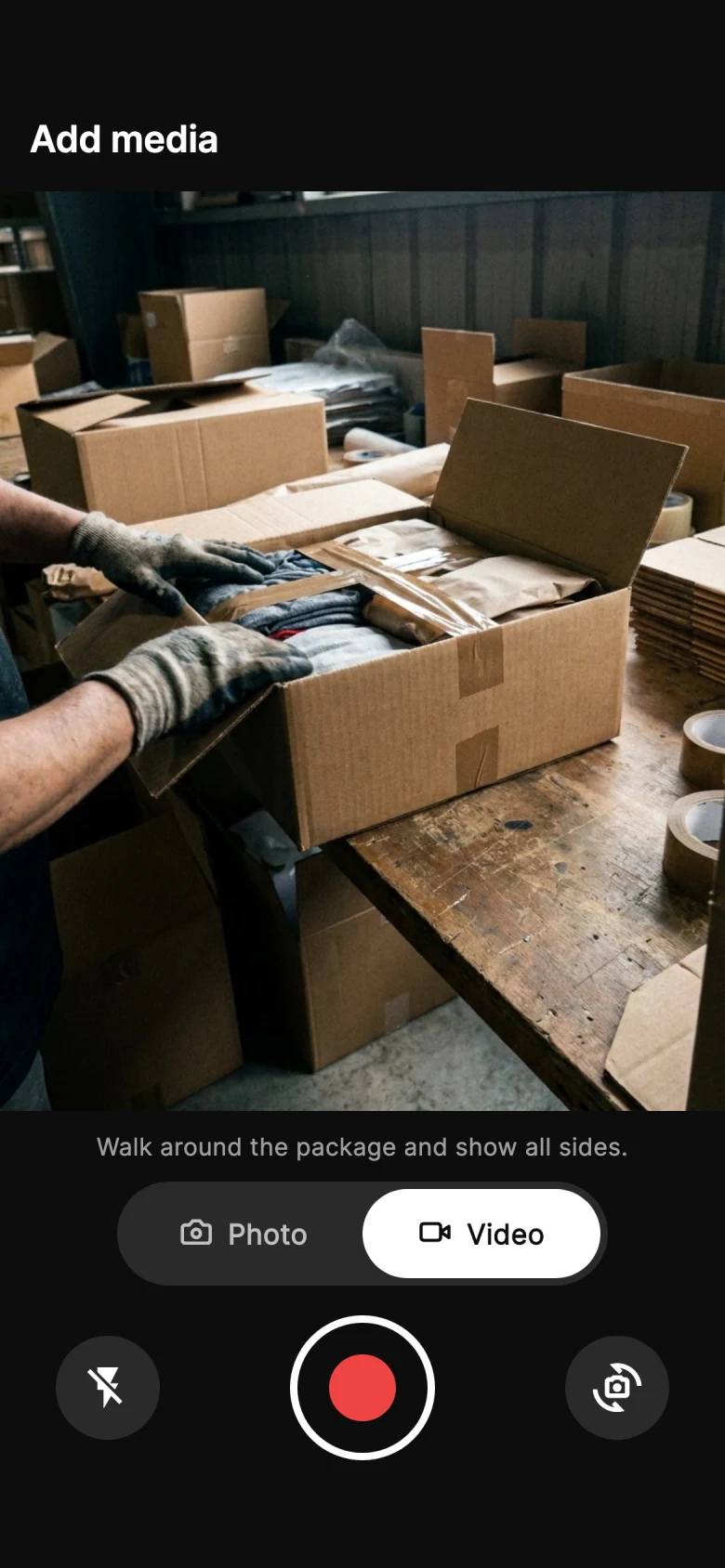
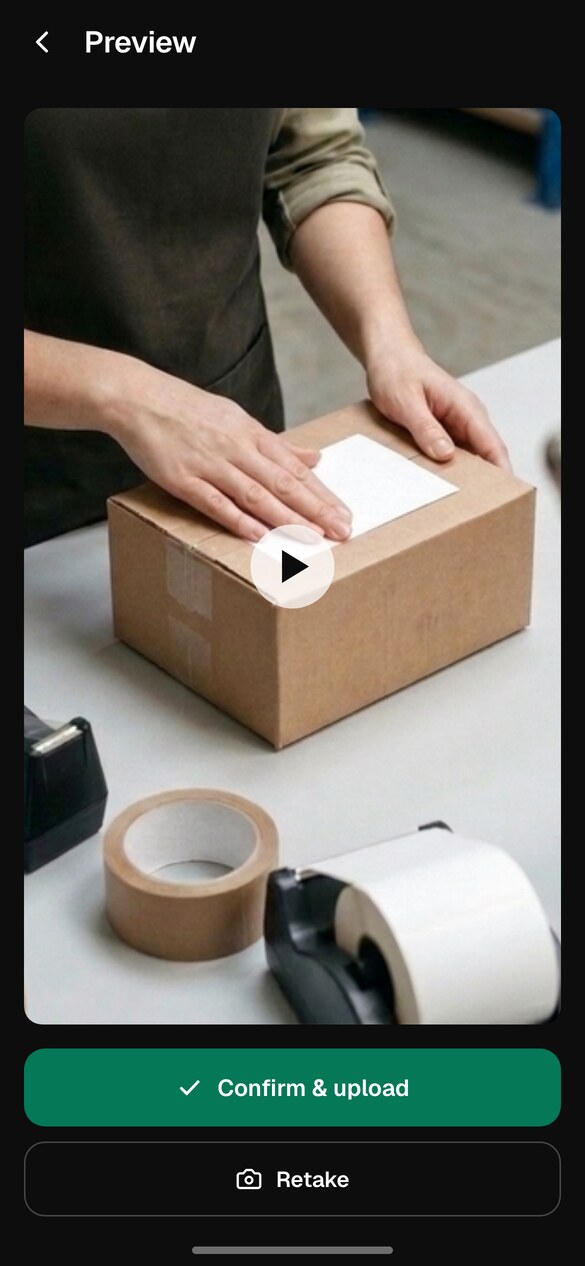
Real app and verification screens, shown with sample data.
Step 1 of 4
Same video, two endings
The footage is the same. What the reviewer can check is not.
A video on someone's phone
Easy to dismissYou send a clip from your camera roll.
The reviewer asks when it was filmed — and whether it was edited.
You have no way to show it wasn't.
With PallasMark
Checked, not taken on trustThe video was fingerprinted when it was stored.
You send its verification link with your response.
The reviewer runs the check and sees the file still matches.
What sits behind every recording
SHA-256 fingerprint
Each photo and video gets a SHA-256 fingerprint of the stored file. The fingerprint of the original upload, taken before any processing, is recorded too, so the chain starts as close to the camera as possible.
Public verification
The verification page needs no account and no login. It finds the record by its fingerprint, then re-downloads the stored file and re-hashes it to confirm it still matches.
Burned-in stamp
Photos carry your company name, the order number and the upload time burned into the image itself. For video, recording and upload times are stored with the file, and the verification page shows the upload time and whether a stamp is burned in.
Capture context
The team member, recording and upload time, upload IP, device model and operating system are stored with every recording, so its origin is described, not just asserted.

Location check
Where the phone shares its location, the capture is compared with your warehouse area and recorded as inside, outside or not checked. Indoor GPS drifts, so it is a supporting signal, not proof on its own.
Sealed evidence set
The photos, videos and documents for one order are sealed as a set, with each file's fingerprint and size listed in the order's evidence file.
Try the real capture and verification flow on your own phone — it ends on a real verification page you can open from anywhere.
Takes about a minute. No app install or payment card is needed.
Facts, not adjectives. Everything below describes what the product does today — nothing here is on a roadmap.
Availability
Recording and public verification are available on every plan. Monthly order volume, video length and retention depend on your plan.
Pricing
Answer with a link
Stop arguing about whether the video is real
Any change shows
One altered frame breaks the match
Context, not just footage
When, where and on what it was recorded
Questions merchants ask
Tamper-proof packing video is a recording of an order being packed that can prove it hasn’t changed since it was stored. In PallasMark, every packing video and photo is linked to its order number and gets a SHA-256 fingerprint, a unique code calculated from the file’s exact bytes, when it is stored. Anyone can open the file’s public verification page, re-check the stored file against that fingerprint and see whether it still matches. Technically this is tamper-evidence: any change to the file is detectable, which is what makes the footage credible in a dispute.
Record them in a system that fingerprints each file when it is stored and lets a third party check it independently. With PallasMark, your team opens the order by scanning its barcode in the iOS or Android app and films the packing. The stored file gets a SHA-256 fingerprint on the order, together with the recording and upload time, the team member, the device model and the operating system. When you answer a dispute, include the file’s verification link from the order’s evidence file, which you generate when you need it, so the reviewer can re-check the file in any browser without an account.
Any video file can be edited, which is why a clip from a camera roll is easy to dismiss. A PallasMark recording is credible because it is captured against a specific order and fingerprinted with SHA-256 when it is stored. Trimming, re-encoding or changing a single frame produces a different fingerprint, so an edited copy no longer matches the record. The order’s evidence file adds the context reviewers ask for: when it was recorded and uploaded, who recorded it, on which device, and, where location is shared, whether it was captured inside your warehouse area.
The SHA-256 fingerprint. When a packing video or photo is stored, PallasMark records a fingerprint calculated from the file’s exact bytes on the order. Change anything, whether you trim a second, re-encode the file or edit a single frame, and the file produces a completely different fingerprint, so it no longer matches the record. The public verification page re-downloads the stored file, hashes it again and shows whether it still matches. For photos and videos, the fingerprint of the original upload, taken before processing, is recorded as well.
Yes. Every fingerprinted file has a public verification page whose address is built from its SHA-256 fingerprint, and it opens in any browser with no account, login or software. The page confirms the record exists, shows a blurred still from the recording, the upload time and whether a stamp is burned into the file. When the reviewer runs the check, it re-downloads the stored file and compares it with the fingerprint. A buyer, bank, marketplace or carrier can confirm the file themselves instead of taking the merchant’s word for it.
Not on the verification page. It always checks the copy stored on the order, so nobody can swap in a different file. To compare a copy you received separately, calculate its SHA-256 hash with any standard tool, for example shasum -a 256 on macOS or Linux, or certutil -hashfile with SHA256 on Windows, and compare the result with the 64-character fingerprint shown on the verification page. If the two match, the files are identical byte for byte; if a single byte differs, so does the fingerprint.
Photos carry the company name, the order number and the upload time in UTC, burned into the image itself. For video, the recording and upload times are stored with the file on the order. The public verification page shows the upload time and states whether a stamp is burned into that particular video, and the order’s evidence file lists the recording time, the upload time, the team member and the device. So the reviewer sees when the footage reached PallasMark, and its fingerprint shows it hasn’t changed since.
No. Your team records on the phones they already have, using the PallasMark app for iOS and Android. They open the order by scanning its barcode, film the item going into the box and upload it. If the connection drops, the upload waits in a queue on the phone and resumes on its own when the network is back. Fingerprinting happens on PallasMark’s side when the file is stored, so nothing needs to be installed at the packing bench beyond the app.
Still have a question?
Talk to us and we will walk you through it with your own orders.
Start free. Every recording gets its fingerprint when it is stored, and a link you can send when someone doubts it.
Each part is useful on its own. Together they turn one recording into an answer for every kind of claim.