
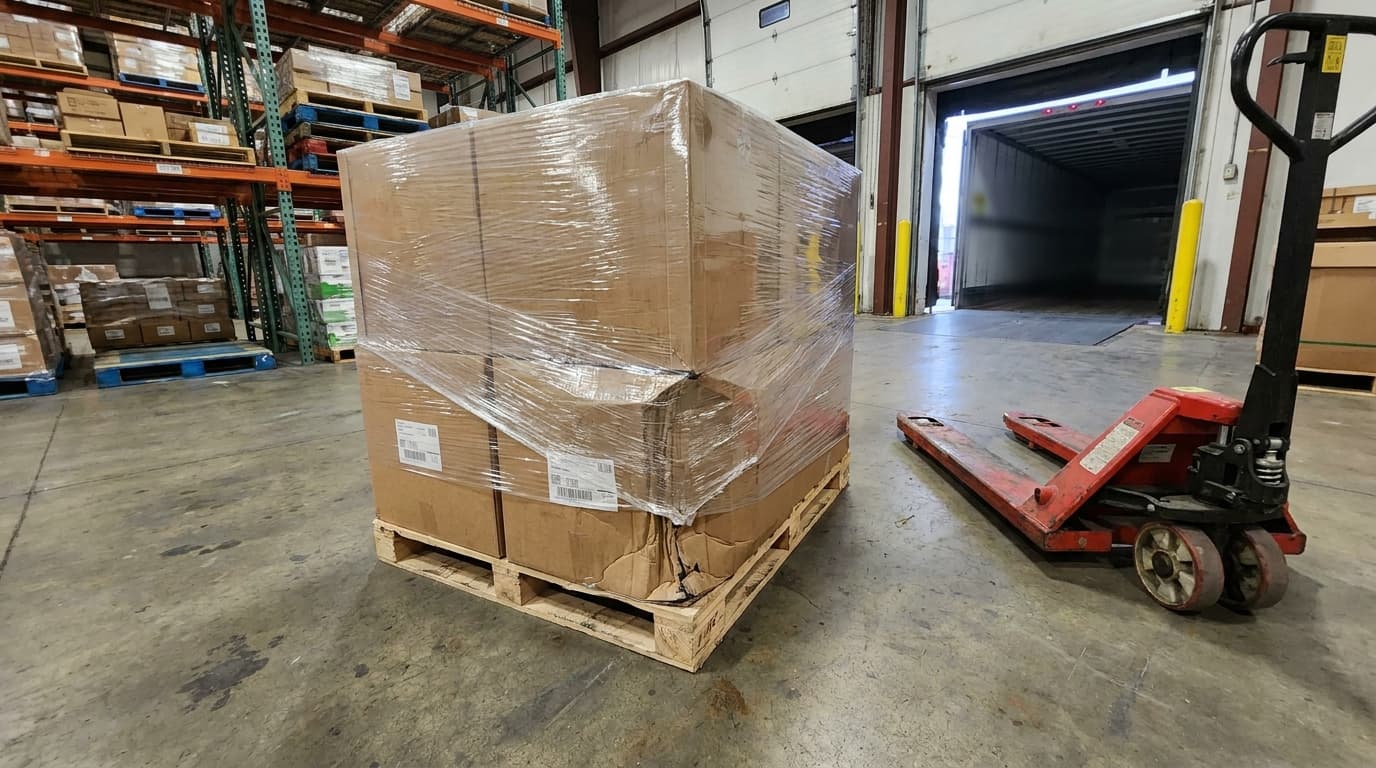
Identify the shipment
A label and reference connect the photo to the right pallet.
Scan a reference, photograph the label and record photos or video at receiving, packing or dispatch. Your team can find the saved evidence in the dashboard.
Save the images with the pallet reference and receiving location.
Find the shipment, inspect what was recorded and select the evidence to share.
A label and reference connect the photo to the right pallet.
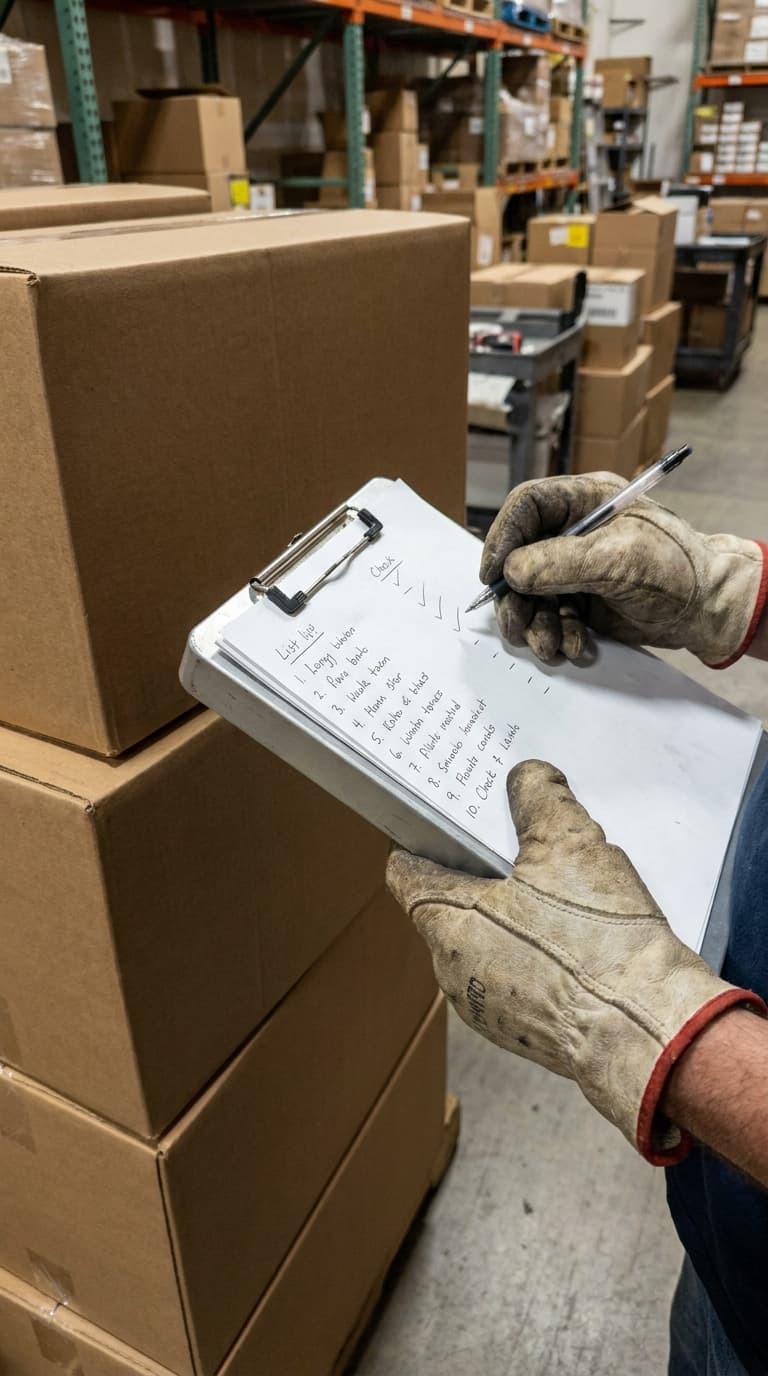
A wide view and close-up explain what was visible.
An authorized colleague can find, review and share the evidence.
Choose a workflow to see what your team could record, why it matters and how the record helps the next person.
“Did the goods arrive in this condition?”
A pallet arrives with a crushed corner. Record its condition and identifying label while both are still visible at the receiving point.
Review the receiving evidence with the shipment reference and recorded condition, then use it in your supplier or carrier conversation.
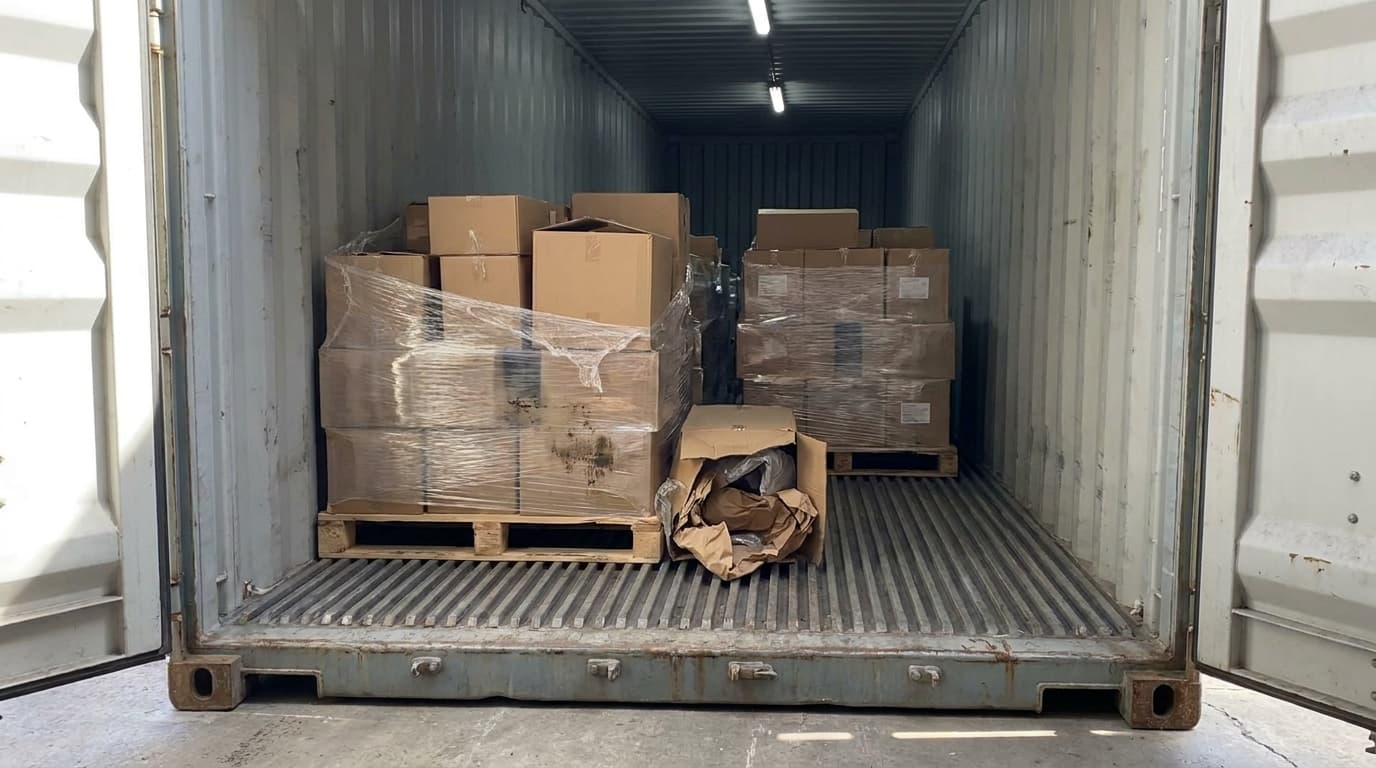
“What was packed, and how did it leave?”
Before the carton closes or the pallet leaves the staging area, capture the visible contents, packaging and label against the correct reference.
Retrieve the packing and dispatch evidence to review visible contents and packaging. The record supports the investigation; it does not prove events outside the camera view.
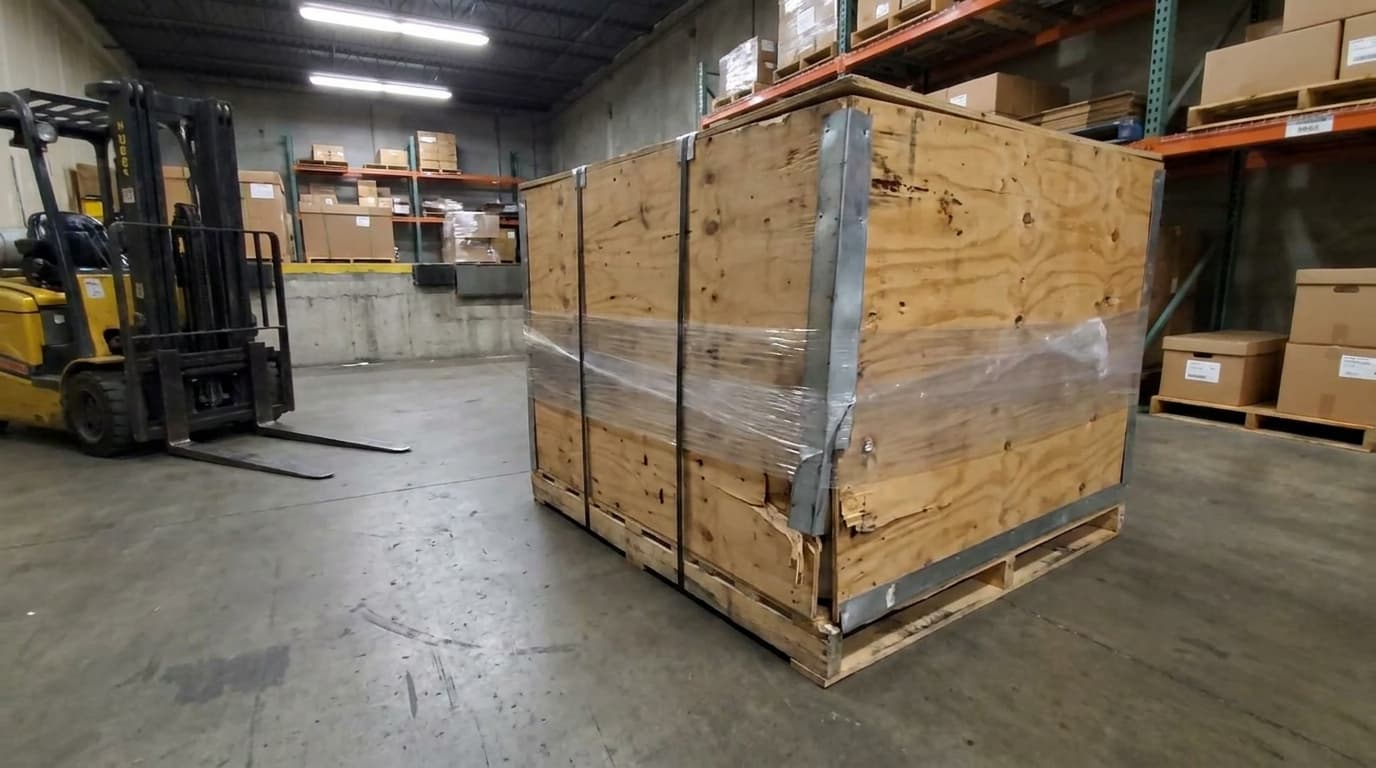
“Which damage needs a decision?”
A torn carton or marked crate needs more than a message in a group chat. Record the detail and surrounding load so a reviewer can understand the issue.
Find records by condition and relevant filters, review the evidence and coordinate the next step in your existing operational process.
Example capture checklists; configure the fields and working instructions for your operation.
Select a step to view the mobile interface and see what the operator does.
Scan a supported barcode or use a reference. Check the facility and record before adding evidence.
PallasMark interface examples. Records and camera scenes are illustrative; no customer data is shown.
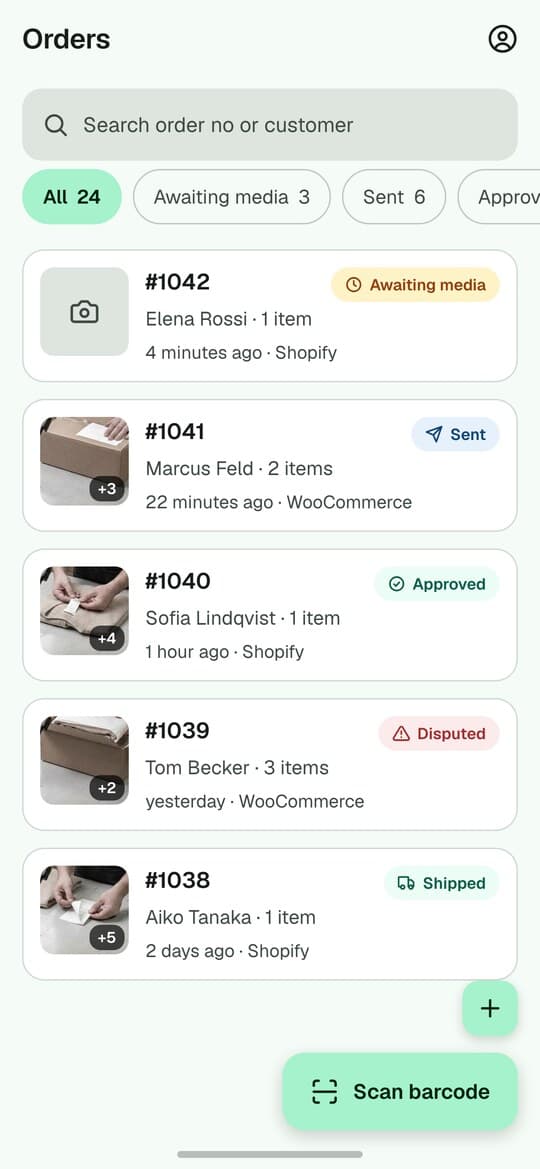
Add photos or video against the selected record. Show the label, the load and any condition detail.
See the record after capture
Open a sample record below to inspect the media and details. This is an interactive product illustration, not live customer data.

Northstar 3PL · Dock 4
PallasMark
Northstar 3PL · Dock 4
Awaiting intake
8
Locked today
34
Damage flagged
2
Lots protected
91
Choose a step above or click a record below to open its full history.
Your WMS owns the operational record. PallasMark keeps the photo and video evidence beside the reference your team uses.
Your WMS / ERP
Example shared reference
RCV-1048
Reference mapping
Example shared reference
RCV-1048
PallasMark record
RCV-1048
Mappings depend on the configured integration. Scanning a label alone does not create a WMS connection.
A standalone warehouse can create evidence records without linking Shopify or WooCommerce. Establish the capture process before planning a systems project.
For an API or WMS connection, agree the references, fields, permissions and event handling first. A listed API does not mean every WMS has a ready-made connector.
Permissions and assigned context determine which records a person can access and what they can do. Set up the people and facilities involved in the pilot.
Sharing links can expire or be revoked, with optional PIN protection and download controls. Anyone with an active link and the required PIN can access its permitted content.
Published plan retention: 90 days. Your applicable agreement and the retention recorded for each proof govern its storage. Confirm any longer requirement before rollout.
Optional label extraction can help populate supported fields when enabled for the account. Staff should review extracted values; capturing evidence does not require an AI promise.
Try a small set of real tasks, then ask another colleague to find and understand the evidence.
Receiving damage or dispatch checks.
Reference, facility and team access.
Try normal tasks and exceptions.
Find the record and check the evidence.
Compare team, facility, recording and retention capacity in the current plans.
See current plans and limitsNo. Standalone warehouse records support evidence work without a commerce connection. Choose your facility and relevant client context, then create the record for the task.
PallasMark focuses on evidence capture, context, retrieval and sharing. Inventory, purchasing, allocation, fulfilment and refund decisions remain in your existing operational systems.
Use the supported reference and configured warehouse fields to connect the evidence to your operation. Validate your label formats, barcode lookup and field mapping with representative samples during the pilot; do not assume automatic matching for every label.
PallasMark has iOS and Android capture apps, alongside web access. Test your actual phones, camera permissions, connectivity and capture duration in the pilot. Recording capabilities follow the applicable plan and device profile.
Check upload status before treating a record as available to colleagues. Reconnection and upload recovery need to be tested on your actual devices and network. An incomplete upload is not a completed shared record.
Authorized users can create a link for a specific warehouse record, with expiry, optional PIN and download settings. The link can be revoked. Check the shared view before sending it outside your team.
Current published plan retention: 90 days. Your applicable agreement may differ, and existing proofs keep their recorded retention terms. Discuss a longer requirement before capture rather than assuming old evidence will be extended.
No. It provides a record of what was captured and its context. It does not establish what happened outside the recording or replace the receiving party’s claims process.
Records carry their applicable facility and client context, and access follows the person’s assigned scope. Plan capacity and your setup determine the supported operation. For a multi-client service business, review the 3PL workflow with us.
Use current pricing and the applicable agreement rather than a fixed quote on this page. Include the people recording and reviewing evidence, facilities, recording volume and retention requirements in your evaluation.
Bring one process, the system you use and the people who need the evidence.
Email the team