 ShipHero
Packing video proof for warehouses running ShipHero
Record packing evidence for supported ShipHero orders with the relevant warehouse context. Help your team find the right record when a client asks about a shipment.
 ShipHero
From warehouse order context to verified proof
A 3PL gets accused differently from a brand. The claim is rarely "the box was empty" — it is "your warehouse packed it wrong", and it arrives from a client who is being accused by their own buyer. Answering that means producing the specific order, from the specific facility, on the specific day, quickly enough that the client never doubts you. That is a records problem before it is a video problem.
- Order import
- Supported order events and reconciliation
- Proof in the source system
- Review evidence in PallasMark; no order write-back
In practice
From warehouse order context to verified proof
Connect the source system, find an imported order and record its packing evidence in PallasMark.
- 01
Connect an account
Add the ShipHero connection and check the configured account, customer and warehouse context.
- 02
Sync orders and returns
Supported webhooks and scheduled reconciliation bring recent order and return updates into PallasMark.
- 03
Record at the facility
Operators capture the packing evidence with the order context; available location is stored as a supporting facility signal.
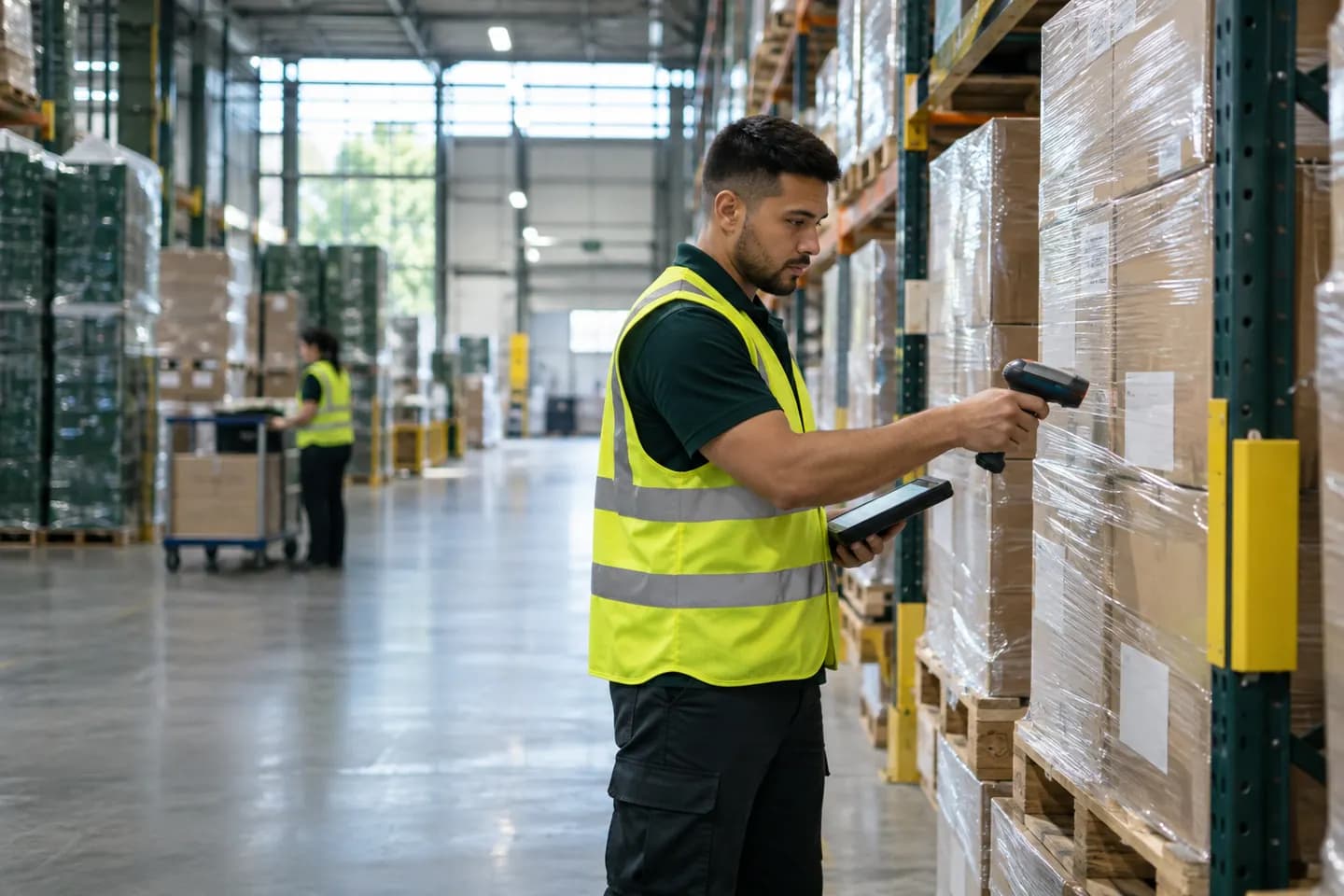
Illustrative warehouse scene. Inventory and fulfillment decisions remain in ShipHero; the integration does not write order changes back.
Related product guides
How it works
- 01
Connect with a token
Add your ShipHero credentials once and test the connection from the dashboard before it carries real volume.
- 02
Orders arrive by webhook
ShipHero notifies PallasMark as orders come in, with a scheduled reconcile pass re-reading the recent window so a dropped webhook does not become an unrecorded parcel.
- 03
A narrow role for warehouse staff
Operators get an operator role that can record and attach evidence without seeing billing or changing order data. Each operator uses one team seat, so every recording stays tied to a named person.
- 04
Facility is recorded with the proof
Where location is available it is compared against the facility's geofence and stored honestly as match, mismatch or unknown. Indoor GPS drifts, so it is a supporting signal, never an identity check.
Under the hood
Every value here is a behaviour in the product, not a plan or a promise.
- Connection
- ShipHero token, testable from the dashboard
- Order intake
- Webhooks, with a scheduled reconcile pass
- Operators
- Operator role: records evidence, uses one team seat
- Facility check
- Geofence result stored as match, mismatch or unknown
- Write-back
- None — ShipHero orders are read, never modified
- Seal
- SHA-256 on the original bytes, public verify page
Questions
01Connection and access
How do I connect ShipHero?
Add the ShipHero connection credentials in PallasMark, then test the connection from the dashboard before relying on it for live work.
How do ShipHero orders reach PallasMark?
Supported events arrive through webhooks, and scheduled reconciliation rereads recent orders so a missed webhook does not automatically become a permanent gap.
Does the connection sync return updates too?
The connector processes supported order and return updates. Return updates are matched to their order before they are recorded in PallasMark.
Can I limit a connection to a warehouse or customer account?
The connector can apply configured warehouse or customer-account context during reconciliation. Confirm the account and warehouse scope in your connection settings.
Will it import a complete historical order archive?
Do not assume a full backfill. Reconciliation checks a recent updated window; contact support about older orders or migration requirements.
02Orders and matching
Why might an order arrive after the webhook?
Webhook delivery can be delayed or missed, so a scheduled reconciliation checks the recent update window as a second path.
How does PallasMark match a return to an order?
It uses available ShipHero order references such as partner order ID or order number, and can retrieve the referenced order when needed.
Do warehouse operators need a team seat?
Yes. The operator role is designed for floor staff and is deliberately narrow, but each operator uses one team seat like everyone else, so every recording is tied to an individual account and audit trail.
Is facility location attached to every proof?
When location is available, PallasMark compares it with the configured facility geofence and records match, mismatch or unknown. GPS is a supporting signal, not an identity check.
Can the proof be tied to a specific line item?
PallasMark maps available ShipHero line-item, product, variant and SKU identifiers so staff can select the item the evidence shows.
03Evidence and review
Can I record both video and photos?
Yes. Staff can use the PallasMark web or mobile app at the packing station to record and complete proof.
Where is the completed evidence stored?
The proof is reviewed and verified in PallasMark. This connector does not write a proof reference into the ShipHero order.
Does PallasMark manage ShipHero inventory?
No. PallasMark does not allocate stock, manage inventory or make fulfilment decisions in ShipHero.
Does PallasMark create shipments or labels?
No. It reads supported order context for evidence workflows; it does not create shipments or buy shipping labels.
Can PallasMark change order or return status?
No. The connector does not take over ShipHero’s fulfilment or return decisions. Your operations team continues to manage those in the source system.
04Scope and troubleshooting
Can a client log into my PallasMark workspace to see a proof?
A client does not receive a workspace login through this integration. Your team can share a verification link for a proof when appropriate.
How can a client verify that a proof file is unchanged?
Completed proof files have a SHA-256 hash, and the verification page checks the original file against that record.
What should I check if a shipment is missing?
Check the connected account, warehouse/customer scope and connection status. Then allow reconciliation to run and give support the ShipHero order reference if it remains absent.
Does the integration send buyer notifications?
No. The connector does not automatically message buyers or clients. Sharing a proof is a separate action.
Does a proof guarantee a client or carrier claim result?
No. It provides a reviewable record of what your team captured. The client, carrier or other reviewer controls the decision and evidence requirements.
Continue exploring
Other integrations




Connect your store and record one order
Find the right connection, check its scope, then test one order with your team.