 WooCommerce
Packing evidence for your WooCommerce orders
Install the WordPress plugin, authorize your store and record evidence with PallasMark. Let your team find completed proof from the WooCommerce order when write-back is enabled.
 WooCommerce
From a WooCommerce order to reviewable proof
Keep order lookup, packing evidence and support review connected. The plugin connects WooCommerce to PallasMark; recording happens in the PallasMark web or mobile app.
- Order import
- Authorized WooCommerce order sync
- Proof in the source system
- Supported when proof write-back is enabled
In practice
From a WooCommerce order to reviewable proof
Connect the source system, find an imported order and record its packing evidence in PallasMark.
- 01
Connect the store
Install the WordPress plugin and complete its one-time connection flow; REST credentials are provisioned for the integration.
- 02
Find the order
Supported WooCommerce order events bring order and line-item context into PallasMark for your team.
- 03
Record and review
Capture the packing step, complete a proof, then review it in PallasMark or find its reference on the WooCommerce order when write-back is enabled.
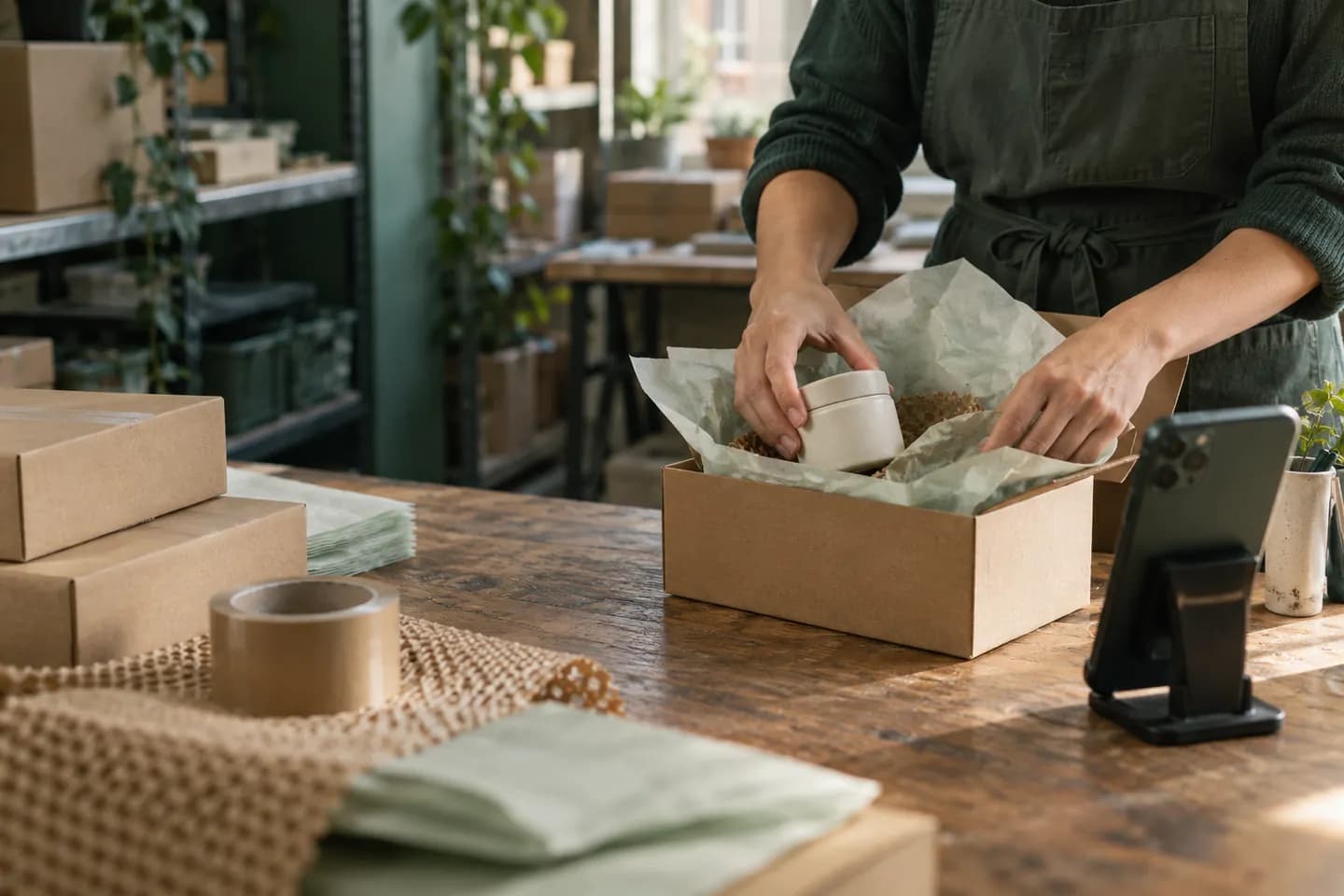
Illustrative ecommerce packing scene. Actual order fields and write-back depend on the connected store and enabled settings.
Related product guides
How it works
- 01
Install the plugin
PallasMark for WooCommerce is free on WordPress.org. Install it the way you install any plugin; there is nothing to compile and no server access needed.
- 02
Connect in a few clicks
The plugin exchanges a one-time token with PallasMark and provisions its own REST keys. You never copy a consumer key and secret into a form by hand.
- 03
Orders arrive on their own
Order webhooks are signature-verified, and the store is identified from its own REST URL so two shops can never be confused for one another.
- 04
Film while you pack
Open the order and record on the device already in the room. As with Shopify, a proof can be bound to a specific line item using Woo's item and product ids.
- 05
The proof goes back to the order
The verify link and status are written back to the WooCommerce order through a queue, so a slow or briefly offline store delays the write instead of losing it. Staff can open them from the native order panel, and buyers can see their status from My Account.
Under the hood
Every value here is a behaviour in the product, not a plan or a promise.
- Plugin
- PallasMark for WooCommerce, free on WordPress.org
- Connection
- One-time token exchange, keys provisioned automatically
- Order intake
- Signature-verified webhooks
- Store identity
- Derived from the store's own REST URL
- Write-back
- Queued, so a slow store delays rather than drops the write
- Native order UI
- Staff order panel plus customer My Account and thank-you views
- Line-item proof
- Binds to item id, product id and variation id
- Seal
- SHA-256 on the original bytes, public verify page
Questions
01Connection and access
How do I connect a WooCommerce store?
Install the PallasMark for WooCommerce plugin and follow its connect flow. A one-time token exchange provisions the REST keys automatically.
Do I need to create REST API keys by hand?
No. The plugin provisions its own keys during connection, so you do not copy a consumer key and secret into a PallasMark form.
Does the plugin send order data before I connect an account?
No. Order, customer and product data are not sent to PallasMark until you connect an account. The plugin documents a separate installation ping with the site address and plugin version.
What access does setup require?
A WordPress administrator should install the plugin and complete the connection. Keep access limited to trusted site administrators and follow your store’s own security policy.
How are webhook events checked?
PallasMark verifies the WooCommerce webhook signature before processing the order event.
02Orders and matching
How do orders reach PallasMark?
The connected store sends supported order events through webhooks. Check the connection and verify a representative order before relying on the workflow.
Will connecting import every past WooCommerce order?
Do not assume a complete historical backfill. The connection is built around supported order events; check the orders available after setup and contact support about a specific missing reference.
Can I connect multiple WooCommerce stores?
Yes. Connect stores separately. PallasMark derives store identity from each store’s REST URL so one store’s orders are not mistaken for another’s.
Can a proof be linked to a product variation?
Yes. WooCommerce item, product and variation identifiers can be carried with the order line, giving a proof more precise item context.
What order details may be available?
PallasMark maps the order number, line items and available customer, address, status, currency and refund fields from the order payload. Missing source fields remain unavailable.
03Evidence and review
Can I record photos as well as video?
Yes. Your team records packing evidence in the PallasMark web or mobile app using the device at the bench.
Where does the completed proof appear?
Review the record in PallasMark. With write-back enabled, supported proof references and status are also added to the WooCommerce order views described on this page.
Does write-back email the buyer?
The private order note is created as an internal note, not a customer note, so it does not send a WooCommerce email to the buyer.
Can PallasMark put an order on hold or mark it complete?
No. PallasMark does not change the WooCommerce order status, place or release a hold, or control shipping.
How does line-item matching work?
The integration uses WooCommerce line-item, product and variation identifiers when they are present. Confirm the item shown in PallasMark before recording a multi-item order.
04Scope and troubleshooting
What if WooCommerce is slow or briefly unavailable?
Proof write-back is queued. A slow response can delay an update, while the queue allows the write to be retried instead of dropping it immediately.
What should I check if an order is missing?
Confirm the correct site is connected, the plugin is active and the order was within the supported event scope. Then check connection status and contact support with the order reference.
Does PallasMark manage inventory or product listings?
No. The integration is for order context and evidence. It does not manage stock, edit product listings or create shipping labels.
Can a proof be shared with a buyer?
Buyer sharing is a separate action in PallasMark. Connecting WooCommerce or writing a reference to the order does not by itself send a buyer link.
Does a proof guarantee a dispute or return result?
No. It preserves material for review; the marketplace, carrier, payment provider or merchant applies its own policies and decides the outcome.
Continue exploring
Other integrations




Connect your store and record one order
Find the right connection, check its scope, then test one order with your team.