 Shopify
Connect Shopify orders to packing video proof
Install PallasMark from the Shopify App Store. Bring eligible Shopify orders into PallasMark, capture packing photos or video, and find completed proof from the Shopify order when write-back is enabled. Buyer sharing is a separate action.
 Shopify
Follow one Shopify order from import to proof
When a support question comes in, your team should be able to find the packing record from the order it belongs to. PallasMark connects eligible Shopify orders with video and photo evidence, keeps each completed record reviewable, and can write its reference back to Shopify when you enable that option.
- Order import
- Eligible Shopify order events
- Proof in the source system
- Order references are written back when enabled
In practice
Follow one Shopify order from import to proof
Connect the source system, find an imported order and record its packing evidence in PallasMark.
- 01
An eligible order arrives
After you connect the store, eligible order events bring the order into PallasMark for your team to record.
- 02
Capture the packing process
Record video or photos on a phone or computer at the packing bench. Link the proof to a line item when the order contains multiple products.
- 03
Complete and find the proof
PallasMark preserves a completed proof revision. When write-back is enabled, its reference is added to the Shopify order; sharing it with the buyer remains a separate action.
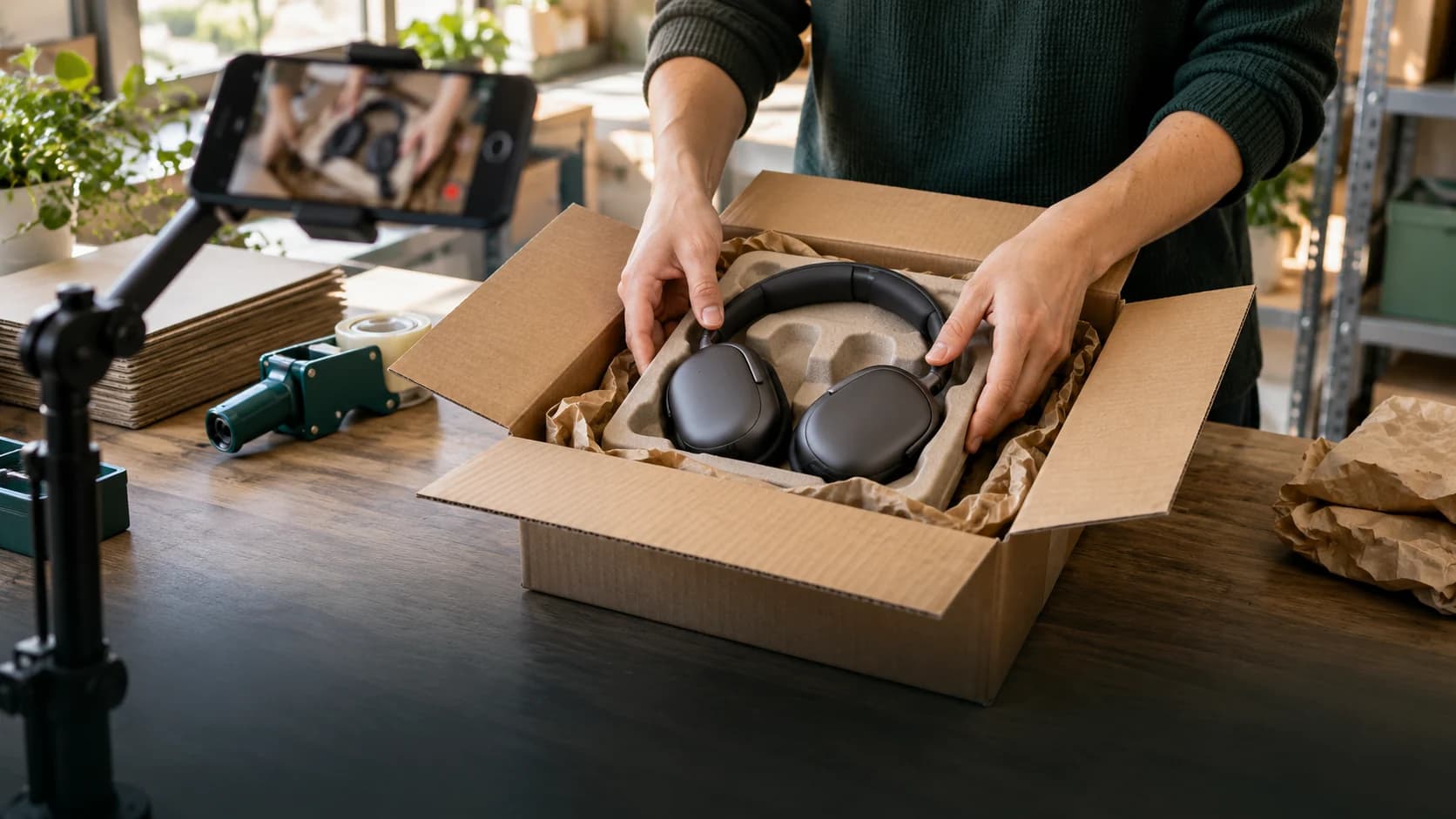
Illustrative packing scene. Shopify order examples on this page explain the workflow; they are not customer results.
Related product guides
How it works
- 01
Install and connect
Install from the Shopify App Store and approve the requested access in Shopify. The connection uses OAuth, so there is no API key to copy into a form.
- 02
Eligible orders come into PallasMark
Shopify order events bring eligible orders into PallasMark. Check the connection and try an order import before your team starts recording.
- 03
Record while you pack
Open the order on a phone or computer already at the bench and record video or photos. Attach evidence to a specific line item when you need to distinguish products in a multi-item order.
- 04
Complete a reviewable proof
Finish the record to preserve its completed revision and file hash. Your team can review the proof in PallasMark before deciding what to share.
- 05
Write back or share when you choose
When enabled, proof references are added to the Shopify order for staff to find. Sending a buyer link is a separate action; PallasMark does not change fulfillment or payment status.
Under the hood
See what Shopify sends to PallasMark, what a completed proof contains, and which references can be written back to the order.
- Connection
- Install from the Shopify App Store and connect through Shopify OAuth; no manual API key setup.
- Order intake
- Subscribed order events arrive through webhooks. PallasMark verifies Shopify’s HMAC signature before processing them.
- Proof references in Shopify
- With proof write-back enabled, PallasMark can add order metafields and a tag. A timeline note is added when that write-back target is selected.
- Returns and payment status
- Return events are supported, and an authorized merchant can approve or decline a return request. PallasMark does not issue refunds or change payment or fulfillment status.
- Line-item context
- A proof can be associated with the Shopify line item, product and variant it documents.
- File integrity
- Completed proof files have a SHA-256 hash that can be checked on the verification page.
- Buyer sharing
- Buyer links are a separate sharing action; enabling order write-back does not send a link to the buyer.
Questions
01Connection and access
How do I connect Shopify to PallasMark?
Install PallasMark from the Shopify App Store and approve the requested access in Shopify. The connection uses Shopify’s authorization flow; there is no API key to paste.
Which Shopify orders appear in PallasMark?
Eligible order events are brought into the connected workspace. Check the connection and test an order after setup; do not assume the connector imports a complete historical archive.
How quickly does a new order appear?
Shopify sends order events to PallasMark through webhooks. Delivery timing depends on Shopify and network availability, so check the connection status if an order is delayed.
Can I connect more than one Shopify store?
Yes. Connect each store separately and confirm its identity before recording. Store and workspace access rules still apply.
What order information is used?
PallasMark uses the order and item context needed for the connected workflow. Available fields depend on the approved Shopify access and the data present on that order.
02Orders and matching
Can a proof be linked to one line item?
Yes. A proof can be associated with the Shopify line item, product and variant it documents, which helps distinguish products in a multi-item order.
Can I record a packing video or photos?
Yes. Your team can record video or photos on a phone or computer at the packing station, then complete the proof in PallasMark.
Where can my team find a completed proof?
Review the proof in PallasMark. When order write-back is enabled, its reference is also added to the connected Shopify order for staff to find.
Does enabling write-back send proof to the buyer?
No. Order write-back and buyer sharing are separate actions. Your team chooses whether to create and send a buyer link.
How can someone check that a proof file is unchanged?
Completed proof files have a SHA-256 hash, and the public verification page can check the original file against that record.
03Evidence and review
What does Shopify write-back add to an order?
When enabled, PallasMark can add proof metafields and a tag. A timeline note is added when that write-back target is selected.
Can PallasMark change fulfillment or payment status?
No. PallasMark does not hold, release, ship, cancel or refund Shopify orders, and it does not change their payment or fulfillment status.
Does the integration use a separate customer-list permission?
The app does not request a separate customer-list scope. Order records may still contain recipient or contact fields needed for the connected workflow.
Does connecting Shopify create or cancel orders?
No. The connection brings eligible order context into PallasMark; it does not create or cancel Shopify orders.
Can the integration help with return records?
PallasMark receives Shopify return events when the return system creates or syncs a Shopify Return record. It can collect evidence for that request; Shopify or the connected returns app handles approval, exchange processing, and refunds. A portal that does not sync Shopify Return records needs a separate connector.
04Scope and troubleshooting
What happens if I turn proof write-back off?
PallasMark stops adding proof references to Shopify. Completed proof remains available in PallasMark, and buyer sharing stays a separate action.
What should I check if an order is missing?
Confirm that the correct store is connected, review its status and permissions, and compare the order with the supported event scope. Contact support with the store and order reference if it remains missing.
Can my team record from a phone?
Yes. The packing workflow can be opened on a phone or computer already at the bench; a fixed camera is not required.
Does PallasMark buy labels or contact buyers for me?
No. It does not buy shipping labels or send buyer messages automatically. Your team controls any separate sharing action.
Does packing proof guarantee a claim or return outcome?
No. A proof gives your team a reviewable record. Shopify, a carrier, payment provider or other reviewer controls its own decision and evidence requirements.




Connect your store and record one order
Find the right connection, check its scope, then test one order with your team.