How to record packing video proof on WooCommerce

On this page
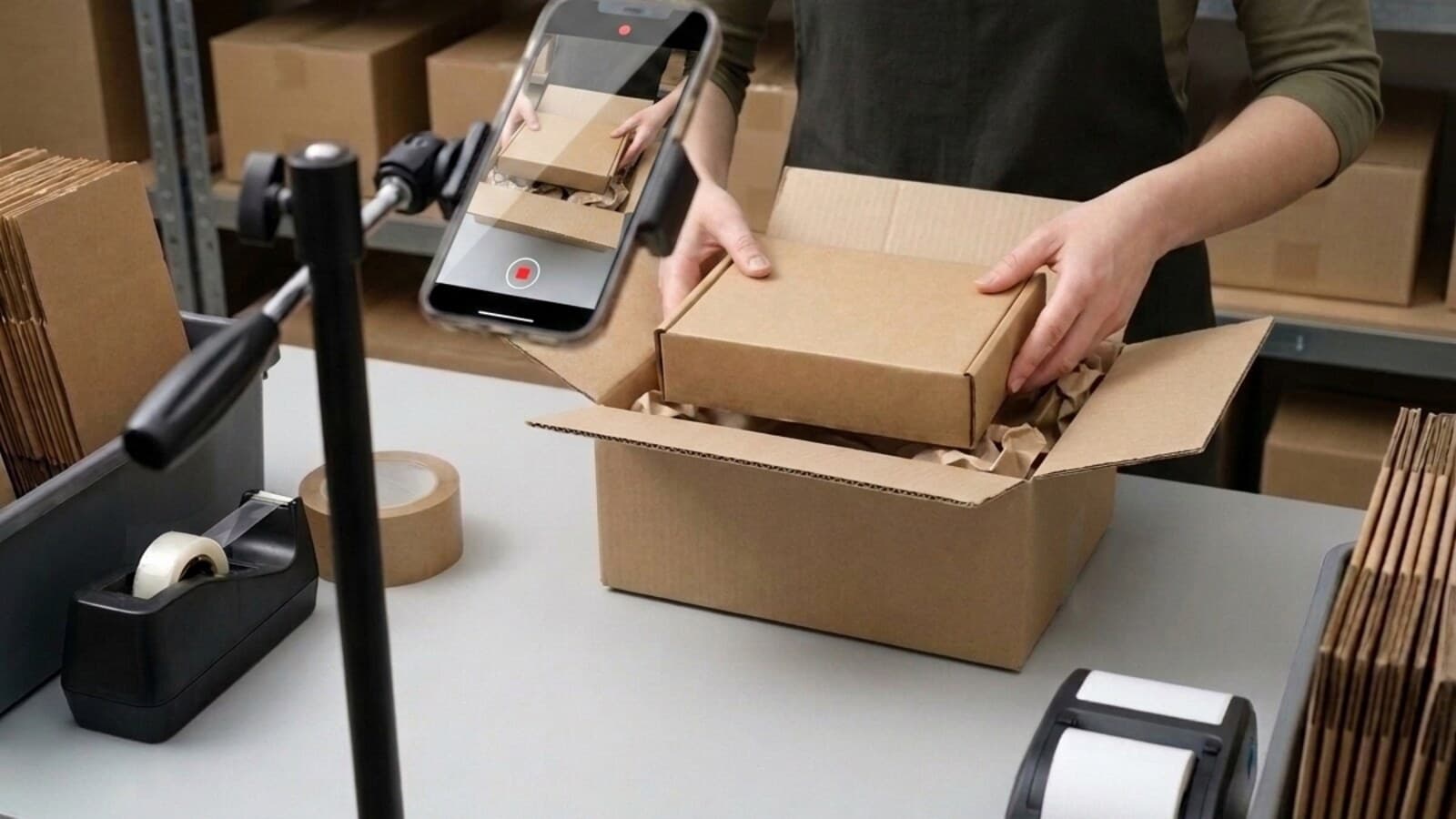
Search for a way to record packing video on WooCommerce and the results will be about Shopify. Not mostly — almost entirely. The guides, the app listings, the comparison posts: they were all written for a different platform, and the WooCommerce-specific results that do come back are packing slip and PDF invoice plugins, which solve a different problem entirely. What the category is, and the two questions any recording has to survive, are covered in packing video proof; this piece is the WooCommerce half of it.
That gap has a practical consequence. WooCommerce sellers who want proof of what they shipped end up improvising: a phone video, dropped in a folder, named after an order number. It feels like evidence. It stops feeling like evidence the first time someone on the other side asks a question you cannot answer.
What the recording actually has to survive
A packing video is not judged the way you judge it. You know the clip is real because you were there. The person reading it — a bank's dispute team, a marketplace agent, a buyer who is already annoyed — knows nothing about you and has no reason to extend credit. They ask two questions, and a phone-in-a-folder setup fails both.
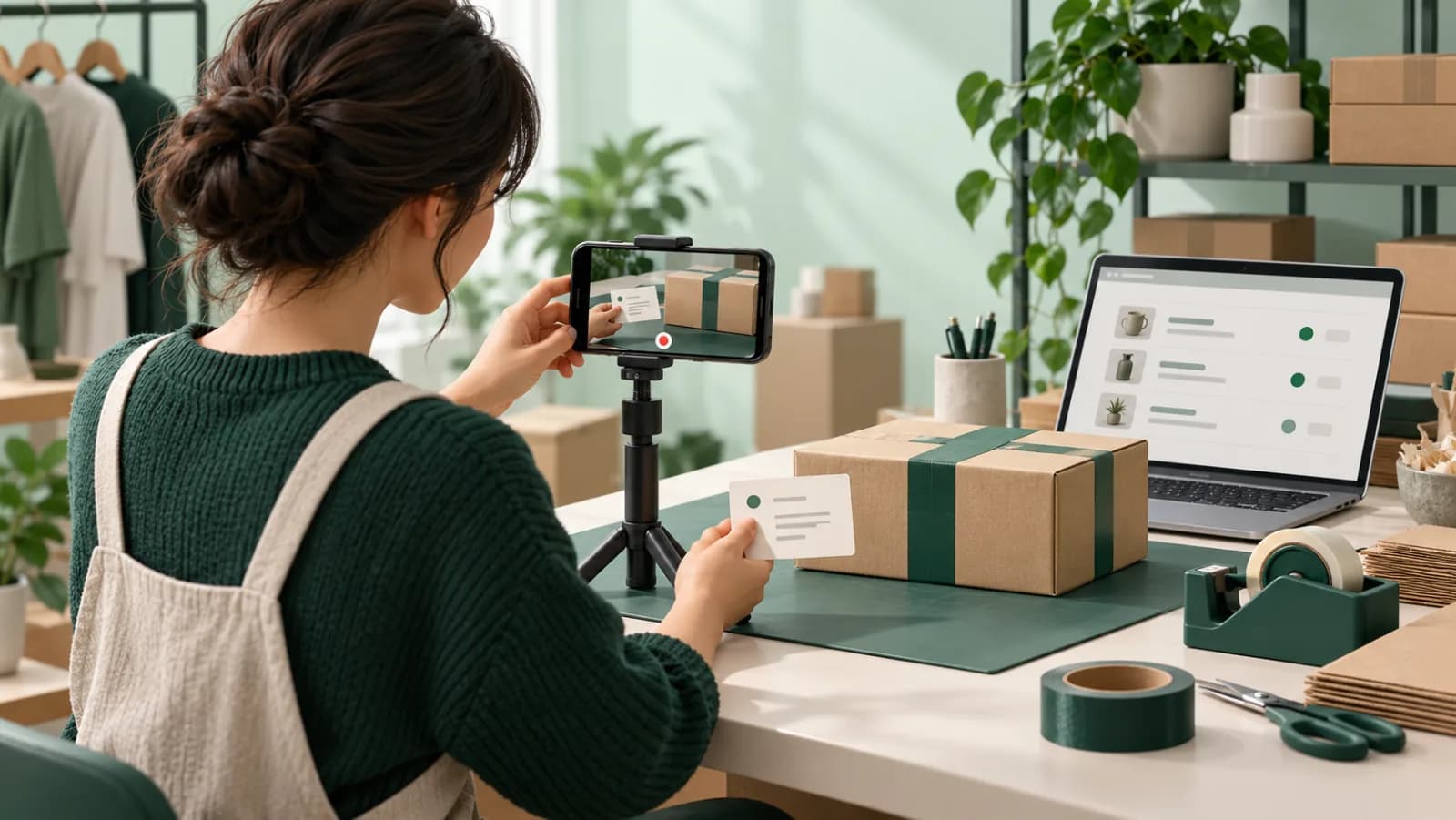
Which order does this belong to? A file called order-1482.mov proves that someone typed "1482" into a filename. It does not connect the video to that order. The order reference has to be in the picture, in the same frame as the item, recorded at the same moment.
Has it been changed since? File dates can be edited. Clips can be trimmed, sped up, re-encoded. Reviewers who have seen a thousand claims treat an unverifiable MP4 as a claim, not as proof. The fix is a fingerprint taken from the original bytes at the moment of capture, published so anyone can check it themselves.
The full standard is in what makes a packing video count as evidence. Everything below assumes those two questions are the bar.
Three ways WooCommerce sellers do this
1. A phone and a folder
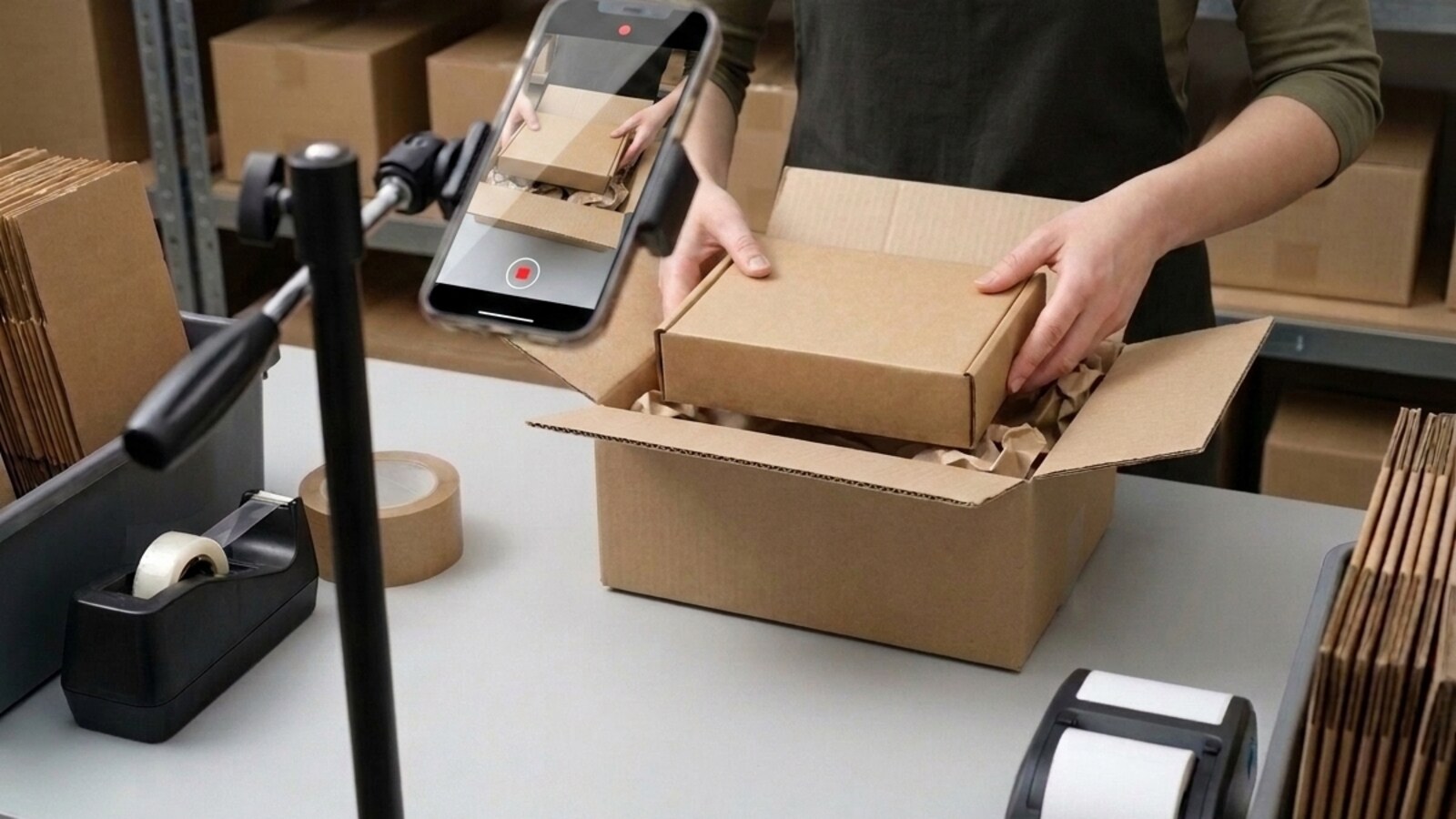
The default, and the honest starting point for a store shipping a few orders a week. It costs nothing and it takes ten seconds per parcel.
It fails on both questions. There is no link between the clip and the order except a filename you typed, and there is nothing about the file that rules out editing. It also degrades quietly as you grow: at thirty orders a day nobody is renaming files carefully, and the one clip you need in six months is the one that got missed.
2. The WordPress media library
This is the tempting one, because it feels native. Upload the clip as media, attach it to the order with a note or a custom field, done. It is also the one that causes real damage, and almost nobody writing about this mentions it.

The privacy point is worth sitting with. In the EU and the UK a recording of an identifiable employee at work is personal data, and "it was in a publicly readable folder on our website" is not a position you want to defend.
3. A purpose-built plugin
What this route buys you is not the recording — it is the two things the recording cannot do for itself. The order reference is drawn into the frame as you film, so the link is in the picture rather than in a filename. The file is fingerprinted on arrival, so a change to a single frame is detectable. And the proof link is written back onto the WooCommerce order, which matters more than it sounds: months later, the person looking is looking at the order.
PallasMark publishes a free plugin on WordPress.org that does this. It is free because the constraint that matters is volume, not platform — and because a WooCommerce seller should not have to migrate to Shopify to defend a dispute.
The three routes, side by side
| Phone + folder | Media library | Purpose-built plugin | |
|---|---|---|---|
| Cost to start | Nothing | Nothing | Free plan |
| Tied to the order | A filename you typed | A note or custom field | Drawn into the frame |
| Editing detectable | No | No | Fingerprint on the original bytes |
| A stranger can verify it | No | No | Public link, no account |
| Where the file lives | Someone's phone | Public /wp-content/uploads/ |
Outside your site |
| Effect on backups | None | Grows them badly | None |
| Holds up at 30 orders a day | No | No | Yes |
The middle column is the one to be careful about. It looks like the responsible choice — the files are "in the system" — while being the only one of the three that actively creates a new problem.
Recording it, step by step
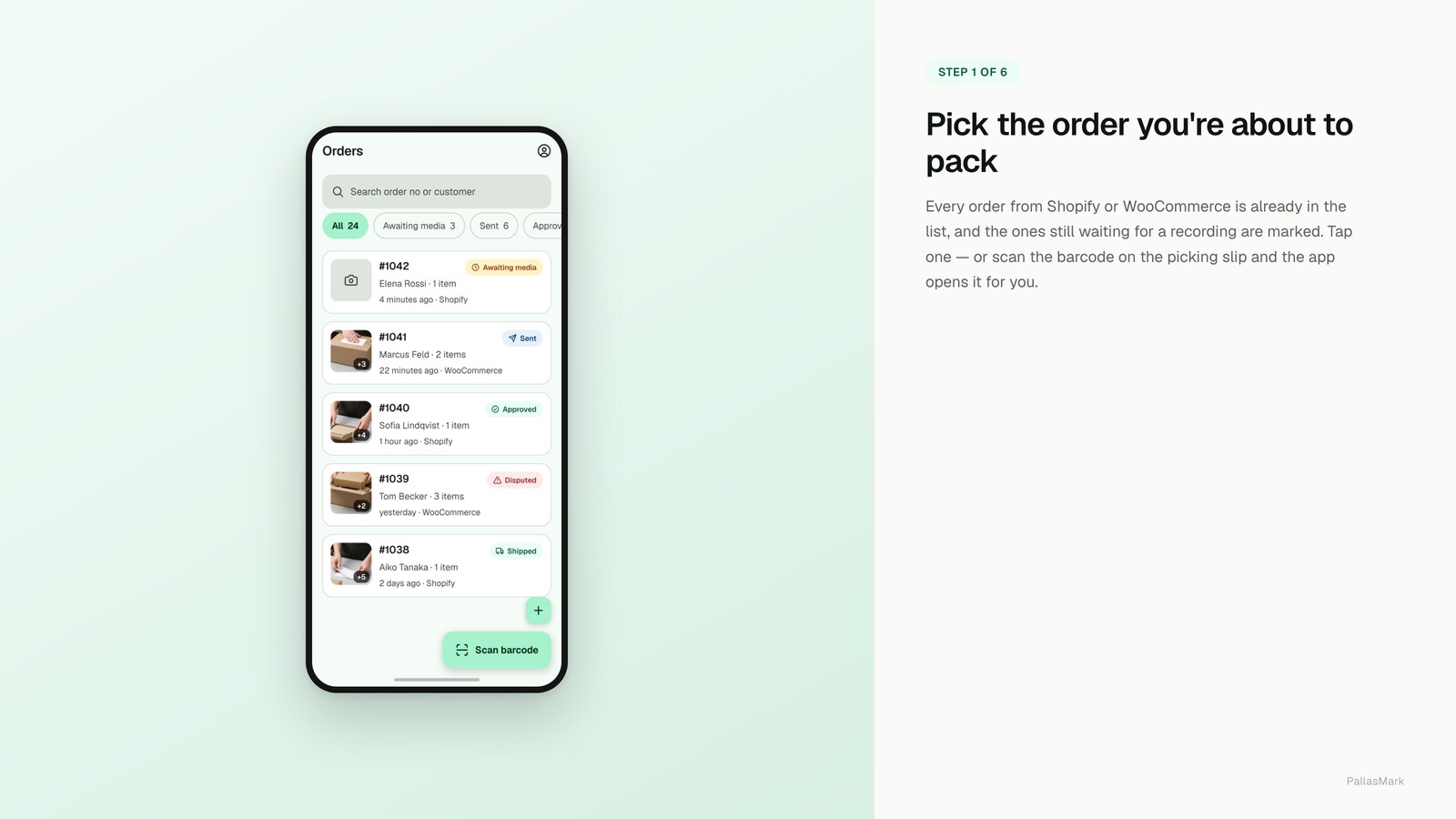
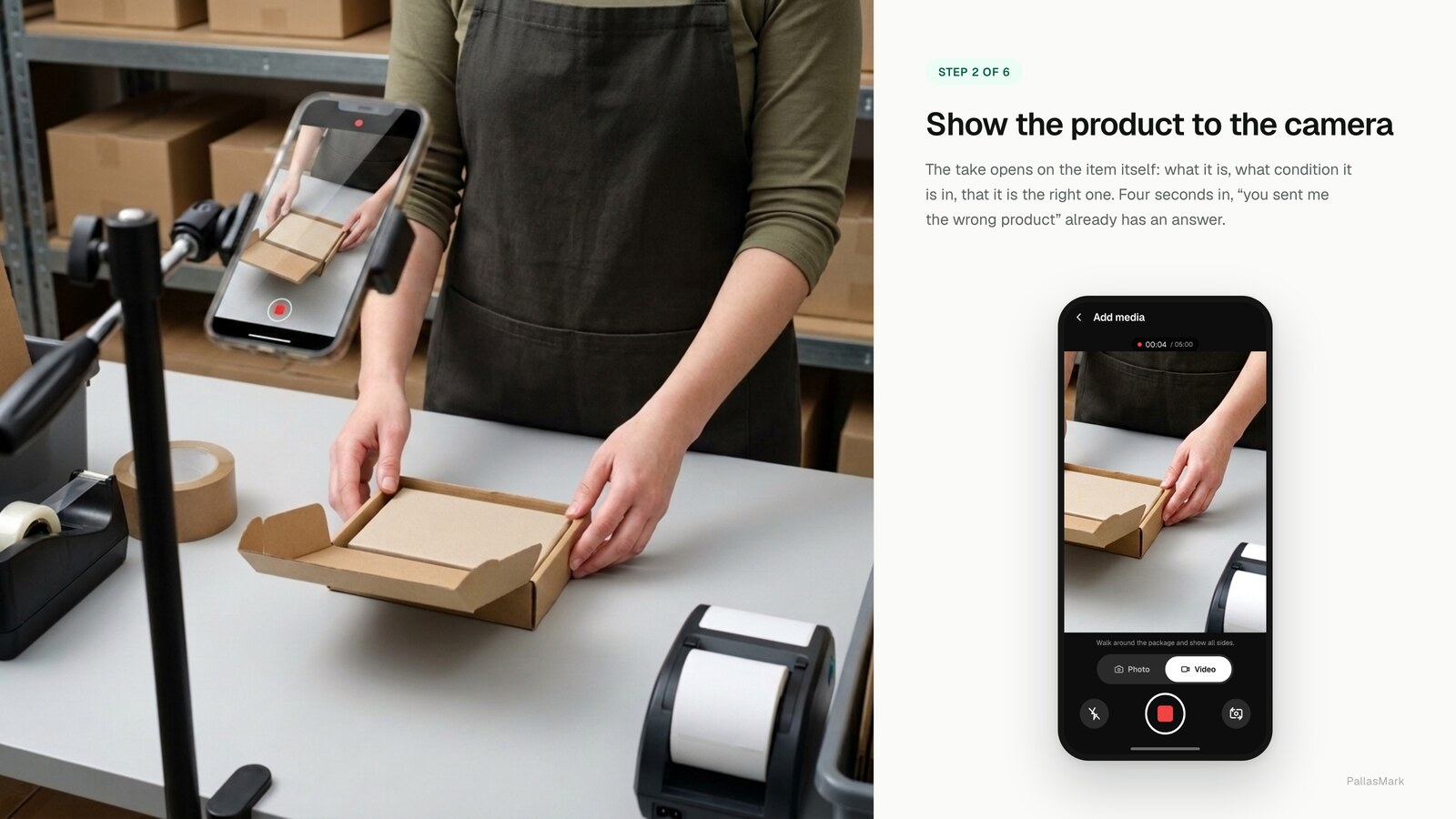
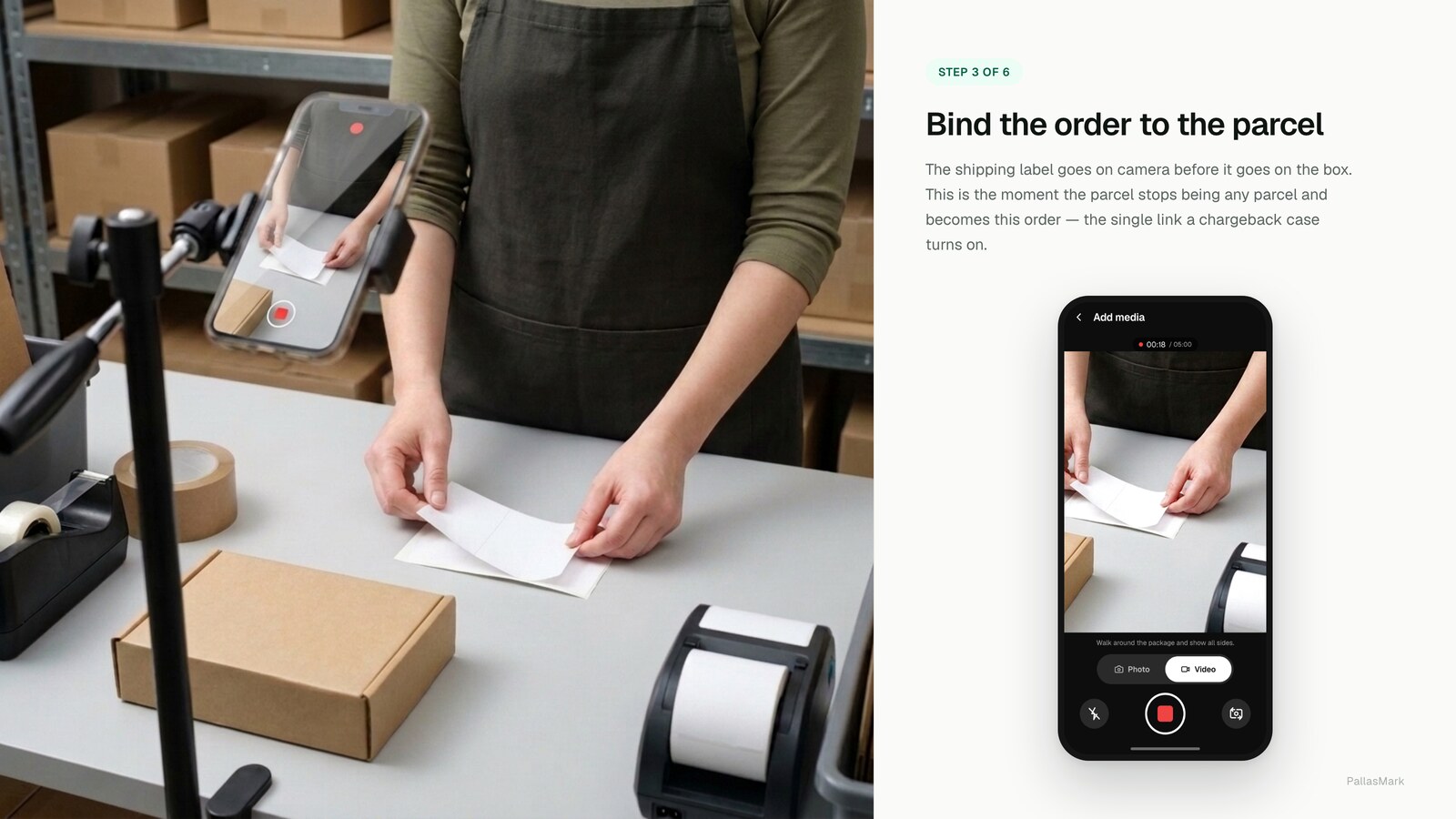
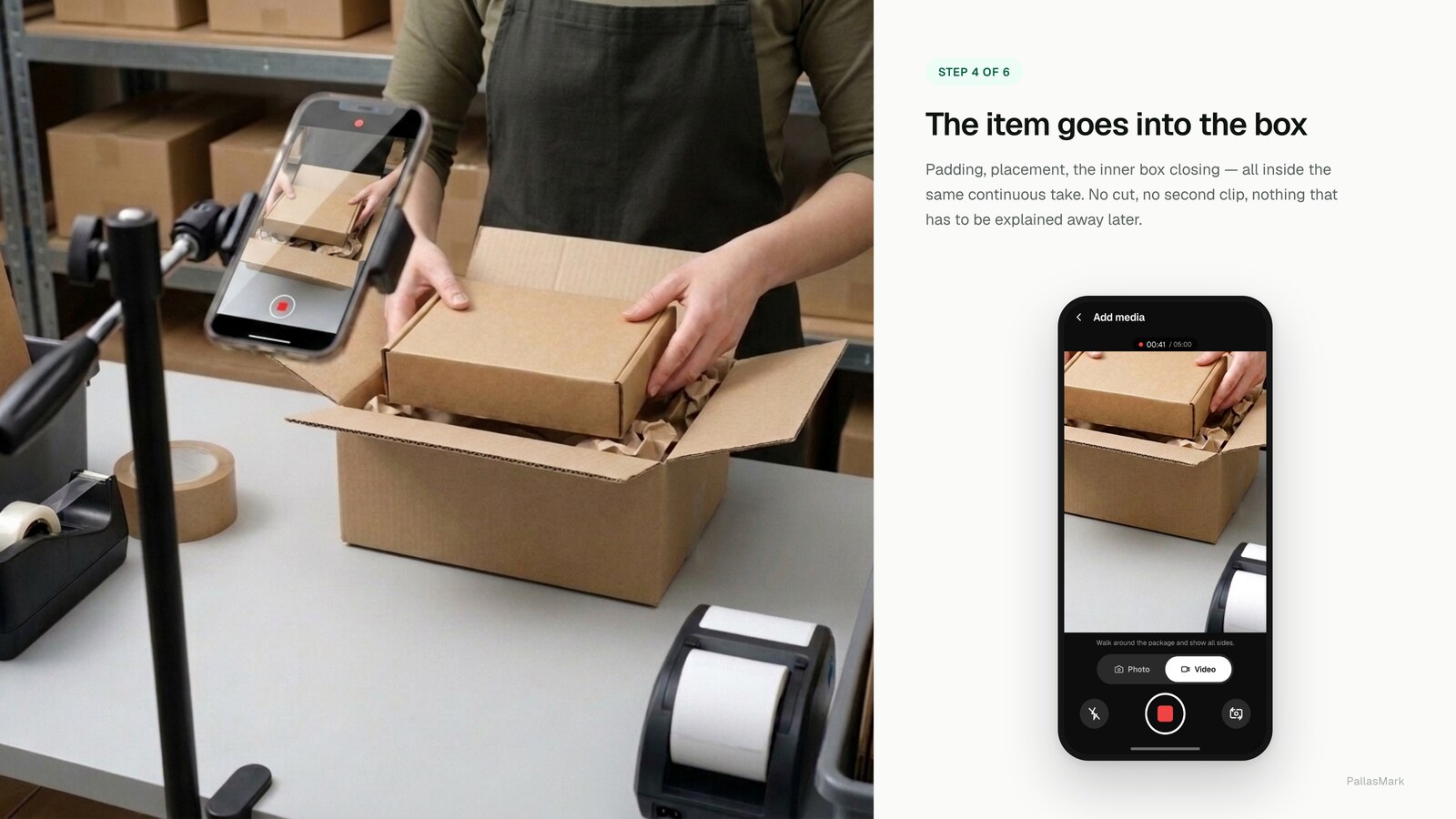
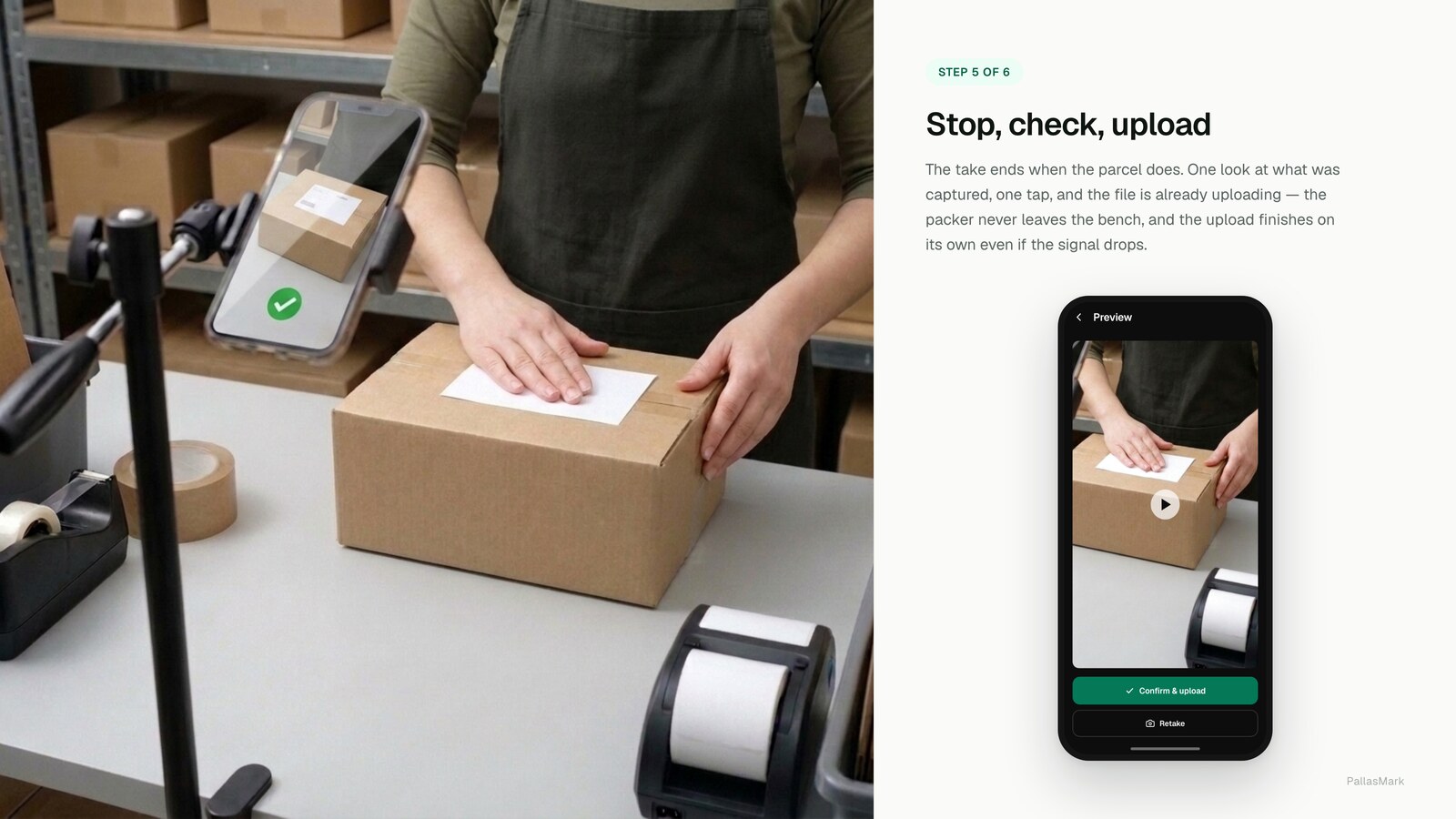
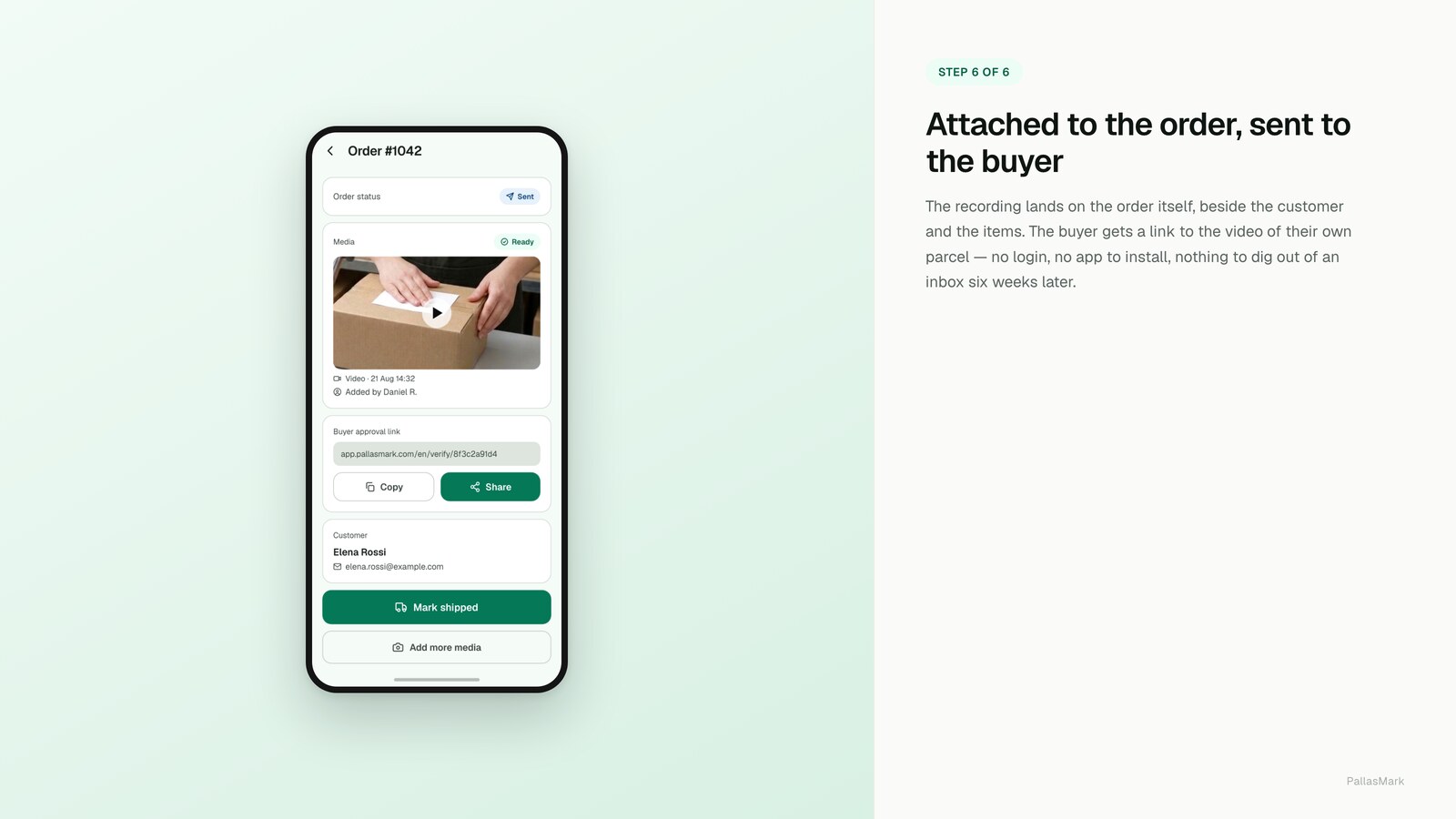
What to actually point the camera at
The generic advice — "film the order" — is where most attempts go wrong, because the frame that settles a dispute depends on what you sell. WooCommerce stores skew toward exactly the categories where this matters: handmade, niche, high-value, made-to-order.
Clothing and textiles. Seams, tags and any wear points, before the item goes in. Wardrobing claims — worn once, returned as "never used" — are decided by the condition of the garment when it left you, and a wide shot of a folded item establishes nothing.
Electronics and anything with a serial. The serial or IMEI in the same frame as the order reference. This is the single highest-value frame in the whole recording, because it is the one that survives a return swap: the unit that came back either has that serial or it does not.
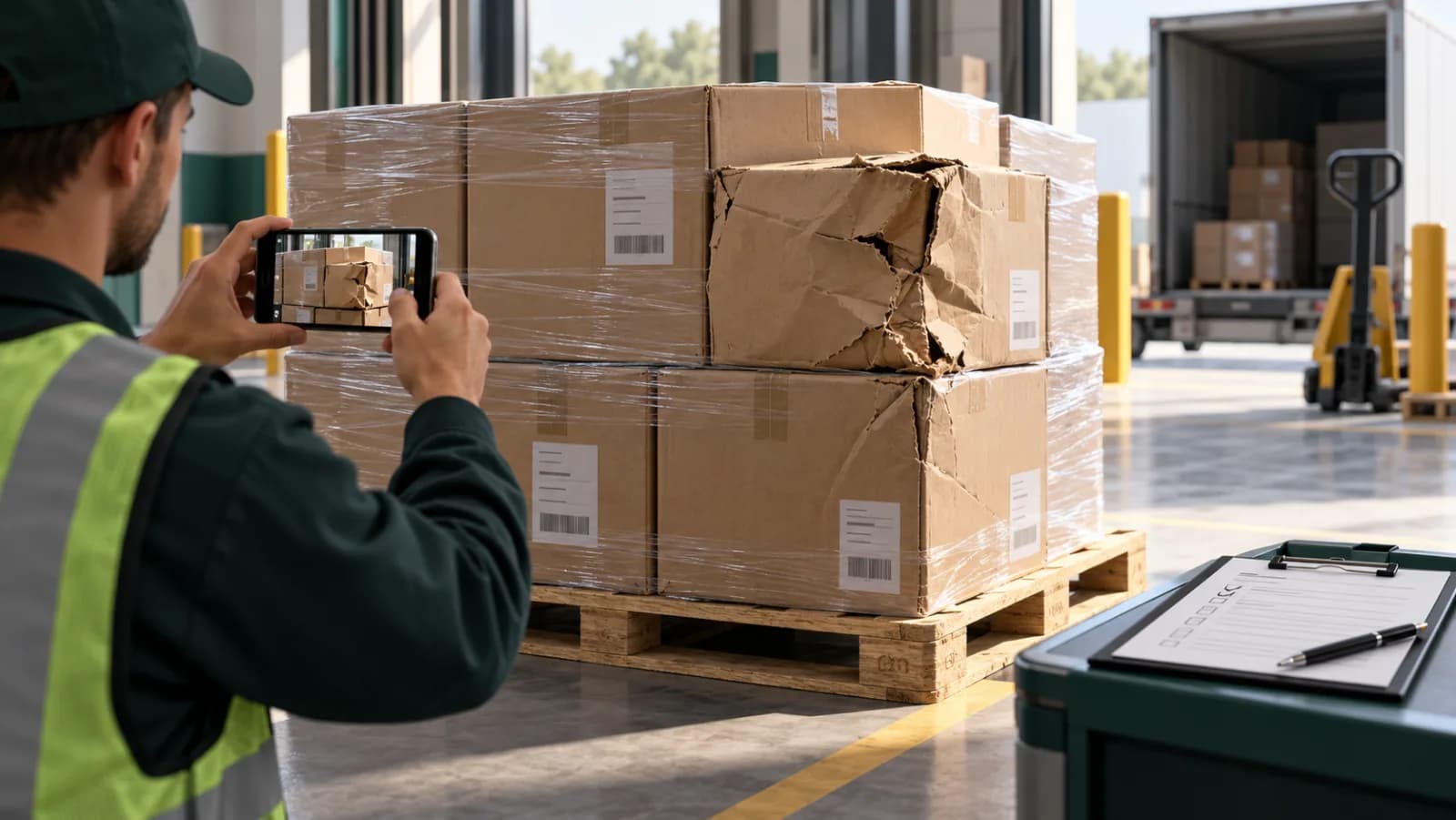
Fragile and glass. The packing material going in, not just the item. Carrier claims turn on whether the parcel was packed adequately for transit, and that is a question about the void fill, the wrap and the box — not about the product.
Multi-item orders. Show each line item individually before it goes in the box, rather than filming the finished pile. WooCommerce gives the plugin the item id and the product and variation ids, so a proof can be bound to the specific line that gets disputed later. On a five-item order where one line is contested, that is the difference between evidence and a video someone has to interpret.
Anything with a certificate or authenticity card. Film the card and the item together. Sold separately later, they prove much less than they do in one frame.
Making it something the team actually does
The failure mode is never the technology. It is week three, when it is busy and recording feels like the thing that can be skipped.
Two things make it stick. First, tie it to a step that already exists: the recording starts when the order is opened at the bench, not as a separate task someone has to remember. Second, give every packer their own login. A shared login is the predictable shortcut, and it destroys the only thing the recording was supposed to establish, which is who did what. Warehouse operators in PallasMark get a narrow role of their own — they record and attach evidence without seeing billing or order settings — so each recording stays tied to a named person.
Start with the orders where a dispute would actually hurt: high value, first-time buyer, or the categories above. Recording everything from day one is the version that gets abandoned.
How long to keep them
Long enough to outlast the window you are actually exposed to. Card chargebacks can arrive months after delivery, which makes "a few weeks" the wrong answer and "forever" the wrong answer in the other direction.
Tell your team the packing area is recorded, keep the frame on the bench rather than on people, and write the retention period down somewhere. That is the whole of the compliance work for a normal store, and doing it takes an afternoon.
What it is worth when a dispute lands
Be specific about this, because the category is full of vague promises.
A sealed packing video answers the question "what was in the box". That makes it evidence for the disputes that are about the item: the wrong product arrived, it arrived damaged, it was not as described. Visa's own guidance for that dispute condition asks the merchant to provide as much specific documentation as possible and to address each point the cardholder raised — and a recording of the correct item, undamaged, going into the sealed box is exactly that kind of documentation.
It does not answer "I never received it". That is a delivery question, and the answer is the carrier's proof of delivery, not your packing bench. Anyone selling you a packing video as a fix for non-delivery claims has not read the rules they are citing.
Frequently asked questions
Is there a WooCommerce plugin for packing video proof?
Yes — PallasMark publishes a free one on WordPress.org. It is worth knowing why this question is hard to answer by searching: almost every tool written about in this category is Shopify-only, so a search for WooCommerce packing video mostly returns packing slip and PDF invoice plugins, which do something entirely different.
Can I just store the videos in my WordPress media library?
You can, and it is the most common mistake. Media library files are served from /wp-content/uploads/ with a public URL and no access control by default, so anyone holding the link can watch the clip. They also go into every backup, and video will grow those backups faster than anything else on the site. Keep recordings outside the site.
Do I need a plugin at all, or can I do this with a phone?
You can start with a phone, and for a handful of orders a week that is a reasonable thing to do. What a phone alone cannot give you is the link between the clip and the order, or any way for someone who distrusts you to tell whether the file was edited. Those two gaps are what decide disputes, and they are the reason people eventually stop doing it by hand.
How long should I keep packing videos for a WooCommerce store?
Longer than the dispute window you are actually exposed to, which is months rather than weeks once card chargebacks are in scope. Delete on a schedule rather than never: recordings of your staff at work are personal data in the EU and UK, and keeping them indefinitely is harder to justify than keeping them for a defined period tied to a real purpose.
Will this work if my store is on shared hosting?
Yes. Nothing is installed on the server beyond an ordinary WordPress plugin, and the recordings do not pass through your host at all when they are stored outside the site. That is also the practical argument against the media library route on shared hosting, where disk and bandwidth are the tightest constraints.
Does a packing video actually help with a chargeback?
It helps with the disputes that are about the item — wrong product, damaged, not as described. Visa's guidance for that dispute condition asks the merchant to provide as much specific documentation as possible and to address each point the cardholder raised. It does not help with "I never received it", which is a delivery question answered by carrier proof of delivery.
- packing video
- woocommerce
- evidence
- returns