How to record packing video that actually counts as evidence

On this page
Recording the packing is the easy part. The seven points below are what decide whether the clip is worth anything when a dispute actually lands. If you are still deciding whether you need any of this, start with what packing video proof is and where it actually counts; this piece assumes you have already decided to record and want to record it properly.
Why most packing videos get ignored
A phone clip has three problems the moment it is submitted, and none of them are about video quality.
Identity. A video of a hand putting a blue sweater into a box proves that a blue sweater was packed. It says nothing about this order. Unless the order number is in the frame, the reviewer has to take your word for the link, and reviewers are not paid to take anyone's word.
Integrity. File timestamps can be edited. Video can be trimmed, sped up and re-encoded. A reviewer who has seen a thousand claims treats an unverifiable MP4 as a claim, not as proof.
Access. Evidence that arrives as a 400 MB attachment, a Drive link that asks the reviewer to sign in, or a WhatsApp forward often is not opened at all.
The seven-point checklist
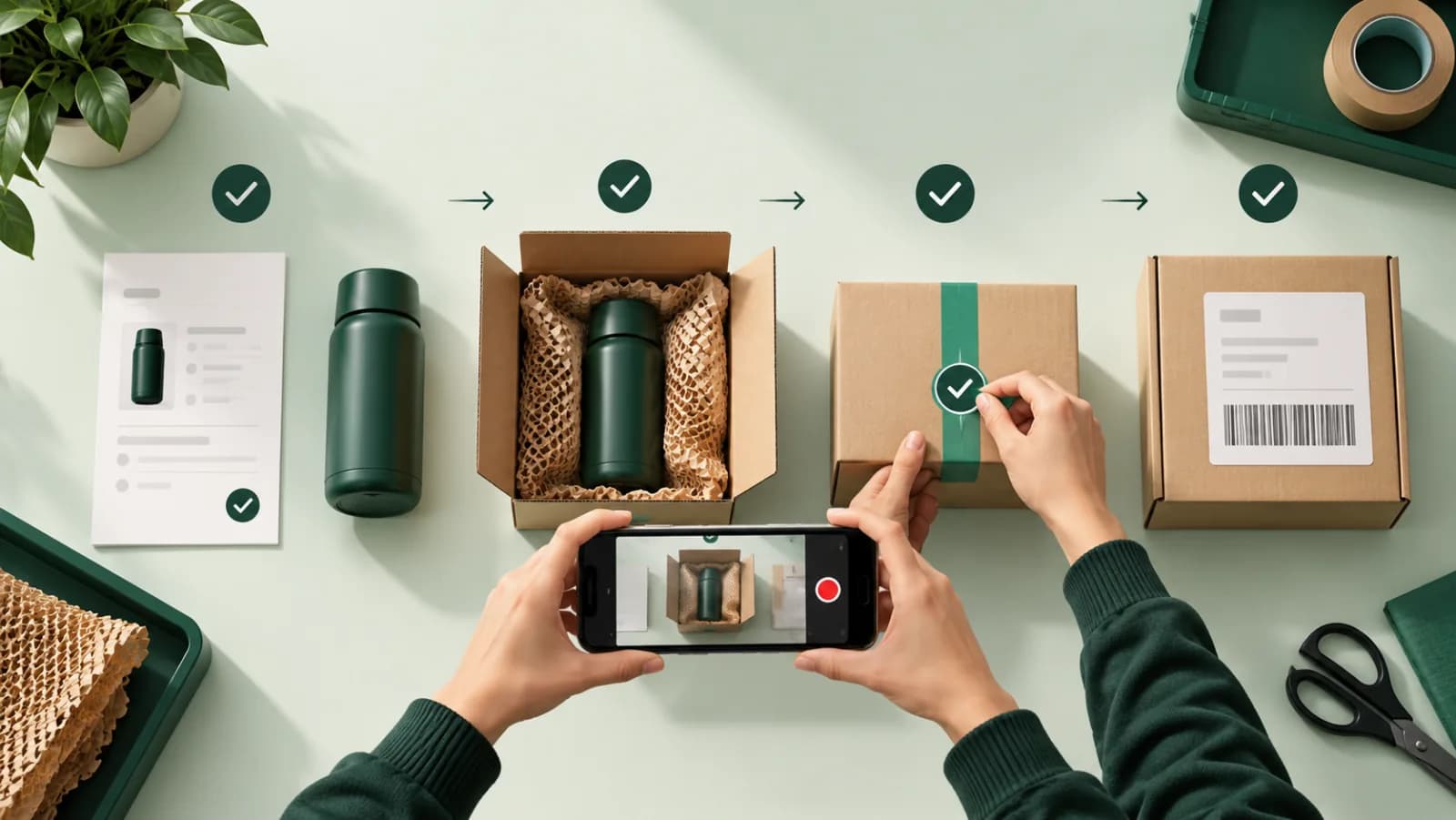
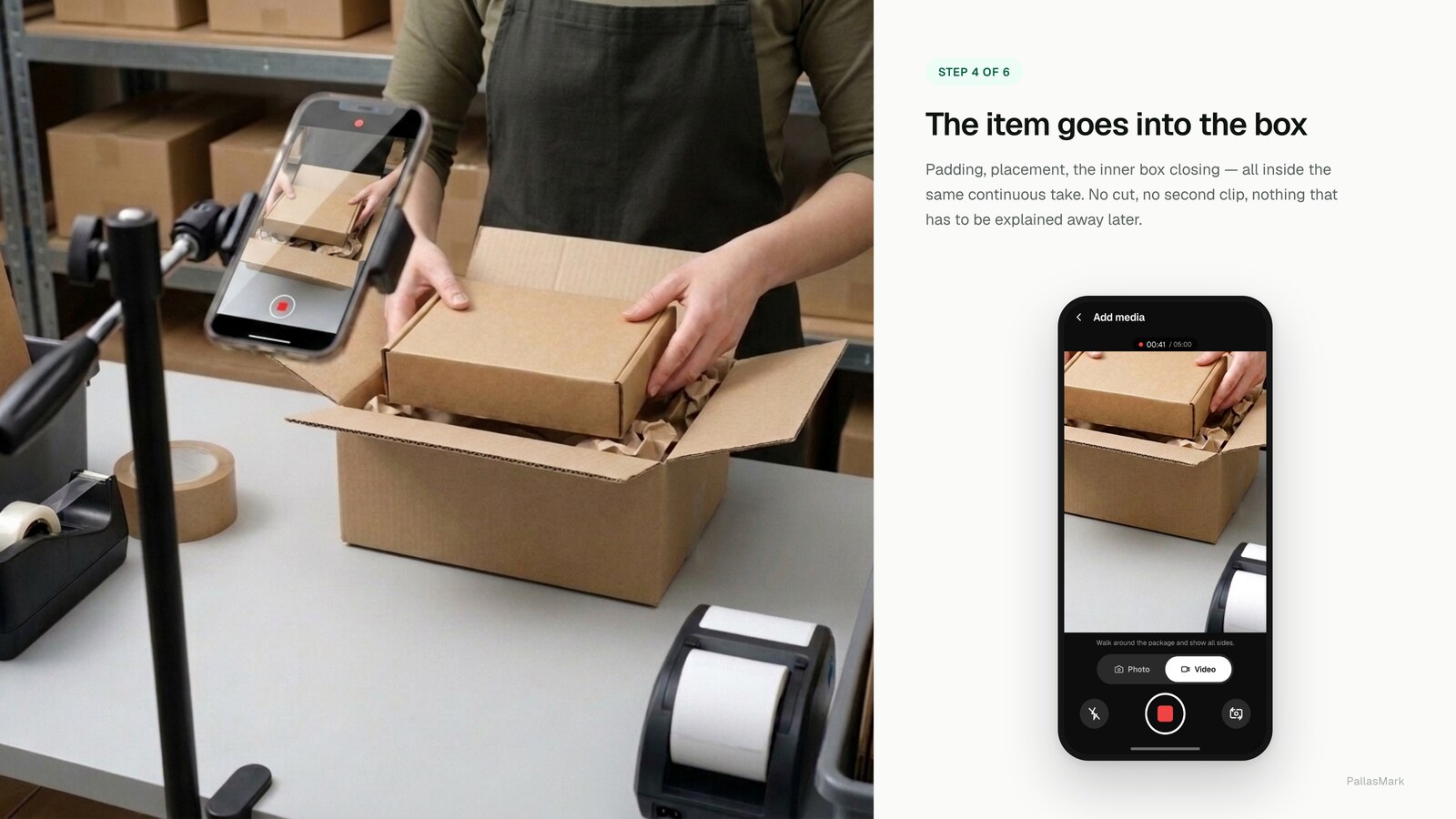
1. One continuous take, from empty box to sealed parcel
Cuts destroy the story. The reviewer needs to see the box empty, the item going in, and the box closing, without an edit point where something could have been swapped. If you must stop, start a second recording rather than trimming one.
2. Put the order identifier in the same frame as the item
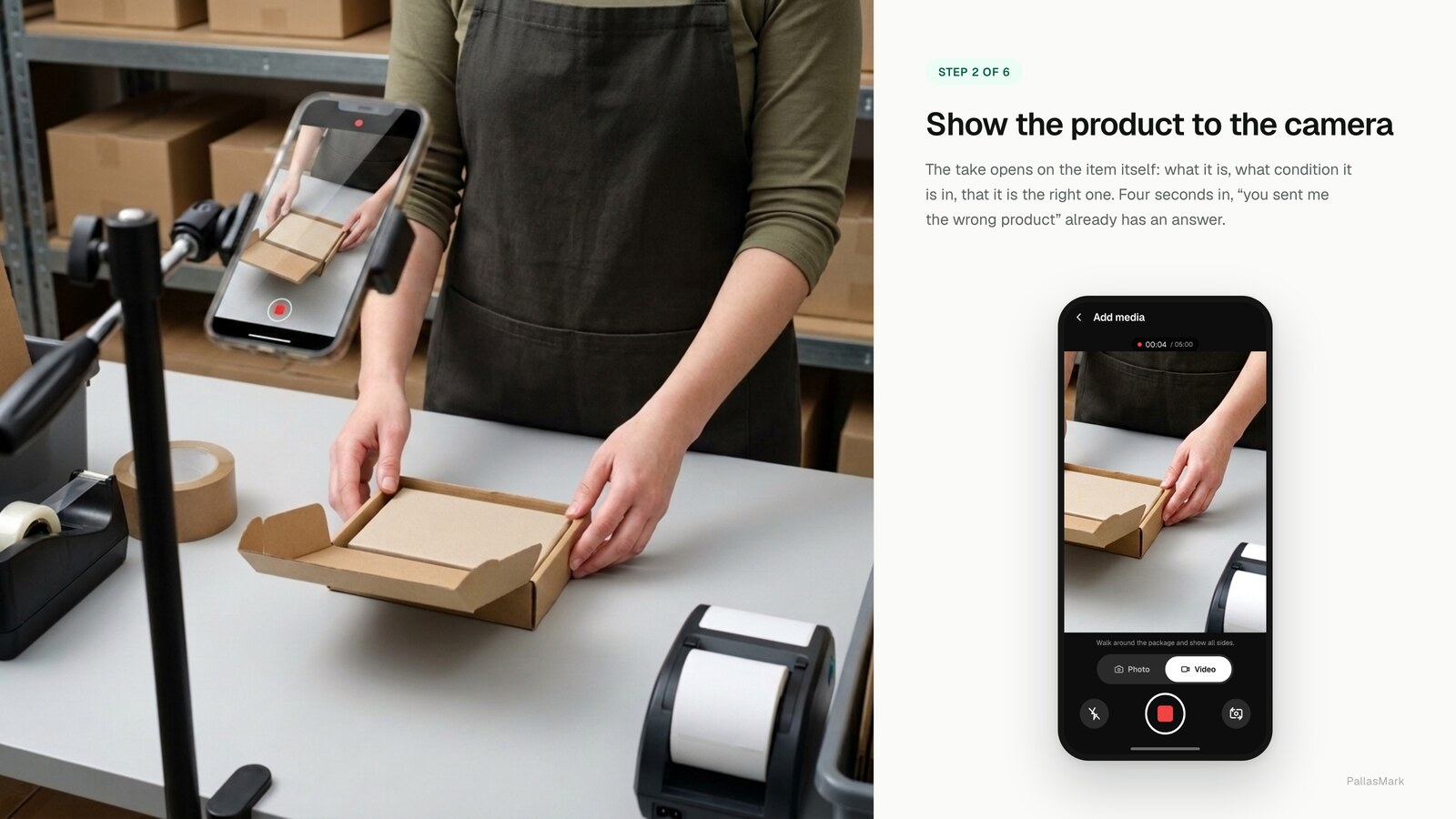
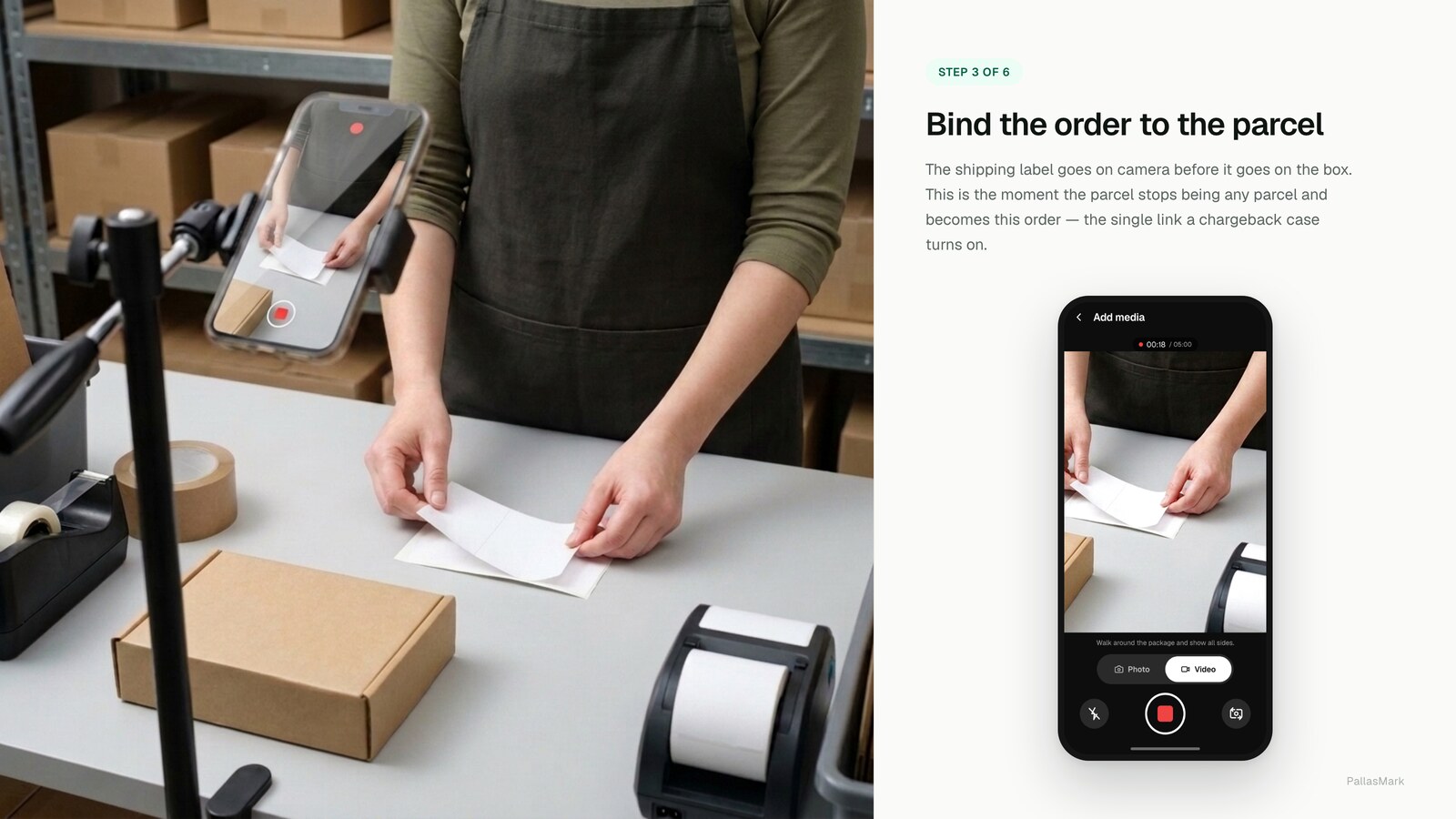
Scan or show the order label, the packing slip, or the barcode with the product visible at the same time. Two separate videos, one of a label, one of a product, are two unrelated files. One frame containing both is a link nobody has to take on faith.
3. Record condition, not just contents
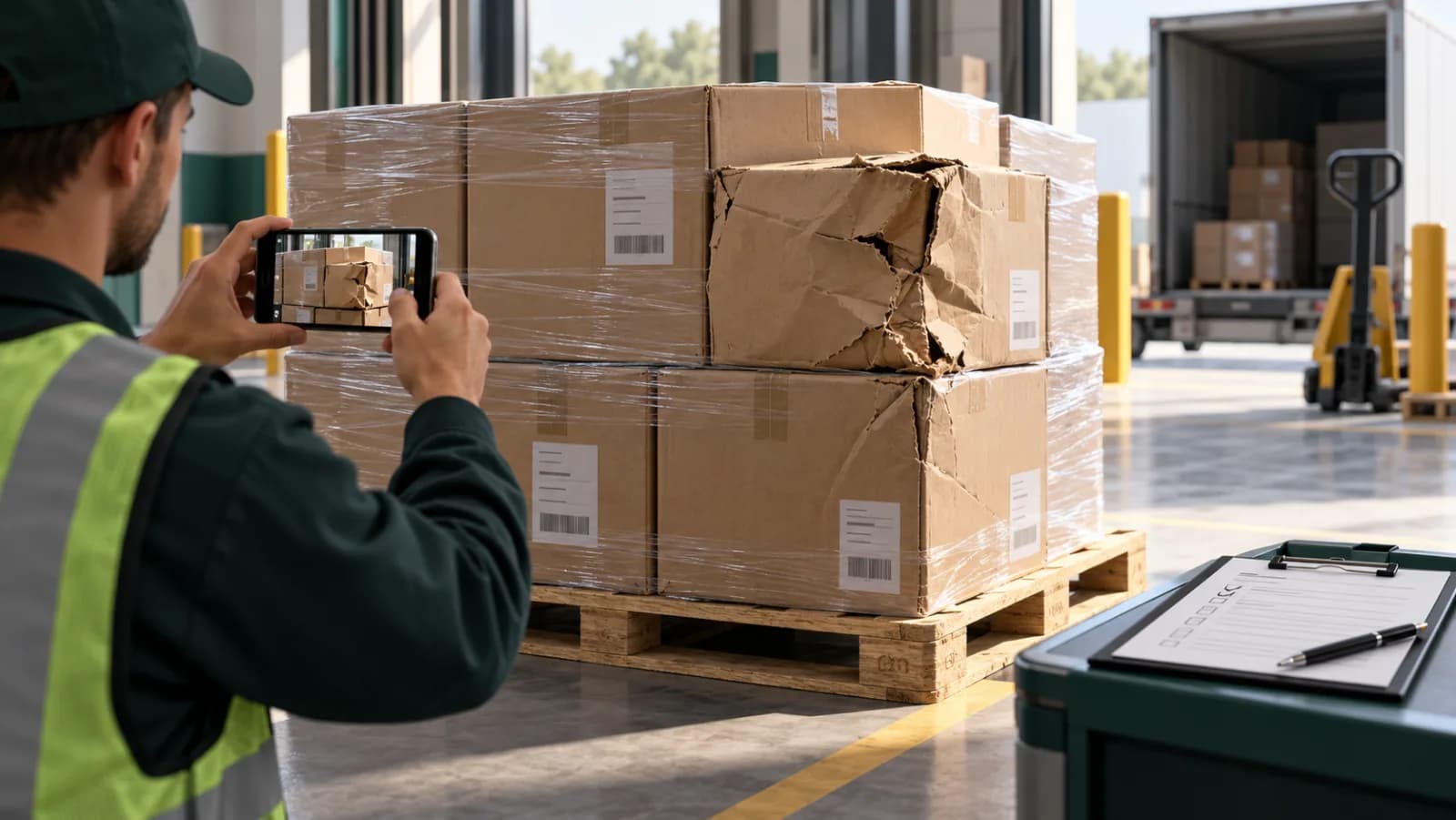
For clothing, show seams and tags. For electronics, power the device on and show the screen and the serial number. For anything fragile, show it intact from more than one angle. "Item arrived damaged" claims are decided on the condition at handover, and only your recording covers the moment before the carrier took it.
4. Make the timing verifiable by something other than the file
A file's creation date is metadata, and metadata can be rewritten. What holds up is a timestamp fixed by a third party at the moment of capture, a hash of the file recorded when the recording is made, so that any later change to a single frame produces a different fingerprint. Without that, "recorded on the 3rd" is an assertion.
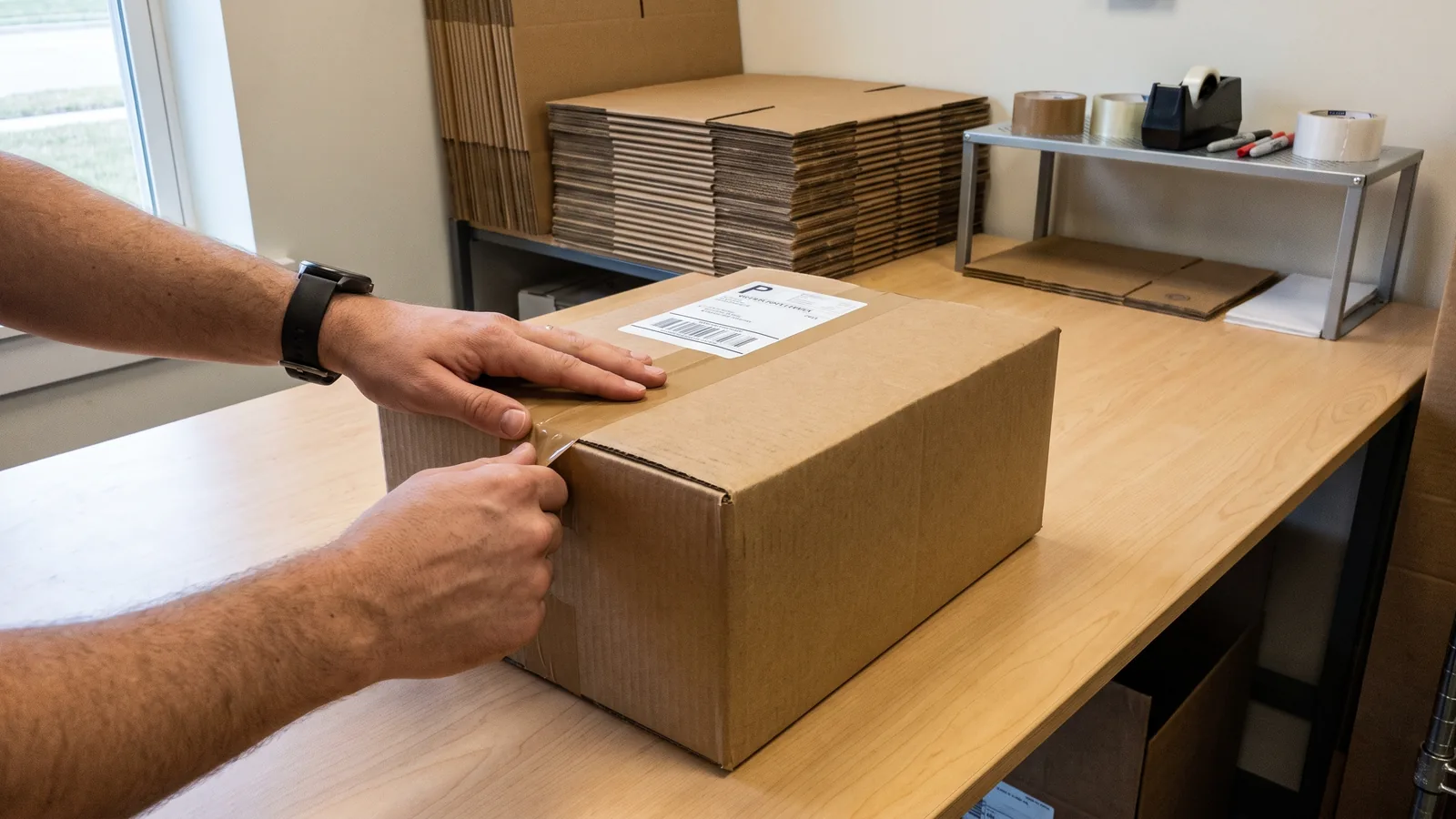
5. Show the seal and the label
Keep recording through taping the box and applying the shipping label, with the tracking number readable. This is what connects your recording to the carrier's scan history. A packing video that stops before the label is applied leaves a gap exactly where disputes live.
6. Never re-encode, trim or rotate the original
Every export creates a new file. If you send a re-encoded copy, the fingerprint of the original no longer matches what you submitted, and you have destroyed the one property that made it verifiable. Keep the original and share it, not a copy that has been through an editor.
7. Give the other side a link they can open without an account
Whoever reviews it, a bank's dispute team, a marketplace agent, a carrier's claims desk, or the buyer, should be able to open the evidence in a browser, see when it was recorded, and check that it has not been altered. If reviewing your evidence requires an app, an account or a download, expect it to go unreviewed.
A pass/fail comparison
The difference between a clip that helps and one that does not is rarely visible on a thumbnail. It shows up when someone actually tries to use it.
| Property | Fails review | Passes review |
|---|---|---|
| Order identity | Product only, no order number anywhere in frame | Order label or barcode visible with the product |
| Continuity | Multiple clips or a visible cut | One unbroken take, box to seal |
| Condition | One angle, item already in the box | Multiple angles, before packing begins |
| Timing | Only the file's own creation date | Fingerprint fixed at capture, independently checkable |
| The label | Video ends before the parcel is sealed | Recording continues through taping and the shipping label |
| The file | Re-encoded, trimmed, or exported "for sharing" | Original file, untouched, shared directly |
| Delivery | Email attachment or a link requiring sign-in | Public link, opens in a browser, no account needed |
If a video fails on any single row, expect it to be treated as an assertion rather than as evidence, regardless of how it looks.
What this does and does not win
It is worth being precise, because a lot of writing on this subject is not.
Packing video is strongest where the question is what was sent and in what condition: "item not as described", "arrived damaged", "wrong item", short-shipment claims, wear-and-return abuse, and carrier damage or loss claims. In those cases your recording is usually the only record of the moment before the parcel left your hands. We cover three of these in depth: proving an item left you intact for damage claims, proving which unit shipped for identity claims, and what to do when a return comes back worn for wear-and-return abuse.
It is weakest where the question is who made the purchase. In a card-absent fraud dispute, the issuer is asking whether the cardholder authorised the transaction. Visa's Compelling Evidence 3.0 framework, for example, is built around linking the disputed order to prior undisputed transactions from the same cardholder using data points like device ID, IP address and delivery address. A video of your warehouse does not answer that question, and any vendor telling you it does is overselling.
For carrier claims specifically, check the filing window before you need it. Each carrier sets its own deadline for reporting damage or loss and its own documentation requirements, and the claim is refused on the deadline far more often than on the evidence.
Common technical mistakes
These are separate from the seven-point checklist: even a video that hits all seven can still be hard to review if it stumbles on basics like these.
| Mistake | Why it hurts | Fix |
|---|---|---|
| Filming vertically, cropped oddly on review | Order labels and serial numbers end up out of frame | Frame wide enough that the whole bench is visible, not just the item |
| Backlighting from a window behind the bench | Labels and barcodes turn into silhouettes | Light from the side or above, never from behind the subject |
| Recording at the lowest resolution to save space | Serial numbers and fine print become unreadable when reviewed | Use the highest resolution your storage plan allows; text is what gets zoomed in on |
| Talking through the recording | Adds nothing evidentially and can pick up information you did not mean to disclose | Silent is fine; the visual sequence is what matters |
| Filming the label separately "to be quick" | Breaks point 2, the order identifier is no longer in the same frame as the item | Hold the label next to the product before it goes in the box, in the same shot |
| Stopping before the tape and shipping label | Breaks point 5, leaves the exact gap disputes live in | Keep recording until the label is applied and the tracking number is readable |
Recording setup, in practical terms
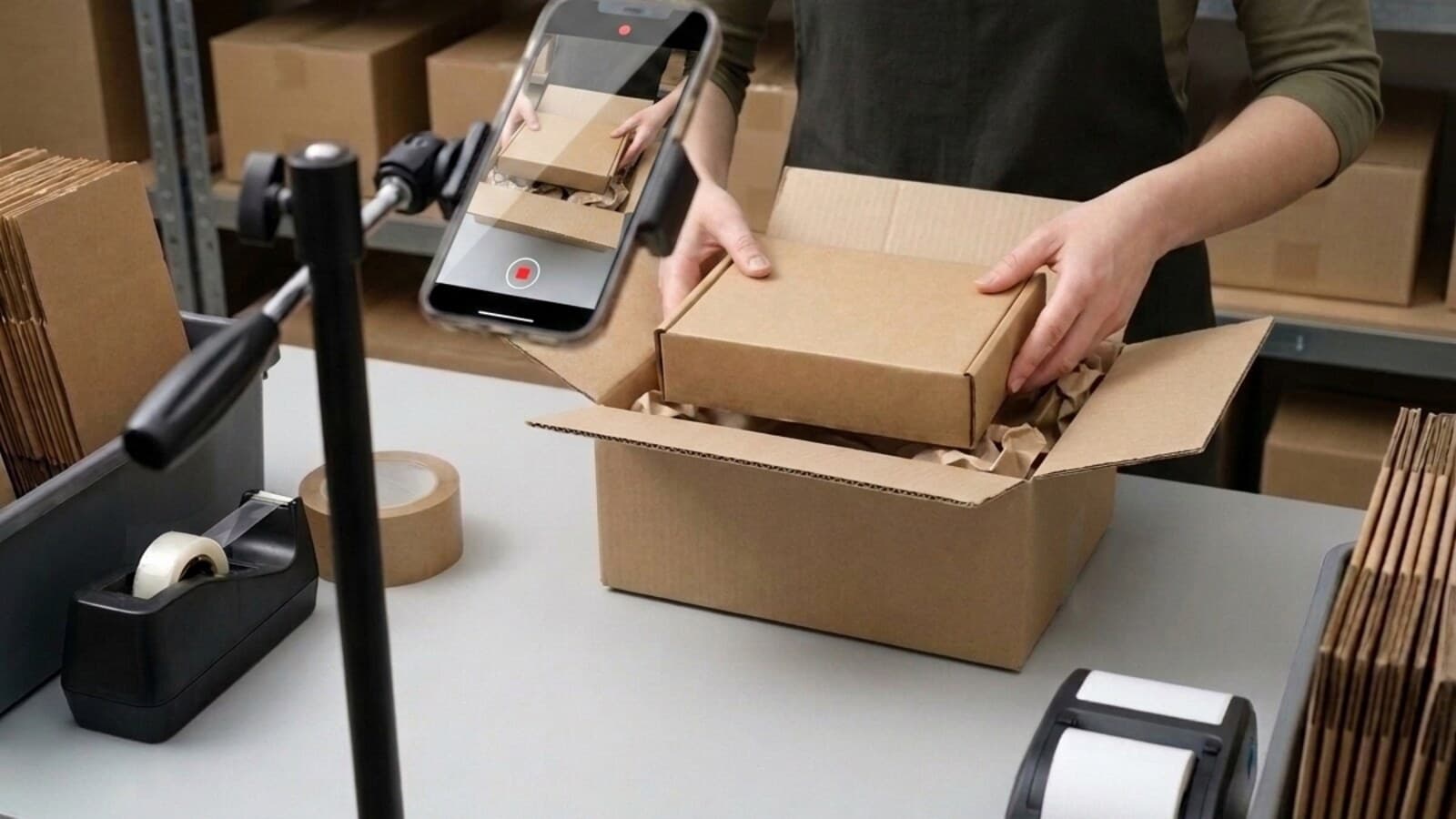
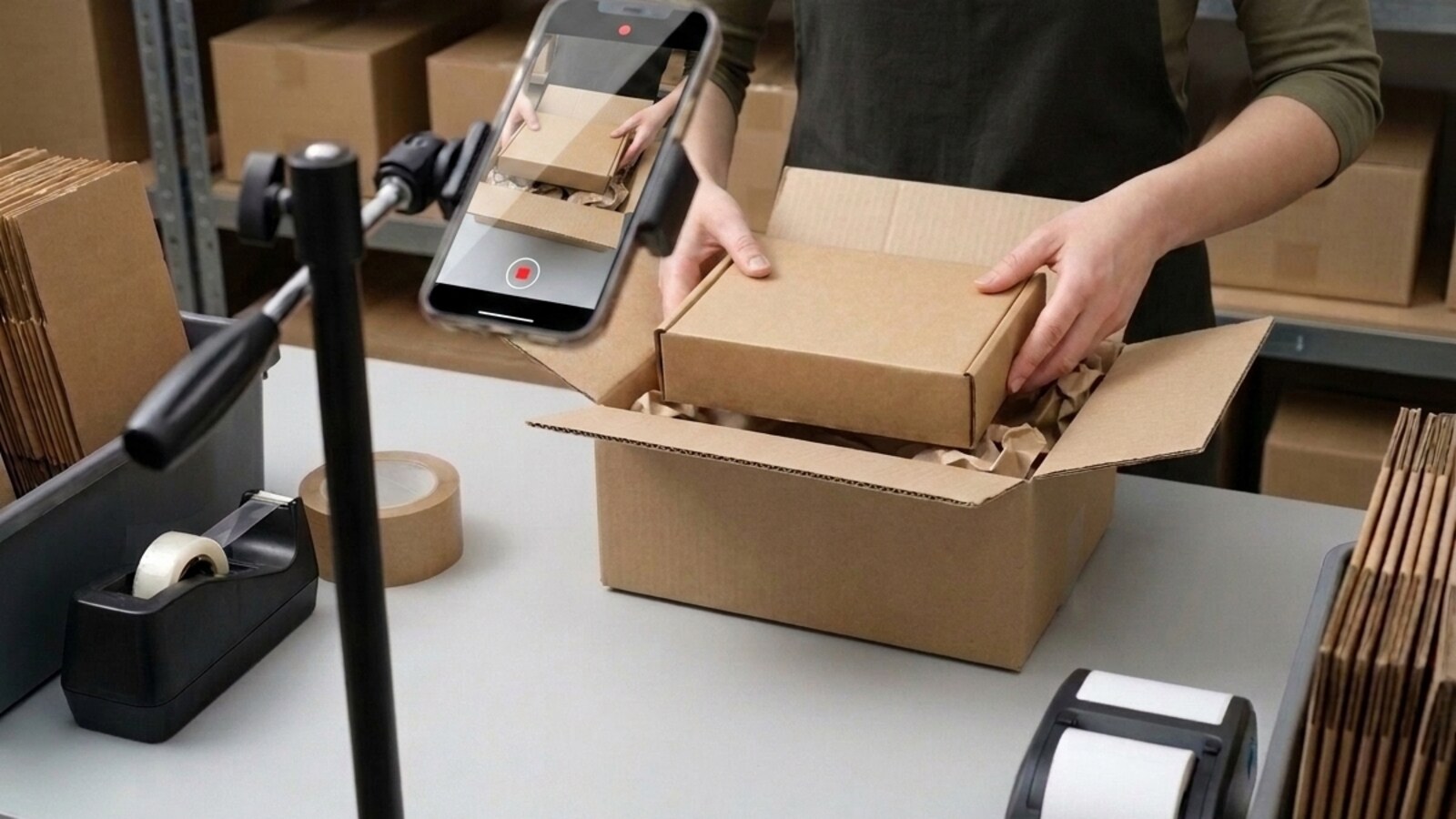
You do not need a camera rig. A phone on a stand pointed at the packing bench, held steady for the length of one order, covers points 1 through 3.
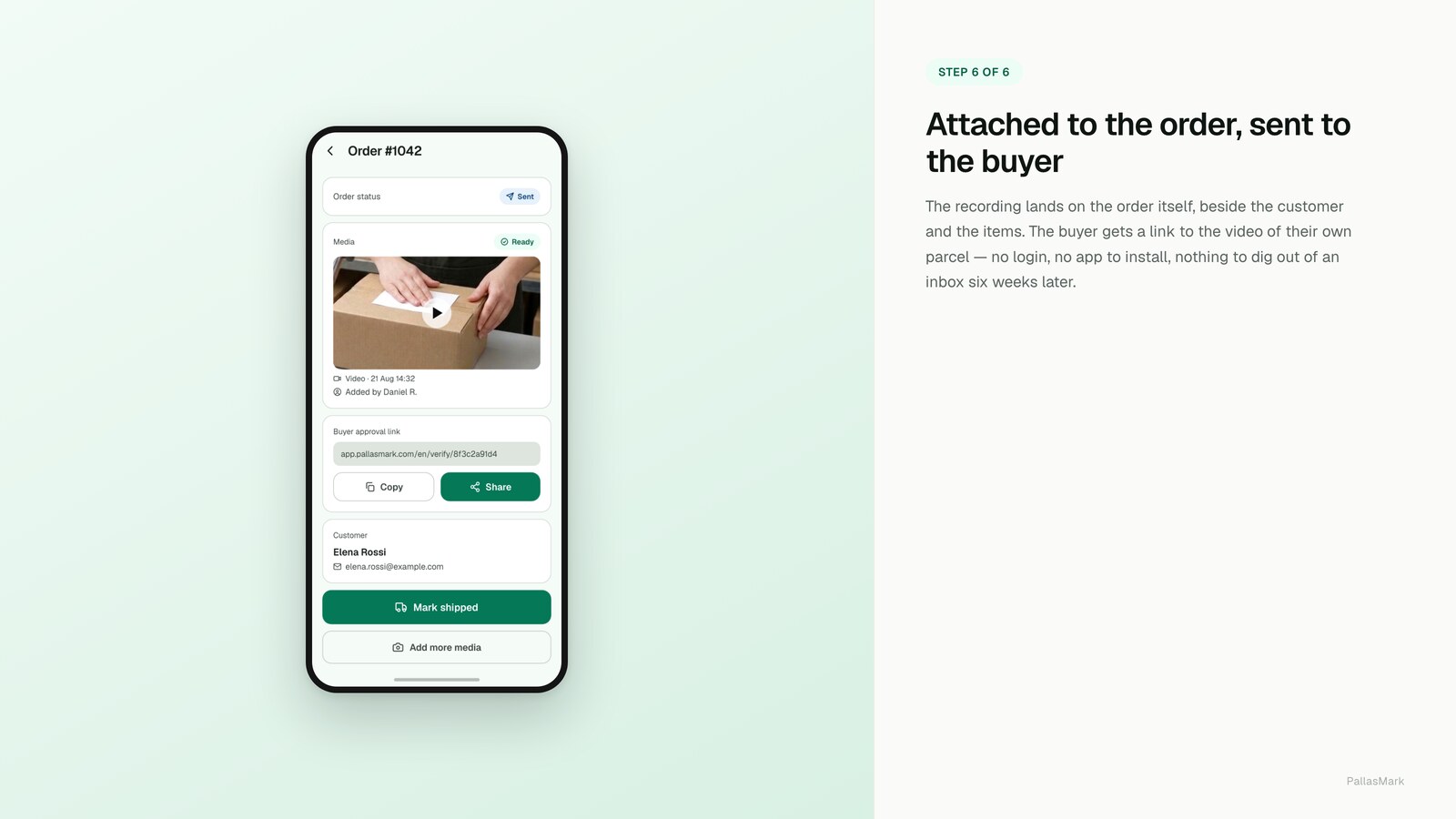
Points 4 through 7 are not things a phone does on its own: they need the recording to be fingerprinted at capture and published at an address the other side can open. That is a software problem, not an equipment problem, and it is worth solving once rather than per order.

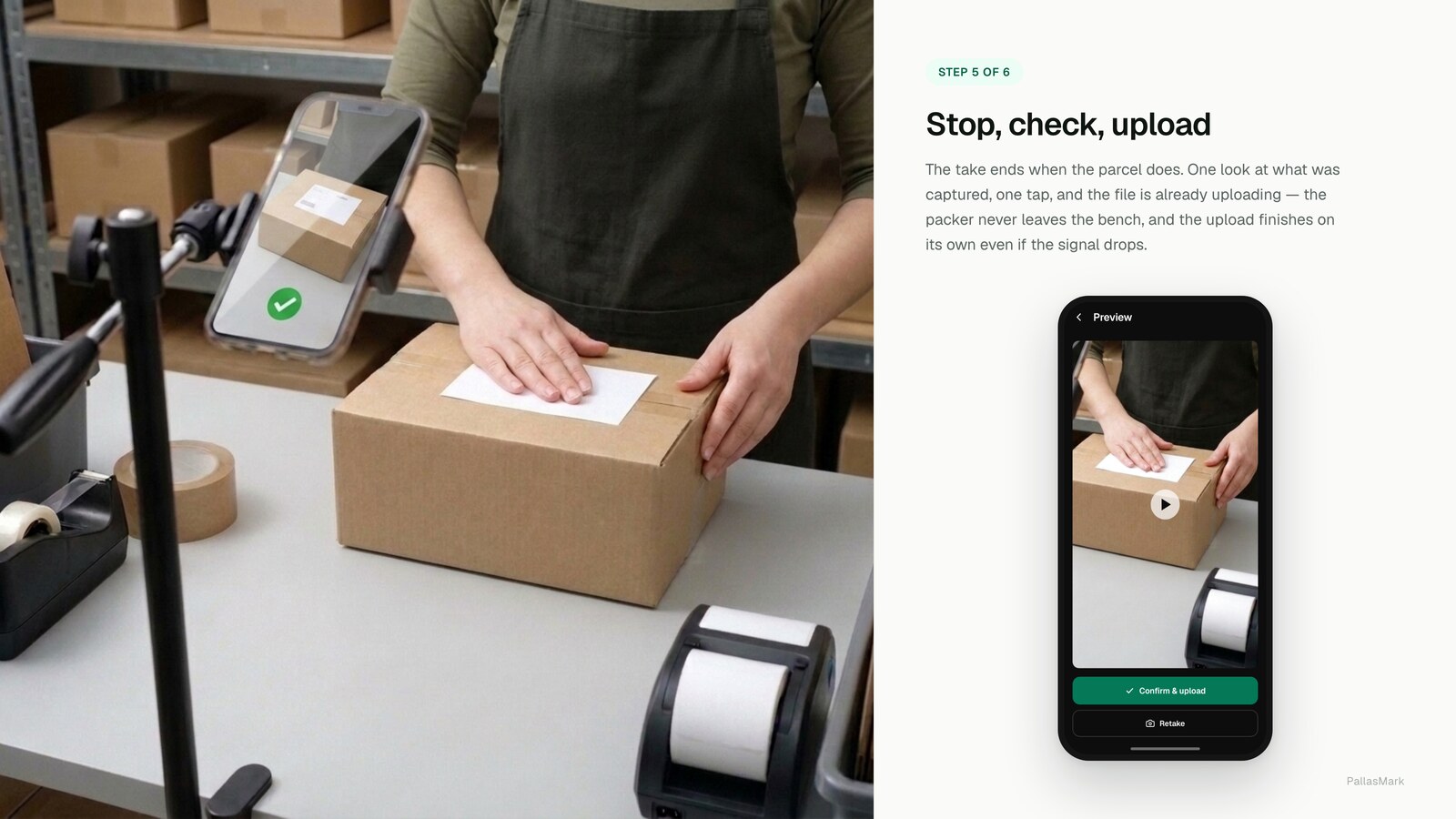
Recording staff at the packing bench
If someone other than you is doing the packing, tell them what is recorded and why before you start, not after a dispute makes it relevant. This is a fixed work area, recorded for a documented business purpose, which is a different thing from covert surveillance and should be treated as such in how you introduce it. Check your local workplace-privacy rules for specifics, since they vary by jurisdiction, but the baseline is the same everywhere: no surprises, and a clear reason.
How long to keep the recordings
Match retention to the windows that can actually reopen a case. Card-network chargeback windows commonly run well past delivery, and marketplace return windows vary by platform and by product category, so a fixed 30-day retention policy will not cover most of what is actually at risk. In practice, keep recordings for the longer of your dispute exposure and your platform's own retention guidance, and keep the fragile, high-value or frequently disputed orders longer than the default regardless of what the minimum requires.
Terms you will see
- Provenance — the ability to establish where a file came from and that it has not been altered since.
- Fingerprint / hash — a value calculated from a file's contents at a point in time; any later change to the file produces a different value, which is what makes tampering detectable.
- Chain of custody — the documented, unbroken record of who has had access to a piece of evidence since it was created.
- Compelling Evidence 3.0 — Visa's framework for card-absent dispute evidence, focused on prior transaction history rather than shipment condition.
A practical setup
That fingerprinting-and-publishing part is what PallasMark handles as part of proof against return abuse: the recording is sealed the moment it is made, tied to the order it belongs to, and given a public verification link that shows anyone whether the file still matches its original fingerprint. If you would rather build that yourself, the checklist above is still the specification to build against. If you are weighing up tools rather than building, we have written an honest comparison of packing video software that covers where competing products fit better than ours does.
The short version
Record continuously, get the order number and the item in one frame, show condition and the sealed label, fingerprint the file at capture, keep the original, and hand over a link instead of an attachment. Evidence that survives review is evidence that does not ask to be trusted.
Frequently asked questions
Does a packing video actually get accepted as evidence?
It can support some marketplace and card-scheme dispute reviews when it meets the seven points here: it identifies the order, shows condition, is verifiably unaltered, and is reachable by a link. Acceptance depends on the platform, payment provider and dispute type. It does not settle a card-not-present fraud dispute on its own, where the question is whether the cardholder authorised the purchase rather than what was shipped.
Do I need special equipment to record packing video?
No. A phone on a stand pointed at the packing bench covers the filming itself. What a phone cannot do on its own is fingerprint the recording at capture and publish it at a link the other side can open without an account; that part needs software, not better hardware.
How is a packing video different from a normal unboxing or product video?
Provenance. An unboxing video proves a product exists. A packing video that counts as evidence proves that a specific unit went into a specific order's box, at a specific time, and has not been altered since. The seven points in this guide are entirely about that difference, not about video quality.
How long should I keep packing videos?
At least as long as the platform's dispute window plus any chargeback window your payment provider allows, which is commonly several months past delivery for card disputes. Fragile, high-value or frequently disputed orders are worth keeping longer regardless of the minimum.
Do I need to record every order?
No. Recording the orders you would hate to lose, fragile, high-value, and anything with a history of disputes, captures most of the benefit without the storage and time cost of recording everything. Some sellers do record every order once the process is routine; that is a volume decision, not a requirement.
Is it legal to record staff packing orders?
Generally yes for a fixed work area used for a documented business purpose, but tell your team what is being recorded and why, and check your local workplace-privacy rules before you start. This is workplace video, not covert surveillance, and treating it that way from day one avoids problems later.
- packing video
- chargebacks
- returns
- evidence