How to record packing video proof on Shopify

On this page
Search for a packing video app for WooCommerce and you find almost nothing. Search for one for Shopify and you find a dozen, which is a different problem: the listings describe the same surface in the same words. Record the order. Add a watermark. Share a link. Read four of them and you still cannot tell what you would actually be buying.
The way out is to stop reading feature lists and ask what happens at the two moments that matter — the moment a support agent opens the order, and the moment someone who does not trust you looks at the file. The category itself, and why a recording is not the same thing as proof, is covered in packing video proof; this piece is the Shopify half of it.
The recording is the easy part
Any phone can film a box being packed. Nothing about the capture is hard, and no app is meaningfully better at it than another. What separates these tools is everything that happens after the file exists.
A recording becomes evidence when two questions have answers a stranger can check:
Which order does this belong to? Not according to you — according to something that cannot be typed in afterwards. A filename is not an answer. A folder named after the order is not an answer. The order reference has to be in the picture, and the file has to be bound to the order in a system that records when that binding was made.
Has it been changed since? Not "we promise it hasn't". A fingerprint taken from the exact bytes that arrived, so that altering a single frame produces a different fingerprint and the file no longer matches the sealed record. A watermark makes a file identifiable; it does not tell anyone whether the file was edited.
Everything below is about getting Shopify to carry those two answers for you.
Where the proof has to end up
This is the question most Shopify packing video apps answer badly, and it is the one that costs you money.
Picture the moment the evidence is actually needed. It is not you, at your desk, with the app open. It is a support agent working a ticket at 9pm who has never heard of the tool you bought. It is a bank reviewing a dispute you will never speak to. It is you in four months, trying to remember which of last spring's orders is being argued about.
All three of those people start in the same place: the Shopify order. If the recording lives only in a third-party dashboard, the agent has to know it exists, know which app, have a login, and go looking. Most of the time they do not, so they answer the ticket without it, and the recording you paid to make has no effect on the outcome.
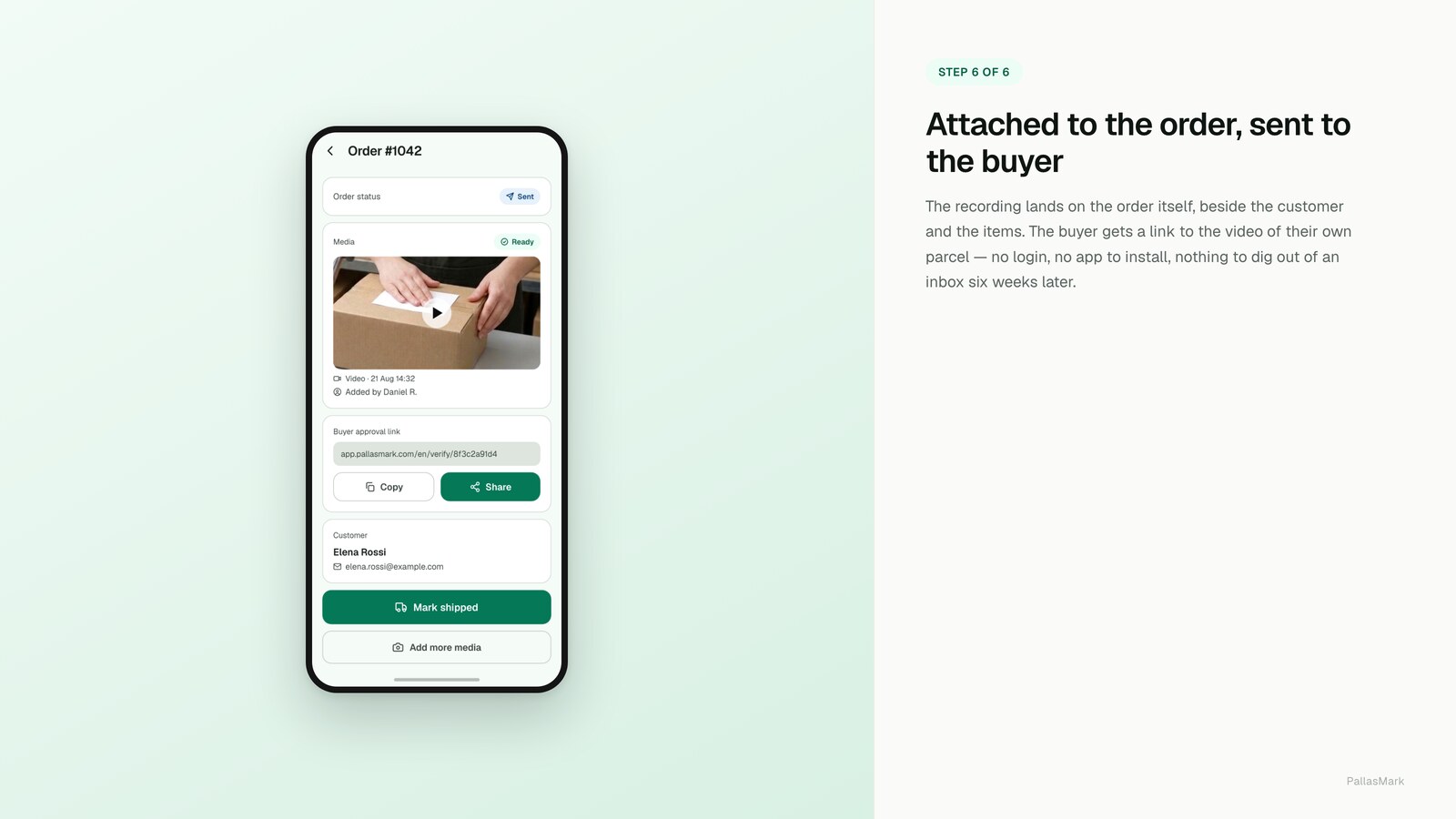
On Shopify the fix is unglamorous and specific. The proof link goes onto the order in three places:
- An order metafield, which is the structured, machine-readable home for it.
- An order tag, so orders with proof are filterable in admin and in exports.
- An order note, because that is the field a human actually reads first.

Written that way, someone who has never heard of PallasMark can open the order, see a link, click it, and get a page that tells them whether the recording is sealed and when it was made. No account, no explanation, no training.
The Shopify-specific part: bind the proof to the line item
This is the thing Shopify lets you do that most platforms do not, and it is worth setting up properly.
Shopify's order payload gives you the line item id together with the product id and the variant id. That means a recording can be bound to one specific line rather than to the order as a whole.
It matters on multi-item orders, which is most of them once your average order value climbs. A buyer disputes one item out of five. If your proof is attached to the order, you are handing over a video of five things being packed and asking a reviewer to find the relevant three seconds. If it is bound to the line, you are answering the claim that was actually made.
It also matters for variants. "You sent the wrong size" is an identity claim about a specific variant, and a proof that knows which variant it shows is a direct answer rather than a general one.
Connect through the App Store, not with pasted keys
Some tools in this category ask you to create an Admin API access token and paste it into their form. It works, and it is a bad habit.
An App Store install is OAuth: the scopes are shown to you before you approve them, the grant is recorded, and you can revoke it from your admin without contacting anyone. A pasted token is a long-lived credential sitting in a third party's database that you now have to remember to rotate, and that you cannot revoke selectively.
There is a second reason on the receiving side. Order webhooks should be verified by HMAC signature before anything is trusted, with the store identified from the signed header rather than from the request body — a body can be spoofed, a signature cannot. If a tool is casual about how it connects, that is usually a signal about how it handles the rest.
Keep buyer review and fulfillment decisions separate
Buyer review answers a different question from dispatch control. A merchant can share the packing proof, let the buyer review it and keep the buyer's response with the evidence. That response gives support a clearer record of what the buyer saw; it does not approve shipment or pause fulfillment.
PallasMark's Shopify integration does not place or release fulfillment holds and does not change payment or fulfillment status. The merchant remains responsible for dispatch decisions in Shopify. That separation matters: a buyer's review is evidence for the support conversation, while fulfillment is an operational decision governed by the store's workflow.
If order-linked proof is useful to your team, see the PallasMark Shopify integration and its current scope. The page explains how eligible orders arrive, what the app writes back when enabled, and which actions remain separate.
What not to do: Shopify Files
The tempting shortcut is to upload the clip to Shopify Files and link it from the order note. It puts the video near the order, it costs nothing, and it takes a minute.
It also gives you a file on a public CDN URL with no access control, which anyone holding the link can watch — including the buyer you are in a dispute with, and anyone they forward it to. And it gives you no binding between the file and the order beyond whatever you typed into the filename. A filename can be written after the fact, which is precisely why it proves nothing.
Shopify Files is the right place for product images. It is the wrong place for evidence.
Filming it, in practice
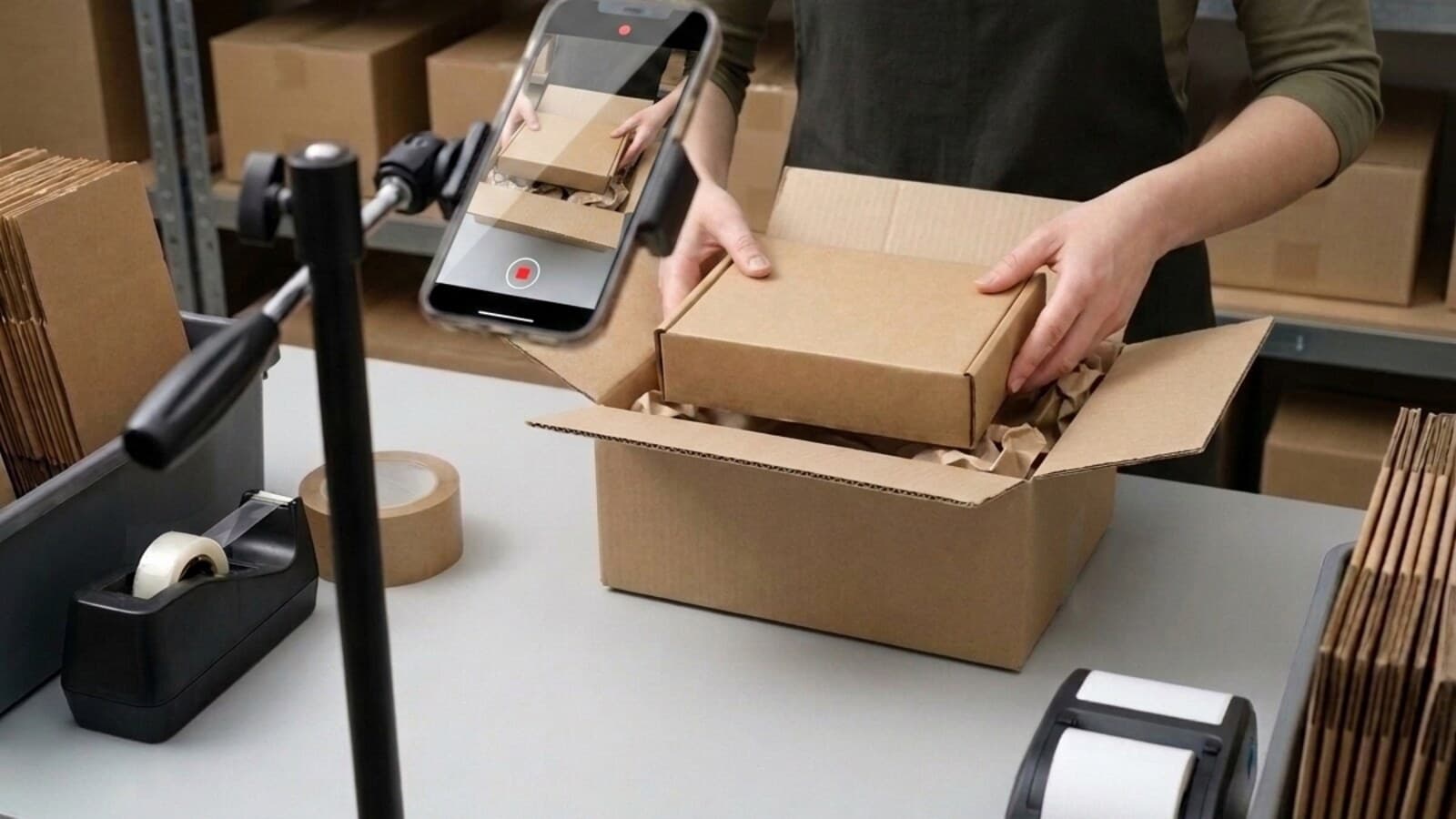
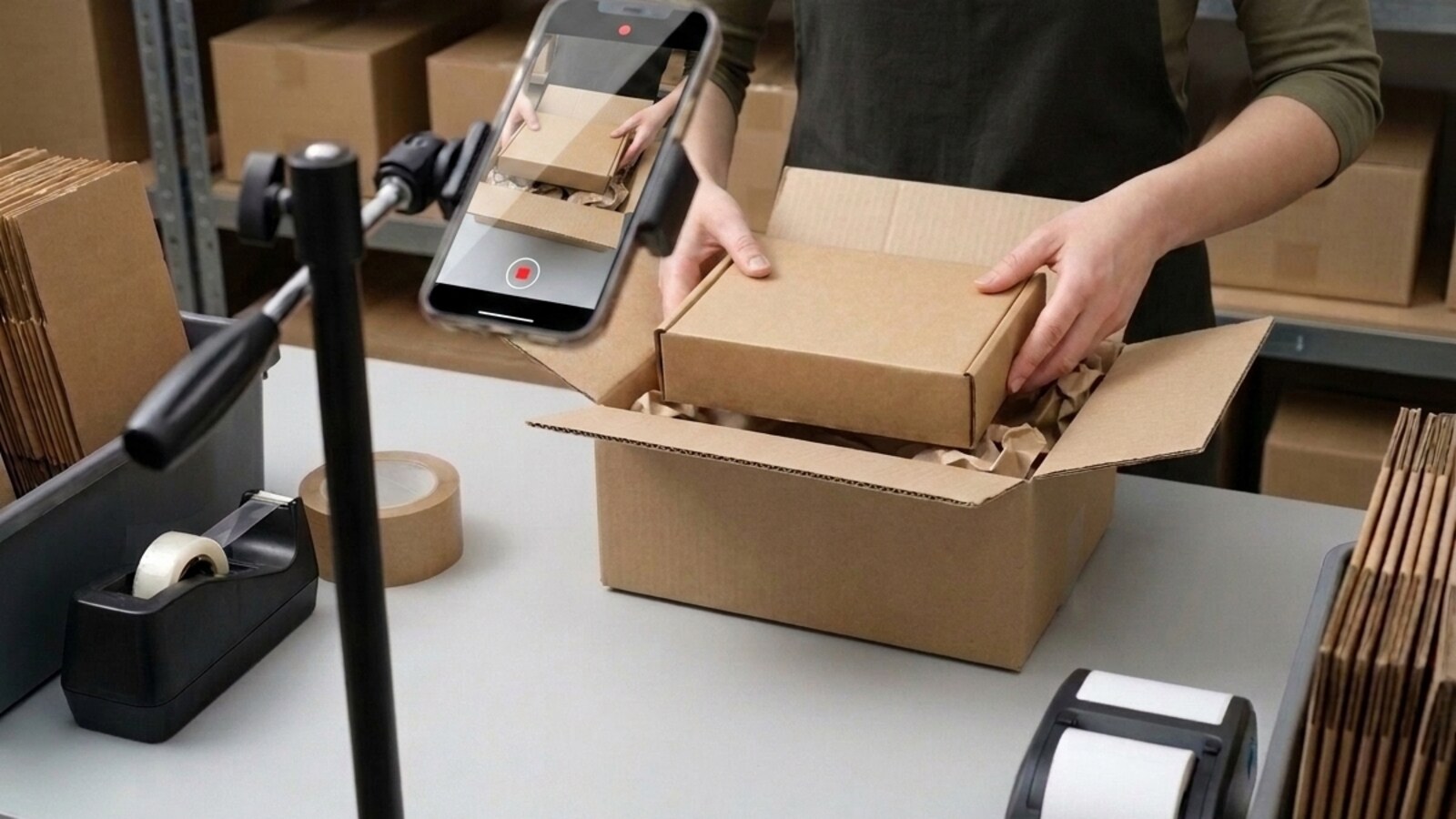
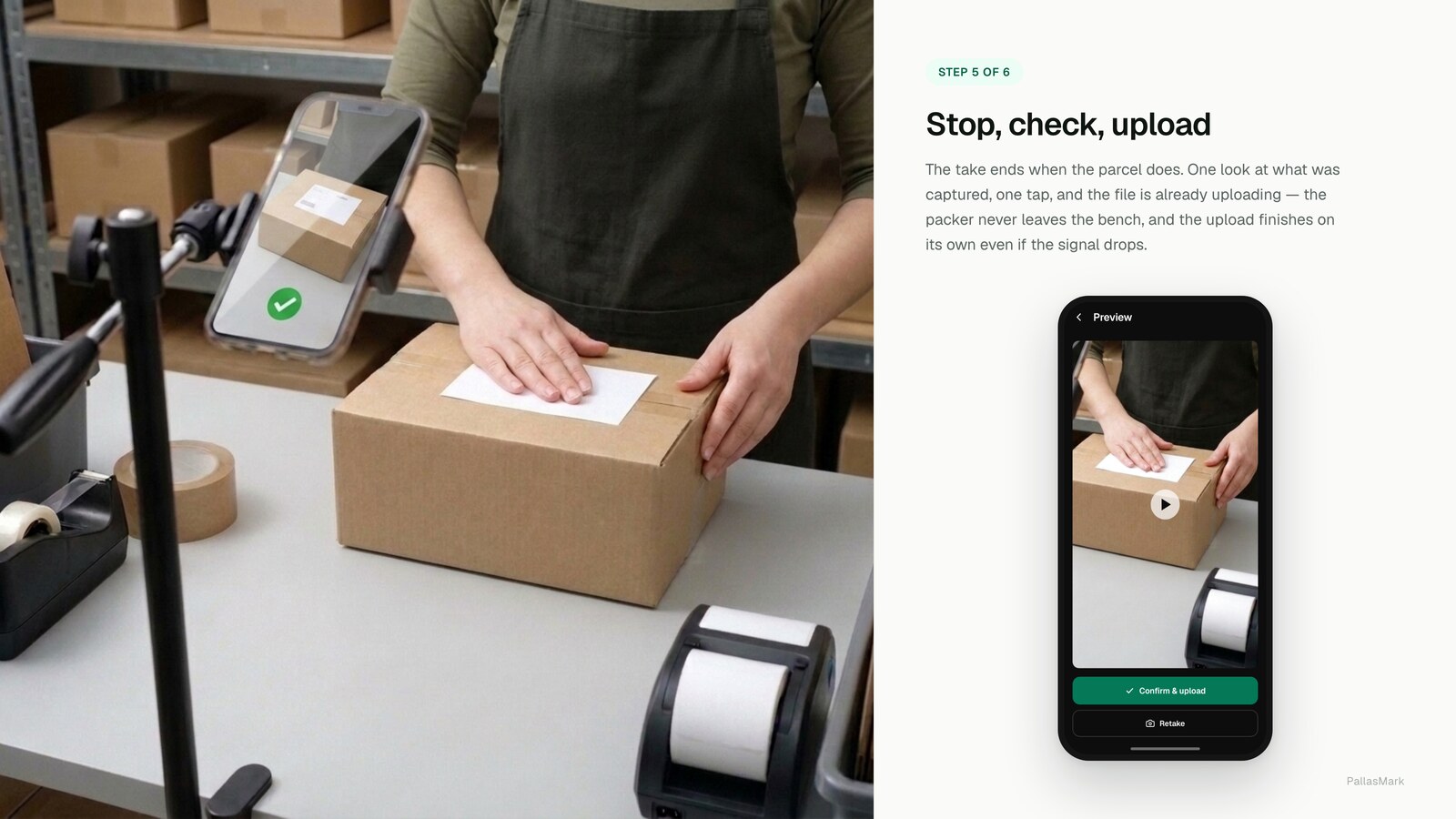
The recording itself should be boring and identical every time. That is the point — a routine that varies is a routine that gets skipped under pressure.
- Start with the empty box in frame. The claim you are answering later is usually about what was or was not in it.
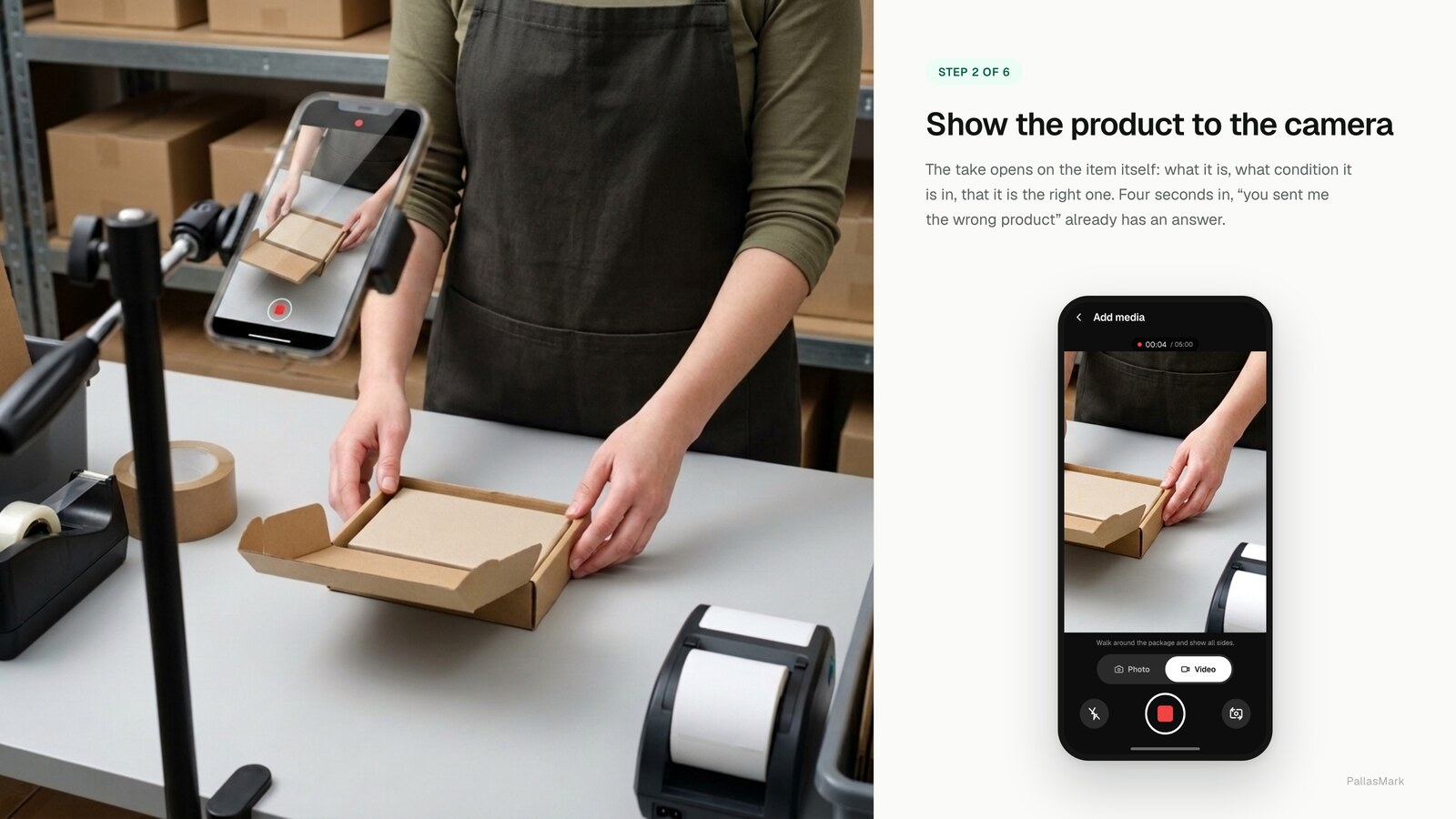
- Show the item and its condition before it goes in. Turn it so the parts that get disputed are visible: the screen, the seam, the seal, the serial.
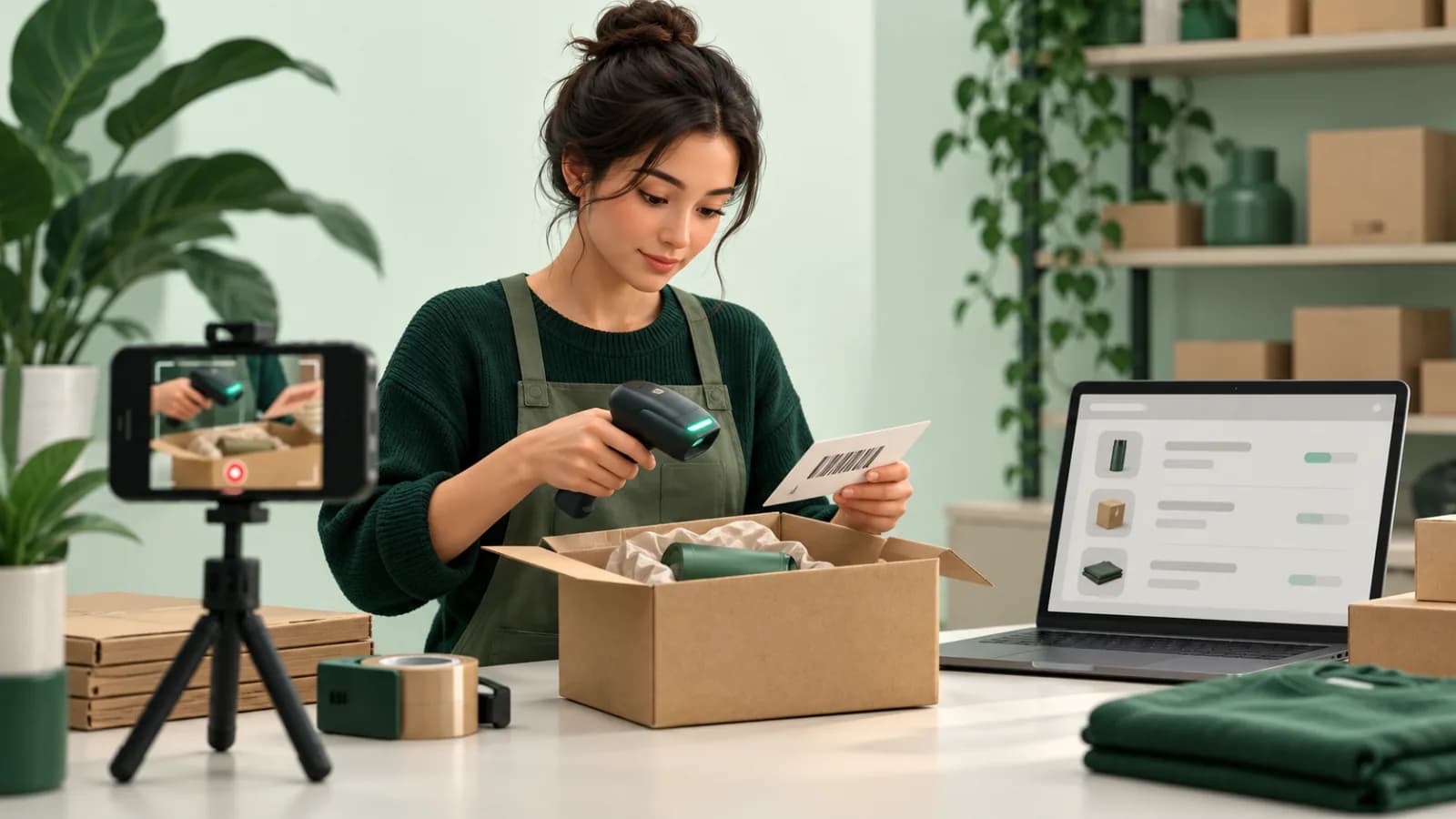
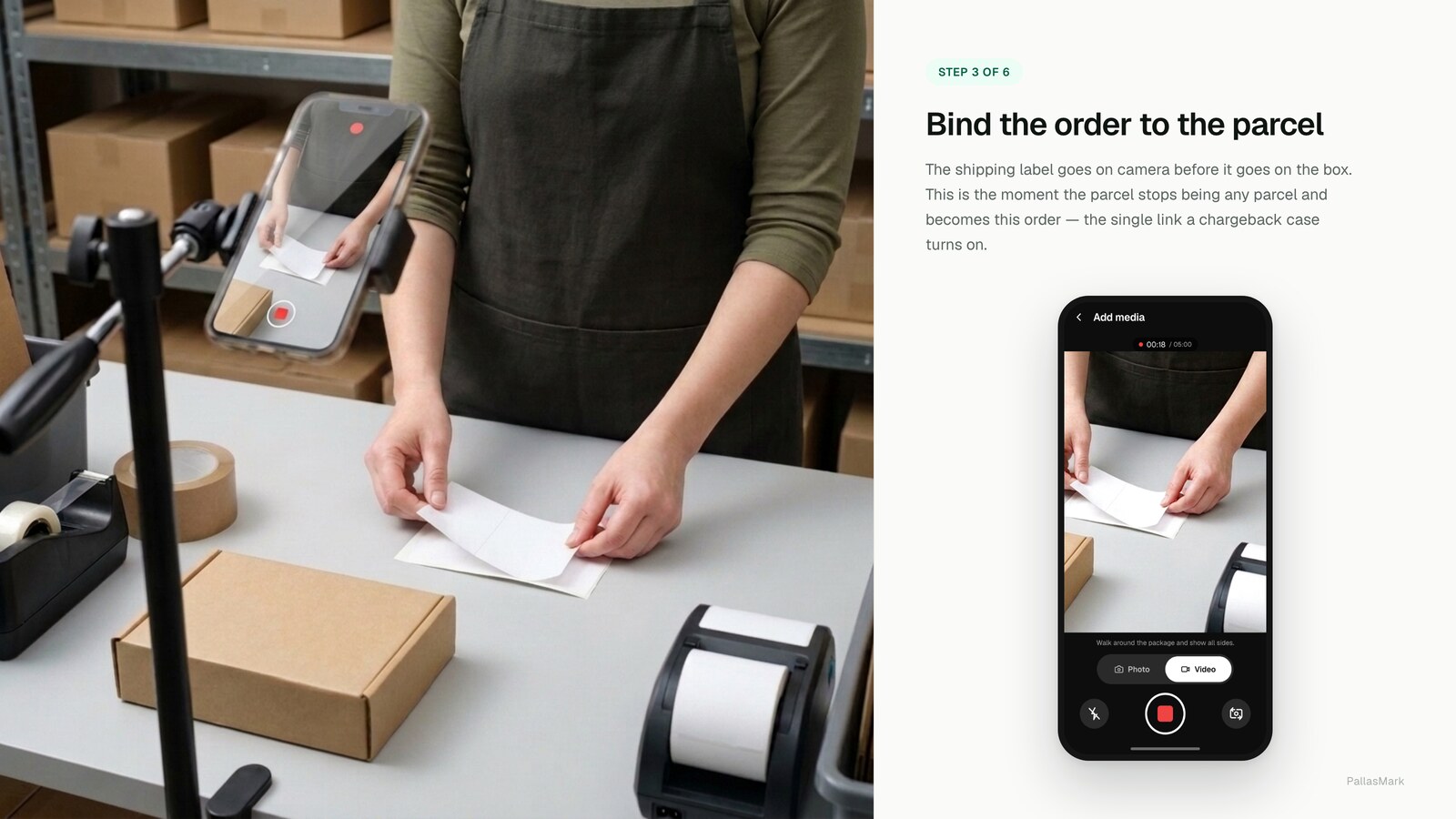
- Get the order reference in the picture. The packing slip, the label, a screen — anything that is in the shot rather than in the metadata.
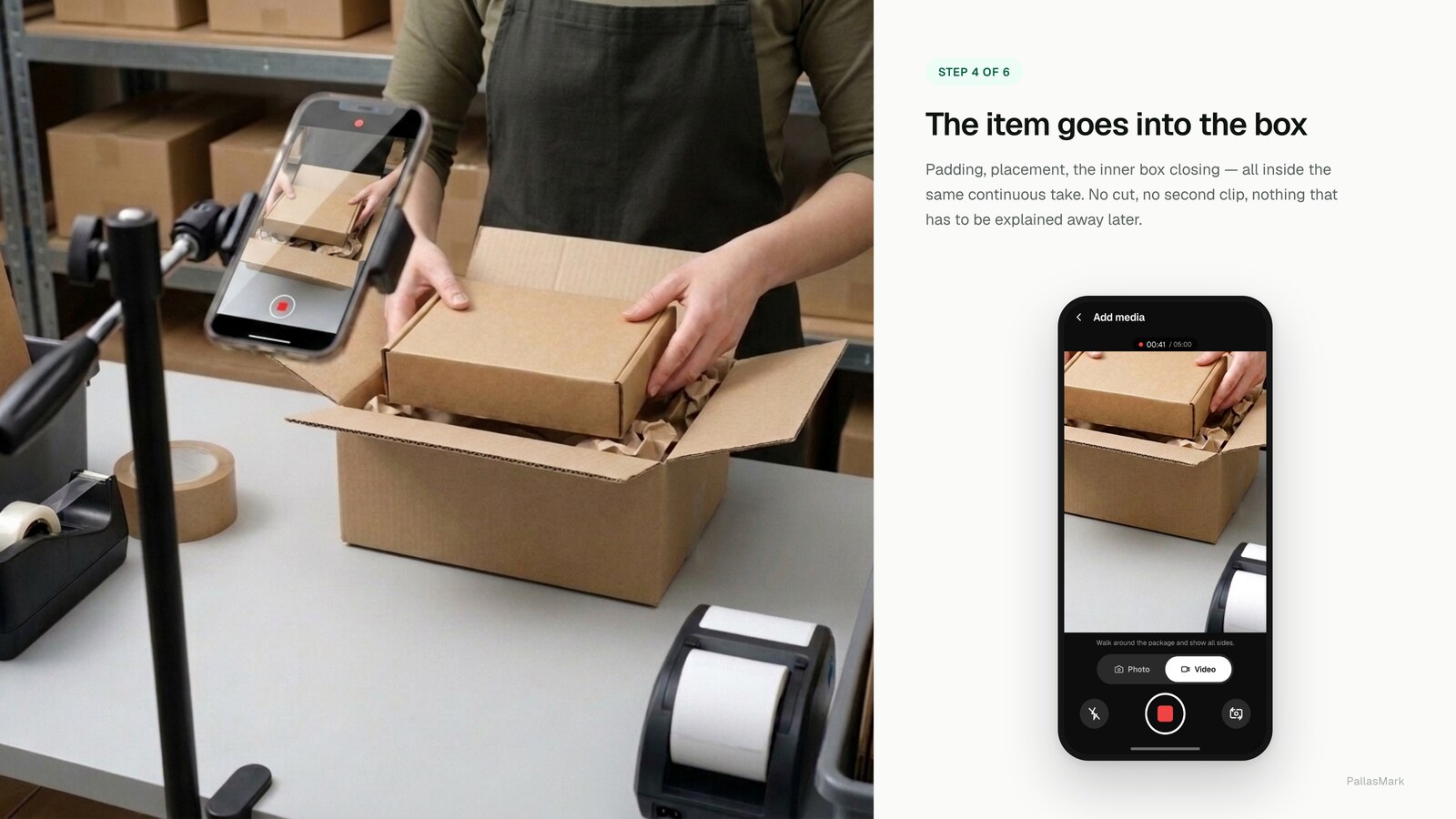
- Tape the box on camera. The transition from open to sealed is what makes the recording cover the whole question.
- End on the readable shipping label. That is what ties the parcel in your hand to the tracking number in the dispute.
One take. No cuts. A cut is a place where a reviewer can imagine something happening off camera, and you cannot argue them out of it afterwards.
Making it something the team actually does
A process that depends on remembering does not survive a busy week.
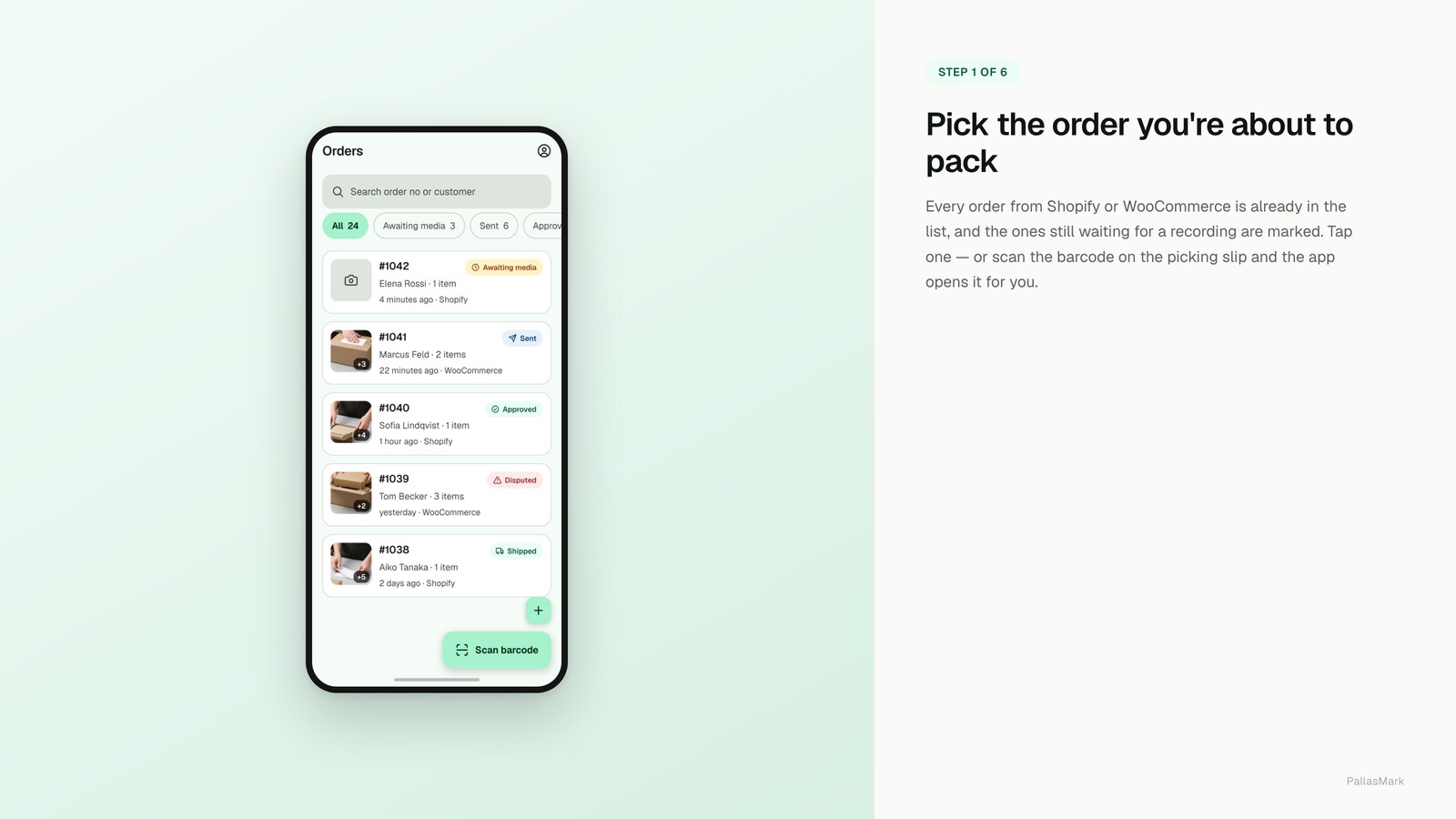
Put the recording where the packing already happens — the order open on the phone or laptop at the bench, not a separate app someone has to think about. Decide up front which orders get filmed: everything, or above a value threshold, or specific SKUs with a history of claims. Deciding once is what stops it becoming a judgement call at three in the afternoon.
And check the tag. If proofs are being written back as an order tag, you can filter Shopify admin for orders without it and see, in seconds, whether the routine is actually being followed. A process you cannot audit is a process you are assuming.
What it is worth when a dispute lands
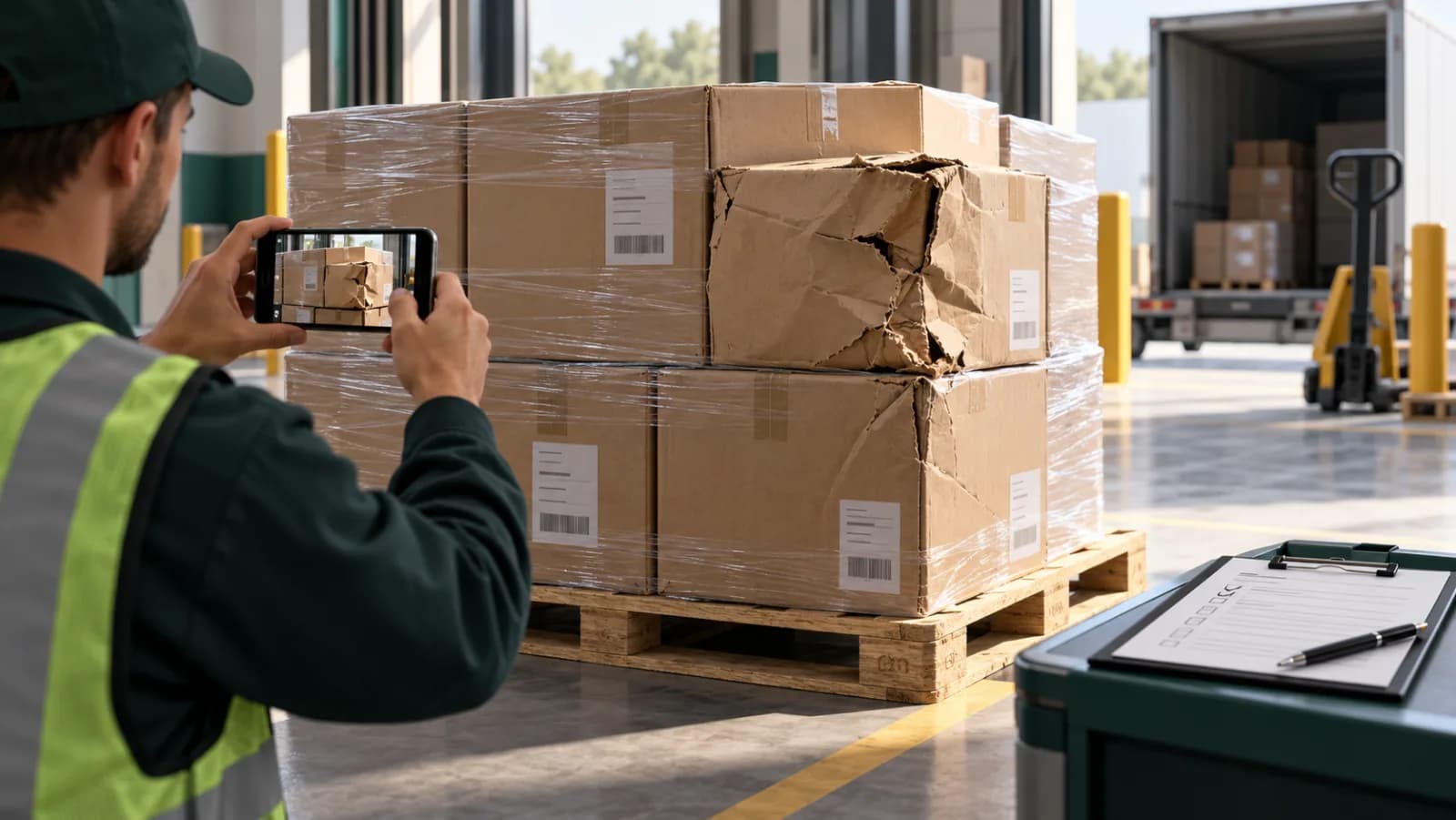
For item-based disputes — wrong product, damaged, not as described — a sealed recording of the correct item going into the box is the documentation the card networks ask for. Visa's guidance for that dispute condition asks the merchant to provide as much specific documentation as possible and to address each point the cardholder raised, which is exactly what a recording bound to the disputed line item does.
It is worth being precise about the limit. A packing video does not answer "I never received it". That is a delivery question, and the answer is carrier proof of delivery. Anyone selling you packing video as a cure for every chargeback is overclaiming, and the overclaim is easy to check.
Where it pays off earliest is not the chargeback at all. It is the refund request that arrives weeks before a bank is involved, where you can send a verify link with your first reply instead of arguing — proof for refund claims and return abuse covers what that changes in practice.
Setting it up on your store
If you want the version of this that writes back to the order, binds to the line item and seals the file, that is what the Shopify integration does, and there is a free plan to test it on real orders before deciding anything.
If you are still choosing between tools, packing video software compared goes through what each one actually records, with every claim checked against the vendor's own page. And if you want the underlying practice rather than the platform wiring, the seven-point packing video checklist is the shorter read.
Frequently asked questions
Which packing video app should I install on Shopify?
Judge them on two questions rather than feature lists, because the feature lists are nearly identical. First: where does the proof end up — in the app's own dashboard, or on the Shopify order where support will look for it? Second: can someone who does not trust you check whether the file was edited, without an account? Most tools in this category answer the first question and skip the second.
Can I just store packing videos in Shopify Files?
You can upload them, and it is a common shortcut, but Shopify Files are served from a public CDN URL with no access control — anyone holding the link can watch the clip. There is also no link between the file and the order beyond whatever you type into the filename, and a filename can be written after the fact, so it proves nothing about which order the video belongs to.
Does a packing video help with a Shopify Payments chargeback?
It helps with the disputes that are about the item — wrong product, damaged, not as described. Visa's guidance for that dispute condition asks the merchant to provide as much specific documentation as possible and to address each point the cardholder raised, and a sealed recording of the correct item going into the box is that documentation. It does not help with "I never received it", which is a delivery question answered by carrier proof of delivery.
Does PallasMark hold an order until the buyer approves the proof?
No. PallasMark can share a proof and preserve the buyer's response, but it does not place a Shopify fulfillment hold or change the order's fulfillment status. Your team decides when to dispatch in Shopify.
Do I need a mounted camera or a packing station?
No. Recording happens on the phone or laptop already at the bench, in the browser or in an app. A fixed overhead camera is a reasonable setup for one high-volume station, but it stops working the moment packing happens in more than one place — a second bench, a busy week, a 3PL.
What happens to my proofs if I uninstall the app?
Ask this before you install, because the answers differ. With PallasMark, order webhooks stop and nothing further is written to your store, but recordings already made stay for the retention period of your plan and their verify links keep working. A tool whose links die on uninstall is holding your evidence hostage.
How long should I keep packing videos?
Longer than the dispute window you are actually exposed to. Card chargebacks can arrive months after the order, so weeks is not enough. Delete on a schedule rather than never: recordings of your staff at work are personal data in the EU and UK, and an indefinite pile is harder to justify than a defined period tied to a real purpose.
- packing video
- shopify
- evidence
- chargebacks