Return evidence: See what is coming back before you refund it

The buyer films the item before sending it back. Their video lands next to yours, so you compare both ends before you refund.

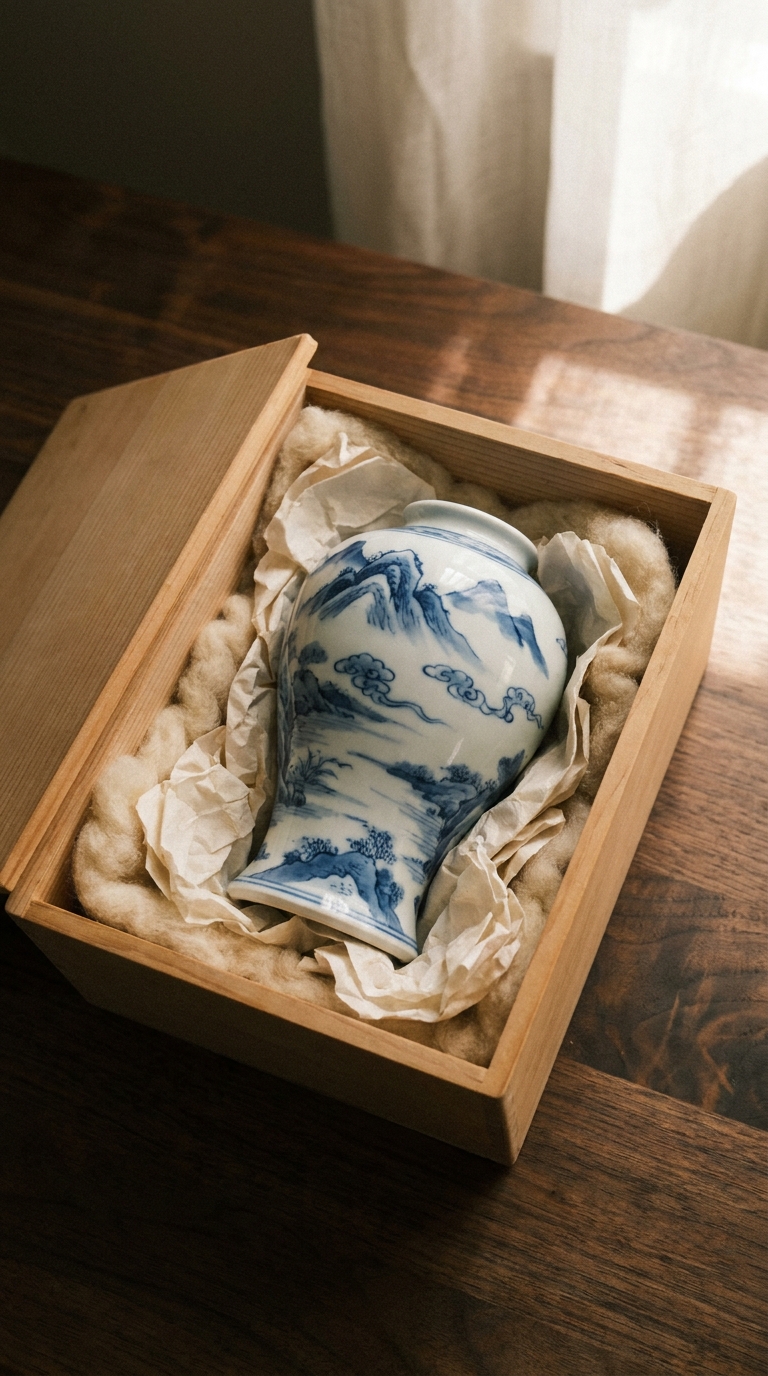
A hand-painted porcelain vase in its box, the item a buyer is asked to film before returning it

Both ends of one order

What left your bench, and what is coming back

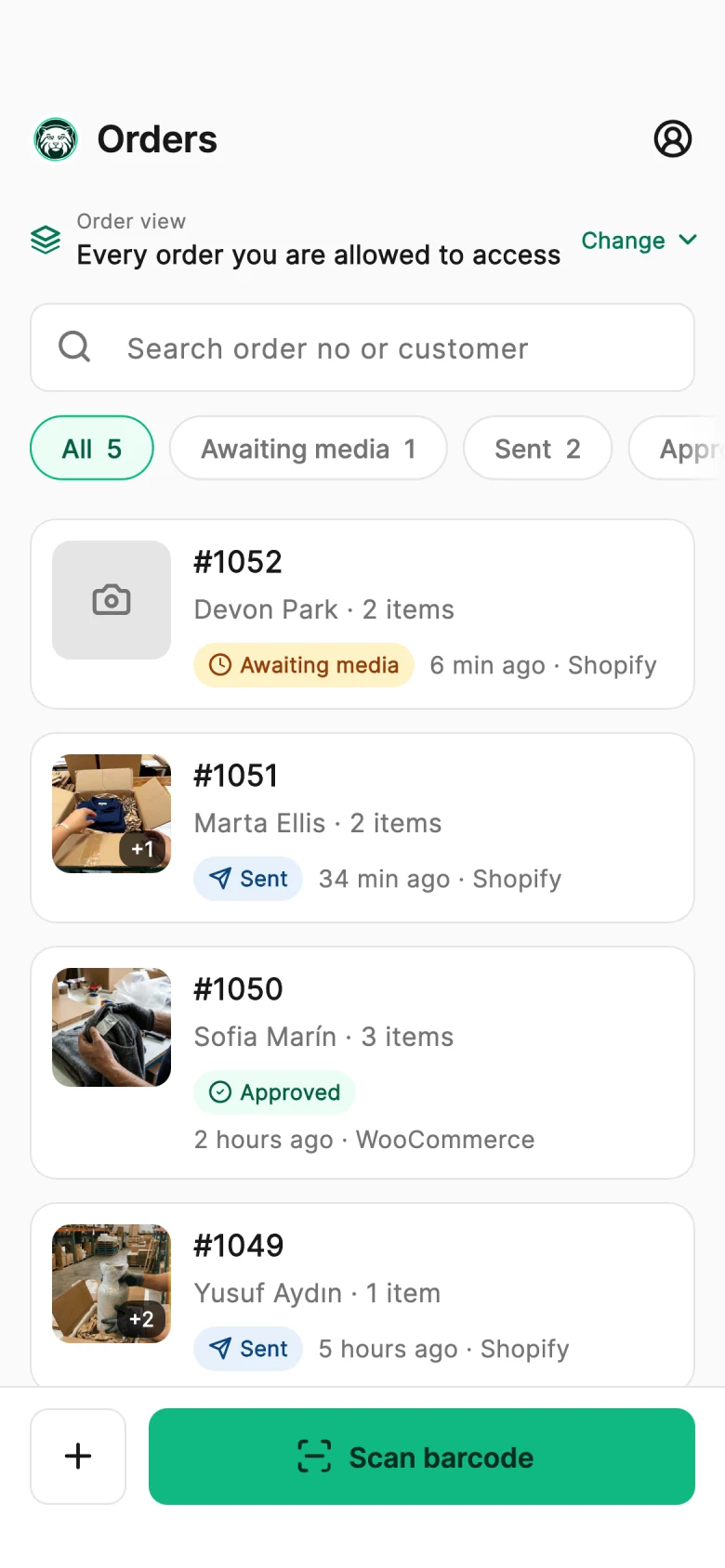
Your packing video shows the item at dispatch. The buyer’s recording shows it before the return ships. PallasMark keeps both on the same order, so you compare them before the refund goes out.

A hand-painted porcelain vase in its box, the item a buyer is asked to film before returning itPacked · 14:02
Packed at dispatch
Recorded by the buyer
Compared on one record
  1. 1

    Packed at dispatch

    Your team’s packing video, fingerprinted and linked to the order.

  2. 2

    Recorded by the buyer

    A private link asks the buyer to film the item and its packaging in the browser before sending it back.

  3. 3

    Compared on one record

    Both recordings sit together in the order’s evidence file, ready for the refund decision or a dispute.

Why stores turn it on

Decide returns with both ends of the journey in view

The refund is approved before anyone sees what came back

Worn once and returned. A different item in the box. An empty box with roughly the right weight. By the time the parcel is opened the refund is already out, and there is nothing on record about what the buyer actually put in it.

Before the refund, not after01

Look at the item before the money goes back

The buyer films what they are sending while the box is still open. You see its condition before you approve a refund or an exchange in your store.

Both ends, one order02

Your packing video next to their return video

The buyer's recording joins the order your team recorded at dispatch. One order holds what left your bench and what the buyer says is coming back.

A warehouse operations manager and a team lead review a tablet beside the packing stations
Only where it pays off03

Ask for it on the returns that matter

Turn it on for the reasons that cost you — damaged, not as described, wrong item — and let simple returns go through without extra steps.

How return evidence works

From the return request to a side-by-side comparison

Real buyer page and evidence file, shown with sample data.

Step 1 of 4

Same return, two endings

“It arrived damaged”, with and without a return recording

The claim is the same. What you can compare it with is not.

Without return evidence

Refunded on trust
  1. 1

    The buyer requests a return: “It arrived damaged.”

  2. 2

    The refund is approved before the parcel is opened.

  3. 3

    When it arrives, there is nothing on record about what was sent.

With PallasMark

Decided with both ends in view
  1. 1

    The buyer gets a link to film the vase and its packaging.

  2. 2

    Their recording lands on the order next to your packing video.

  3. 3

    You compare both before you decide in your store.

What the return record holds

A return you can check, not just accept

Automatic triggers

Starts by itself from Shopify and ShipHero

A return requested in Shopify or ShipHero sends the evidence request automatically. For WooCommerce, your team sends it with one click on the order, and any open return can be asked for evidence from the Returns page.

Browser recording

Nothing for the buyer to install

The buyer opens a private link, takes a photo or video in the browser or picks an existing file, and sends it. When you make evidence optional, they can also skip the step.

Return reasons

Only for the reasons you choose

Pick which return reasons ask for evidence and write the message the buyer sees, so honest, low-risk returns are not slowed down.

Fingerprinting

Fingerprinted like your own recordings

The buyer's file goes through the same fingerprinting as the videos your team records, and is attached to the original order.

Optional or required

Optional or required — your call

Let buyers skip, or require evidence and keep the link open for up to 168 hours. If nothing arrives, the return is flagged as missing evidence in PallasMark. Your store's own return flow is never blocked.

Evidence file

Part of the order's evidence file

The return request, the buyer's recording and the return outcome appear in the same evidence file as the packing video, which you generate on request if the case turns into a bank dispute.

Set up your first return evidence request

Choose which return reasons need a recording, write the message the buyer reads, and let the next return request go out.

  1. 1Pick the return reasons that should ask for evidence.
  2. 2Write the message the buyer sees on the recording page.
  3. 3Review the buyer's file next to your packing video on the order.
Set up return evidence

Buyers record from their browser. You decide whether evidence is optional or required.

Return evidence facts

Facts, not adjectives. Everything below describes what the product does today — nothing here is on a roadmap.

Availability

Return evidence is included on every plan. Automatic requests need a connected Shopify or ShipHero account. Requests go by e-mail, SMS or WhatsApp: e-mail is included, SMS and WhatsApp use notification credits.

Pricing
A warehouse operations manager and a team lead review a tablet beside the packing stations
  • Before the refund, not after

    Look at the item before the money goes back

  • Both ends, one order

    Your packing video next to their return video

  • Only where it pays off

    Ask for it on the returns that matter

01
Triggers
Shopify return requests and ShipHero returns automatically; WooCommerce orders with one click; any open return from the Returns page
02
Buyer page
Photo or video from the browser, or an existing file; skippable when evidence is optional
03
Reminder
One automatic reminder if the buyer has not answered
04
Return reasons
Choose which reasons request evidence, and the message the buyer reads
05
If no evidence arrives
Evidence optional or required; the link stays open 1–168 hours, then the return is flagged as missing evidence in PallasMark
06
Where it lands
Attached to the original order, SHA-256 fingerprinted, and included in its evidence file when you generate it
07
Store status
Never approves, blocks or refunds a return; with write-back on, the return status is added to the store order

Questions merchants ask

Return evidence questions

What is return evidence?

Return evidence is a photo or video of the item and its packaging that the buyer records before sending a return back. In PallasMark, a return request triggers a private link to the buyer; they film or photograph what they are returning in the browser, and the file is attached to the original order next to the packing video your team recorded at dispatch. You see the condition of the item before the refund goes out, and you can compare what left your warehouse with what the buyer says is coming back. Return evidence is included on every PallasMark plan.

How do I prove a returned item is not the one I shipped?

Compare two recordings on the same order: the packing video your team recorded before dispatch and the return video the buyer records before sending the parcel back. If your packers show the product, its label or its serial number on camera, the packing video shows exactly which unit left your bench. The buyer's return recording shows what they are putting in the box. When the two do not match — a different model, an older unit, a swapped serial number — you have a dated record of both ends on one order before you approve a refund or exchange.

Can a packing video help when a customer returns an empty box?

Yes. An empty-box or brick-in-the-box return is a claim about what was inside the parcel, and two recordings answer it: the packing video shows what your team put in the box at dispatch, and a return evidence request asks the buyer to film the item and its packaging before the box is sealed. Both files are fingerprinted with SHA-256 and attached to the same order. If the case later becomes a marketplace claim or a bank dispute, you can generate the order's evidence file on request and submit it yourself.

Can I require this for every return?

Yes. In Settings → Protections you tick the return reasons that ask for evidence — wrong item, damaged, not as described, defective, size or fit, changed mind and other — so selecting all seven covers every return with a reason. You also choose whether evidence is optional or required: when it is required, the buyer page has no skip button. You can also ask only on damaged, not-as-described and wrong-item returns and let simple size or change-of-mind returns through, so honest buyers are not slowed down.

What if the buyer refuses or ignores it?

You decide that in advance. With evidence optional, the buyer can skip the step and you are notified that they declined. With evidence required, there is no skip button, and the link stays open for the window you set — from 1 to 168 hours. One automatic reminder goes out if the buyer has not answered. If nothing arrives before the link closes, the return is flagged as missing evidence in your PallasMark dashboard. Your store's own return flow keeps running either way; PallasMark never blocks it.

Does PallasMark approve or block the return?

No. PallasMark collects return evidence; it never approves, blocks or refunds a return in your store. For Shopify returns, approvals, exchanges and refunds stay in Shopify or your returns app, and PallasMark keeps the native return status visible on the order. For WooCommerce returns, your team records the outcome — return approved, exchange approved or rejected — in PallasMark and completes the refund or exchange in WooCommerce as usual. With write-back turned on, the return status is also added to the store order.

Does this work with WooCommerce?

Yes. WooCommerce has no built-in return request to listen to, so your team starts the request from the order page in PallasMark with one click. The buyer gets the same private link by e-mail, SMS or WhatsApp, records the item in the browser, and the file lands on the order next to your packing video. Shopify return requests and ShipHero returns start the request automatically. Return evidence is included on every plan, whichever store platform you connect.

Is the buyer's recording treated like ours?

Yes, for integrity: the buyer's photo or video goes through the same processing as your team's recordings, gets a SHA-256 fingerprint, and is attached to the same order with its recording and upload times. What it shows is different: your packing video shows what left your bench, while the buyer's recording shows the item's condition at the moment they recorded it. Both appear in the order's evidence file when you generate it, so a reviewer sees the dispatch and the return together.

Still have a question?

Talk to us and we will walk you through it with your own orders.

See what is coming back before you refund it.

Ask the buyer to film the return, and compare it with your own packing video on the same order.