Worn, swapped or empty01
See what is coming back before you refund
The buyer films the item and packaging before sealing the return, so wardrobing, a different item or an empty box shows up before the money goes back.
Use case · Returns
Record every box, then have the buyer film what they send back. Decide refunds on evidence, not trust.
What changes for your returns
The buyer films the item and packaging before sealing the return, so wardrobing, a different item or an empty box shows up before the money goes back.
Every order carries a fingerprinted packing video with its time and the team member who recorded it.
Packing video, return recording and your decision sit in one evidence file you can download as a PDF.
02 — The record
Nothing here is a mock-up: every screen is the app as it ships, and every frame is the same bench, in order.
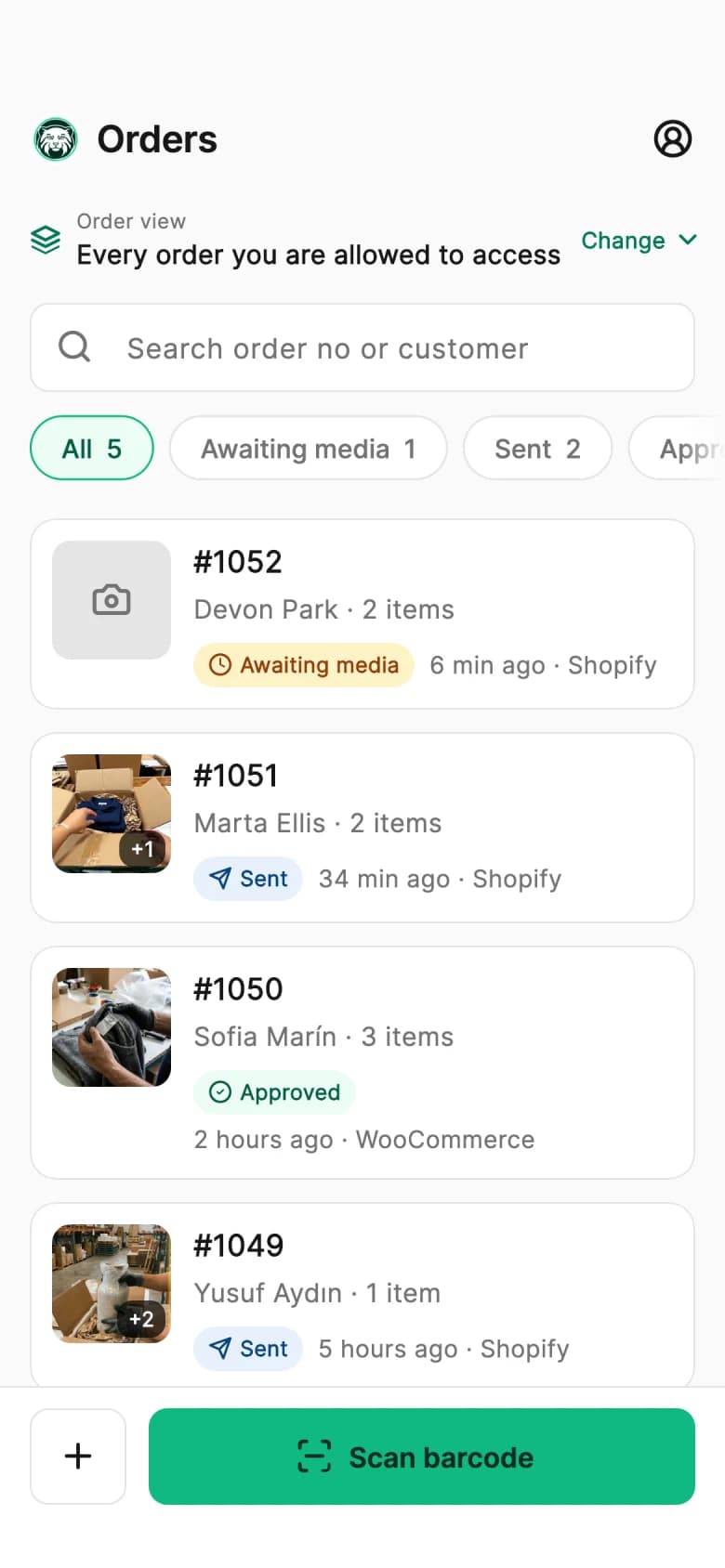
Orders come in from Shopify or WooCommerce and land in the list, with the ones still waiting for a recording marked. Nobody retypes an order number at the bench.
The barcode on the slip opens the right order directly. That is the moment the recording is bound to an order — before anything is filmed, not after.
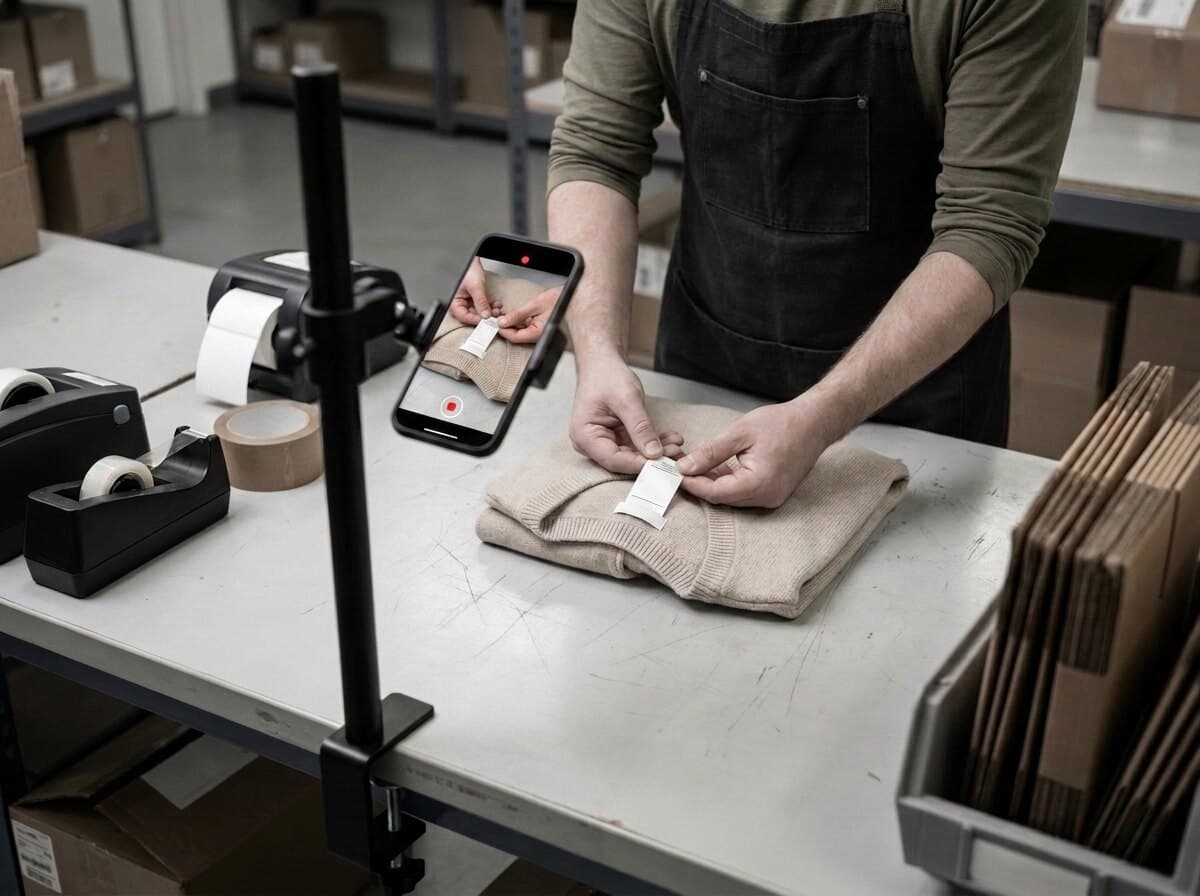
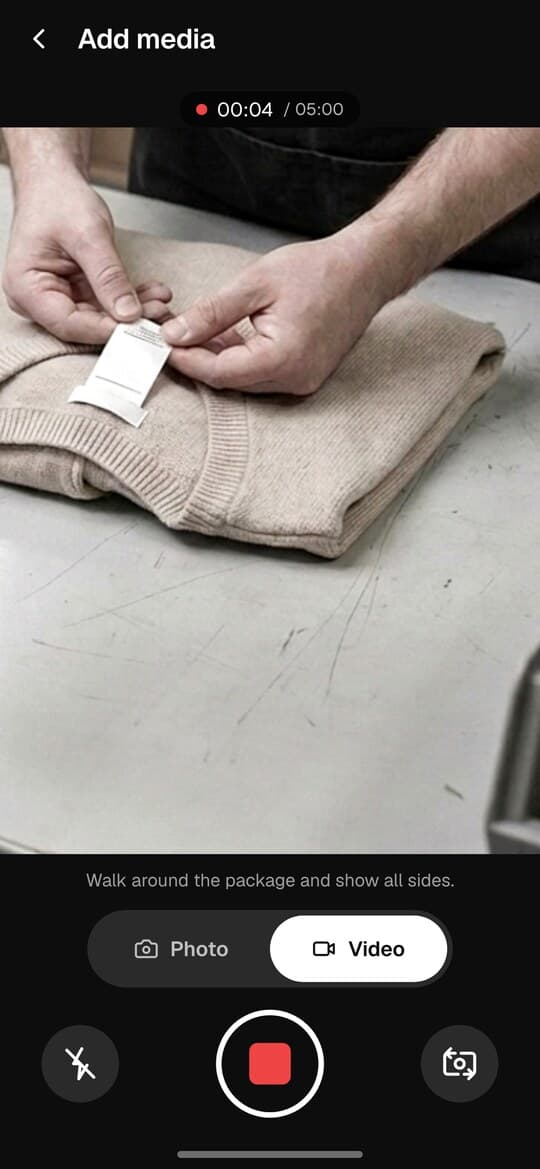
The take opens on the item itself: what it is, what condition it is in, that it is the right one. The phone is already in the room; there is no camera to mount.
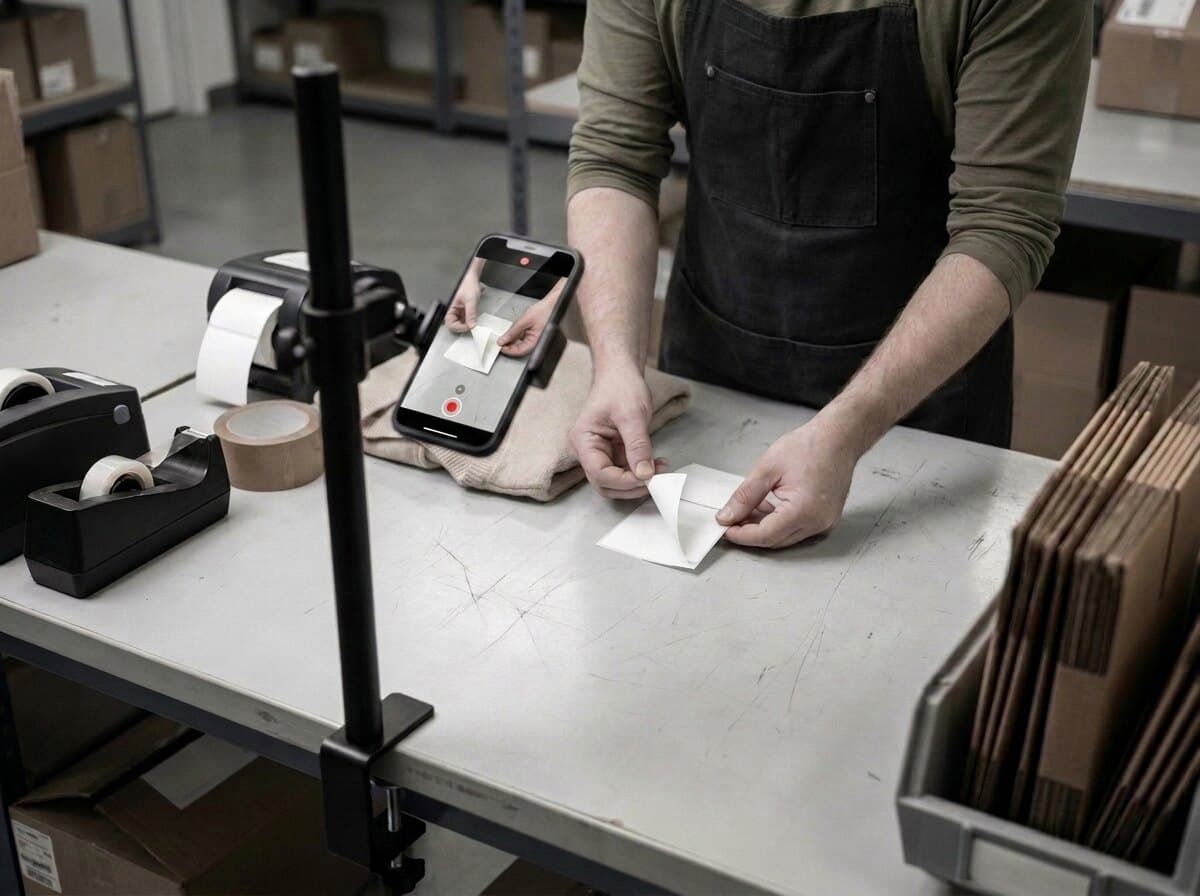
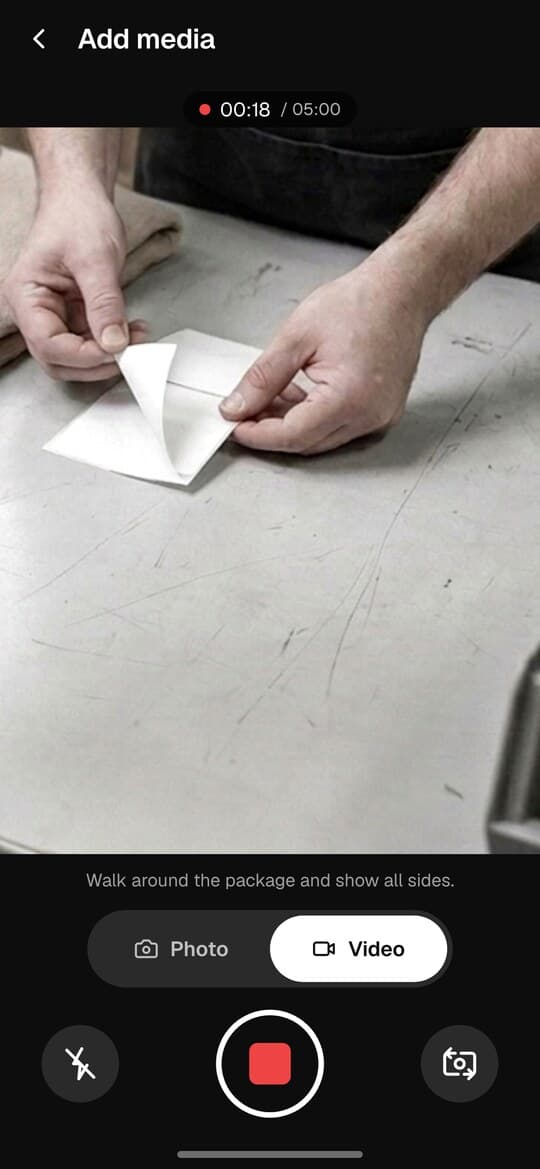
The label goes on camera before it goes on the box. From this frame on the parcel is not any parcel — it is this order, and that link is what a dispute turns on.
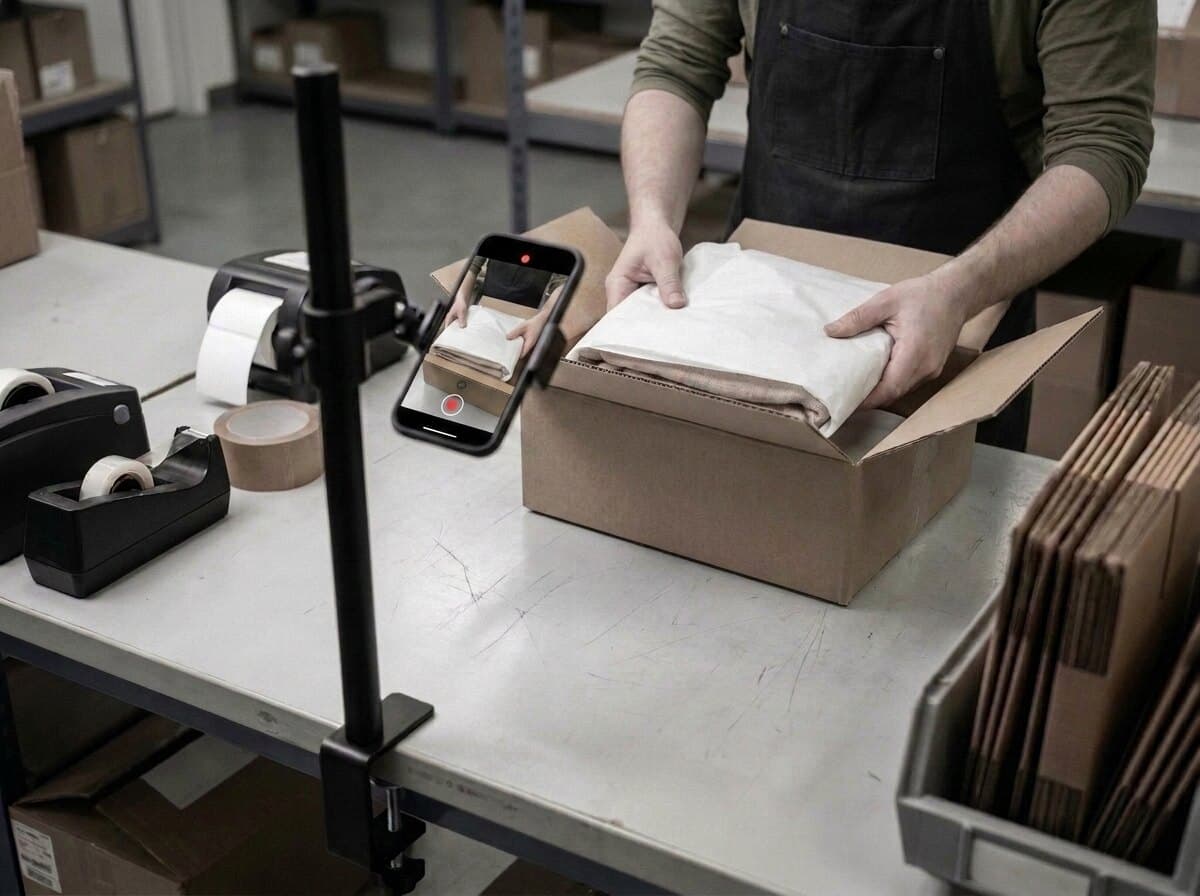
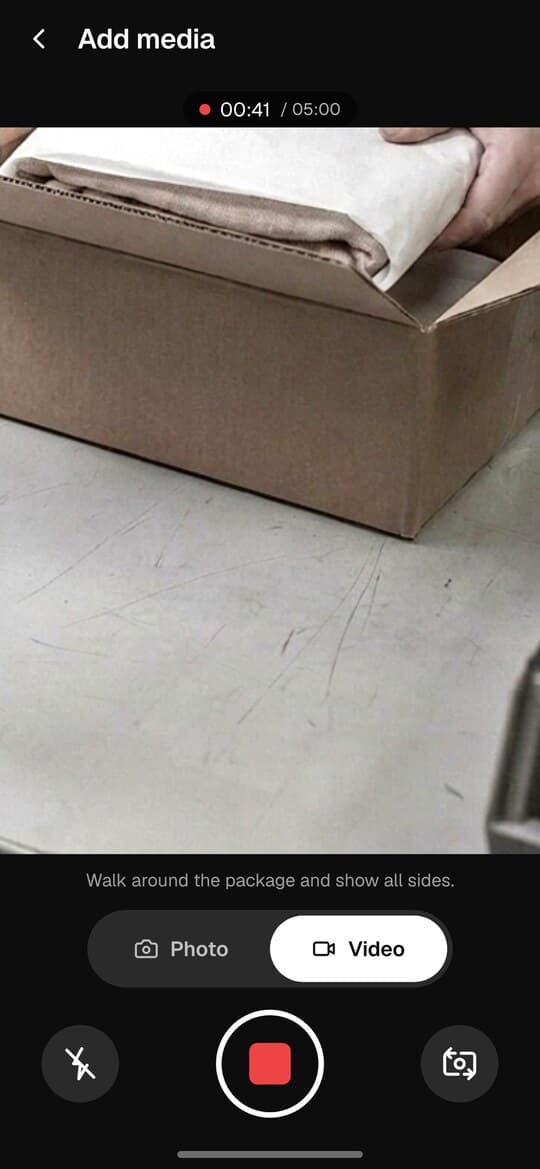
Padding, placement, the inner box closing — all inside the same unbroken take. A cut is a place a reviewer can imagine something happening off camera.
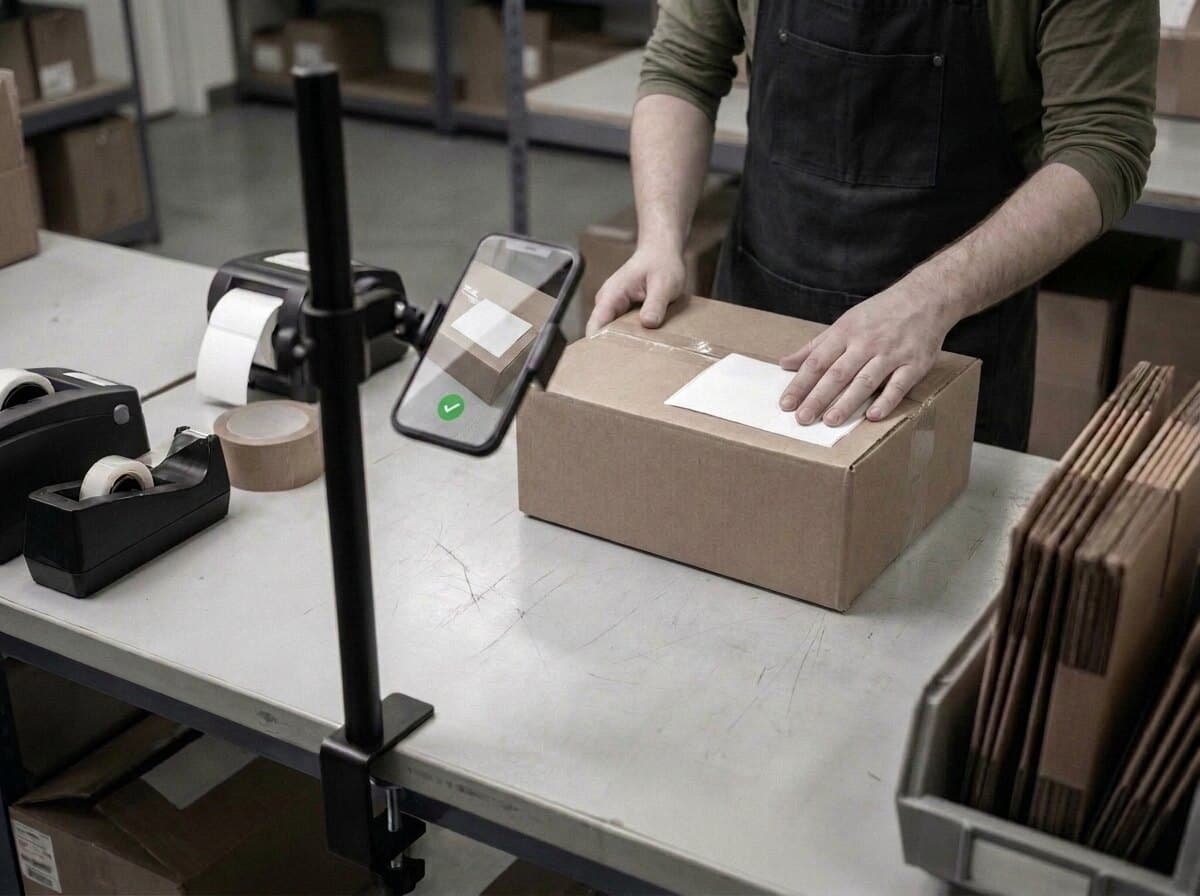
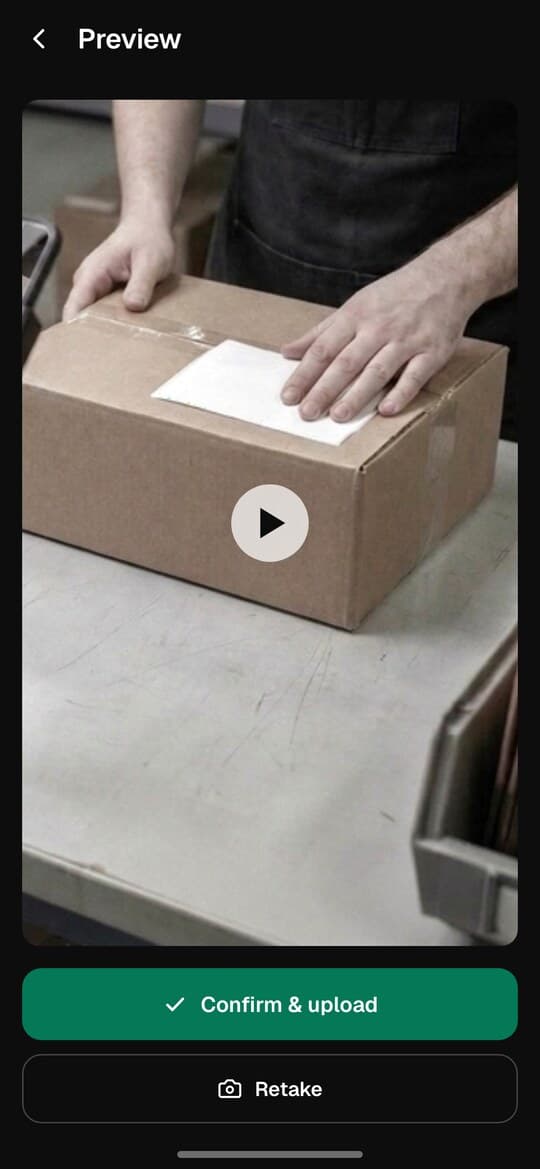
The take ends when the parcel does. One look at what was captured, one tap, and the file is uploading — it finishes on its own even if the signal drops.
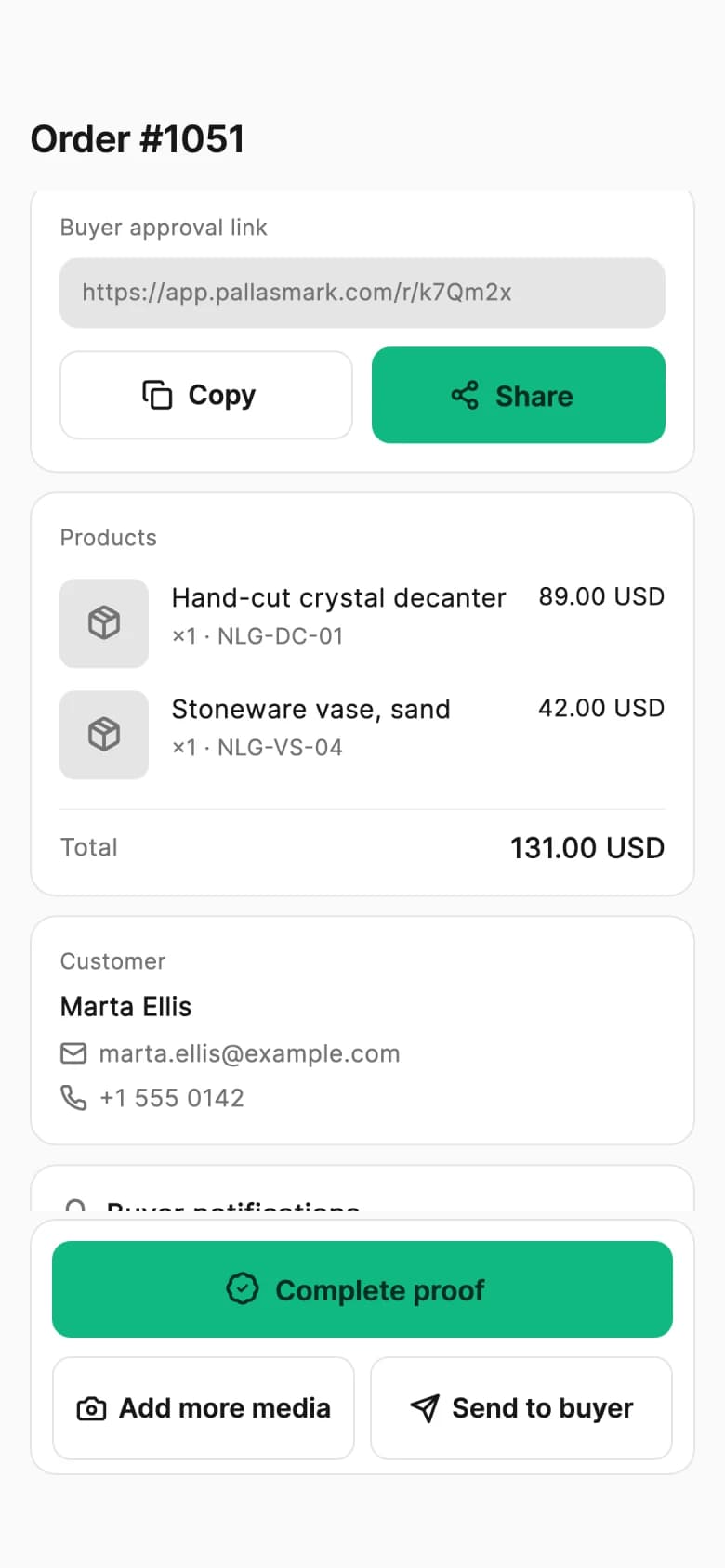
The recording lands on the order itself, beside the customer and the items, with who added it and when. The buyer gets a link that opens with no account.
Not a sample and not a video of the product — your own clip, through the real pipeline, ending on a real verification page you can send to anyone.
Takes about a minute. Nothing is installed and no card is involved.
02 — The seal
The recording becomes a single proof file and locks: no one can change it afterward, not even you. Anyone who opens the link sees exactly the same record.
Once sealed, the link always opens the same record — so the buyer can trust what they see.
Is it valid?
04 — The outcome
This is the moment you open the file and show it: the item, the process and the sealed package, all in one place.
05 — The math
Every refund means shipping, repacking and often an item you can no longer sell. Some of those claims are not honest. See it with your own numbers.
Unfair return loss
$2,400 /mo
Recovered (est.)
$960 /mo
Loss = orders x AOV x return rate x unfair share
Estimate — enter your own numbers; rates are assumptions.
Prevent your monthly loss with proof
Start free, no card required06 — Setup
Setting up the same flow in your own store takes four simple steps.


Connect your store
Shopify or WooCommerce, takes just a few minutes.
Set your rule
Require the record on the orders that matter most.
Create the first record
Film the item and its packing right before it ships.
Invite your team
Your shipping team captures the record as part of their own flow.
07 — Coverage
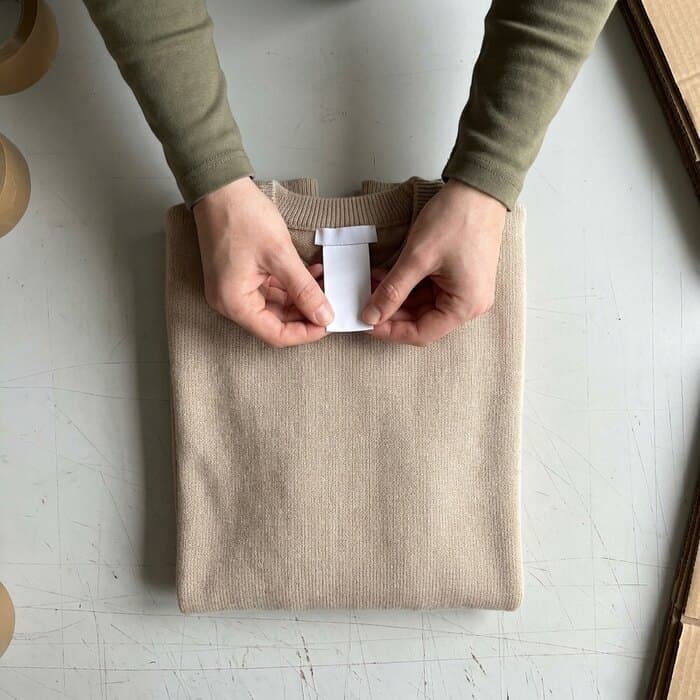
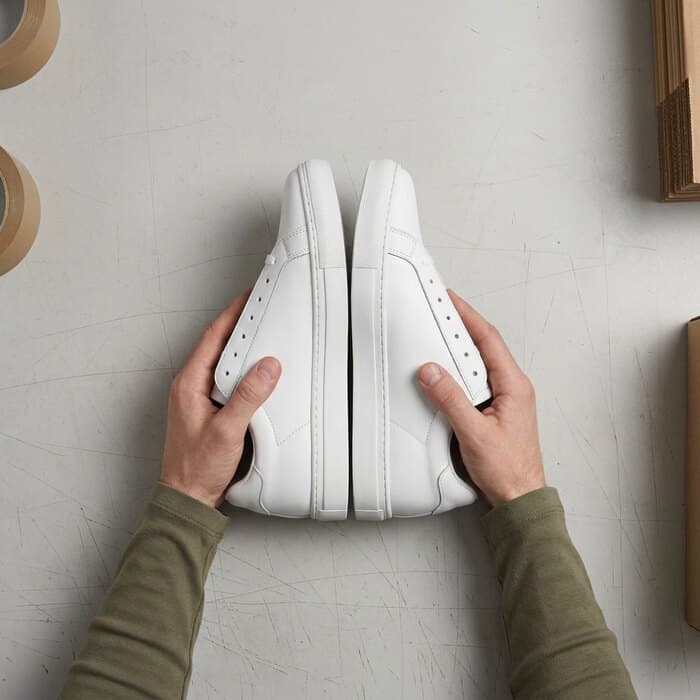
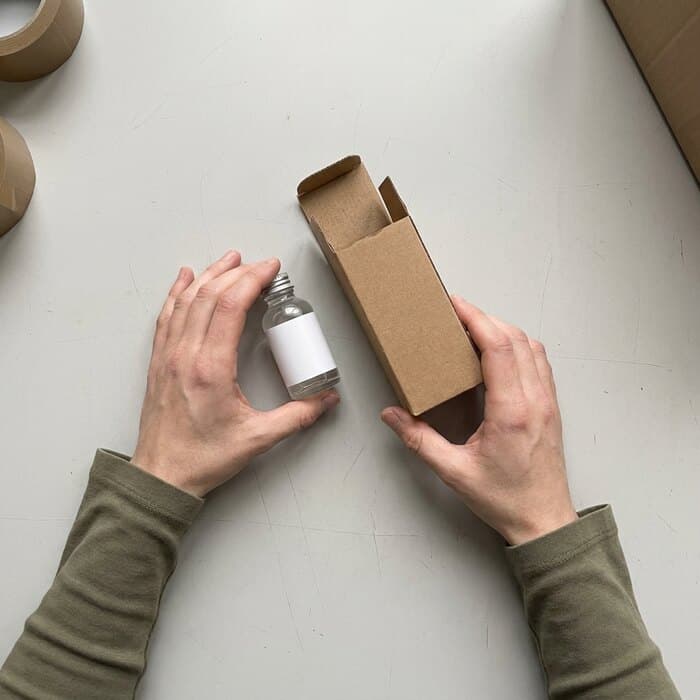
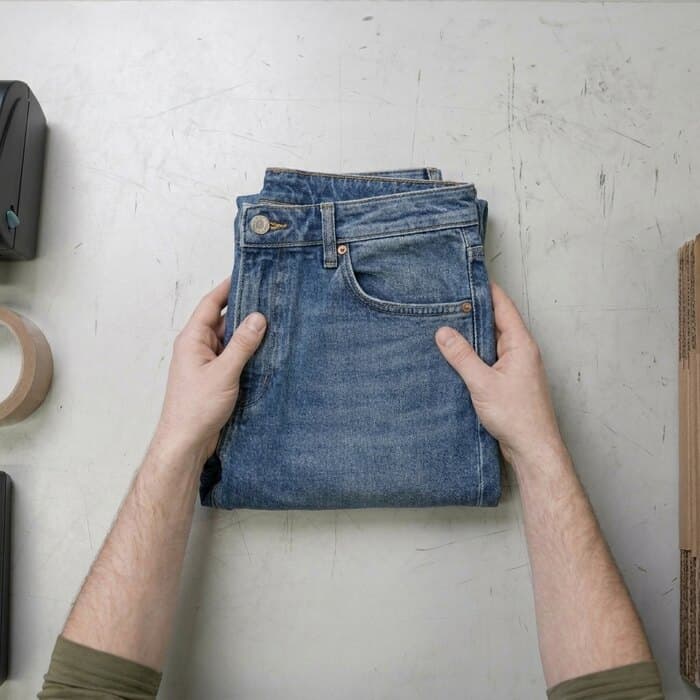
Not just sweaters — the same flow works for every returnable item.
No. The evidence is made at packing, not at the claim, so it is already there when the request arrives — that is the whole point of recording up front.
Connects to Shopify and WooCommerce in minutes; no code.
It does not stop someone buying with the intention of returning — nothing does. What it changes is the argument afterwards. When you can show the garment folded, tagged and unworn at the moment it was packed, a 'it arrived like this' claim has to explain the difference, and most are dropped rather than argued.
That is a different claim and it is answered by the same recording, from the other end: the take shows the item's condition before the box was sealed. If it left you intact, the loss moved to the carrier, and the recording is what a carrier claim needs. See the carrier damage use case for how that side works.
Recording only high-value orders is a common choice and it works, but it has a cost worth knowing: the claim you cannot answer is usually on an order nobody thought was risky. Recording everything is cheaper than it sounds because the capture is a phone and a few seconds; the pricing scales with orders, not with cameras.
In the EU and UK a recording of an identifiable person at work is personal data, so it needs a lawful basis, a stated purpose, a retention period and staff who know it is happening. In practice this is a short written notice and a defined retention window rather than a legal project. Frame the camera on the bench rather than on faces, and delete on a schedule instead of keeping everything forever.
How to prove an item was shipped correctly: what PayPal, eBay, Amazon, Etsy, Shopify and Stripe actually look at
What each platform weighs when a buyer says the item was wrong or not as described, and a practical checklist to prove what was in the package.
Chargeback software vs packing video evidence: what each one actually does
Chargeback tools submit and automate dispute responses. Packing evidence creates the record they submit. How the two layers fit, and why banks want PDFs.
How to record packing video proof on Shopify
Shopify has no shortage of packing video apps. The question is where the proof ends up and whether a stranger can verify it. Here is how to set it up properly.
Chargeback evidence: which disputes packing video can support, and which need CE 3.0
Which goods-related disputes packing video can support, which fraud cases need other data, and how Visa Compelling Evidence 3.0 applies.
How to record packing video proof on WooCommerce
Every packing video tool assumes you run Shopify. Here is how WooCommerce sellers record order proof that survives a dispute — including without a plugin.
They wore it, then returned it: what you can actually do about wardrobing
Record item condition before dispatch and request return evidence to compare. Shipping records support a review but cannot show use after delivery.
Packing video software compared: what each tool actually records, and what it proves
An honest comparison of packing video tools: phone or fixed camera, watermark or cryptographic seal, and whether the buyer ever approves what you recorded.
The customer says the box was empty: what packing evidence can show
Record the item, order reference and sealing, then pair that footage with package weight, carrier and delivery records. No single record guarantees an outcome.
How to record packing video that actually counts as evidence
Seven checks that link a packing recording to its order: show the item and label, record continuously, keep the seal visible and retain shipment records.
Return evidence
Ask the buyer to film the item before it comes back, and compare it with your packing video.
Chargeback evidence file
A dispute alert, then one click to a PDF or secure link with the video frames, buyer answer and timeline.
Store integrations
Orders arrive on their own, and the proof link goes back into the store order you already use.
How order-linked packing video proof works
Set up in 5 minutes and record your first order.
Start free, no card required