Part of the Returns and refund fraud guide
Shopify return photo upload: how to require photos for returns

On this page
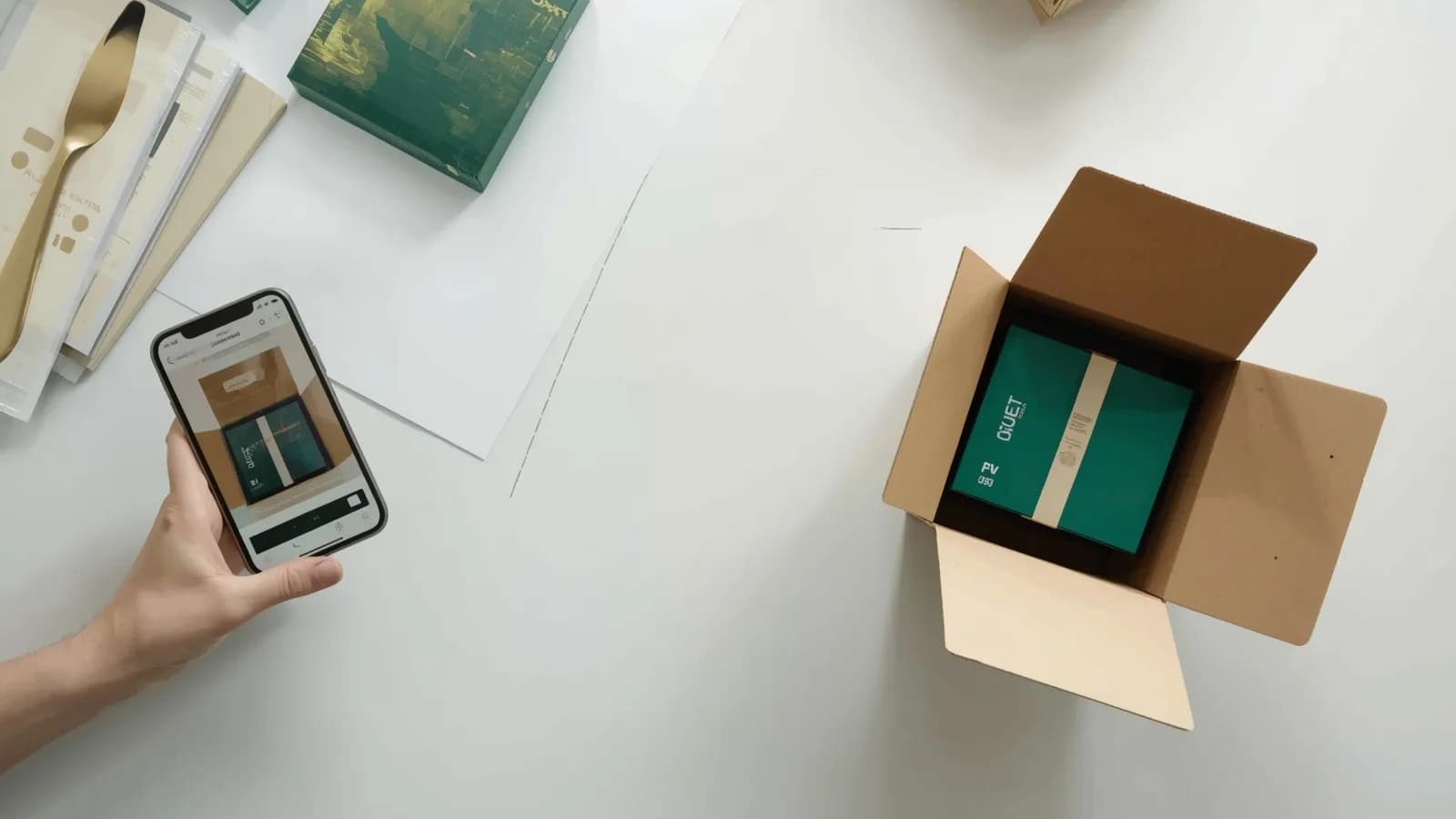
A buyer opens a return in your Shopify store and picks "Damaged or defective". You approve it, send a label, and the item comes back in perfect condition, or never comes back at all. Or you refund without a return to save shipping, and a week later the same account claims damage on another order. Both start with the same gap: you made a decision without seeing the item.
This guide covers what Shopify's return request collects, the realistic options for adding photos, what they cost, and a setup that asks for evidence only when it changes the decision. It is part of our return fraud evidence playbook.
What Shopify's native return request collects
Shopify's self-serve return request collects the items being returned, a return reason and a free-text note, and nothing else. Shopify's help page on setting up self-serve returns describes the customer's side as selecting the items, choosing a return reason and adding a note for the store, then waiting for the merchant to approve or decline. Return reasons depend on the product's category; apparel, for example, shows reasons such as "Too big" and "Too small".
Shopify's self-serve returns overview adds that the request form can be customized to collect information such as return reasons and product condition. Neither page describes a photo or file upload. In a Shopify Community thread running from June to October 2026, merchants asking for exactly that feature were told the native flow does not support it and pointed to returns apps or email workarounds.
The reasons a return can carry are fixed in Shopify's own data model. The ReturnReason values in Shopify's Admin API include DEFECTIVE ("the item arrived damaged or faulty"), WRONG_ITEM, NOT_AS_DESCRIBED, SIZE_TOO_SMALL, SIZE_TOO_LARGE, STYLE, COLOR, UNWANTED and OTHER. That list is useful, because it tells you exactly where photos matter.
Which Shopify return reasons need photos
Only damaged or defective, wrong-item and not-as-described returns need photos; size, style and change-of-mind returns do not. Photos earn their friction only when they can change your decision. For a size swap, they cannot. For a damage claim, they are the decision.
| Return reason | Require evidence? | What to ask for |
|---|---|---|
| Damaged or defective | Yes, required | A short video: the item turned in hand, the damage up close, the box and packing material with the shipping label visible |
| Wrong item | Yes, required | The item received, its SKU label, size or color tag, and the packing slip |
| Not as described | Yes, required | The specific difference from the listing, shown on the item |
| Size too small or too large | No | Nothing; at most a photo with tags attached if you see wardrobing |
| Style, color, changed my mind | No | Nothing |
| Other | Optional | Depends on the note; ask only if it describes damage or a defect |
Three ways to collect return photos on Shopify
You can collect return photos on Shopify by email, through a returns app that replaces the return portal, or with a return evidence request that keeps Shopify's own flow. They differ in how much manual work they create and whether the photos end up anywhere near your record of what you shipped. Prices below are as listed on each vendor's pricing page or Shopify App Store listing, checked October 2026.
| Option | How the photos arrive | Required by return reason | Tied to your packing record | Listed price |
|---|---|---|---|---|
| Email back-and-forth | Buyer replies with attachments | Manual, case by case | No | No software cost; staff time per return |
| Loop Returns | An "Ask questions or request photos" workflow step; photos up to 4 MB, MP4 video up to 100 MB, up to 4 files per line item | Yes, through a workflow condition such as "Item was damaged", with manual review | Not listed | Essential plan from $155 a month, about $1,860 a year |
| AfterShip Returns | Image upload enabled per return reason, optional or required, on all plans | Yes | Not listed | Essentials $192 a year (20 returns a month); Premium $99 a month billed yearly (100 returns a month) |
| ReturnGO | "Image & video upload" with flexible return reasons and follow-up questions | Not listed | Not listed | Premium $147 a month (110 returns a month), about $1,764 a year |
| PallasMark return evidence | A link to film or photograph the item and packaging, sent automatically when a Shopify return opens | Yes, you choose the reasons | Yes, same order record, fingerprinted | Free plan with no card; see pricing |
Email works for a handful of returns a month. Past that, photos scatter across inboxes, nobody can find them when a chargeback arrives months later, and buyers who have already been refunded stop replying.
Returns apps such as Loop, AfterShip and ReturnGO replace Shopify's return portal with their own flow, which is where the upload field lives. They are strong at the return logistics around the photo: labels, exchanges, store credit, refund rules. If you need those, they are worth it.
A return evidence request leaves Shopify's own return flow in place and adds the one thing returns apps do not list: the buyer's footage sits next to your record of how that order was packed. That is the comparison a dispute reviewer actually needs.
Why the comparison matters more than the photo
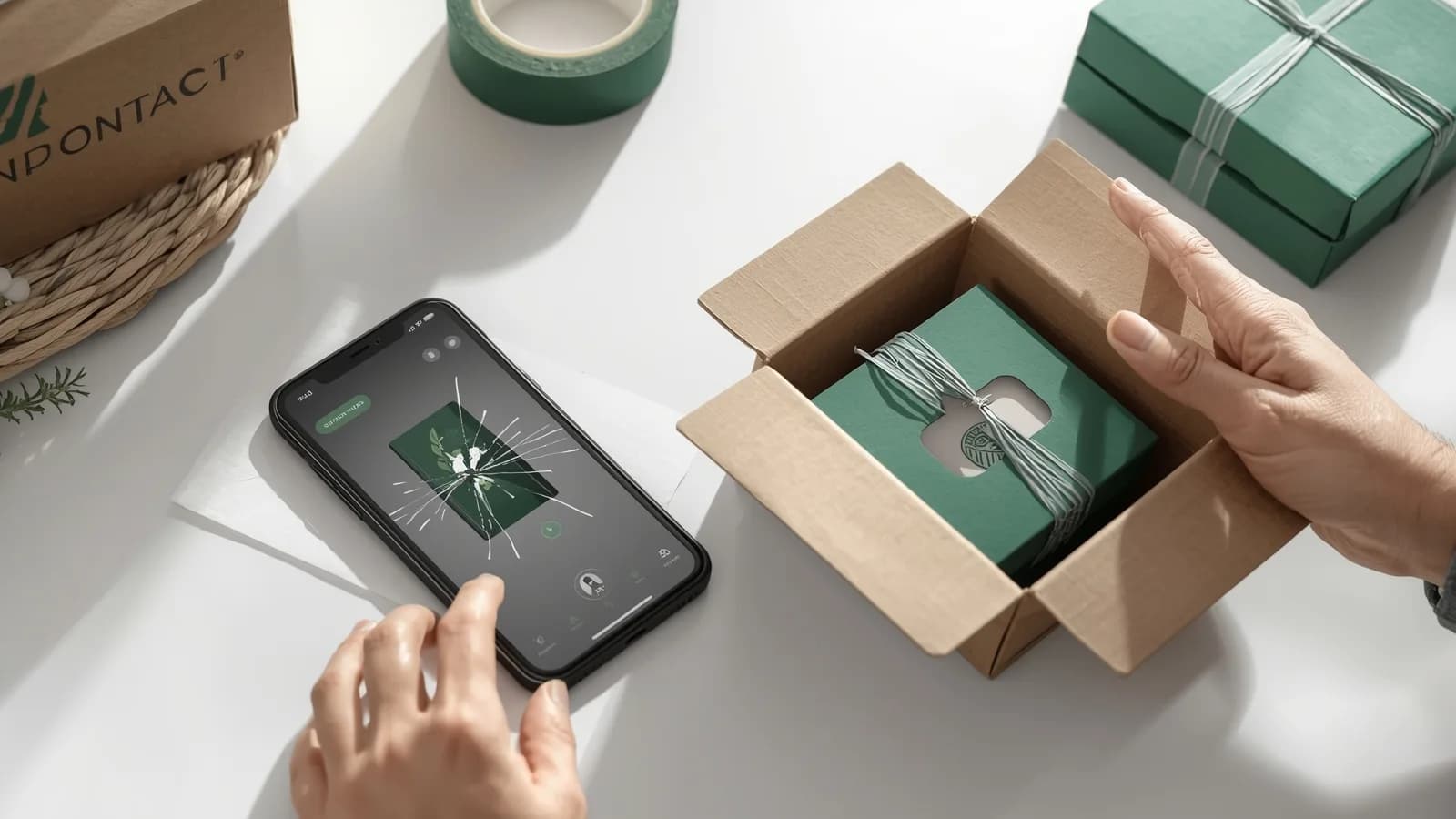
A buyer's damage photo shows damage. It does not show when the damage happened. Only a record of the item as it left you can answer that, and it is what turns a photo into evidence.
Two situations make this concrete. First, transit damage: if your packing record shows the item intact and well cushioned, and the buyer's video shows a crushed carton, you have the carrier claim and you know the buyer is genuine. Second, fabricated or reused damage: buyers can now generate a convincing damage photo in seconds, as covered in AI-generated damage photos in refund claims. A continuous video that has to match your carton, tape and serial is far harder to fake, and a mismatch tells you to wait for the physical return. The full damage-claim procedure, including carrier deadlines, is in customer says it arrived damaged.
How to set up photo evidence for Shopify returns, step by step
Setting up photo evidence for Shopify returns takes six decisions, and most of them live in your return policy rather than in software.
Copy-ready policy wording and messages
Use the clause on your returns policy page and the messages when a return opens; adjust the bracketed parts to your store.
How PallasMark handles Shopify return evidence
PallasMark connects to your store through its Shopify App Store app, keeps Shopify's own return flow in place, and adds the evidence on both sides of the parcel.
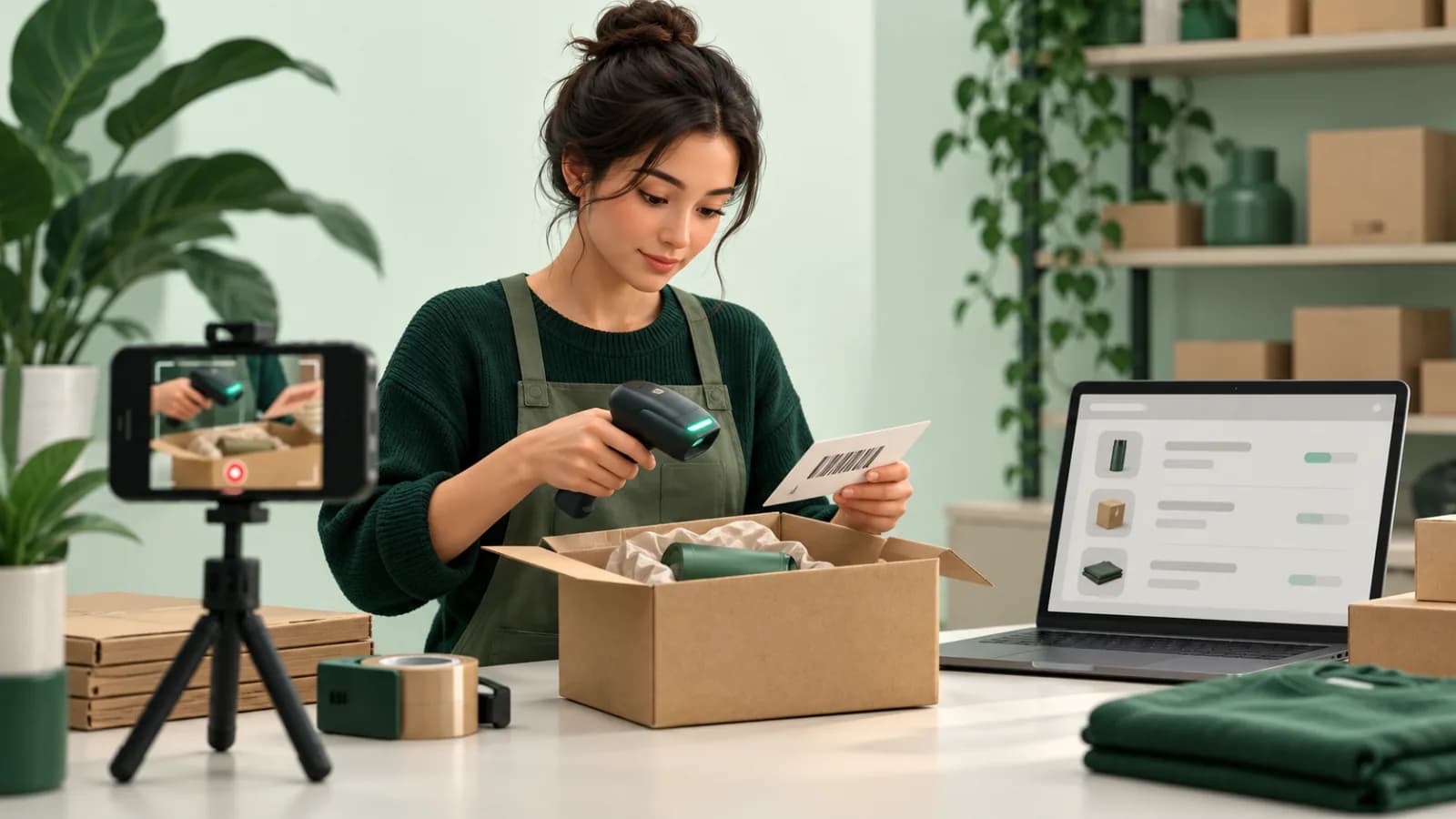
Before the return: the packing record. Orders flow in from Shopify after connection, and the team scans the picking slip or shipping label to open the order before recording. Every stored file gets a SHA-256 fingerprint, and each proof has a public verification page that anyone can open without an account. PallasMark can write the proof link, status and content hash back to the Shopify order as metafields and tags, so your team sees it from Shopify admin. Setup is covered in packing video proof for Shopify and on the Shopify integration page.
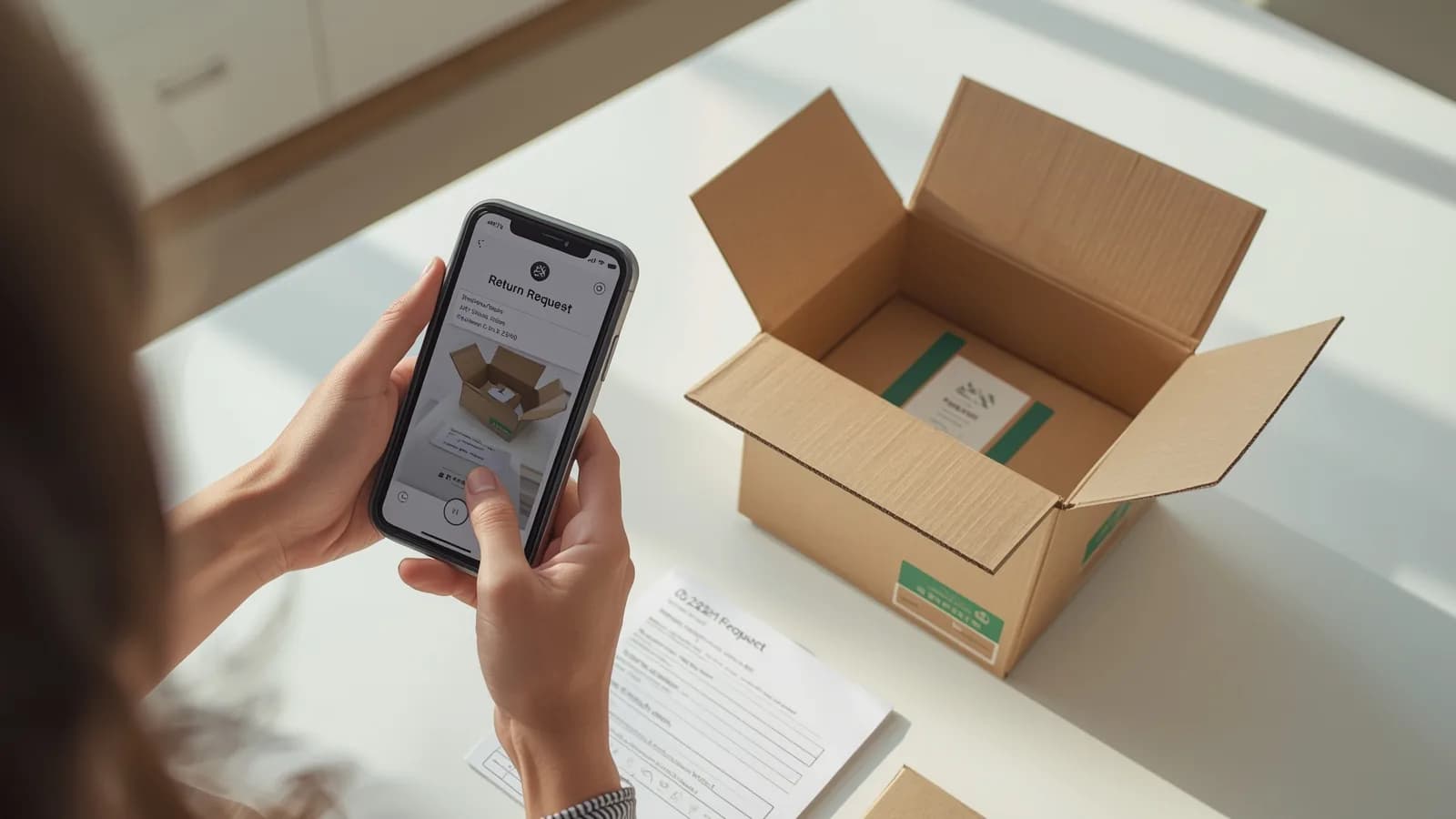
When the return opens: the buyer's footage. When a buyer opens a return in Shopify, PallasMark automatically sends them a link to film or photograph the item and its packaging, by email or, with notification credit packs, by SMS or WhatsApp. You choose which of seven return reasons trigger the request, whether the evidence is optional or required, and how long the link stays open, from 1 to 168 hours, with one reminder. The buyer needs no app and no account. Their footage is fingerprinted and lands on the same order as your packing recording. See return evidence.
The decision stays in Shopify. You approve or decline the return in Shopify admin as usual, now with both records in front of you.
If it becomes a dispute. On request, PallasMark builds one evidence dossier PDF for the order with stills from the packing video, the photos, the fingerprints and the buyer's return evidence, plus the carrier and tracking number read from your Shopify fulfillments. Shopify Payments chargebacks open a case in PallasMark and email your team before the deadline. You upload the PDF yourself.
Start on the free plan with no card, or see how online stores use it and the full list of integrations.
Related reading
Return photos are one control in the return fraud evidence playbook, which maps every false claim to the evidence that answers it. If the photos you receive look too perfect, read AI-generated damage photos in refund claims. If returns come back as a different unit, see return swap fraud and serial numbers, and for wrong-item claims, customer says you sent the wrong item.
Frequently asked questions
Can customers upload photos in Shopify's return request?
Not in the native flow as of October 2026. Shopify's help center describes the self-serve request as selecting items, choosing a return reason and adding a note for the store, and does not mention any file upload; merchants in the Shopify Community confirm there is no photo field. To collect photos you need email, a returns app or a separate evidence request.
How do I require photos only for damaged items on Shopify?
Use a tool that lets you set evidence by return reason. AfterShip Returns lets you enable optional or required image upload per return reason, Loop Returns can request a photo through a workflow conditioned on the reason, and PallasMark lets you choose which return reasons trigger its evidence request. Keep size, style and changed-my-mind returns free of the requirement.
Is it legal to require photos before accepting a return?
Asking for photos of a damaged or defective item is a normal part of handling a claim, and your published return policy can set it as a step. Consumer-protection rules differ by country, especially for faulty goods and statutory withdrawal rights, so check the rules where your buyers are before making photos a hard condition for every return.
Should I ask for a photo or a video?
For damage, defects and wrong items, a short video is better. It shows the item from several angles, the damage in context and the packaging with the shipping label in one continuous take, which is much harder to fake or reuse than a single still. For simple wrong-size returns, no media is needed at all.
Does a returns app compare the photos with what I shipped?
Returns apps collect the buyer's photos inside the return. On the pages we checked, Loop, AfterShip and ReturnGO do not list a record of the item as it left your warehouse to compare against. PallasMark stores the buyer's footage on the same order as your packing recording, and its evidence dossier puts both in one PDF.
What happens if the buyer doesn't send the photos?
With PallasMark, the link stays open for a window you set between 1 and 168 hours and the buyer gets one reminder; after that the return is marked as missing evidence. If you made evidence optional, the buyer can skip it. Either way, you still approve or decline the return in Shopify, now with a clear record of what was requested and when.
Does PallasMark work with Shopify's own returns?
Yes. When a buyer opens a return in Shopify, PallasMark sends them the evidence request automatically through the connected Shopify app, by email or, with notification credit packs, by SMS or WhatsApp. The return itself stays in Shopify, where you approve or decline it as usual.
- shopify
- returns
- return photos
- return evidence
- damaged items