
Packing station software: Turn any webcam into a packing station

Open a browser tab, plug in a USB webcam and scan the label. The order opens, the recording starts and the video is saved to that order.

  • Nothing to install
  • Webcam or USB scanner
  • No per-station fees
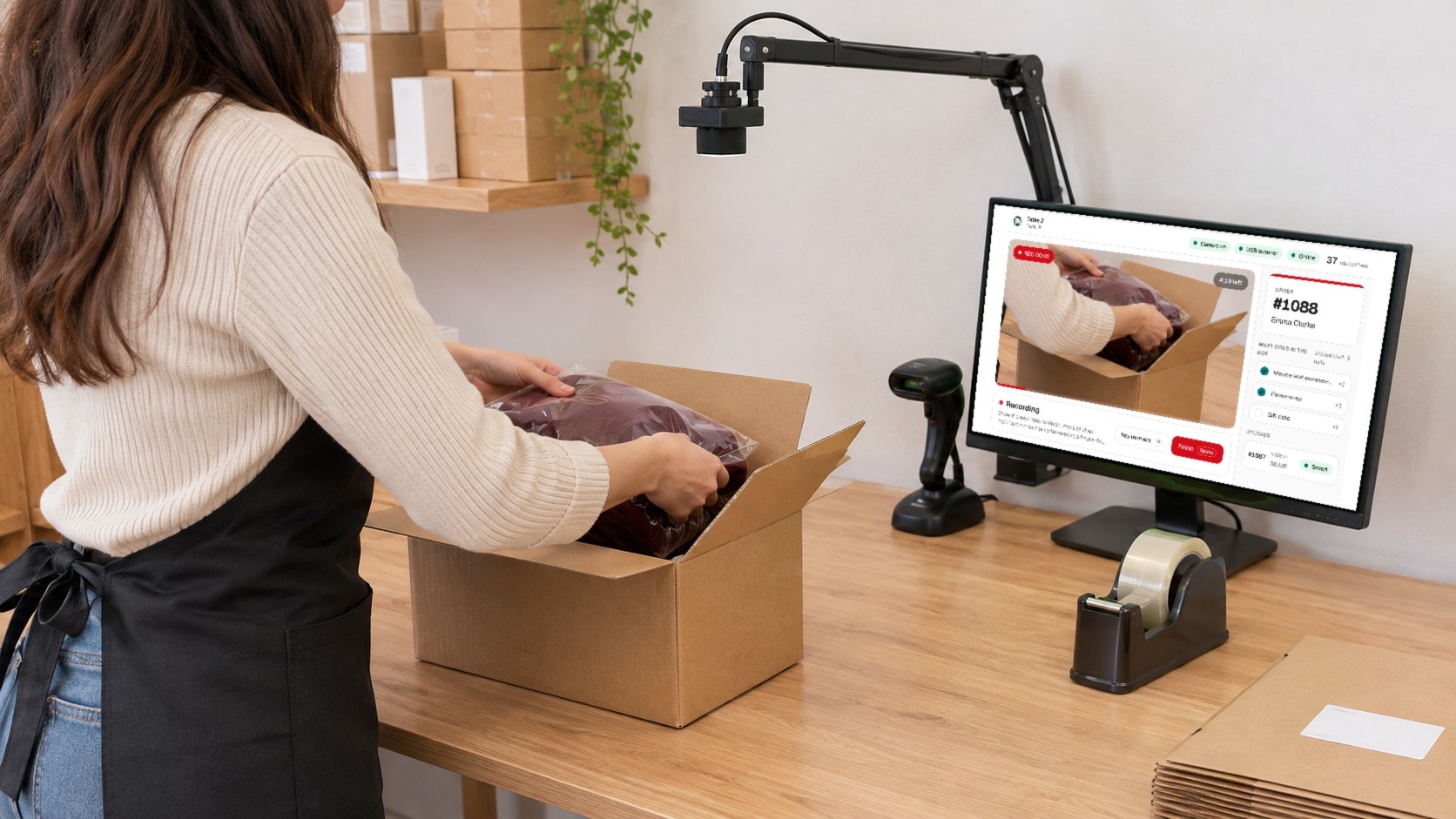
A packing desk with a USB webcam on a clamp arm above the open box, a hands-free barcode scanner and a monitor showing the PallasMark packing station recording order #1088

From label to sealed video, hands on the box

The packer never touches the computer. The label starts the recording, the next label finishes it.

PallasMark

Table 2

Daniel R.

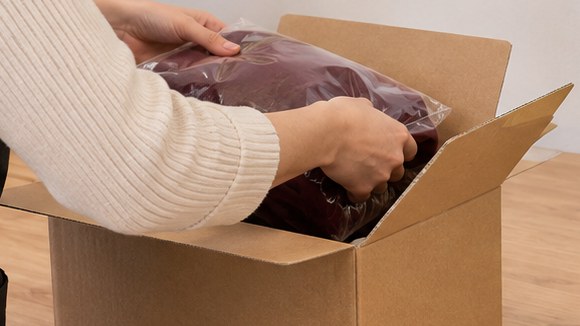
The station's webcam view: a burgundy sweater going into the box, with REC running
REC 00:41
4:19 left

Recording

Show the next label to finish. Press M at an important moment (a serial number, a fragile item) to find it later in one click.

Key momentMFinishSpace
  1. Scan
  2. Record
  3. Next order
  4. Key moments
  5. Saved

Show the label, the order opens

Hold the shipping label or packing slip under the webcam, or scan it with a USB scanner. PallasMark finds the order across your connected stores and shows it on the screen with the buyer's name.

  • Reads the label with the webcam or a USB scanner
  • Finds the order across every connected store
  • No order yet? Create it on the spot from the code
Learn more: Store integrations
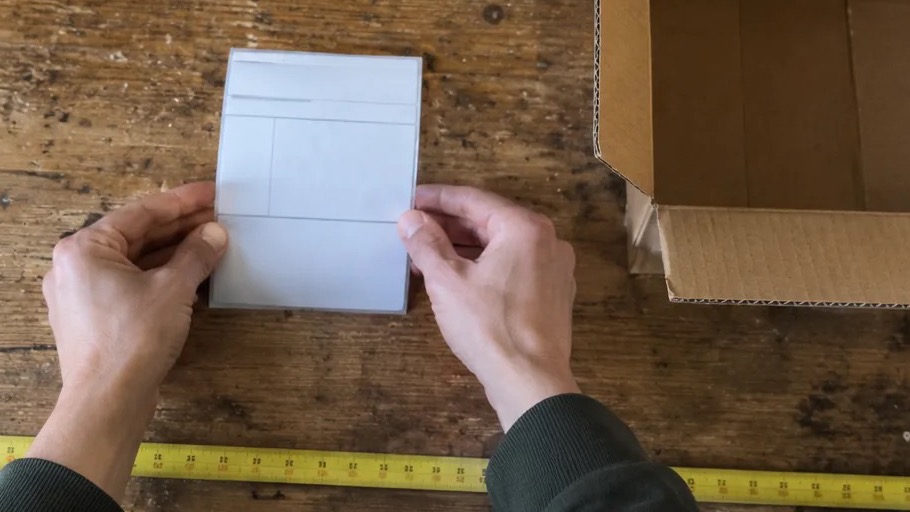
The station's webcam view of a packer holding the shipping label above the table

Ready

Show the shipping label to the camera or scan it

Order

#1088

Emma Clarke
The recording starts on its own

As soon as the order is found, recording starts, in 1080p at up to 30 frames a second. The order's products are listed beside the video so the packer can tick off what goes in the box.

  • Starts automatically, or with the Space key
  • Pack list beside the video
  • Take a still photo without stopping
Learn more: Tamper-proof video
Recording running on the station, with the time and the remaining length on the picture
REC 00:12
4:48 left

What goes in the box

2/3 checked · 3 units
  • Merino knit sweater, burgundy×1
  • Tissue wrap×1
  • Gift note×1

The next label finishes this one

Scan the next order's label and the current recording is finished and saved, and the next one starts, without reopening the camera. Product barcodes and the same order's label never split a recording.

  • Finish and start the next with one scan
  • Optional confirm step before rolling over
  • Printed cards to finish, cancel or pause
Learn more: How PallasMark works
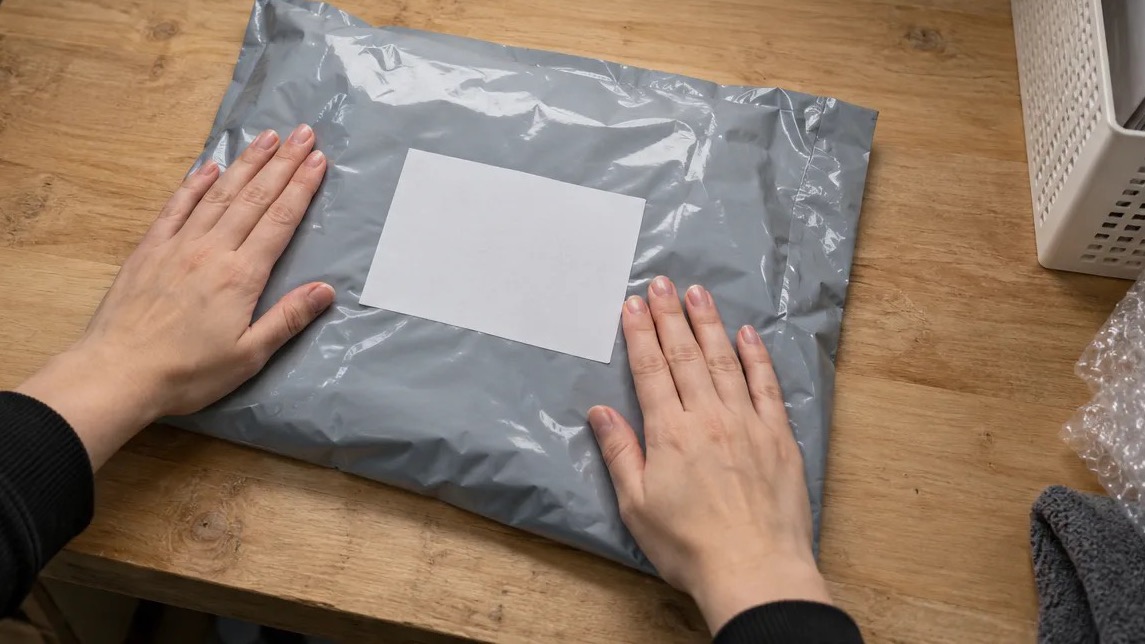
The sealed mailer under the webcam as the next order's label finishes the recording
REC 00:58
4:02 left

Uploads

  • #1089video · 6 MBRecording
  • #1088video · 41 MBUploading
  • #1087video · 38 MBSaved

Mark the second that matters

Press M when a serial number, a fragile item or the seal is in view. The moment is bookmarked on the order's video, so anyone reviewing a claim jumps straight to it instead of scrubbing through the whole take.

  • One key, no card in the middle of the video
  • Jump points on the order's video
  • The label moment is marked for you
Learn more: Chargeback evidence
A key moment marked on the recording
REC 00:27
4:33 left
Key moment marked at 00:27

Order

#1088

Emma Clarke

Key moments

00:04label shown
00:19photo
00:27key moment

Saved even when the Wi-Fi drops

Every recording is written to the computer as it is made and uploaded from a queue. A lost connection, a closed tab or a restart never loses a recording or uploads it twice; the queue picks up where it left off.

  • Packing continues while uploads wait
  • Nothing lost on a crash or reload
  • Each file sealed with a SHA-256 fingerprint
Learn more: How verification works
No internet — recording continues, uploads wait

Uploads

  • #1092video · 9 MBRecording
  • #1091video · 44 MBWaiting
  • #1090video · 37 MBWaiting
  • #1089video · 52 MBSaved

Set up a station in five minutes

A computer, a USB webcam above the table and a browser. Open the station, pick the camera and check that it reads a label.

Packing station camera setup: webcam, security camera or phone?
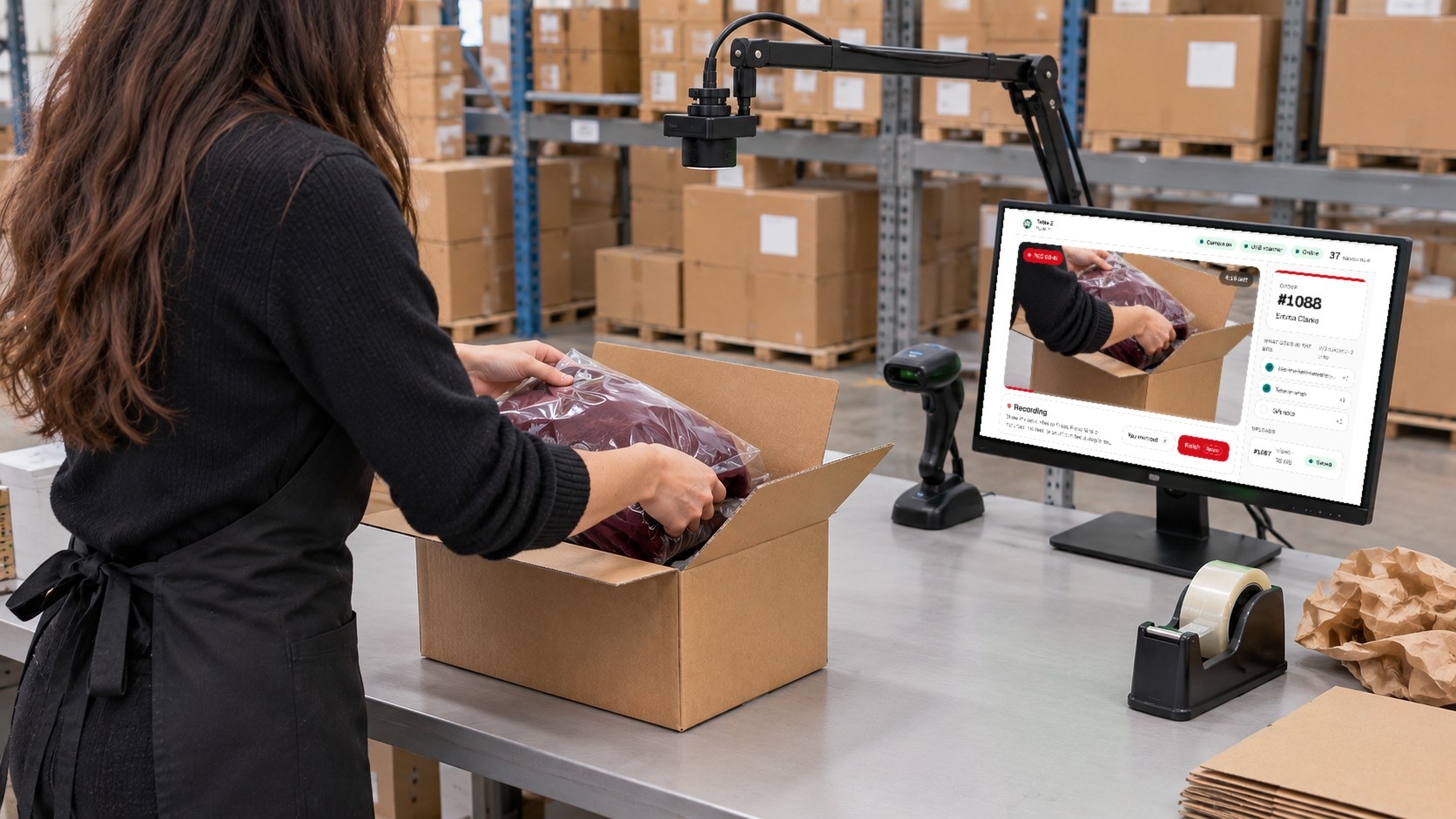
A warehouse pack bench with a webcam on a clamp arm, a barcode scanner and a monitor running the PallasMark packing station
  • Mount the webcam above the table

    A clamp arm pointing straight down keeps both hands free and the box, the item and the label in one frame.

  • Frame the bench, not the people

    Roughly 0.6 to 1 meter of bench in view is enough to read a label and see every item go in.

  • Any 1080p USB webcam

    The station records in 1080p or 720p. Pick the camera and microphone in station settings; they are remembered on that computer.

  • Even light, no glare

    Soft light from above keeps glossy mailers and labels readable. Avoid a window behind the table.

  • Webcam, scanner or both

    The webcam reads QR codes, Code 128, Code 39, EAN/UPC, ITF-14 and Data Matrix on its own. A USB scanner works alongside it if you already have one at the bench.

  • Print the control cards

    Show FINISH, CANCEL or PAUSE to the camera to control the station without touching the keyboard.

A phone or a station, the same order record

Use the station at fixed packing tables and the phone app everywhere else. Both save to the same order, with the same fingerprint, verification page and evidence PDF.

Packing station

For a fixed table that packs all day. Hands-free, the same framing on every order, and the label starts each recording.

  • USB webcam and a computer
  • Scan with the webcam or a USB scanner
  • Hands-free from first box to last

Phone app

For packing that moves: a second bench at peak, receiving at the dock, a returns table. Every phone on the team records.

  • iPhone and Android
  • Scan with the phone camera
  • Works anywhere in the building
The packing video recording app

What is packing station software?

Packing station software records a video of each order as it is packed at a fixed bench and files the video under that order, so it can be shown later as proof of what shipped. PallasMark's packing station runs in the browser with any USB webcam: scanning the shipping label opens the order and starts the recording, scanning the next label finishes it, and every file is uploaded to the order and sealed with a SHA-256 fingerprint.

Packing station — questions

What do I need to run a packing station?

A computer with a current browser, a USB webcam above the packing table and a PallasMark account. A USB barcode scanner is optional: the webcam reads labels on its own. There is nothing to install.

Does recording start automatically when I scan a label?

Yes. When the scanned code matches an order, recording starts on its own. You can switch that off in station settings and start with the Space key instead. Scanning the next order's label finishes the current recording and starts the next one.

Can I use a USB barcode scanner instead of the webcam?

Yes. A USB scanner that types the code works alongside the webcam, and you can turn either one off in station settings. Codes can also be typed by hand.

What happens if the internet drops during packing?

Packing continues. Each recording is saved on the computer while it is made and uploaded from a queue once the connection is back. A closed tab or a restart does not lose a recording, and nothing is uploaded twice.

What if a scanned code does not match any order?

The station says so and offers to create the order from that code with the buyer's name and the product, then records it. If a code matches more than one order, the packer picks the right one.

Is there a fee per station or per camera?

No. The packing station comes with every PallasMark workspace, and a second or third table adds no station fee. Orders recorded at a station count toward your plan exactly like orders recorded on a phone.

Can a 3PL use one station for several brands?

Yes. In a workspace with brands, each station is set to a brand and a facility, so orders created at the bench land under the right client.

Can I use the phone app and the station together?

Yes. Both record into the same orders, with the same fingerprint, verification page and evidence PDF. Many teams run stations at fixed tables and phones at receiving, returns or overflow benches.

Turn the webcam at your table into a packing station

Create a workspace, open the station in your browser and scan your first label.