Part of the Proof of packing guide
Packing station camera setup: webcam, security camera or phone?

On this page
Most packing camera setups fail for one reason: the camera is too far away to read the label. This guide covers camera type, geometry, light and a five-minute acceptance test. What to show on camera for each order lives in the packing station SOP template.
What a packing video recording system is made of
A packing video recording system has four parts: a camera close to the bench, a trigger that starts the recording from the order's barcode, a link that files the video under that order, and storage you can search by order number. Miss any one and the clip is hard to use when a dispute arrives.
A wall-mounted CCTV camera gives you only the first part, and often not even that, because it sits several meters away. When a buyer says the box was empty, you scrub through footage by timestamp, guessing which parcel was theirs.
The software half (order sync, triggers, storage and prices) is covered in packing video recording systems compared. This page is the hardware half.
Why a security camera can't read the label
A security camera can't read the label because its resolution is spread over the whole scene. A standard shipping label is small: Shopify lists the thermal format as 4 x 6 inch / 100 x 150 mm / A6. What decides legibility is how many pixels land on those 4 inches.
The rough arithmetic below shows pixels across the 4 in side of a label, by how wide the scene in frame is. Test your own label; this is geometry, not a standard.
| Width of scene in frame | 1080p video (1920 px wide) | "4K" video (3840 px wide) |
|---|---|---|
| 0.6 m | ~325 px | ~650 px |
| 1 m | ~195 px | ~390 px |
| 2 m | ~98 px | ~195 px |
| 4 m | ~49 px | ~98 px |
A 4K camera covering 4 m of floor puts about as many pixels on the label as a 1080p camera covering 2 m, and half as many as a 1080p camera framing one bench. Distance beats resolution.
CCTV specifications don't help here. The pixel-density levels in IEC 62676-4, as summarised by Axis, run from 25 px/m for detection to 250 px/m for identification, and they assume a human face 16 cm wide. "Identification-grade" coverage is a face spec, not a label spec. On top of the pixel count, autofocus hunting, motion blur, video compression and grey infrared night mode all cost detail.
Phone, webcam or security camera?
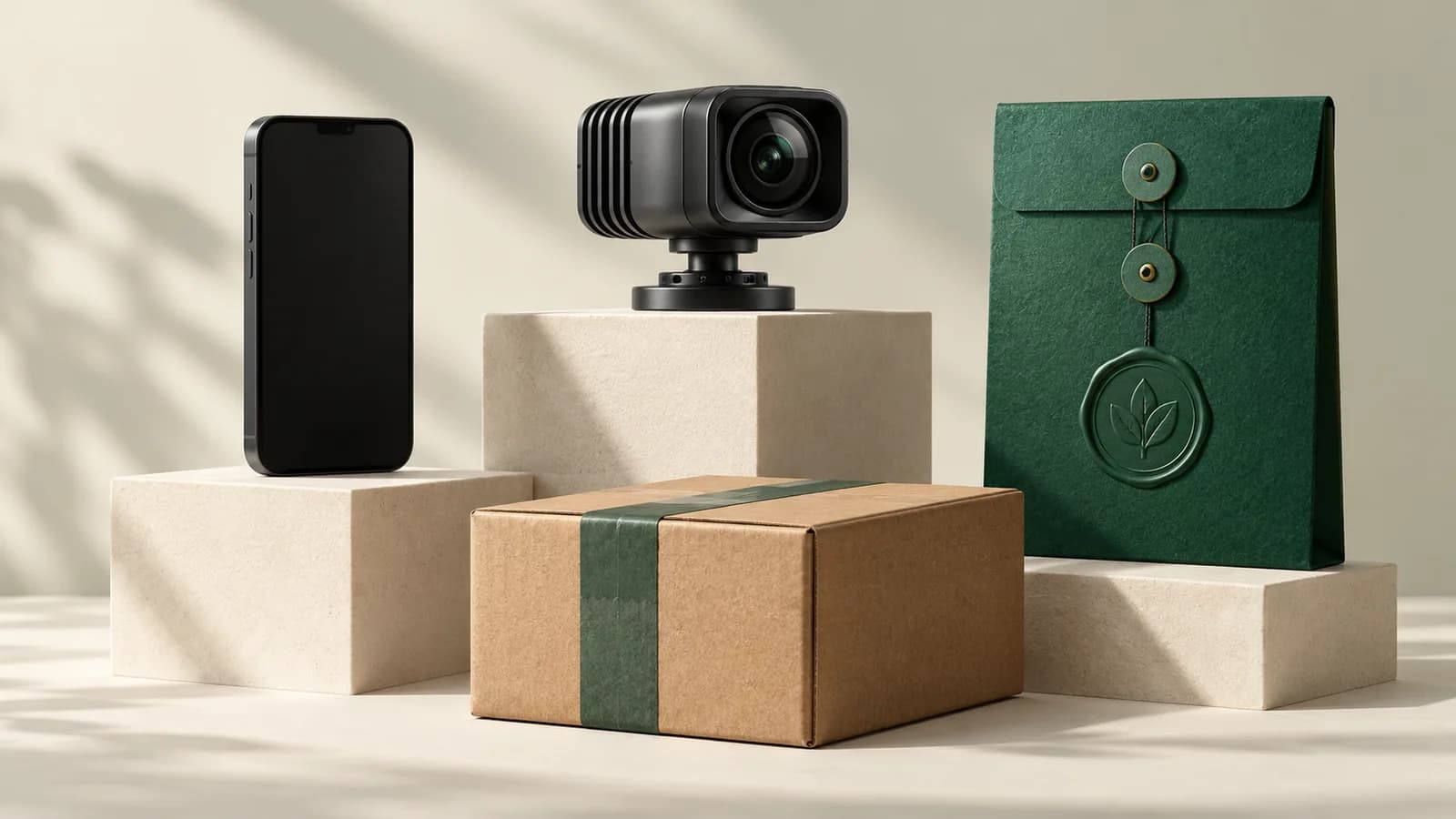
For one to a few benches, a phone or a USB webcam on an overhead arm reads the label; a security camera reads it only if you can mount it overhead and close.
| Phone on a stand | USB webcam on an arm | Wall-mounted security camera | |
|---|---|---|---|
| Already owned | Usually | Sometimes | Often |
| Mount | Clamp arm or stand | Clamp arm | Wall or ceiling |
| Label legible at bench distance | Yes, if framed tight | Yes, if framed tight | Rarely |
| Starts from an order scan | Yes, with an app | Yes, with software | No |
| Works away from a desk | Yes | No, needs a computer | No |
| Adding a bench | Another phone | Another webcam and computer | Another camera and cabling |
Using a phone
Use the rear camera, a rigid stand or clamp, do-not-disturb mode and a charger at the bench. Keep it out of direct sun and away from heat: Apple says iPhones are designed for 0–35 °C ambient, and when one gets too hot, camera features "might be temporarily disabled". A packing video recorder app for iPhone and Android also gives you the trigger and the order link, so the phone covers all four parts of the system.
Using a USB webcam
A webcam needs a computer at the bench. PallasMark's browser packing station runs on that computer with nothing to install: it reads the label with the webcam or a USB scanner, opens the order and starts recording. ShipHero's ParcelView, which takes one still photo per package, says "any 1080P HD webcam with a USB connector works" and suggests mounting it higher or on a longer arm for larger packages. CartonCloud's guidance for its packing photos is similar: a USB camera on an arm above the packing station.
Using an IP or security camera
It works only if mounted overhead and close, and order linking still needs software. For rows of benches, see warehouse packing video proof and, for 3PLs, cameras at every station or a phone in every hand.
Mount, height and framing
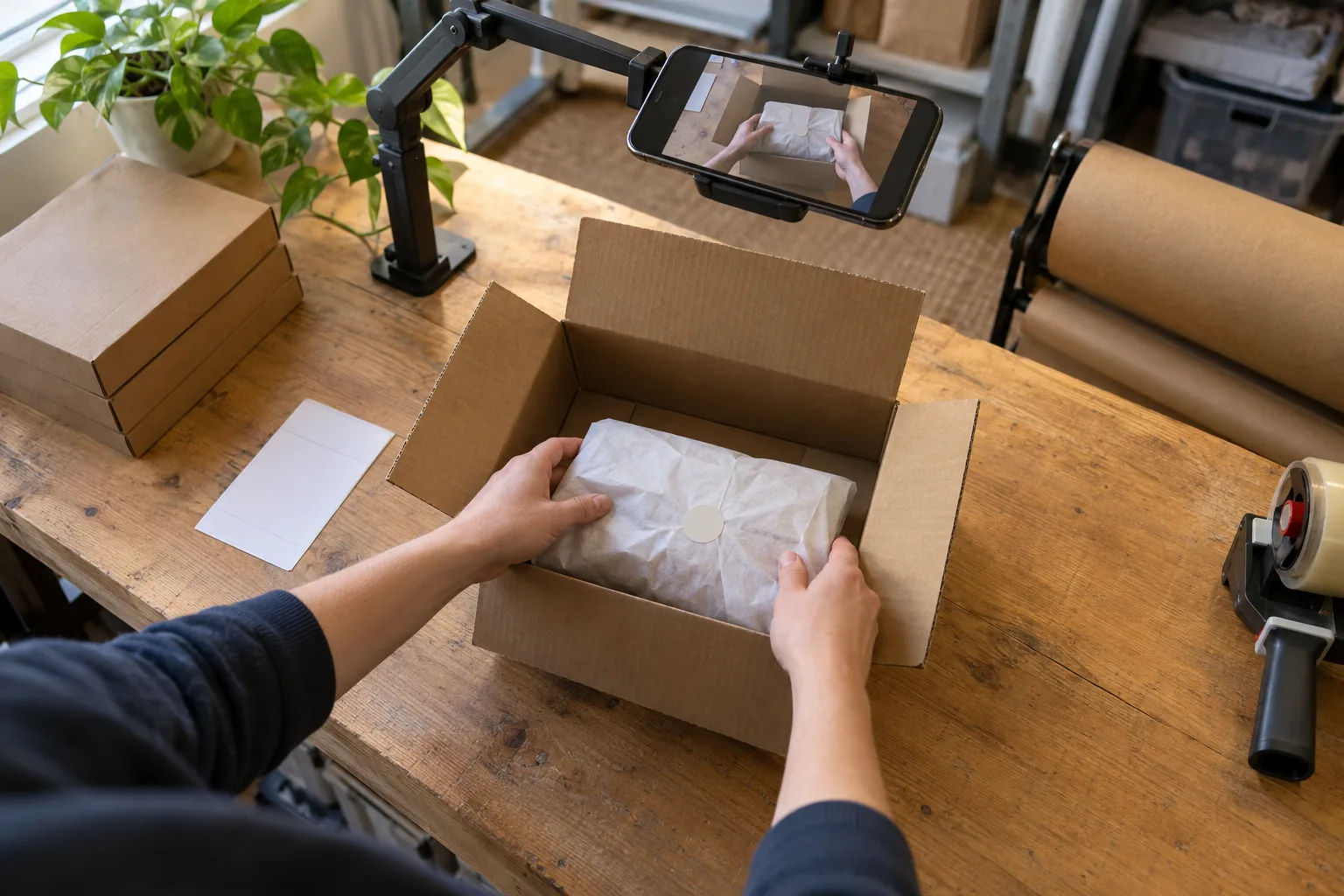
Mount the camera so the frame covers the box, the item area and the label staging spot, and nothing else. Height follows from that, not the other way round.
You can estimate frame width as 2 × distance × tan(horizontal field of view ÷ 2), but there is a faster way: lay a tape measure across the bench and read the width off the screen. Aim for roughly 0.6–1 m. For a sense of how close label-capture setups sit, one photo-based label-capture kit built for restaurant kitchens specifies a camera base between 30 cm and 1 m above the packing surface.
- Shoot in landscape; benches are wider than they are deep.
- Put the label staging spot inside the frame, near the center.
- Use a rigid arm: a desk clamp or a wall arm. A tripod in the walkway gets knocked.
- Point the camera straight down or steeply angled, so the packer's head and shoulders don't block the box.
Light the bench
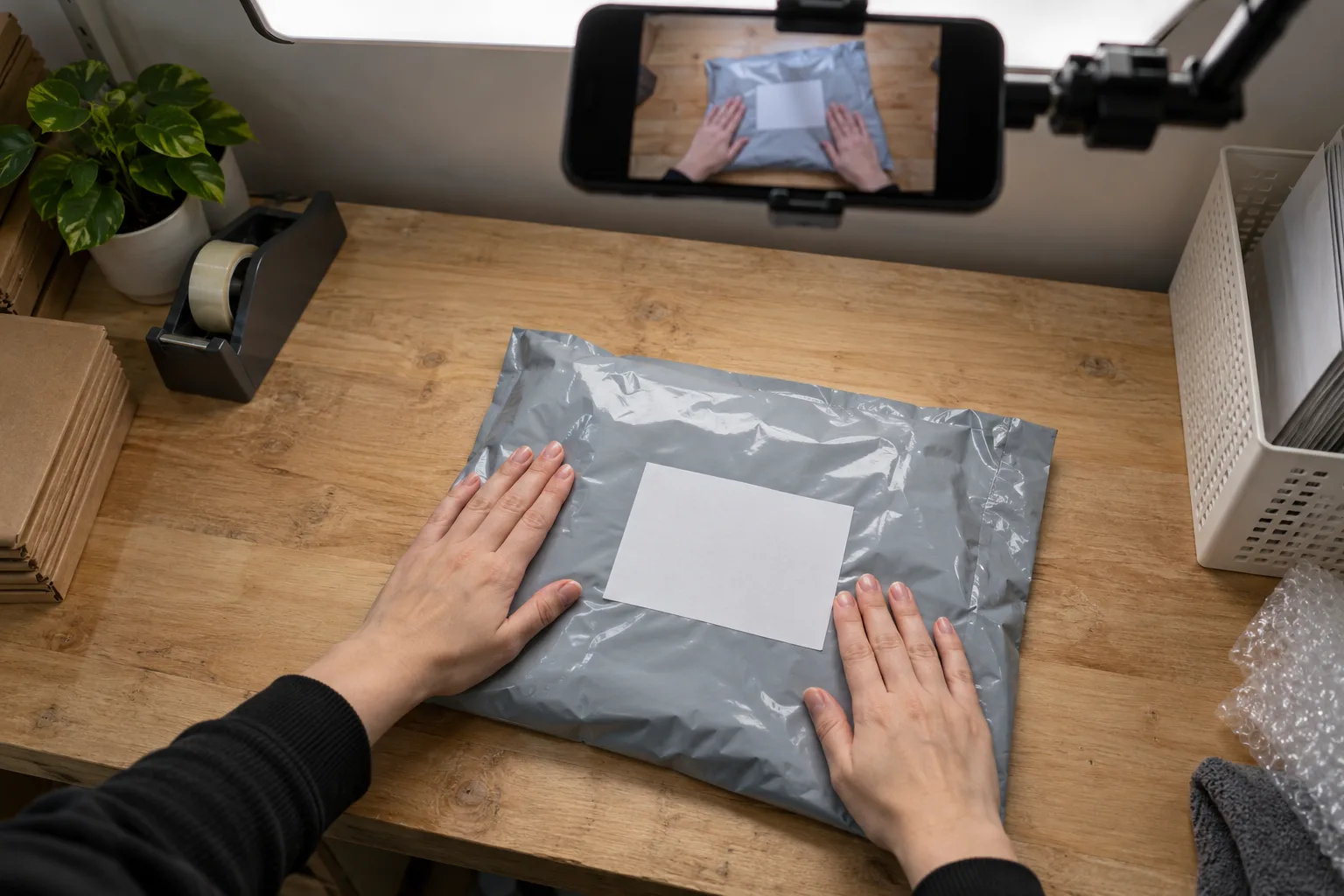
Light the bench evenly from above or the side, with nothing bright behind it. For packing and despatch areas, Thorlux, quoting SLL Lighting Guide 1, lists 300 lux maintained with 0.60 uniformity; a dim stockroom corner is well below that.
Diffuse light beats a single bright lamp. A window behind the bench silhouettes the box. Glossy labels and poly mailers throw glare that wipes out a barcode, so tilt them slightly away from the light.
Set up the station in five steps
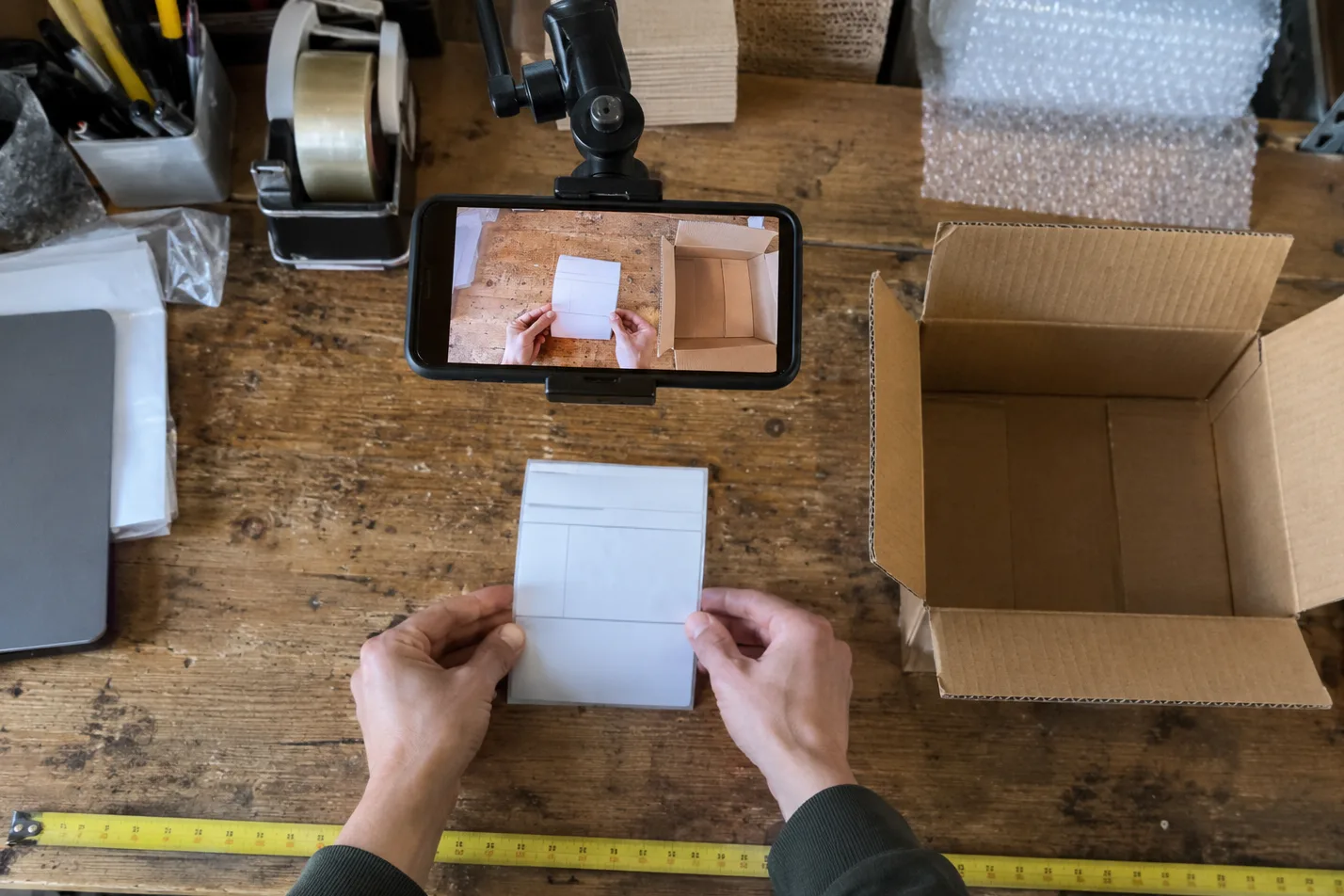
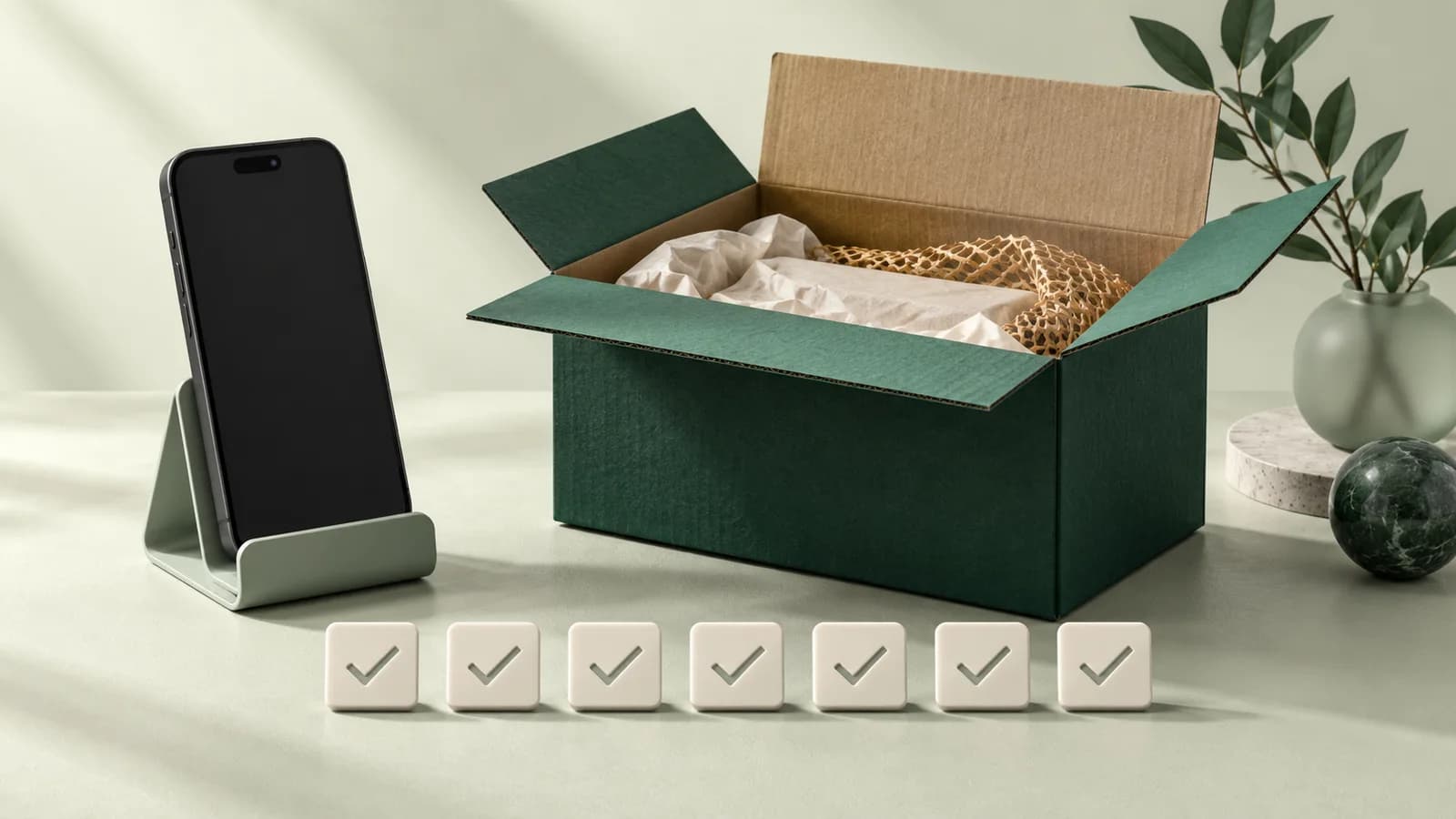
Five steps take one bench from bare to tested in about five minutes.
Record the result once per bench:
Repeat the label test weekly on real orders; arms get bumped and lenses get dusty.
A readable camera records mistakes; it doesn't prevent them. The scans that stop a wrong item going in are in the pick and pack quality control checklist, and what each take must show is in what makes a packing video count as evidence.
Sound and staff at the bench
Frame the bench and the hands, not faces, and decide on audio deliberately.
In the UK, ICO guidance on monitoring workers says continuous video or audio monitoring is only likely to be justified "in rare circumstances", that employers should "switch off by default any capability to record audio", and that workers should be told the extent and nature of the monitoring, with a DPIA completed first. In the US, rules vary by state; California, for example, prohibits recording a confidential communication without the consent of all parties. Post a notice at each bench saying what is recorded and why. More on QA routines: packing quality control with video proof.
How PallasMark turns a phone or a webcam into the whole system
PallasMark turns any phone on the team, or any USB webcam at a computer, into all four parts of a packing video recording system, with no recorder to buy and no per-station fees.
- Trigger and order link: the packer scans the barcode on the packing slip or shipping label with the phone, the webcam or a USB scanner, and that order opens, so the video and photos are recorded inside it before the first frame.
- Sealed on upload: every stored file gets a SHA-256 fingerprint, and a public verification page re-checks it, so a buyer, bank or carrier can confirm nothing changed, with no account. See tamper-proof video.
- Stamped photos: photos carry your company name, the order number and the upload time (UTC) inside the image file.
- Searchable by order: when a claim arrives, you open the order, not a day of footage.
The app runs on iPhone and Android, and the packing station runs in the browser. There is a free plan with no card; see pricing.
For the full picture of what packing evidence is and how it is checked, read what is proof of packing.
Frequently asked questions
Is 4K better for packing videos?
Only if the camera stays close. Resolution is spread over everything in the frame, so a 4K camera filming a whole room can put fewer pixels on the label than a 1080p camera framing one bench. Distance and frame width matter more than the number on the box.
How high should a packing camera be?
High enough to fit the box, the item and the label staging spot, and no higher. For most benches that means a frame roughly 0.6 to 1 meter wide, which you can check with a tape measure across the bench. One label-capture kit places its camera between 30 cm and 1 m above the surface.
Can I use my iPhone or Android phone as a packing camera?
Yes. A phone on a stand records at bench distance, and an app such as PallasMark opens the order from a barcode scan so the video is filed under that order. Keep it charged and out of direct heat, because Apple says camera features may be temporarily disabled when an iPhone gets too hot.
Can I use my existing security camera footage as evidence?
It can help if the label and items are readable and you can show the clip belongs to that order. The usual problems are distance and finding the right minute, because a wall camera records a place by time, not an order by number.
Should the packing camera record audio?
Decide deliberately. UK ICO guidance says employers should switch off by default any capability to record audio when monitoring workers, and California, for example, prohibits recording confidential communications without the consent of all parties. Frame the bench and hands, and tell staff what is recorded and why.
Do I need a barcode scanner at the packing station?
Not necessarily. PallasMark reads the barcode on the packing slip or shipping label with the phone camera in the app, or with the webcam at its browser packing station, where a USB scanner also works. The scan opens that order and starts the recording.
- packing station camera
- packing video recorder
- packing video recording system
- overhead camera mount
- packing station lighting
- warehouse packing recording