Part of the Disputes and chargebacks guide
Stripe dispute evidence: turning packing video into a PDF banks will read

On this page
Most packing video tools tell you to "attach the video to your chargeback." On Stripe, that advice fails at the first step. The form won't send a video to the bank, a link won't be followed, and the reviewer on the other end works from a compiled document. If your packing record can't survive being turned into a few pages, it can't help you.
This guide covers what Stripe actually forwards, the limits that apply as of October 2026, and a procedure for turning packing footage into evidence that fits.
What the issuing bank reviews in a Stripe dispute
The cardholder's bank decides a Stripe dispute, and it reads a document, not a folder. When you submit, Stripe "automatically puts the evidence you provide into a format accepted by the issuing bank," according to its response guide. Stripe facilitates the case but has no influence on the outcome.
That reviewer is busy. Stripe's evidence best practices note that card issuers review thousands of dispute responses every day and won't comb through long files to find the argument for the reason code. In practice, the reviewer checks three things:
- Does the response answer the claim? A return policy is irrelevant to a "never received" dispute; tracking is irrelevant to "this isn't what I ordered."
- Can I read it? Stripe says the issuer won't review a response with illegible text or data.
- Is it tied to this transaction? Order number, date, amount and the delivery address need to match the disputed payment.
Stripe is also candid about the odds. Its Radar win-likelihood table shows that even the highest-rated disputes carry about a 60% chance of being overturned, and it says that "even in the most favorable cases, it's very difficult to overturn a disputed payment." Clear, relevant evidence is what moves a dispute toward the top of that table.
Stripe's dispute evidence rules (checked October 2026)
Stripe's rules are strict and specific, and every one of them affects how a packing record has to be prepared.
| Rule | What Stripe says |
|---|---|
| Response window | Usually 7 to 21 days, depending on the card network; miss it and you lose automatically |
| Number of submissions | One. You can't edit the response or add files after submitting |
| File types | PDF, JPEG or PNG only |
| Size | 4.5 MB combined across all files |
| Length | Fewer than 50 pages combined; 19 pages maximum for Mastercard |
| Files per evidence type | One. Combine several items of the same type into a multi-page file |
| Not reviewed | Audio or video files, links (including file downloads and tracking links), requests to call or email |
| Legibility | 12-point font or larger, US Letter or A4 portrait, bold text or arrows rather than color highlighting |
| Decision time | Usually 60 to 75 days for the issuer; 2 to 3 months for the full lifecycle |
| Fees | The dispute countered fee is returned if you win; the dispute received fee is not |
Sources: Stripe's response guide, best practices and how disputes work.
Can I submit video in a Stripe dispute?
No. Stripe's response guide says banks evaluating the dispute "won't review any external content," and it lists audio and video files and links to click as things not to include. The accepted formats are PDF, JPEG and PNG, and nothing else.
This isn't a Stripe quirk; it reflects how card disputes work. In a 2024 UK Financial Ombudsman decision, a bank told a cardholder that Visa doesn't allow video evidence in the chargeback process and asked for the evidence as PDF or JPG images instead. The format rule applies to merchants and cardholders alike.
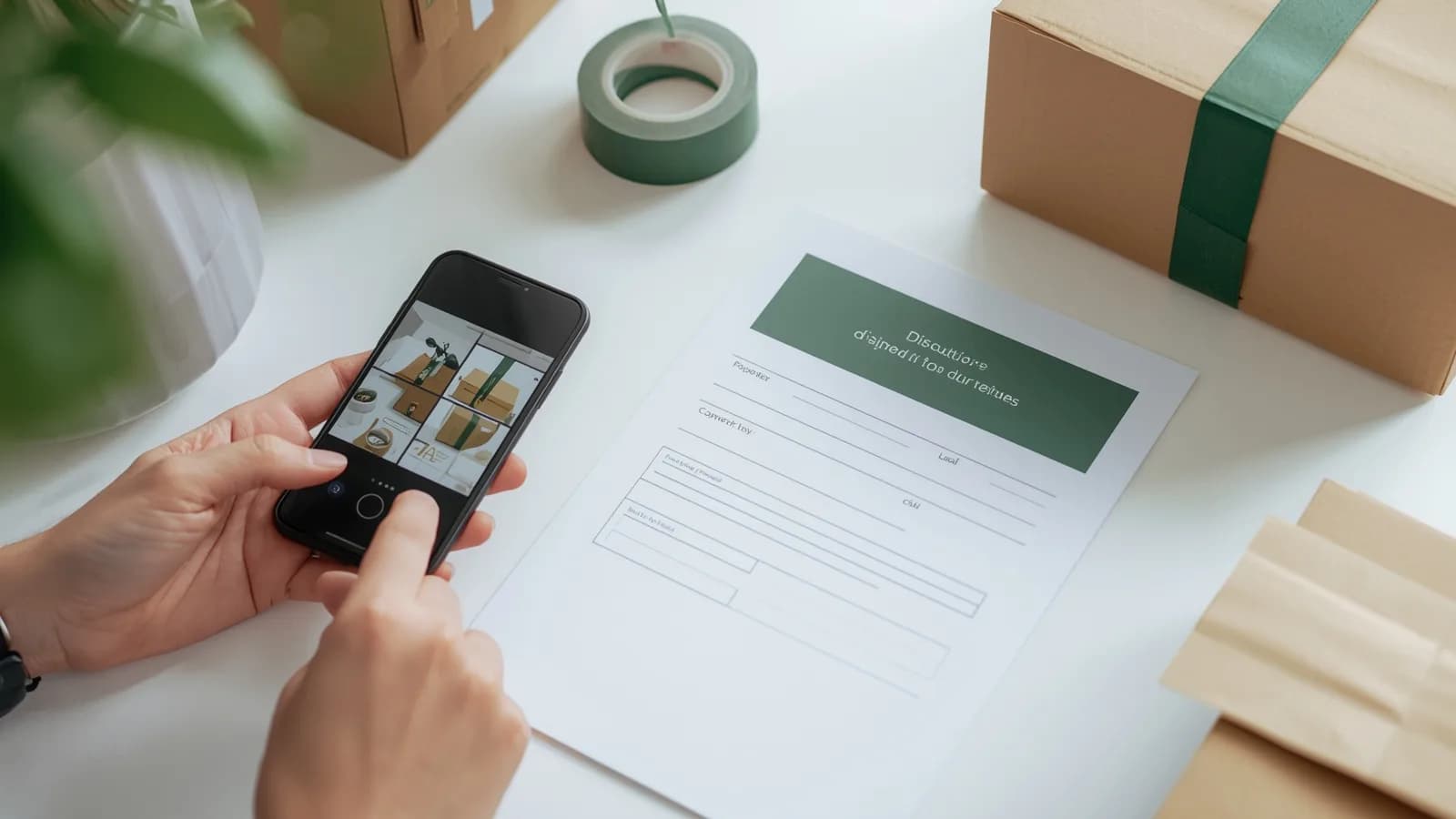
So the useful question is not whether to send the video. It is which frames of the video prove your case, and how to lay them out so a reviewer gets the point in under a minute.
Product unacceptable vs product not received: which fields carry the case
Each Stripe dispute category asks a different question, and the evidence fields follow from it. Stripe's dispute categories page lists the recommended evidence for each.
| Stripe category | Typical network codes | What you must show | Main evidence fields | Where packing stills fit |
|---|---|---|---|---|
| Product unacceptable | Visa 13.3, Mastercard 4853 | The product was accurately represented and wasn't damaged or defective | product_description, uncategorized_file (images of how the product was shown), customer_communication, refund_policy |
Central: stills of the item, its variant or serial label and its condition before shipping |
| Product not received | Visa 13.1, Mastercard 4855 | It was delivered, or isn't due yet | shipping_address, shipping_documentation, shipping_date, shipping_carrier, shipping_tracking_number, customer_signature |
Supporting: the parcel sealed and labeled, tying the tracking number to the contents |
| Fraudulent | Visa 10.4, Mastercard 4837 | The cardholder authorized the payment | Authorization data, Visa CE 3.0 history | Not relevant to the question |
Two details from Stripe's documentation matter here. First, its reason-code guide for Mastercard 4853 lists "images of the item before shipment, including serial numbers or inspection tags" as evidence. That is a description of a good packing still. Second, when Stripe compiles your response, it expands tracking numbers into detailed delivery information from the carrier, so enter the carrier and number in the shipping fields rather than pasting a tracking link.
Fraud codes need a different kind of evidence altogether; which disputes packing video can support, and which need CE 3.0 covers that split in detail.
Step by step: from packing footage to a Stripe-ready PDF
The goal is one compact, chronological PDF that a reviewer can read without zooming. This is the procedure we recommend.
Continuity is what makes four stills persuasive. If they come from one unbroken recording that starts with the order reference and ends with the sealed carton, a reviewer has no gap to wonder about. The capture standard behind that is covered in what makes a packing video count as evidence.
Copy-ready text for the Stripe dispute form
Keep the tone neutral and the sentences short. Replace the brackets, and delete any line you can't back with a page in your PDF.
How PallasMark handles Stripe disputes
PallasMark builds the exact file this guide describes, from a record made before anyone complained.
At the bench, a packer scans the order's barcode and records on the phone the team already has. The recording is bound to that order from the first frame, fingerprinted with SHA-256 when it is stored, and given a public verification page where anyone can confirm the file still matches. There is no edit button for recordings anywhere in the product.
When a dispute arrives, you open the order and generate the evidence dossier: a PDF with four stills from each recorded video, up to six videos, plus the order details and verdict, photos, file fingerprints, the buyer's approval, any return evidence, and the carrier and tracking number read from your store. Every PDF you generate is stored with its own hash and logged. You download it and attach it in the Stripe Dashboard under the evidence type it supports. Whether your Stripe payments come through your own checkout, WooCommerce or another platform, the file is the same.
What the seller's side actually looks like
Capture on the phone that is already in the room, and a sealed record the other side can open and check without an account.
 You
You
Video Verification
Verify that a video proof has not been tampered with.

- SHA-256 Hash
- 9f2a4c81…c41d
- Uploaded
- 21 Aug 2026, 14:32
- Burned into video
- Yes
The green verified result appears only after the stored file is re-hashed and compared with this recorded fingerprint.
The strongest Stripe dispute is the one that never gets filed. For high-value or dispute-prone orders, buyer approval before dispatch sends the buyer the sealed recording first; they watch it and approve or report an issue, and the record keeps how long they watched. A buyer who approved the parcel on video has little room for a later "not as described" claim. More on the dossier itself is on the chargeback evidence page, and how verification works explains the fingerprint check.
Related reading
This guide is part of our hub on seller dispute evidence by platform. If you also take payments through Square, see Square dispute evidence; for BNPL payments, see Klarna and Afterpay dispute evidence; and to understand why every dispute counts even when you win, read Visa VAMP thresholds and how to prevent disputes.
Frequently asked questions
Can I submit a video as evidence in a Stripe dispute?
No. Stripe's response guide says banks evaluating a dispute won't review external content, so audio and video files, links and requests to call or email should not be included. Only PDF, JPEG and PNG files are accepted. To use a packing recording, take a few clear stills from it and put them in a PDF with short captions.
What is the Stripe dispute file size limit?
Stripe accepts PDF, JPEG or PNG files with a combined size of no more than 4.5 MB and a combined page count under 50 pages. For Mastercard disputes the combined length is limited to 19 pages. You can also submit only one file per evidence type, so combine related items into a single multi-page file.
How many times can I submit evidence for a Stripe dispute?
Once. Stripe says you have only one opportunity to submit your response, forwards it to the issuing bank immediately, and does not let you edit it or add files afterwards. Assemble everything before you click submit.
What evidence wins a Stripe product unacceptable dispute?
Evidence that the product was accurately represented before purchase and was not damaged or defective when it shipped. Stripe suggests a description or images of how you showed the product, customer communication and your refund policy. For Mastercard 4853, its reason-code guide also lists photos of the item before shipment, including serial numbers or inspection tags, which is what stills from a packing recording provide.
How long do I have to respond to a Stripe dispute?
Usually 7 to 21 days, depending on the card network. The exact due date is shown on the dispute in the Dashboard and in the evidence_due_by field in the API. If you don't respond by the deadline, you automatically lose the dispute.
Should I include a tracking link in my Stripe dispute response?
No. Stripe lists links to tracking information among the links banks won't follow. Enter the carrier and tracking number in the shipping fields instead; Stripe expands tracking numbers into detailed delivery information when it compiles your evidence into a single document.
Does PallasMark send my evidence to Stripe?
You submit it yourself, which keeps you in control of every response. PallasMark builds the evidence dossier for the order on request: a PDF with four stills from each recorded video, up to six videos, plus order details, photos, fingerprints, buyer approval and the carrier and tracking number read from your store. You download it and attach it in the Stripe Dashboard under the matching evidence type.
- stripe
- dispute evidence
- chargebacks
- product unacceptable
- evidence pdf