Part of the Proof of packing guide
AI label reading: capture serial numbers, lots and seals from a photo

On this page
A label is the only place where a physical item and its paperwork meet. The serial number on the sticker, the lot code on the carton, the PO on the pallet tag and the number stamped on the container seal are what anyone uses, months later, to say "this is that item." When those identifiers live only in a video frame or a packer's memory, they cannot be searched, compared or put in front of a reviewer.
This guide covers how to capture label data at receiving and dispatch: what the fields mean, when to type, scan or let AI read, and how to tie serial and seal numbers to the records that will be questioned later. It is part of our guide to proof of packing.
Why label data decides disputes and claims
Label data decides disputes because identifiers are how a reviewer matches a physical item to one specific record. A video that shows "a laptop" is weak; a sealed record that shows the laptop with serial number C02XK1 tied to order 10482 is specific enough to compare with what came back.
Reviewers and rule books lean on identifiers in several places:
- Counterfeit claims. Visa's dispute management guide for merchants (October 2026 edition) lists serial numbers or product identifiers that can be independently verified among the documentation relevant to condition 13.4, Counterfeit Merchandise.
- Return swaps. When a buyer sends back a different unit, the only clean comparison is the serial you shipped against the serial you received. See proving which unit shipped and the dedicated guide to return swap fraud and serial numbers.
- Container seals. CBP's recommended seal procedures for CTPAT partners call for ISO 17712 high-security seals, a seal log, and a View, Verify, Tug and Twist (VVTT) check, with a witness, to confirm the seal number is correct before a seal is cut at receipt.
- Supplier and 3PL claims. A short or damaged inbound shipment is claimed against a supplier by lot, PO and quantity. Without those on the receiving record, the claim has no anchor. Documenting freight damage at receiving covers the rest of that record.
The label fields that matter, and the rules behind them
Most identifiers on a commercial label follow a published standard, which tells you what the field holds and how long it can be. GS1's Application Identifier reference defines the codes that appear in parentheses on GS1-128 and similar barcodes.
| Field | Where it usually appears | Rule or standard | Why it matters later |
|---|---|---|---|
| SSCC (pallet or carton ID) | Logistics label, GS1-128 barcode | GS1 AI (00), 18 digits | Identifies one specific pallet or carton across every party |
| GTIN (product) | Product and case labels | GS1 AI (01), 14 digits | Identifies the product, not the unit |
| Batch or lot | Case labels, product packaging | GS1 AI (10), up to 20 alphanumeric characters | Ties goods to a production run for recalls, expiry and supplier claims |
| Serial number | Product sticker, case label, device | GS1 AI (21), up to 20 alphanumeric characters; often printed after "S/N" | Identifies one unit; decides return-swap and counterfeit disputes |
| Container seal number | Seal body, bill of lading | ISO 17712 high-security seals for CTPAT (per CBP) | Shows the container was not opened between sealing and receipt |
| PO number | Pallet tag, packing list | Buyer's own document | Connects the shipment to the commercial agreement |
| Quantity | Case label, packing list | Supplier's document | Basis for short-shipment claims |
| Condition | Not printed; observed | Your own receiving or dispatch standard | Basis for damage claims and quarantine decisions |
Two details in GS1's definitions are worth knowing. The reference lists the serial number (21) as a field used together with a GTIN (01), so a serial identifies one unit within one product rather than across everything you sell; record both. And a batch or lot number (10) groups many units from one run; it never identifies a single unit.
Manual typing vs barcode vs AI label reading
Each capture method suits a different situation, and the best workflows use all three in a fixed order: barcode first, AI reading for the printed fields the barcode does not carry, typing only as a fallback.
| Manual typing | Barcode scan | AI label reading | |
|---|---|---|---|
| What it reads | Whatever the person sees | Only what the code encodes | The printed, human-readable text on the label |
| Accuracy profile | Transposed and skipped characters, especially in long references | Exact for the encoded data | Good on clear labels; scuffed, wrapped or angled labels need review |
| Fields per action | One | Usually one reference (sometimes several GS1 fields) | Every field you defined, from one photo |
| Works with no barcode | Yes | No | Yes |
| Works when the barcode lacks the field you need | Yes | No | Yes |
| Language and layout changes | Depends on the person | Not affected | Handles varied layouts; hints per field help |
| Who checks the value | Nobody, usually | The decoder | The operator, before saving |
| Best use | Short notes, exceptions | Opening the right order or record | Supplier, lot, quantity, serial, PO, seal number from the label |
The point of AI label reading is not to replace the barcode. It is to remove the typing that happens after the scan: the supplier name, the lot code, the serial number on a different sticker, the PO on a pallet tag. That typing is where mistakes enter, usually discovered months later when someone searches for a reference that was entered with two characters swapped.
Step-by-step: label-driven records at receiving and dispatch
A label-driven record is opened from the label itself and filled with what the label says, then sealed with photos or video of the goods. The same six steps work at the receiving dock and at the dispatch bench.
At receiving: supplier, lot, quantity and condition
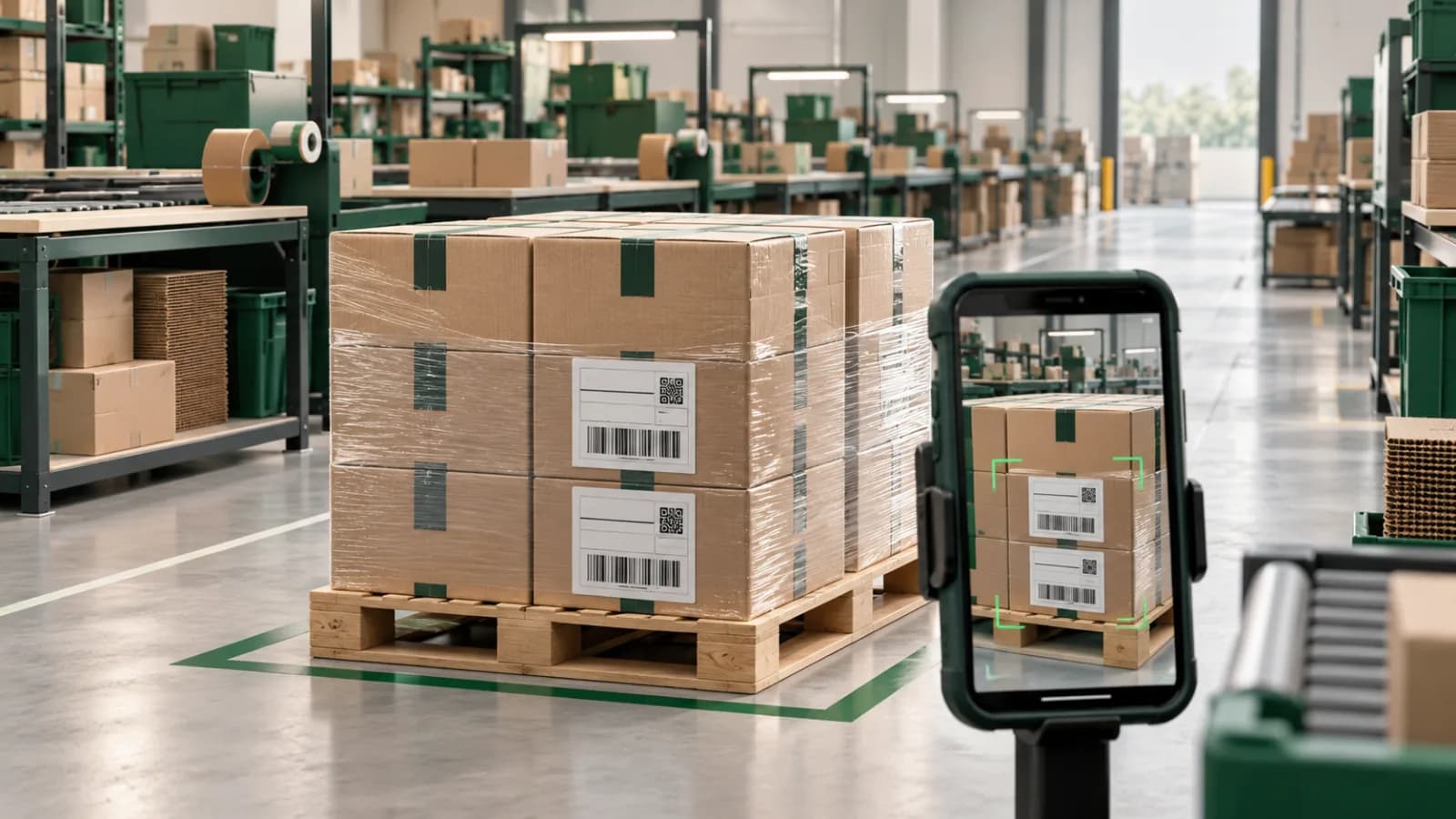
At receiving, the label tells you what the supplier says arrived; your record has to show what actually did. Read supplier, lot, PO and quantity from the label, then photograph the pallet as it stands, the label, any damage and the count. If something is short or damaged, the record is already the first half of your claim, under the supplier's own references. For the full discrepancy form, see the receiving discrepancy report template.
At dispatch: serial numbers tied to orders
At dispatch, the serial number is what proves which unit left. For store orders, scan the order barcode, then keep the serial sticker in the same take as the item and the order reference, so the recording ties the serial to that order. For B2B and wholesale shipments recorded as label-driven dispatch records, read the serial and the PO or order reference from the labels into their fields, so you can search later for "which shipment carried serial X."
When a return arrives, compare. The buyer's own footage of the item they are sending back, plus the unit in your hands, against the serial on your dispatch record. A mismatch documented this way is a specific, checkable claim instead of an accusation.
If the swap ends up as a card chargeback, the comparison has to travel as images or a PDF: Shopify's chargeback instructions accept only PDF, JPEG or PNG and say not to include video files or links to external resources. A still of the serial label from your dispatch record next to a photo of the returned unit's serial is the page that makes the point.
Container seal numbers
For containers and sealed trailers, the seal number is the label that matters. Record it twice:
- At sealing: a photo with the seal number readable and the seal visibly affixed, the number entered on the record and on the shipping documents.
- At receipt, before cutting: a photo of the seal intact, the number read into the record and compared with the bill of lading and the shipper's seal log, following the VVTT check in CBP's procedures.
A mismatch or a damaged seal is a reportable discrepancy, and the photo with the readable number is what makes it one. The planned inbound container inspection checklist covers the rest of the container check.
When no store order exists
Many warehouse movements have no store order at all: inbound supplier freight, transfers between facilities, wholesale and consignment shipments, returns from a retail partner. A label-driven record handles these under the label's own reference, so the same evidence discipline applies to goods that never touched a storefront.
Copy-ready templates for label fields, return swaps and seal discrepancies
These three templates cover the moments when label data has to be written down or sent to someone else.
How PallasMark reads labels and ties them to records
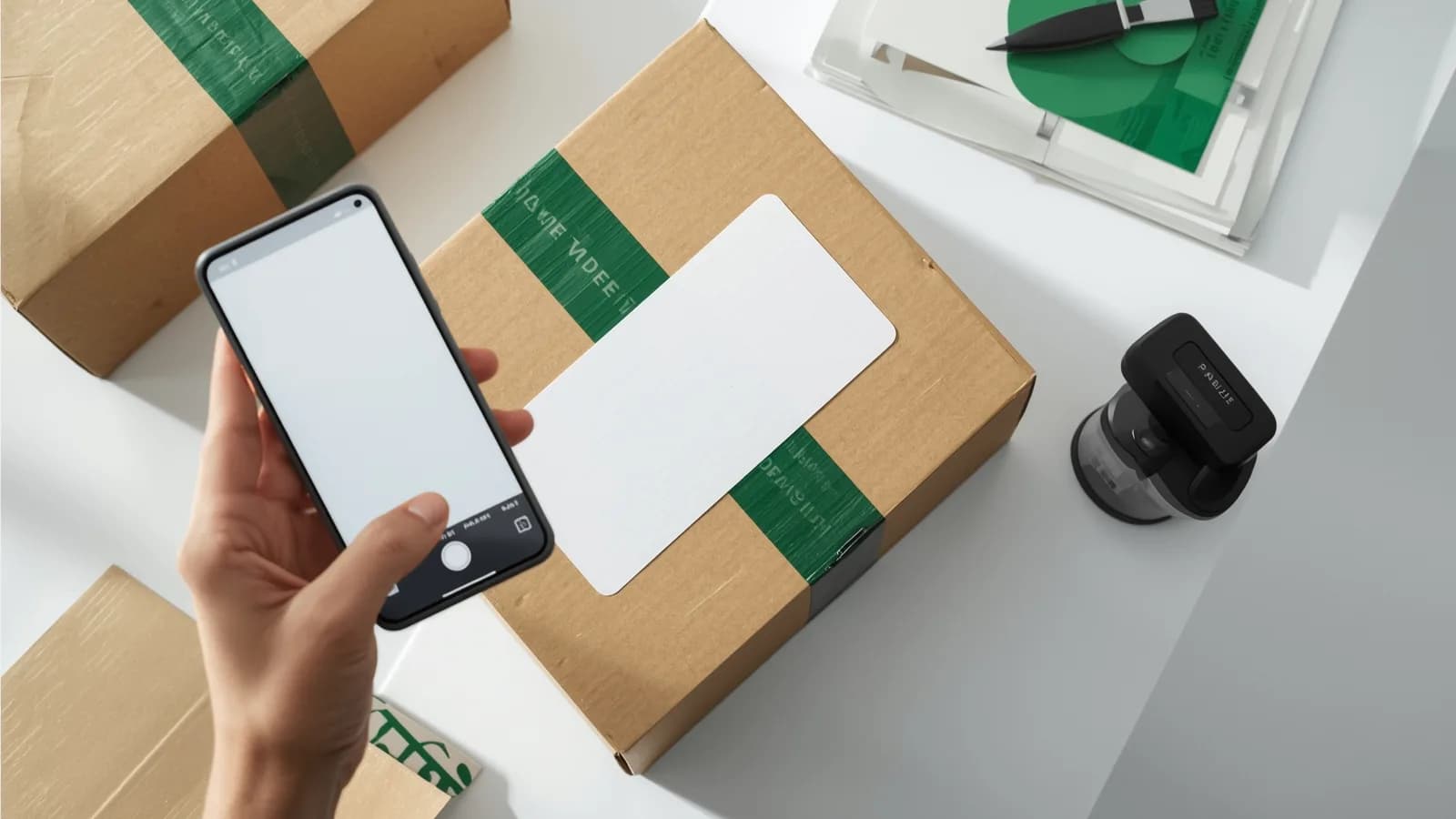
PallasMark turns label data into part of the sealed evidence record, on the phones your warehouse already uses. Point the phone at the barcode and the matching order or record opens; when a scanned code matches no order, the app can read the package label instead.
AI label reading. A photo of the label fills supplier, batch or lot, quantity, location, condition and the other standard and custom fields you enable, for example a serial number or PO field you define, into an editable form. The operator reviews it and saves. A scanned barcode always wins over the AI reading, so the exact source stays the source of truth.
Custom fields that match your labels. Add the fields your operation actually tracks, such as PO, seal number, SKU, serial or lot, so every record carries the same identifiers. Search and filter records later by facility, client, date, condition, creator and those custom fields.
Records that do not need a store order. Warehouse records for receiving, packing, loading and dispatch are tied to a shipment, pallet or lot reference, a facility and, for 3PLs, a client brand. Each record carries a location check (inside the facility area, outside it, or not checked), and every stored file gets a SHA-256 fingerprint with a public verification page.
One record, shared with one party. Send a specific record to a client brand, carrier or supplier through a link with an expiry, optional PIN and download settings, revocable at any time, with no access to the rest of the warehouse.
Return evidence that closes the loop. When a return opens, PallasMark can ask the buyer to film the item they are sending back, automatically for Shopify and ShipHero returns, with automation rules for the return reasons you choose. Their serial is on camera before the box reaches you.
See warehouse and pallet proof, PallasMark for warehouses and B2B shipments for the full workflow, and how a warehouse records packing proof for how this runs across shifts and benches.
Label data is one layer of proof of packing; the others are the recording, the seal and the buyer's approval. For the full picture, start with what is proof of packing, then see photo approval before shipping and the packing station SOP template.
Frequently asked questions
What is AI label reading?
AI label reading, also called AI label extraction, is software that reads the printed text on a package or pallet label from a photo and fills it into named fields, such as supplier, lot, quantity, serial number or PO. Unlike a barcode scan, which decodes one code, it reads the human-readable text, so it works on labels with no barcode or with fields the barcode does not encode.
Can an app read a serial number from a photo?
Yes, if the serial number is printed legibly and you tell the reader which field to fill. Define a serial number field with a short hint, such as the text after S/N on the white sticker, and the reader fills it from the label photo. If the serial is encoded in a GS1 barcode under application identifier 21, scanning that barcode reads it exactly.
How accurate is AI label reading compared with barcode scanning?
A barcode scan decodes exactly what the code encodes, so it is the better source whenever the field is in the barcode. AI reading interprets printed text, which can be scuffed, wrapped in film or photographed at an angle, so its values should be reviewed before saving. In PallasMark the values arrive in an editable form the operator reviews, and a scanned barcode always wins over the AI reading.
Is AI label reading included in every PallasMark plan?
AI label reading is part of the Scale plan, the contract plan for higher volume and more facilities. Barcode scanning and warehouse records for receiving, packing, loading and dispatch are part of the warehouse workflow included in every plan. See the pricing page for what each plan includes.
How do serial numbers help against return swap fraud?
A return swap is when a buyer returns a different, often broken or counterfeit, unit in place of the one they received. If the serial number of the unit you shipped was captured at dispatch, tied to the order and sealed, you can show that the returned serial does not match. Without that record it is your word against the buyer's.
What should I record for a container seal number?
Record the seal number when the seal is applied and again before it is cut at receiving, with a photo where the number is readable and the seal is visibly intact. Compare it with the number on the shipping documents. CBP's recommended seal procedures call for a View, Verify, Tug and Twist check, with a witness, to confirm the seal is the correct number, uncompromised and properly affixed.
Can I use label reading when there is no store order?
Yes. Inbound supplier freight, transfers between facilities, wholesale shipments and consignment stock often have no store order at all. A label-driven record is opened under the label's own reference, such as a pallet, shipment or lot number, and the fields read from the label become its data.
- ai label reading
- label ocr
- serial numbers
- warehouse receiving
- container seals
- return fraud