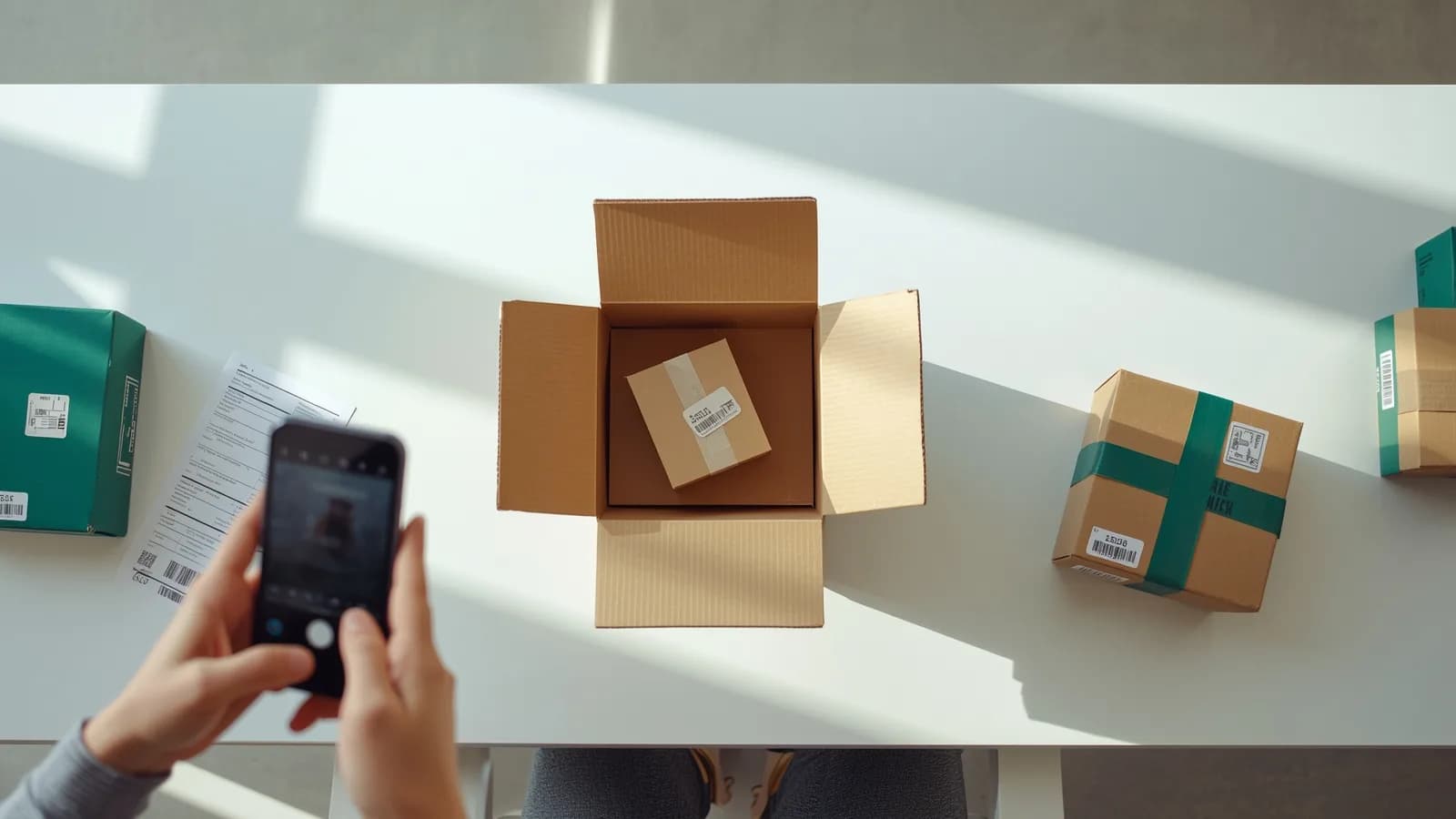
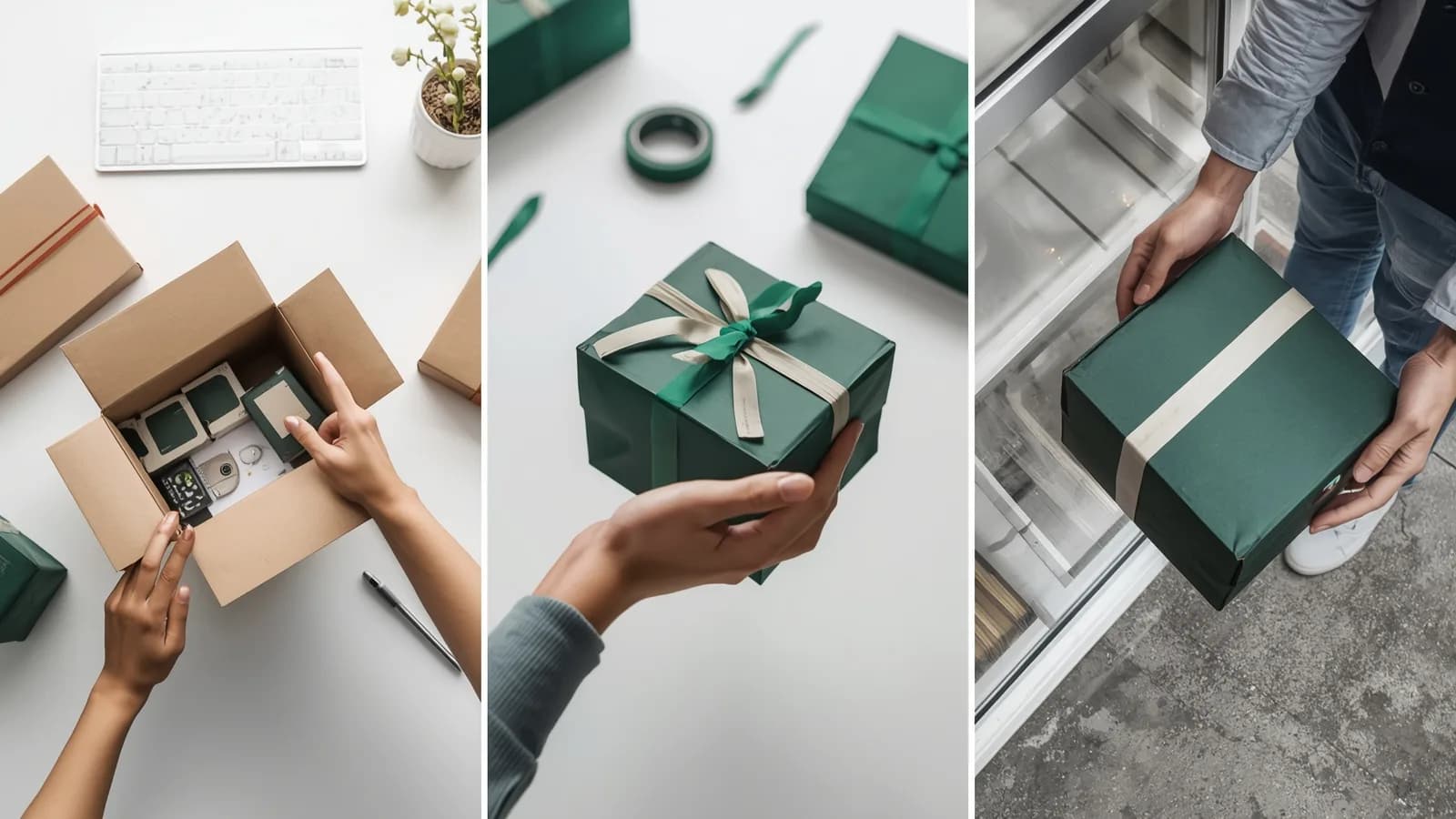
Part of the Proof of packing guide
Photo approval before shipping: get the buyer to approve the actual goods

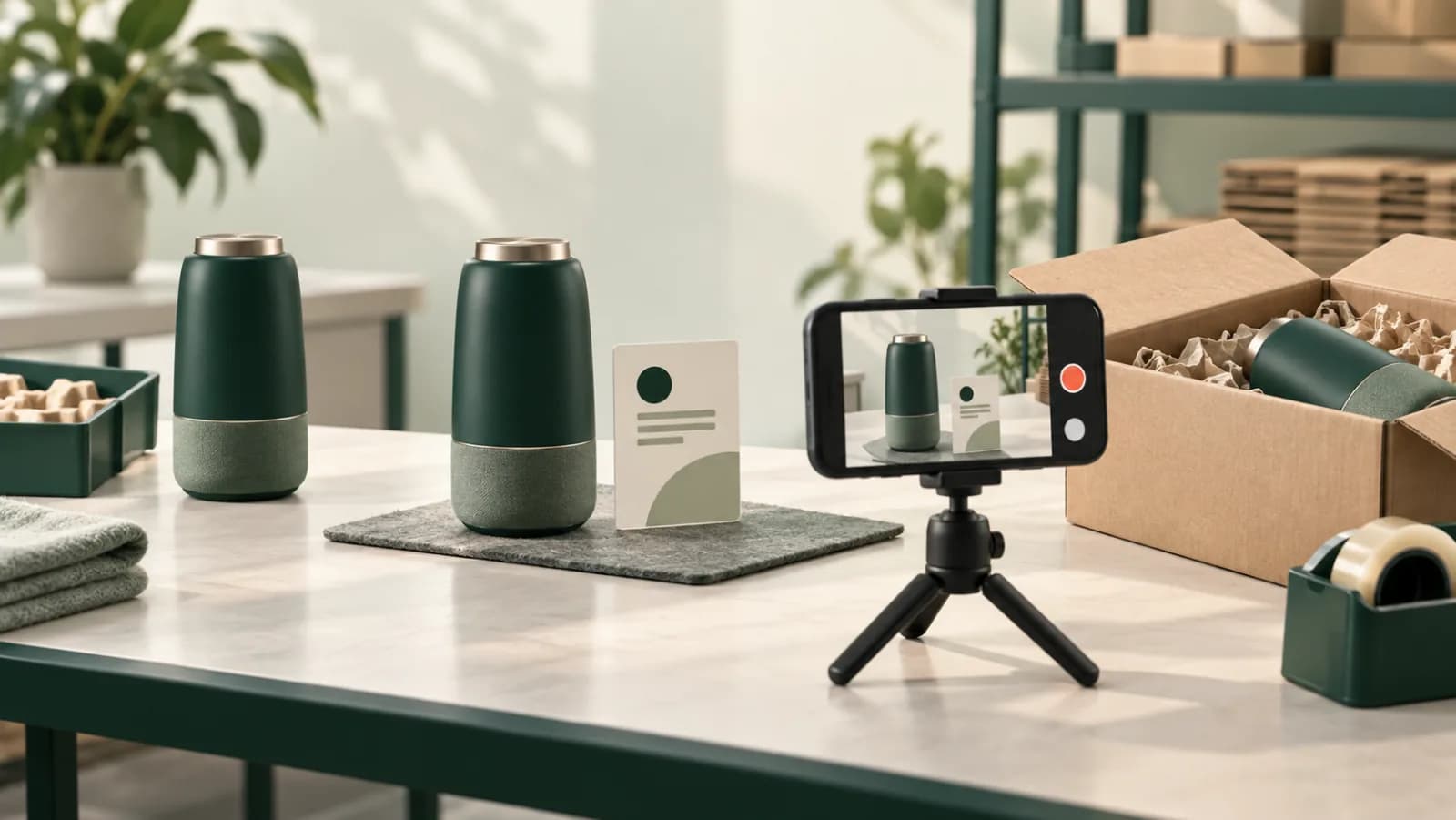
On this page
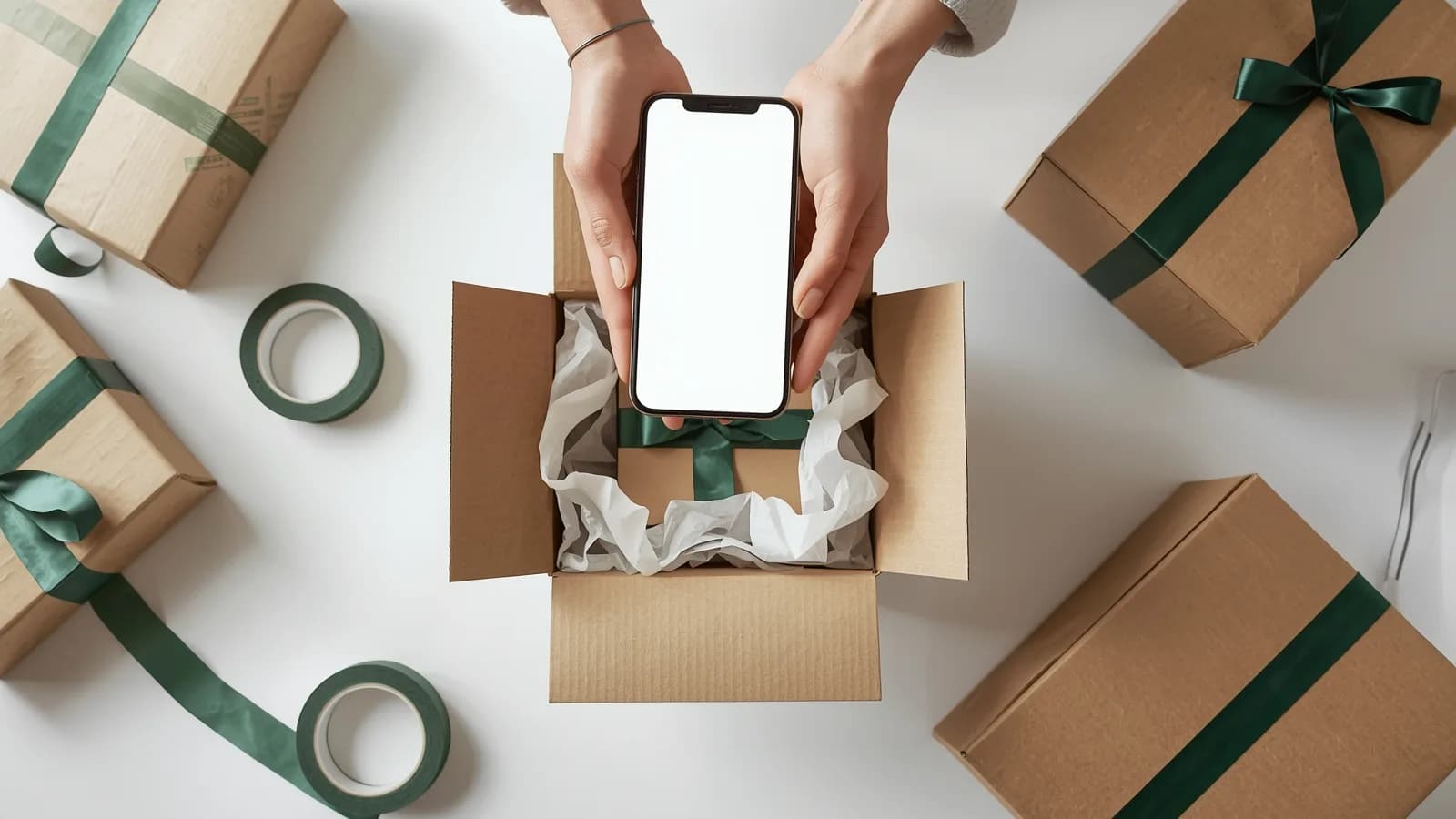
Most "not as described" disputes are arguments about a moment the buyer never saw: what went into the box. Photo approval before shipping moves that moment into view. The buyer watches their own order being packed, says yes or flags a problem while the parcel is still on your bench, and the answer is kept with the order.
For a custom ring, a pallet of wholesale stock or a refurbished laptop, that one step settles questions before they become disputes. This guide covers why it works, which orders deserve it, how existing approval tools differ, a step-by-step process and buyer messages you can copy. It is part of our guide to proof of packing.
Why the buyer should approve the goods, not just the order
Approving the goods matters because not-as-described disputes are decided on whether what was delivered matched what was presented, and a buyer's approval of the actual item is the most direct evidence of that match.
Look at what reviewers check:
- Card disputes. Visa's dispute management guide for merchants (October 2026 edition) frames condition 13.3, Not as Described or Defective, as expectations versus delivery. It lists inspection records of condition before shipment as relevant documentation, and among its prevention steps it suggests getting customer confirmation, where possible, that the product was received in good condition. Pre-dispatch approval is the earliest version of that confirmation: the buyer confirms the item before it travels.
- PayPal. PayPal's Seller Protection program excludes Significantly Not as Described claims. There is no policy backstop for "this isn't what I ordered"; the case is decided on the evidence each side brings.
- B2B and wholesale. Business buyers dispute quantity, specification and condition. An approval tied to the exact pallet or carton answers all three before the truck leaves.
An approved order screen or an approved design file does not answer any of these. The buyer approved a description or an artwork, not the item that shipped. That gap is where disputes live.
Order approval vs proof approval vs goods approval
There are three kinds of "approval before shipping," and they answer different questions. Competitor details below are taken from their public pages, checked October 2026.
- Order approval asks someone to approve the order itself (value, terms, account) before it is released to fulfillment. Signoff: Order Approval holds incoming Shopify orders until an approver signs off by email on a standalone page, with rules by order value or customer tag, B2B and wholesale support and an audit trail of decisions. Its listing describes the approval page in terms of order details and does not mention product photos or video.
- Proof approval asks the customer to approve a design proof before production. ClearToMake listed proof approval for made-to-order stores, collected before production starts; when we checked in October 2026, its App Store page said the app is not currently available, so it is left out of the table below. Print shops offer a version of goods approval on request: 4OVER4, for example, sends photos of the finished printed piece before it ships if the customer asks support, separate from the PDF proof approved before printing.
- Packing photos show the customer what was packed. SnapPack attaches package photos to the order and can email branded packing photos to customers. Po-Ko Pack creates photo packing proofs, with open and sealed package photos, and shares them on a branded receiver page. Neither listing describes an approve or decline step.
Goods approval combines the last two: the customer sees the actual packed goods and decides before the parcel ships. That is what this guide is about.
| Signoff | SnapPack | Po-Ko Pack | PallasMark | |
|---|---|---|---|---|
| What the approver sees | Order details | Packing photos (email) | Packing photos (receiver page) | Sealed video and photos of the packed order |
| Who decides | Approver set per rule | No decision step listed | No decision step listed | The buyer |
| Approve / report a problem | ✓ (approve or decline) | Not listed | Not listed | ✓ |
| Shows the actual packed goods | Not listed | ✓ photos | ✓ photos | ✓ video and photos |
| Watch time recorded | Not listed | Not listed | Not listed | ✓ seconds watched |
| Third party can verify the file | Not listed | Not listed | Not listed | ✓ public verification page |
| Holds fulfillment until decision | ✓ | Not listed | Not listed | You hold the order; the decision is on record |
| Listed price | Free; Pro $29; Business $79 per 30 days | Free; $4.99; $9.99; $29.99 per 30 days | $9.99; $19.99 per 30 days | Free plan, no card; see pricing |
What a realistic setup costs per year
A Shopify seller who wants an approval gate and photos sent to the buyer would combine two apps. Using listed prices, both billed every 30 days:
| Setup | Listed price per 30 days | Per year (about 12.2 thirty-day cycles) |
|---|---|---|
| Signoff Pro (approval gate, up to 5 rules) | $29.00 | about $353 |
| SnapPack Professional (500 photos a month) | $9.99 | about $122 |
| Combined | $38.99 | about $474 |
| Signoff Business + SnapPack Business | $108.99 | about $1,326 |
Even combined, the buyer still does not approve the goods: one app gates the order for an approver you assign, the other sends photos with no decision attached. With PallasMark, buyer approval of the sealed recording, the verification page and the evidence PDF are included from the first order, with no hardware and no per-station fees.
When to hold a parcel for buyer approval
Hold for approval when a mismatch is expensive or likely, and skip it when it would only slow down low-risk orders. A short rule beats case-by-case judgment at the bench.
| Order type | Why approval helps | What to show the buyer | Typical rule |
|---|---|---|---|
| B2B and wholesale | Quantity, specification and condition disputes | Carton count, labels, a sample unit, the pallet before wrapping | Every wholesale order |
| Custom and personalized | "Not what I asked for" on engraving, color, size | The finished personalization, close up and in full | Every custom order |
| High-value (jewelry, watches) | Authenticity and condition claims | The item, its certificate or serial, the case, the seal | Above an order value |
| Refurbished and graded | Grade and cosmetic condition disputes | Every face, the screen powered on, the serial | Every order |
| Made-to-order furniture and art | Finish, dimensions, damage | The piece, measurements, protective wrapping | Every order |
| First large orders from new accounts | No trust history yet | The full order before sealing | Above an order value |
For jewelry specifically, pair approval with an on-camera sealing routine; our jewelry shipping security SOP covers it. For wholesale, see Faire wholesale damage reports, and for art, the artwork condition report before shipping.
Step-by-step: photo approval before shipping
The process is six steps, and the order matters: the hold comes before the recording, and the parcel moves only after the decision.
What to show in the approval recording
Show what the buyer would complain about. For a personalized item, the engraving in sharp focus. For apparel, the size and color labels. For electronics, the serial number and a powered-on screen; AI label reading for serial numbers explains how to capture the serial as data too. For wholesale, the carton count and the labels on each carton. Keep the order reference in the same shot, so nobody can say it was a different order.
Copy-ready buyer messages
Short, specific messages get faster answers. Replace the brackets and keep the deadline explicit.
How PallasMark handles buyer approval
PallasMark lets the buyer approve the exact parcel on video before it ships, and keeps the decision with the order as evidence. The recording is the same sealed proof of packing you would use in a dispute, so approval adds no extra filming.
What the seller's side actually looks like
Capture on the phone that is already in the room, and a sealed record the other side can open and check without an account.
 You
You
Video Verification
Verify that a video proof has not been tampered with.
- SHA-256 Hash
- 9f2a4c81…c41d
- Uploaded
- 21 Aug 2026, 14:32
- Burned into video
- Yes
The green verified result appears only after the stored file is re-hashed and compared with this recorded fingerprint.
One tap to send. From the order, the team taps "Send to buyer." Rules can make approval the next step for orders above an amount, for every order, or for none. Buyers are reached by email, and by SMS or WhatsApp with notification credit packs.
Nothing for the buyer to set up. The buyer opens a link with no app, no account and no password, watches the recording of their own order and chooses Approve or Report an issue. Each link takes one decision and is valid for 7 days by default. The page speaks seven languages.
Proof they actually watched. The record keeps how long the buyer watched, in seconds. You can require them to watch a share of the video before the Approve button unlocks.
Optional location. If you enable it and the buyer allows it, their location is recorded with the decision; a refusal is recorded too.
Sealed and verifiable. Every stored file has a SHA-256 fingerprint and a public verification page anyone can open without an account, so the buyer, a bank or a marketplace can check that the video they see is the one that was recorded.
Ready for a dispute. If a claim comes later, the evidence PDF you generate for the order includes stills from the recording and the buyer's approval, alongside the carrier and tracking number read from your store. You upload it to the payment provider or marketplace yourself.
See buyer approval and automation rules for the details, buyer trust, B2B shipments and jewelry for how teams use it, and the Shopify integration for how orders sync and the proof link and status are written back to the order. For how approval fits with shipment and delivery records, see proof of shipment vs proof of delivery vs proof of packing.
Buyer approval is one layer of proof of packing. For the full picture, start with what is proof of packing.
Frequently asked questions
What is photo approval before shipping?
Photo approval before shipping is a step where the seller sends the buyer photos or a video of the actual packed goods and waits for the buyer to approve them before the parcel leaves. It is different from order approval, where someone approves the order details, and from proof approval, where a customer approves a design file before production.
Which orders should wait for customer approval before shipping?
Orders where a mismatch is expensive or likely: custom and personalized items, high-value goods such as jewelry and watches, wholesale and B2B orders with exact quantities, refurbished or graded items, and large first orders from new accounts. Low-value standard items rarely justify the delay.
Does buyer approval stop chargebacks?
Nothing guarantees a dispute outcome, but approval changes what a not-as-described claim is about. If the buyer watched the recording of their own order and approved it before dispatch, a later claim that the item is not what they ordered contradicts their own recorded decision. That record, with the listing and tracking, goes into the evidence you submit.
Is there a Shopify app to get customer approval with photos before shipping?
Several Shopify apps touch parts of this. Signoff holds orders for an approver's sign-off, SnapPack emails packing photos to customers, and Po-Ko Pack shares photo packing proofs on a receiver page. PallasMark sends the buyer the sealed recording of their own order with Approve and Report an issue buttons, keeps how long they watched, and stores the decision on the order.
What happens if the buyer does not respond?
Tell the buyer in the first message how long you will hold the parcel and what happens after that, then send one reminder. In PallasMark, approval links are valid for 7 days by default. If the deadline passes, follow the policy you stated: ship as packed, or contact the buyer by phone for larger B2B orders.
Does the buyer need an app or an account to approve?
Not with PallasMark. The buyer opens a link in any browser, with no app, account or password, watches the recording and chooses Approve or Report an issue. The page is available in seven languages.
Can I see whether the buyer actually watched the video?
Yes. PallasMark records how long the buyer watched, in seconds, and you can require them to watch a share of the video before the Approve button unlocks. That makes a later claim of 'I never saw it' much harder to sustain.
- photo approval
- customer approval before shipping
- b2b orders
- custom orders
- buyer approval
- shopify