Part of the Tools compared guide
PackCapture alternative: packing video proof without a webcam station

On this page
Competitor details are taken from their public pages, checked October 2026.
PackCapture is one of a small group of pack-station recorders built by sellers for sellers: point a webcam at the bench, scan the order, record, share the clip when a customer complains. If you are comparing it with other tools, the questions that matter are what you have to install at each bench, how the video reaches your store, and whether the clip can stand up on its own when a buyer or a bank disputes it. For the full category, see our packing video software comparison.
What PackCapture is and what it does
PackCapture is a cloud packing-video recorder that runs at a webcam station. Its about page says it was built by e-commerce business owners to solve disputes in their own business before it was offered to others.
According to its own pages:
- Capture: its homepage says to mount "any high-res web camera above your packing station or on your picking trolley", then scan the Order ID barcode to start recording. Its help center adds that PackCapture does not supply hardware or mounting arms, recommends a 1080p or higher webcam with autofocus connected to a PC, and says you would normally have one user per packing desk.
- Features: high-resolution, time-stamped recordings linked to the order, searchable by order ID, plus a mobile app for Android and iOS to search recorded videos and send them to a customer or the team, per its features page.
- Security: its video security page describes storage on AWS, HTTPS transfer, encryption at rest, a choice between private and shareable-link videos, optional 4-digit PIN protection, randomised video URLs and automatic deletion after a retention period you set.
- Integrations: Shopify and Cin7 Core. Its Shopify integration guide sets up a Make.com scenario that receives the video URL by webhook, finds the Shopify order and writes the URL into the order's note attributes, with optional code to show the link in the shipping confirmation email. The Cin7 Core guide uses the same Make.com pattern to write the URL into the sale's shipping notes. There is also a Google Drive backup option.
- Plans: listed in US dollars on the homepage: Business at $60 a month (up to 3 users, 100 hours of stored video), Business Plus at $149 a month (unlimited users, 500 hours, API integration) and add-on storage at $59 a month per 200 hours. Its FAQ says the maximum storage time is 6 months and there is no minimum lock-in.
For a single bench with a computer already on it, that is a straightforward recorder with sensible access controls. Its scope is the clip: record it, store it, send the link.
PackCapture vs PallasMark, side by side
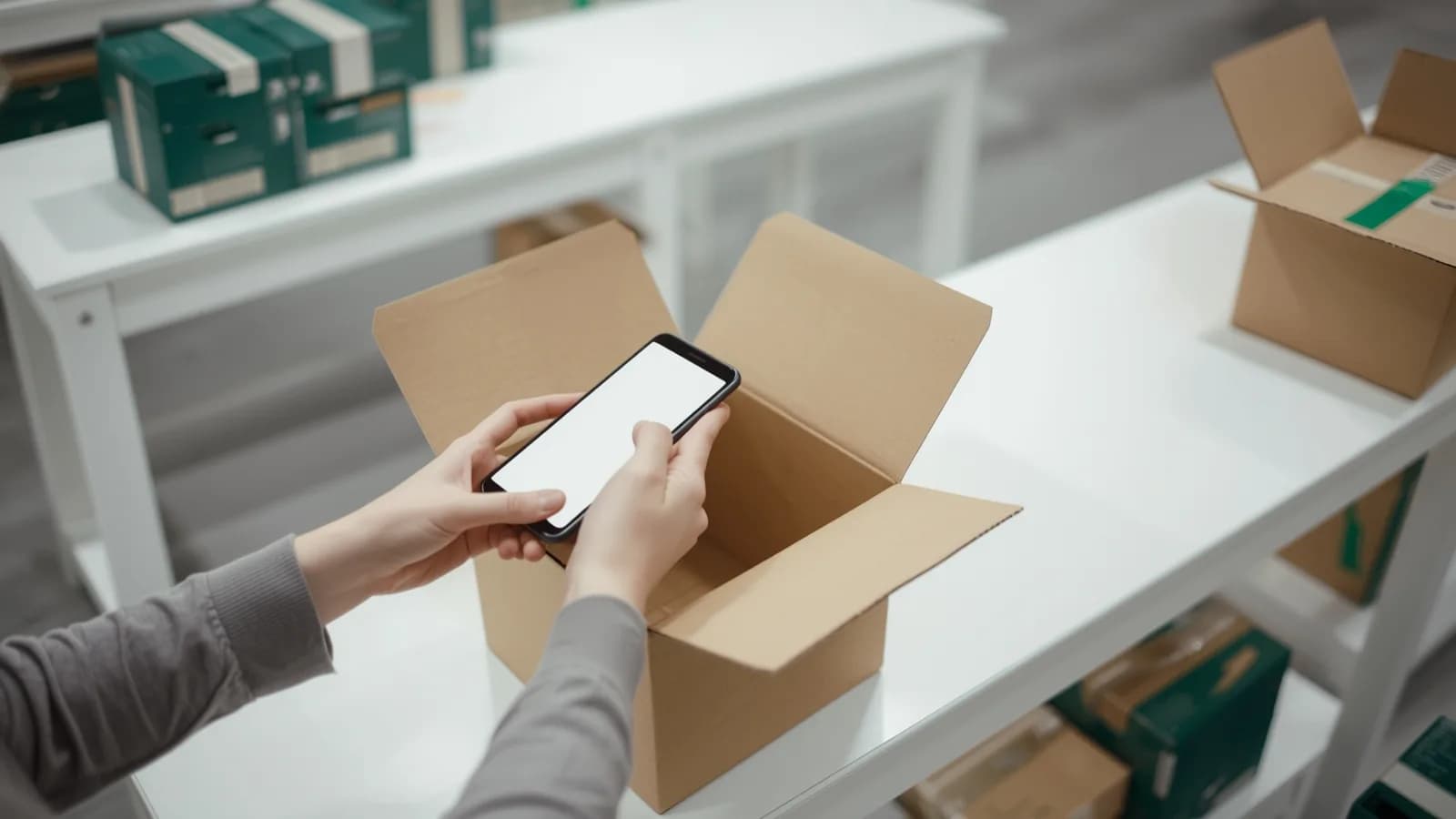
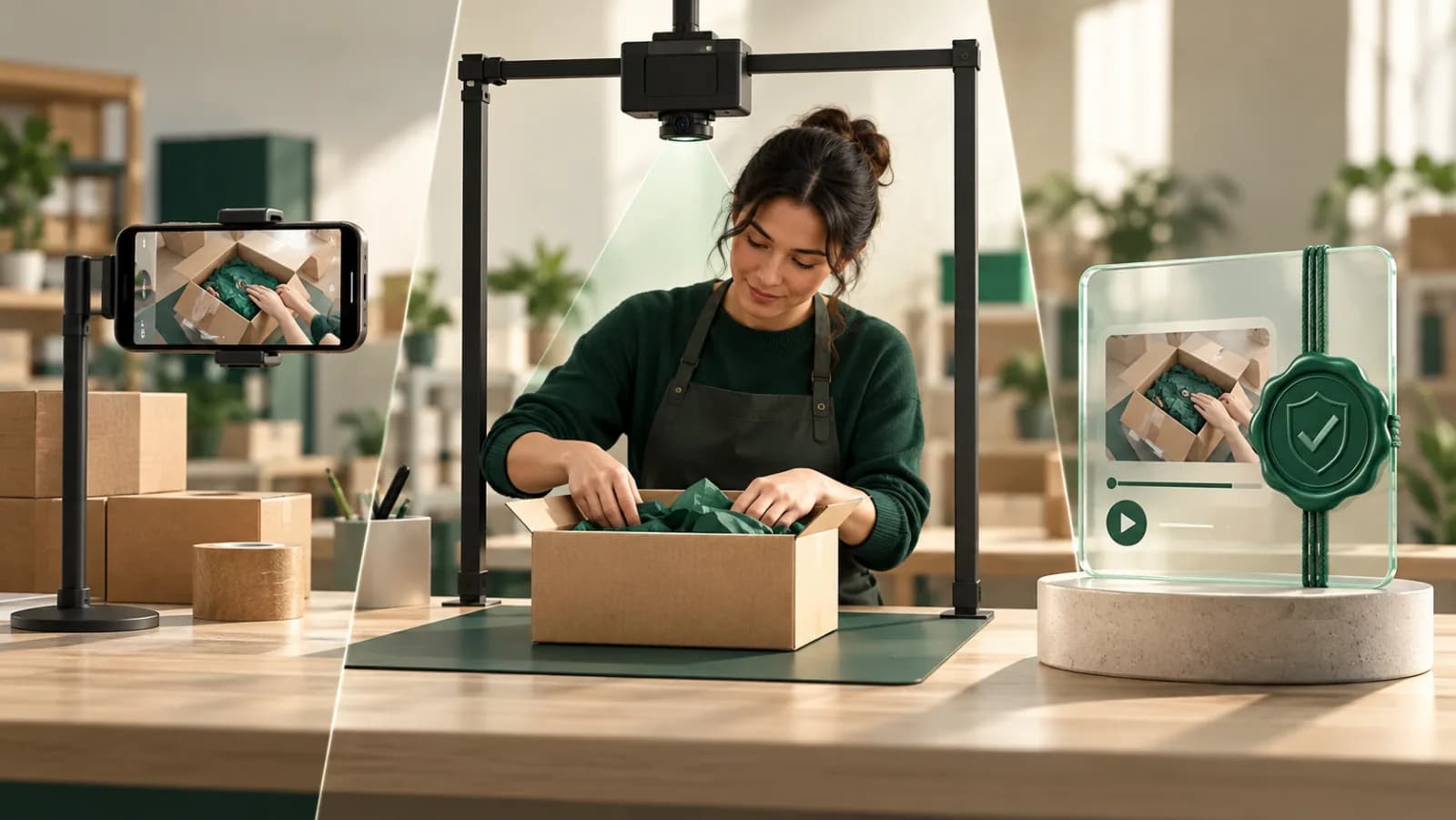
PallasMark records the same packing moment on a phone instead of a webcam station, and adds the steps that make the recording hold up on its own.
| Capability | PackCapture | PallasMark |
|---|---|---|
| What records the pack | Webcam above the bench or on a picking trolley, connected to a computer | Any iPhone or Android phone, or a browser |
| Hardware supplied | No: webcam and mounting arm bought separately | None needed |
| Pricing basis | Users (normally one per packing desk) plus hours of stored video | No per-station or per-camera fees; free plan, no card |
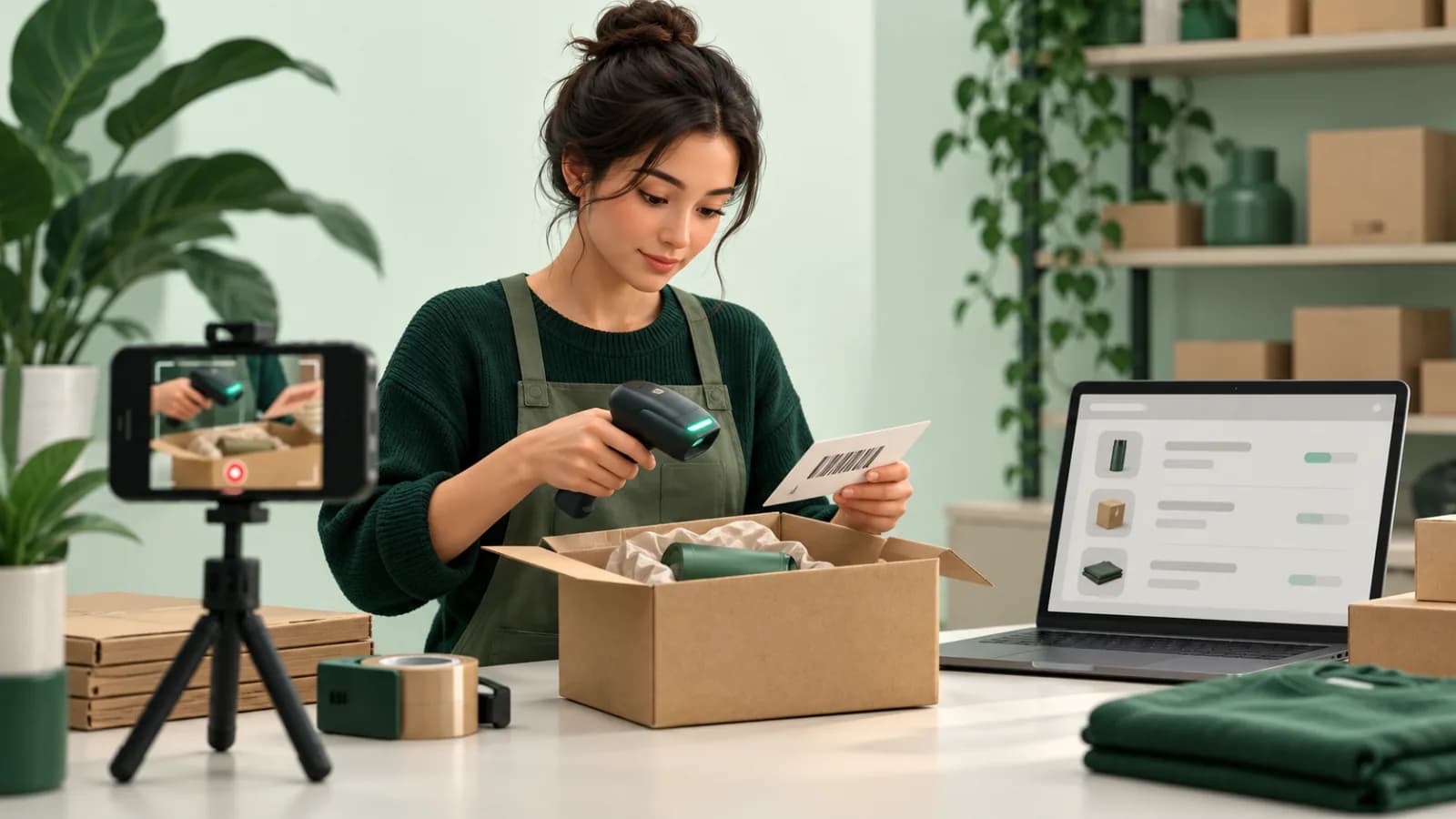
| Barcode starts the order | ✓ Scan the Order ID | ✓ Scan the slip or label, the order opens |
| Shopify | Through a Make.com scenario that writes the URL into note attributes | ✓ Shopify App Store app; orders sync automatically |
| WooCommerce | Not listed | ✓ Free plugin on WordPress.org |
| ShipStation, ShipHero, Amazon | Not listed | ✓ |
| Write-back to the order | Video URL in a note attribute (via Make.com) | Metafields with proof URL, status and content hash, plus tags; WooCommerce private note |
| Sharing | Private or shareable link, optional 4-digit PIN | ✓ Verification page; dossier link with expiry, optional PIN, revocable |
| Stamp inside the image | Not listed | ✓ Company name, order number and upload time (UTC) |
| Tamper evidence | Not listed (security page covers storage encryption and access) | ✓ SHA-256 fingerprint of every stored file; no edit button |
| Third party verifies alone | Not listed | ✓ Public verification page, no account |
| Buyer approves before dispatch | Not listed | ✓ Approve or report an issue, with watch time |
| Buyer films the return | Not listed | ✓ Automatic on Shopify and ShipHero returns |
| Dispute-ready PDF with video stills | Not listed | ✓ Evidence dossier on every plan |
| Receiving, pallets, lots, 3PL clients | Not listed | ✓ Warehouse records with facility and client |
What PackCapture costs per year, and what PallasMark costs instead
PackCapture costs between $720 and $3,204 a year for the one-, three- and five-station setups below, before hardware. It bills by users and hours of stored video, so the bill follows how much footage you keep rather than how many benches you run. Prices are as listed on PackCapture's homepage, checked October 2026.
To turn that into a yearly figure, we assumed 2 minutes of video per order, 22 packing days a month, and 3 months of storage, which matches PackCapture's own FAQ note that most businesses keep recordings for 2 or 3 months.
| Setup | Orders per day | Video kept (3 months) | Cheapest plan that fits | Per year |
|---|---|---|---|---|
| 1 station | 40 | about 88 hours | Business (100 hours) | $720 |
| 3 stations | 150 | about 330 hours | Business Plus (500 hours) | $1,788 |
| 5 stations | 400 | about 880 hours | Business Plus + 2 × 200-hour add-ons | $3,204 |
What the table leaves out:
- Hardware at every bench. Each station needs a webcam (PackCapture recommends 1080p or higher with autofocus), a mounting arm and the computer the webcam plugs into. None is supplied.
- Longer storage doubles the hours. Keeping 6 months, PackCapture's maximum, roughly doubles the stored hours in each row.
- More than 3 users moves you to Business Plus regardless of storage.
- The Shopify link may need the higher plan. PackCapture's help center says the API / Make / Zapier option is "only available on some plans", and API integration is listed only on Business Plus. If your plan needs that option, the one-station setup moves to $1,788 a year.
- The Make.com scenario that writes links into Shopify or Cin7 is another account and workflow to keep running.
PallasMark costs no hardware and no per-station fees. Every phone on the team records, at the bench, at a second table or at a market stall, and you can start on the free plan with no card. The verification page, buyer approval and evidence PDF are included from the first order, and any order with an open dispute, chargeback or return is never purged. Current plans are on the pricing page.
Where PallasMark goes further than PackCapture
PallasMark goes further than PackCapture in five places: proof an outsider can check, native store connections, the buyer's approval before dispatch, the buyer's own return footage, and a dispute file in the format banks accept.
Encryption protects a file; a fingerprint proves it
PackCapture's security page is about keeping videos private: AWS storage, encryption at rest, PINs, randomised links. Those protect a file from outsiders. They do not let an outsider confirm the file is unchanged. PallasMark adds that check. Every stored file gets a SHA-256 fingerprint, and each proof has a public verification page that re-hashes the file on the spot and shows whether it still matches, with no account or login. There is no edit button for recordings anywhere in the product. See tamper-proof video and how verification works.
Store connections that need no Make.com scenario
PallasMark installs from the Shopify App Store and as a free WooCommerce plugin, and connects ShipStation, ShipHero and Amazon Seller Central for the US and Canada. Pull in the latest 100 past orders with one click; new orders arrive on their own. With write-back on, Shopify orders get metafields with the proof URL, status and content hash, plus tags, and WooCommerce orders get a private note. See the Shopify integration and packing video proof for Shopify.
The buyer approves the parcel before it ships
PackCapture's Shopify guide puts the video link in the shipping confirmation email, after the parcel has left. PallasMark can hold a high-value order and send the sealed recording first. The buyer opens a link with no app and no password, watches, and chooses Approve or Report an issue. The record keeps how many seconds they watched, and you can require a share of the video to be watched before the approve button unlocks. Sending is one tap, and rules can make it the next step for orders above an amount. See buyer approval.
The buyer films the return
When a return is opened, PallasMark asks the buyer to film or photograph the item and its packaging through a link. Shopify and ShipHero returns trigger the request automatically, WooCommerce orders get a one-tap button, and you choose whether the evidence is optional or required. You see the condition of a return before it reaches your door. See return evidence.
A dispute file the bank will read
Shopify's chargeback instructions accept only PDF, JPEG or PNG and say not to include video files or links to external resources, and Stripe's dispute evidence best practices set the same file types. PallasMark builds an evidence dossier on request: a PDF with four stills from each recorded video (up to six videos), order details, photos, fingerprints, buyer approval and return evidence, and the carrier and tracking number read from your store. You download it and upload it to your payment provider yourself. See chargeback evidence.
Switch from PackCapture in an afternoon
Switching from PackCapture to PallasMark takes an afternoon, and your packers keep the habit they already have: scan the order, then pack.
Related reading
For every tool in the category side by side, read the packing video software comparison, and for Shopify specifically, Shopify packing video apps compared. Other station-based tools are covered in the vAudit alternative and Rabot alternative pages. To see how capture works on a phone, start with the packing video recording app.
Frequently asked questions
What is the best PackCapture alternative?
For sellers who want packing proof that does more than store a clip, PallasMark is the strongest PackCapture alternative. It records on the phones a team already has, connects natively to Shopify, WooCommerce, ShipStation, ShipHero and Amazon, and fingerprints every file with SHA-256 so anyone can verify it on a public page. It also adds buyer approval before dispatch, buyer-filmed returns and a dispute-ready evidence PDF.
How much does PackCapture cost?
PackCapture's website, checked in October 2026, lists Business at $60 a month for up to 3 users and 100 hours of stored video, Business Plus at $149 a month for unlimited users, 500 hours and API access, and extra storage at $59 a month per 200 hours. In our worked examples that comes to $720, $1,788 and $3,204 a year for one, three and five stations, before webcams, mounts and computers, which PackCapture does not supply.
Is PackCam the same as PackCapture?
No. PackCam is a separate product from a different vendor; the packcam.ai address currently forwards to a product page on Seller Hardware. Whichever pack-station recorder you compare, ask the same three questions: what hardware each station needs, whether someone outside your company can check that a file has not changed, and whether the buyer ever sees or approves the recording.
Does PackCapture have a Shopify app?
PackCapture's own integration guide connects Shopify through Make.com: a webhook receives the video URL, a Make.com module finds the Shopify order, and another writes the URL into the order's note attributes. PallasMark installs directly from the Shopify App Store and writes the proof URL, status and content hash to the order as metafields, plus tags.
Do I need a webcam or a computer at the bench to use PallasMark?
No. PallasMark records on iPhone and Android phones or in a browser, so there is nothing to clamp over the bench and no computer to dedicate to recording. A packer scans the barcode on the picking slip or shipping label, the app opens that order, and the recording is tied to it before the first frame.
How is buyer approval different from emailing the buyer a video link?
A link in a shipping email shows the buyer a video after the parcel has left. PallasMark's buyer approval sends the sealed recording before dispatch and asks the buyer to choose Approve or Report an issue, with one decision per link. The record keeps how many seconds they watched, and you can require them to watch part of the video before the approve button unlocks.
Can a bank or marketplace verify a PallasMark recording without logging in?
Yes. Every proof has a public verification page that re-hashes the stored file on the spot and shows whether it still matches its SHA-256 fingerprint, with no account or login. For card disputes, PallasMark also builds a PDF with four stills from each video, because processors such as Shopify Payments and Stripe accept PDF, JPEG or PNG rather than video.
- packcapture alternative
- packcam alternative
- packing camera app
- pack station recording
- shopify packing video
- packing video software