Part of the Warehouse and 3PL evidence guide
Inbound Container Inspection Checklist: Seal, Doors-Open and Empty Photos

On this page
Printable resource
Inbound Container Inspection Checklist
A two-page devanning checklist: references, seal check against the bill of lading, required photos at each stage, an unloading tally and sign-off.
When to use this checklist
Use it for every full container you devan, ocean or intermodal, and for any sealed trailer where the seal and load condition matter. The first ten minutes at the doors decide whether a later shortage or damage claim goes to the shipper, the carrier or your own team, and those minutes cannot be recreated.
If your company is a CTPAT member, part of this is already required. CBP's recommended seal procedures tell U.S. importers to use the View, Verify, Twist and Tug (VVTT) method, with a witness, before cutting the seal on inbound shipments, to confirm it is the correct seal number, uncompromised and properly affixed. Non-members gain the same thing: a seal check is the cheapest way to show whether a box was opened after it left the shipper.
The most-shared checklist for this job is Cargosnap's seven-step inbound container checklist: inspect the BL, record the container number, record the seal number and check it against the shipment document, photograph the cargo upon opening, record container condition, photograph the cargo document and photograph the empty container. Its download goes through a form. The version below needs no sign-up and adds what turns a checklist into evidence: the PO and ASN tie, a staged unloading tally and a sign-off that routes exceptions.
The inbound container inspection checklist
Run the checks in order. Each one has a photo that is required before the next step starts.
| # | Check | Required photo | Compare against | If it doesn't match |
|---|---|---|---|---|
| 1 | Paperwork and references | BL or delivery order | PO, ASN, booking | Hold the container; call the forwarder |
| 2 | Container number and exterior | Full side with the number legible; each dent, hole or wet patch | Container number on the BL | Note on the delivery receipt; photograph |
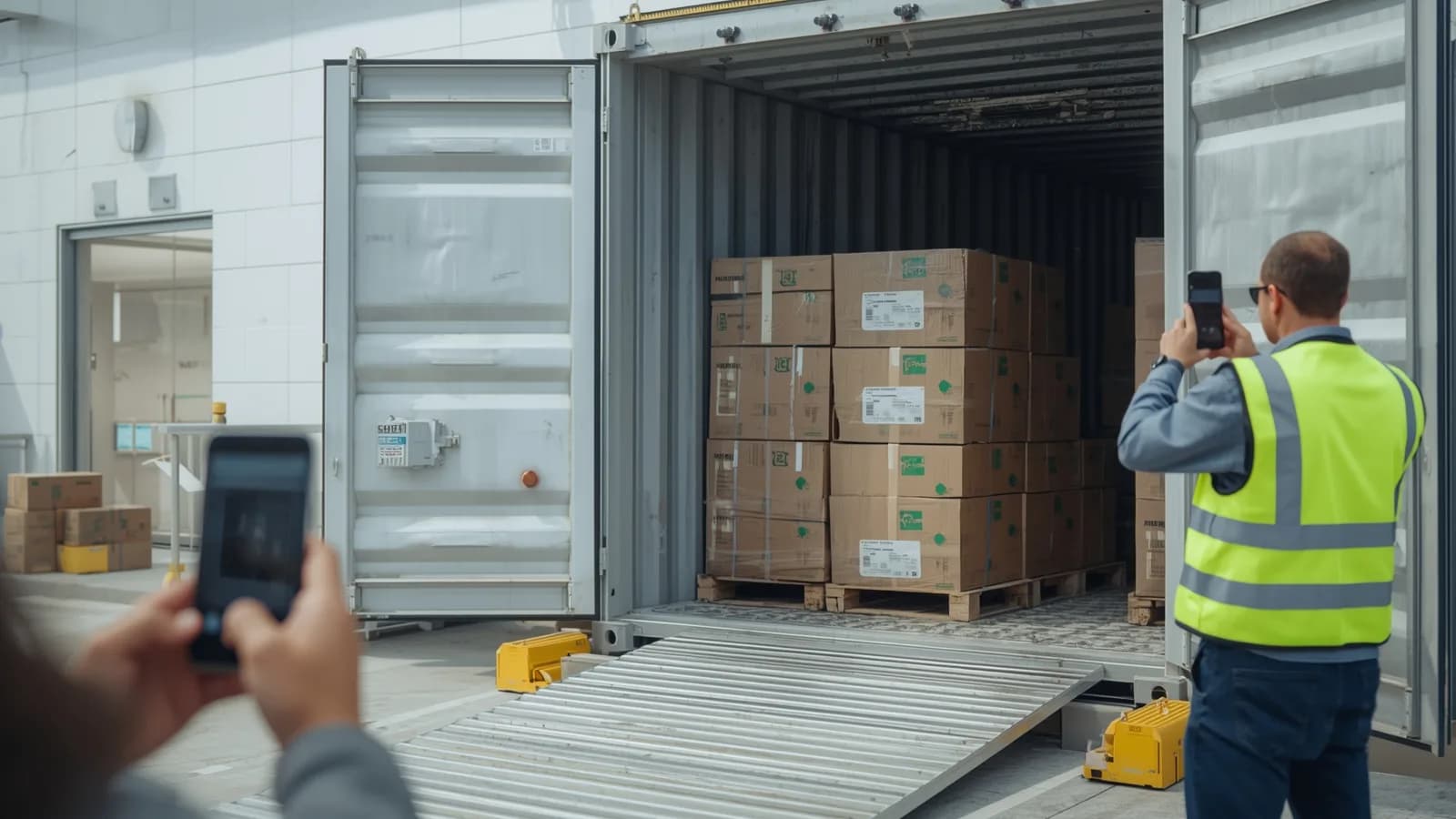
| 3 | Seal (VVTT) | Seal on the door hardware, number legible | Seal number on the BL | Do not cut; escalate (see below) |
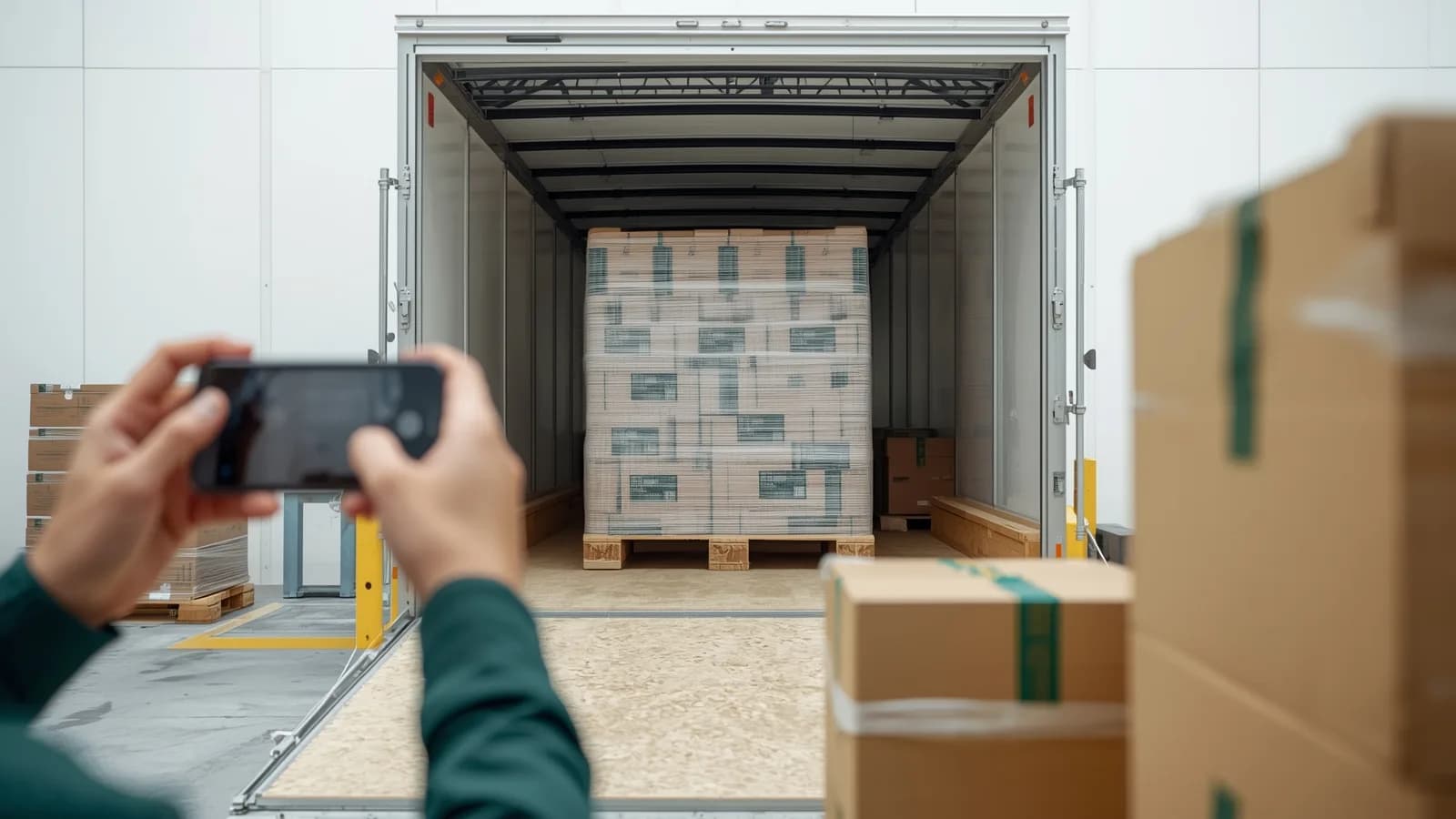
| 4 | Doors open | The load as first seen, before anything moves | Expected load pattern | Stop; photograph shifted, wet or crushed cartons in place |
| 5 | Unload in stages | Each tier; damaged cartons in place; each pallet or carton label | ASN or packing list | Log on the receiving discrepancy report |
| 6 | Cargo documents | Signed delivery receipt and tally sheet | Your count | Write exceptions before signing |
| 7 | Empty container | Wide shot of the empty interior; floor, walls, ceiling, doors | Nothing left inside | Note holes, water ingress, debris |
Seal checks: what a mismatch means
A seal number that matches the bill of lading, on a seal that is intact and properly affixed, is your best evidence that the doors were not opened between the shipper and your dock. A mismatch is not automatically theft, and the response depends on which kind it is.
| What you find | Possible explanation | What to do |
|---|---|---|
| Number matches, seal intact | Doors closed since sealing | Photograph, cut, keep going |
| Different number, seal intact | Container opened for an exam and resealed | Ask your broker or carrier for the replacement seal record before cutting |
| Seal damaged, loose or missing | Tampering, or a failure in transit | Do not unload; photograph; escalate to security and the carrier |
CBP's CTPAT minimum security criteria explain the second row: if a load is examined, the replacement seal number is recorded, and the carrier must immediately notify the shipper, broker and importer of the seal change. The same criteria tell members to retain altered or tampered seals to aid investigations. A photo of the seal in place, taken before anyone touched it, is what makes either conversation short.
How to fill it in
Write the header before the doors open, and let the photos carry the detail.
- Header: container number, BL number, seal number on the BL, seal number found, PO and ASN numbers, carrier, supplier, client brand, dock, date and time.
- One photo reference per check. Use the container number plus the step number, such as
[container]-3for the seal photo, so each image matches its line. - Tally per tier. Write pallets or cartons per tier as they come off, then reconcile against the ASN at the end, not in your head.
- Describe, don't conclude. "Cartons in rows 4 to 6 wet on the bottom, container floor wet at the door end" is useful. "Leaking container" is a conclusion the carrier will contest.
- Witness. The VVTT check and the sign-off need a second name.
Turning the checklist into evidence
A filled checklist tells a reviewer what you saw. The photos and video are what let them see it too, so they need to hold together as one record.
- Same reference on every file. Container number and PO in the record, so a claim three weeks later starts with one search.
- The doors-open moment on video. A continuous video from the cut seal through the first tier shows sequence: the load was already shifted when the doors opened, not knocked over by your forklift.
- The empty container closes the loop. It shows nothing was left inside and records any floor or wall damage that explains wet or crushed cartons.
That record then feeds three different conversations: a carrier or insurance claim for visible transit damage (see documenting freight damage at receiving), a supplier claim for short or wrong cartons (see the receiving discrepancy report), and, for a 3PL, the brand's question of whether the problem started before or after you took custody.
How PallasMark digitizes container inspections
PallasMark turns each container into a record on the receiving team's phones, filed under the container and PO, with the seal, the doors-open view and the unloading inside it.
- A container record, not a camera roll. The operator scans the container or pallet label with the PallasMark app on iPhone or Android, and the record opens under that reference at the right facility, for the right client brand.
- Seal and container numbers in fields. Add custom fields for container number, seal number, BL and PO. On the Scale plan, AI label reading fills those fields from a photo of the label, and the operator checks each value against the bill of lading before saving; a scanned barcode always wins over the AI reading.
- Video and photos that can be checked. Record the seal, the doors opening and each tier. Every file gets a SHA-256 fingerprint, so any later edit is detectable, and a location check records whether the capture happened inside the facility area. There is no edit button for recordings.
- One link to the people who need it. Share the container record with the supplier, forwarder, carrier, insurer or brand through a link with an expiry, an optional PIN and download settings. They open it without an account, see that record only, and can confirm on the verification page that the files have not changed.
- Inbound, outbound and orders on one app. The same phones record loadout photos on the way out and packing video for e-commerce orders, so the warehouse runs one evidence system instead of three.
Tools such as Cordstrap's Proof of Loading app read container and seal numbers from photos and export a branded PDF, and the page offers a demo rather than published pricing (checked October 2026). PallasMark goes further with a public verification page that re-checks every file's fingerprint for anyone holding the link, e-commerce order packing on the same app, and a free plan with no card. See Warehouse proof, PallasMark for warehouses and pricing.
Related reading
This checklist is part of the 3PL evidence playbook. For containers you load rather than receive, use freight loadout photos; for stock moving between providers, the 3PL to 3PL inventory transfer checklist.
Frequently asked questions
What should an inbound container inspection checklist include?
At minimum: the bill of lading and container number, the seal number checked against the shipping documents before the seal is cut, the container exterior, a photo of the load as the doors open, staged unloading photos with a tally against the ASN or packing list, the cargo documents, and a photo of the empty container. Each check should have a required photo tied to the container and PO number.
What do I do if the container seal number does not match the bill of lading?
Do not cut it yet. Photograph the seal and the paperwork, record both numbers and contact your broker or forwarder. A different number can mean the container was opened for a customs exam and resealed, in which case the carrier should have reported the replacement seal number. If the seal looks tampered with, keep it, because CBP's CTPAT criteria tell members to retain altered or tampered seals to aid investigations.
What is the VVTT seal check?
VVTT stands for View, Verify, Tug and Twist. View the seal and locking mechanism, verify the seal number against the shipping documents, tug the seal to make sure it is properly affixed, and twist it to make sure no part comes loose. CBP's seal procedures for CTPAT importers say to do this with a witness before cutting the seal on inbound shipments.
Why photograph an empty container?
The empty-container photo closes the record. It shows that nothing was left inside, documents holes, water damage or debris that could explain cargo damage, and gives the carrier or container owner a condition record when the box is returned.
Should I take photos or video when unloading a container?
Both have a place. Photos make the seal number, labels and individual damage easy to read. A continuous video of the doors opening and the first tier coming off shows sequence, which helps when the question is whether cargo shifted in transit or was damaged during unloading.
Can PallasMark read container and seal numbers from a photo?
On the Scale plan, AI label reading fills the fields you have enabled, including custom fields such as a seal or container number, from a photo of the label, and the operator checks each value before saving. On every plan, the operator can scan or type the reference and record the seal, the doors-open view and the unloading on video, with every file fingerprinted.
- container inspection
- devanning
- container seal
- warehouse receiving
- inbound freight