Part of the Warehouse and 3PL evidence guide
Subscription Box QC Checklist with a Photo of Every Box

On this page
Printable resource
Subscription Box QC Checklist
A two-page kitting QC sheet: run setup, pre-pack checks, packing station steps with a photo per box, a QC sampling plan and a defect rework log.
When to use this checklist
Use it on any run where many identical or curated boxes are built from several components: monthly subscription drops, kitting for launches, gift sets, sample kits and influencer boxes. The failure modes are always the same: a missing item, a wrong variant, an old insert, a crushed component, a box that looks nothing like the photo on the brand's site.
The checklists that rank for this topic are sound on process and selective on photos. Racklify's subscription box QC checklist for fulfillment centers (August 2026, updated September 28) says to take photos or scans where required, giving high-value items and promotional claims as examples, and mentions automatic photo capture for a subset of boxes. Its kitting QC checklist (October 2026) suggests camera-based verification for premium boxes and random audits of 1 to 5% per shift. DCL Logistics' guide to running the monthly drop at scale puts three inspection checkpoints into the assembly flow and treats a missing-item rate above 0.5% as a signal of a problem. ChannelDock's guide to 3PL quality control requires photos on every damaged return before stock is released; its receiving, putaway, picking and packing checkpoints do not call for photos.
All three are about catching errors before they ship. This checklist adds the record that answers a claim after it ships: one photo per box, tied to its box ID.
| QC method | What it finds | What it cannot do |
|---|---|---|
| Random sampling | Process problems across a run | Show what was in one specific box |
| Weight check | Boxes that are clearly short | Show which item is missing or wrong |
| Photo of every box by box ID | What each subscriber's box contained when sealed | Replace the QC station; it records, the QC team decides |
The subscription box QC checklist
The checklist follows the box through four stations. A box cannot move to the next station until the current one is checked.
Station 1: Pre-pack (once per run)
Station 2: Packing (every box)
Station 3: QC (sample plan)
Station 4: Rework (every failed box)
| Box ID | Defect code | Found at (station) | Fix | Re-photographed | Re-checked by | Released |
|---|---|---|---|---|---|---|
| SB-1025-04412 | MISS (missing item) | QC | Added SKU-118 | Yes, 10:42 | QC lead | 10:45 |
| SB-1025-04431 | VAR (wrong variant) | QC | Swapped size M for L | Yes, 10:58 | QC lead | 11:01 |
Defect codes to start with: MISS missing item, VAR wrong variant, INS wrong or missing insert, DMG damaged item, PRES presentation off-spec, LBL label or seal problem.
How to fill it in
Most of the value comes from one rule: the box ID is the key to everything.
- Scan the box ID before anything else. If the photo is taken before the scan, it belongs to no one. With a shipping label, the order number is the box ID.
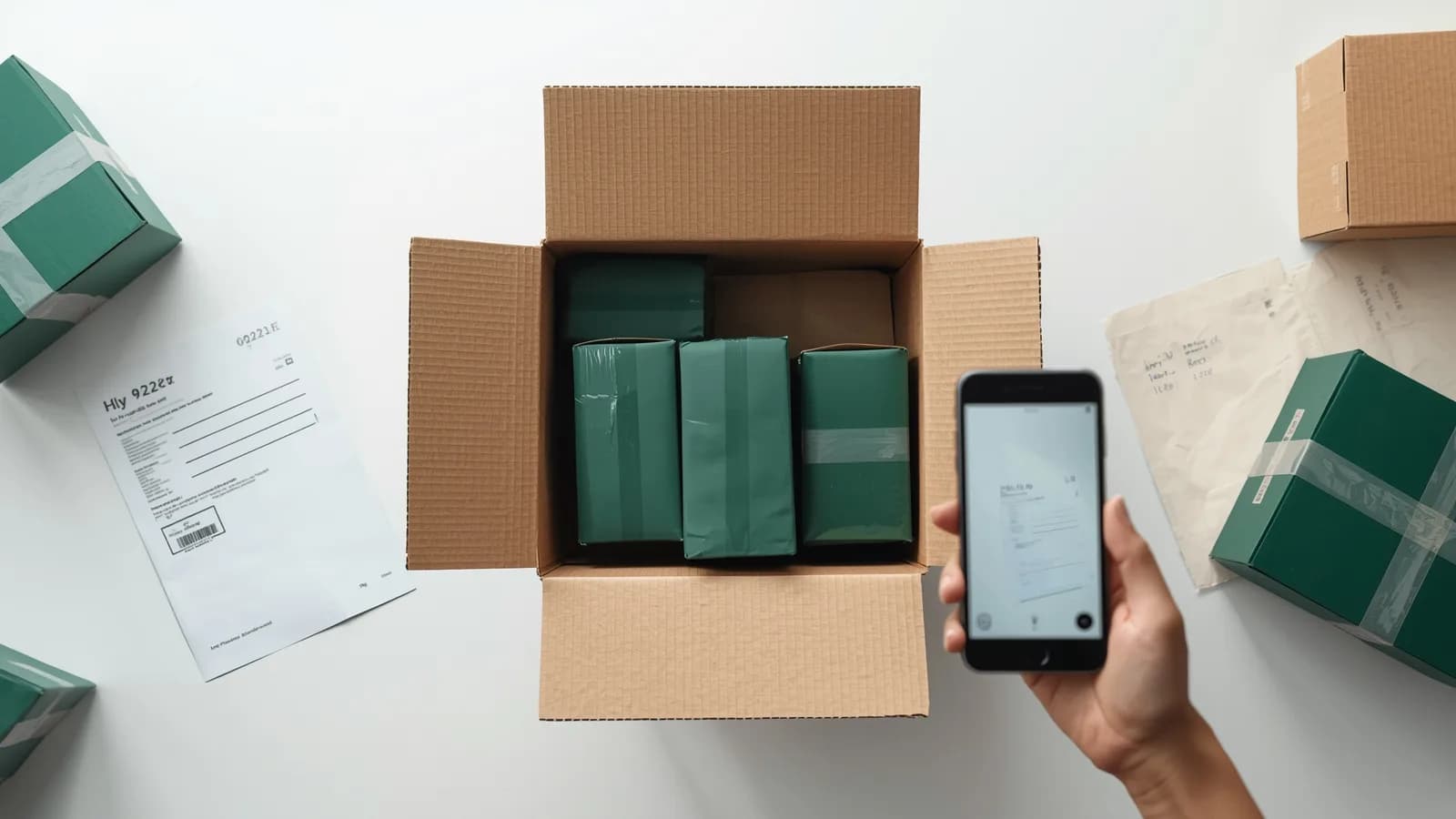
- Shoot from the same angle every time. Top-down, whole box in frame, box ID label visible. Same framing makes a 40-box review take a minute.
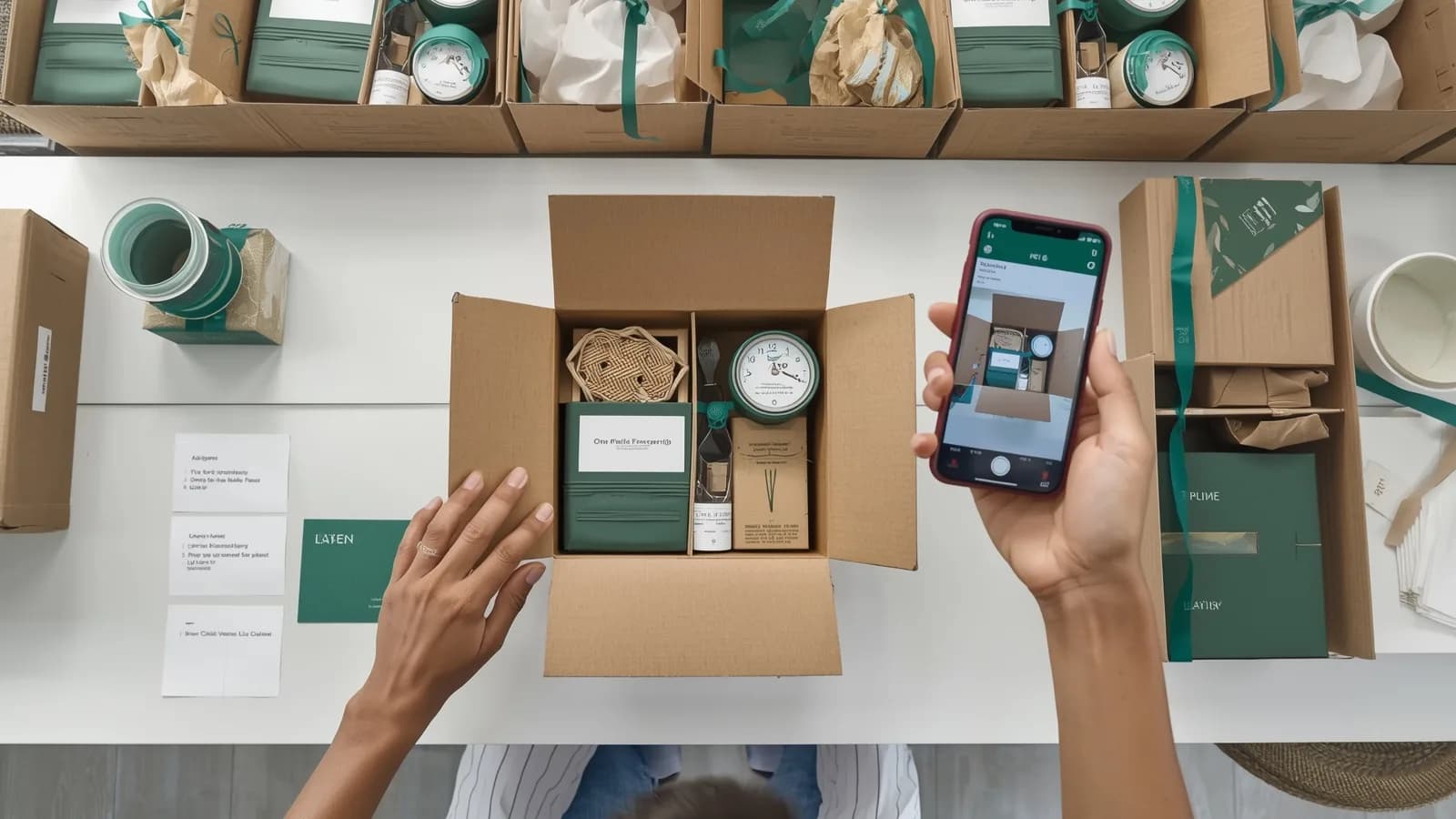
- Photo before the lid, not after. A sealed box photo proves a box exists, not what is inside it.
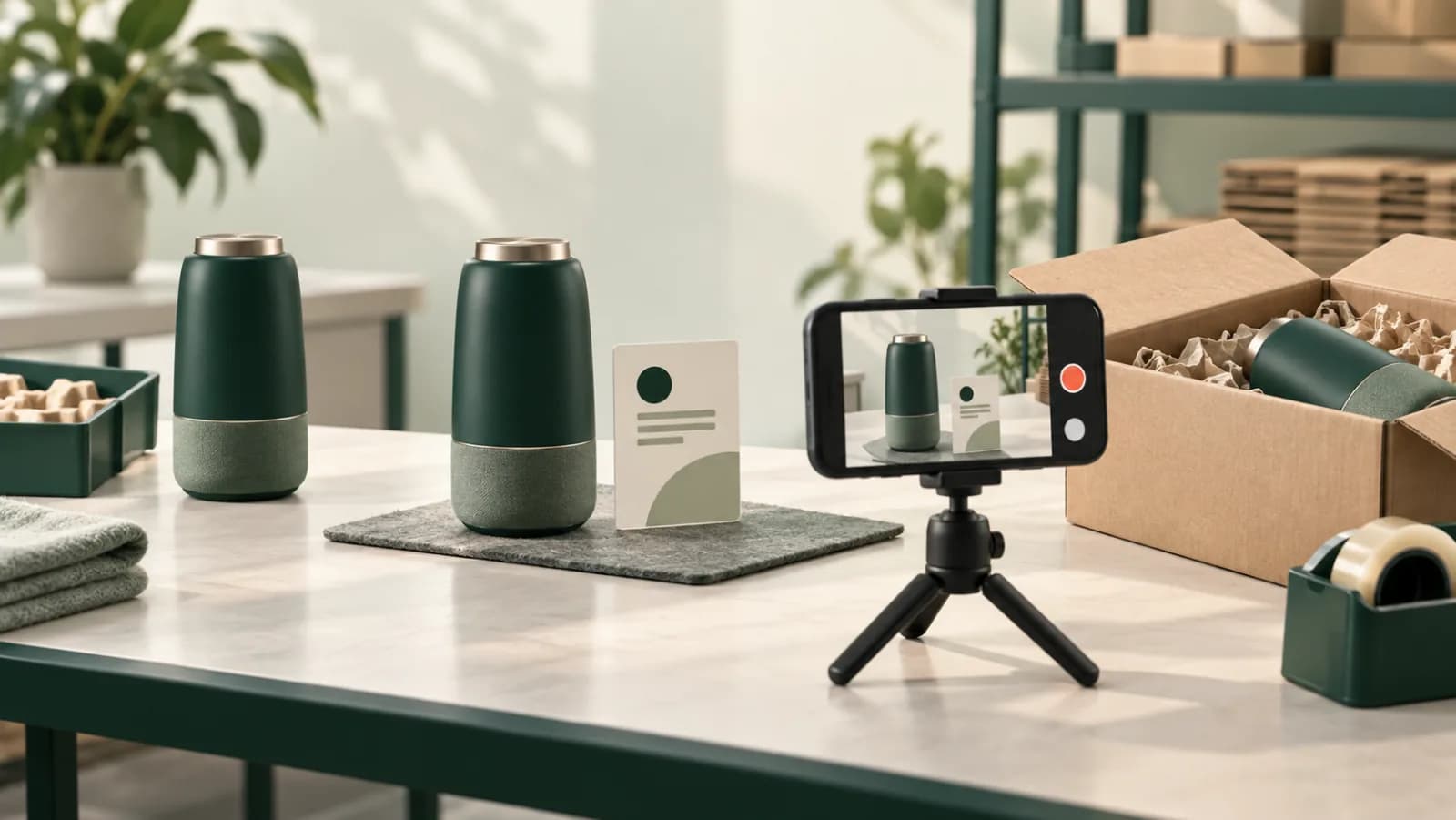
- Video for the boxes that matter most. For premium or high-value boxes, a short video of the last items going in and the lid closing adds sequence that a photo cannot.
- Write the defect code, not a sentence. Codes let you count; sentences do not. Add a note only when the code is not enough.
Turning box photos into evidence
A box photo becomes evidence when someone outside your building can tie it to one subscriber's order and trust that it has not changed. Three habits make that true:
- The order or box ID is bound to the file, not written in a filename someone could rename.
- The time and the packer come from the system, not from a phone's gallery.
- The original is kept untouched, with a way to show it has not been edited.
With that in place, the record answers questions from two directions. When a subscriber says an item was missing, the brand's support team can open the box record instead of reshipping on trust; our guides to the customer saying the wrong item was sent and the customer saying the box was empty cover the reply. When a brand questions its 3PL's accuracy, the 3PL can answer box by box rather than with an accuracy percentage; see 3PL mispick dispute evidence.
How PallasMark digitizes subscription box QC
PallasMark puts the packing station step on the phones your team already uses and turns every box photo into a record the brand and the subscriber can check.
- The box is the order. Orders arrive from Shopify, WooCommerce, ShipStation, ShipHero and Amazon. The packer scans the shipping label or picking slip and the order opens, so the photo or video of the open box is bound to that subscriber's order before the lid closes.
- Photos that carry their own reference. Each photo is stamped with the company name, order number and upload time (UTC) inside the image file, and every file gets a SHA-256 fingerprint, so any edit is detectable. There is no edit button for recordings.
- Kitting runs before orders exist. Build pre-kitted batches as warehouse records under the run or lot reference and client brand, with custom fields for run, SKU and lot.
- Visible where support works. On Shopify, the order gets PallasMark metafields with the proof link, status and content hash, plus tags; on WooCommerce, a private order note. Support sees the box record on the order.
- One link for the subscriber or brand. The public verification page lets anyone with the link check the record without an account. For high-value curated boxes, the team can hold the box and send the subscriber the sealed recording to approve before dispatch with one tap.
- A dispute file when it goes further. If a missing-item claim becomes a chargeback, the evidence dossier builds a PDF with four stills from each video for the payment provider.
See packing QA, tamper-proof video and PallasMark for 3PL fulfillment. The free plan needs no card; see pricing.
Related reading
This checklist is part of the 3PL evidence playbook. For the single-order version of the same discipline, use the packing station SOP template, and for recording every outbound order at a 3PL, see warehouse packing video proof.
Frequently asked questions
What should a subscription box QC checklist include?
Pre-pack checks on components, inserts and packaging against an approved build, a packing station step that scans the box ID and every SKU, a photo of each box before it is sealed, a QC sampling plan with label and seal checks, and a rework log that records each defect by box ID. The checklist should also define who can release a box after rework.
Should every subscription box be photographed?
Yes, if you want to answer claims about individual boxes. Sampling finds process problems across a run, but it cannot show what was in one subscriber's box. A photo of every open box with its box ID visible takes seconds at the packing station and answers the missing-item claim that sampling never will.
What is a good QC sample size for kitting?
There is no single standard. Common practice is 100% inspection for launch boxes, new SKUs and high-value boxes, then a fixed random sample for stable runs. Racklify's kitting checklist suggests random audits of 1 to 5% per shift. Increase the sample when the defect rate rises and record the plan on the run sheet.
What is a rework log in kitting?
It is the record of every box that failed QC: box ID, defect code, who found it, what was fixed, who re-checked it and when it was released. Read across a run, it shows which component, station or step causes most defects.
How do I handle a subscriber who says an item was missing?
Pull the photo or video for that box ID and compare it with the build. If the item is visible in the sealed box, share the record with the subscriber or the brand. If it is not, you have found a packing error and can fix the station that caused it.
How does PallasMark support subscription box QC?
Scanning the shipping label opens the order, so the photo or video of the open box is bound to that subscriber's order before it is sealed. Every file is fingerprinted, photos are stamped with the company name, order number and upload time, and the brand or subscriber can check the record through a link without an account.
- subscription box
- kitting
- quality control
- packing qa
- 3pl