Part of the Warehouse and 3PL evidence guide
3PL to 3PL Inventory Transfer Checklist: Count, Photo, Reconcile

On this page
Printable resource
3PL to 3PL Inventory Transfer Checklist
A two-page transfer checklist: baseline by status, outbound pallet log with photo references, seal and loadout, inbound receipt against the same IDs and a three-party sign-off.
When to use this checklist
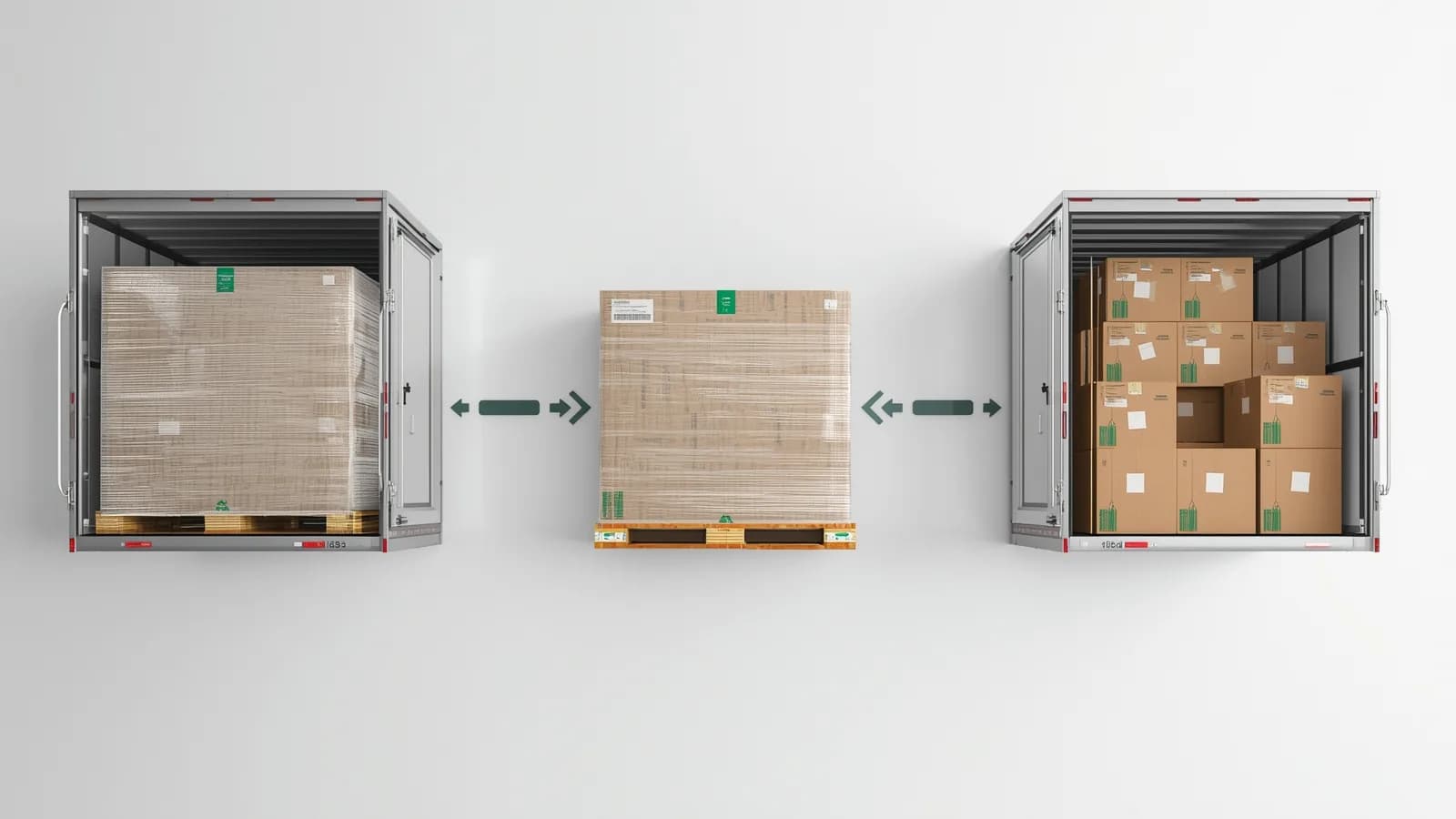
Use it any time inventory changes custody between two warehouses: switching 3PLs, adding a second node, consolidating buildings or pulling stock back in-house. The risk is the same each time. Units go missing or arrive damaged, and three parties, the outgoing 3PL, the carrier and the new 3PL, each have a reasonable story about why it was not them.
Published migration checklists are strong on planning and thin on proof. Racklify's warehouse migration checklist for a 3PL-to-3PL move (published September 23, updated October 2, 2026) covers contract review, cycle counts, a full reconciliation on the transfer date, cutover and post-move reconciliation, but does not mention photos, pallet records or seal numbers. Fulfillment Hub USA's switching 3PL providers checklist (August 2026) asks for status-specific counts, sealed transfer manifests and exception photos. This checklist adds the custody record at each handoff, so the reconciliation has something to reconcile against.
| Handoff | Who holds the goods | Record that proves count and condition |
|---|---|---|
| Outgoing 3PL building | Outgoing 3PL | Baseline by status; pallet photos with ID and count |
| Loaded trailer | Carrier, once it signs | Loadout photos, closed doors, seal number on the BOL |
| Arrival at the new dock | Carrier until the new 3PL signs | Seal check, doors-open photo, exceptions on the delivery receipt |
| New 3PL building | New 3PL | Pallet photos on arrival under the same ID, count |
The 3PL to 3PL inventory transfer checklist
The checklist runs in five phases. Do not start a phase until the previous one is signed.
Phase 1: Before the move
Phase 2: Outbound at the outgoing 3PL
Phase 3: In transit
Phase 4: Inbound at the new 3PL
Phase 5: Reconciliation and sign-off
| Pallet ID | SKU / lot | Sent | Received | Variance | Where it appeared | Outbound record | Inbound record |
|---|---|---|---|---|---|---|---|
| TR-0041 | SKU-2210 / L0925 | 96 | 96 | 0 | none | link | link |
| TR-0042 | SKU-2214 / L0918 | 120 | 108 | -12 | Count at arrival, wrap intact | link | link |
| TR-0047 | SKU-2230 / L1002 | 48 | 48, 6 damaged | 6 D | Arrival, corner crushed | link | link |
The reconciliation is signed by the brand, the outgoing 3PL and the new 3PL. Each variance is either assigned to one party, claimed against the carrier or formally accepted.
How to fill it in
The record works because the same reference shows up at both ends, so most of the work is discipline about that reference.
- Pallet IDs before photos. Print the label first, then photograph. A pallet photographed without its label is a picture of some pallet.
- Status travels with the stock. A damaged unit that moves without its damage record will arrive as a sellable unit counted short, or as damage blamed on the transfer. The damaged inventory quarantine SOP gives each one a record before it leaves.
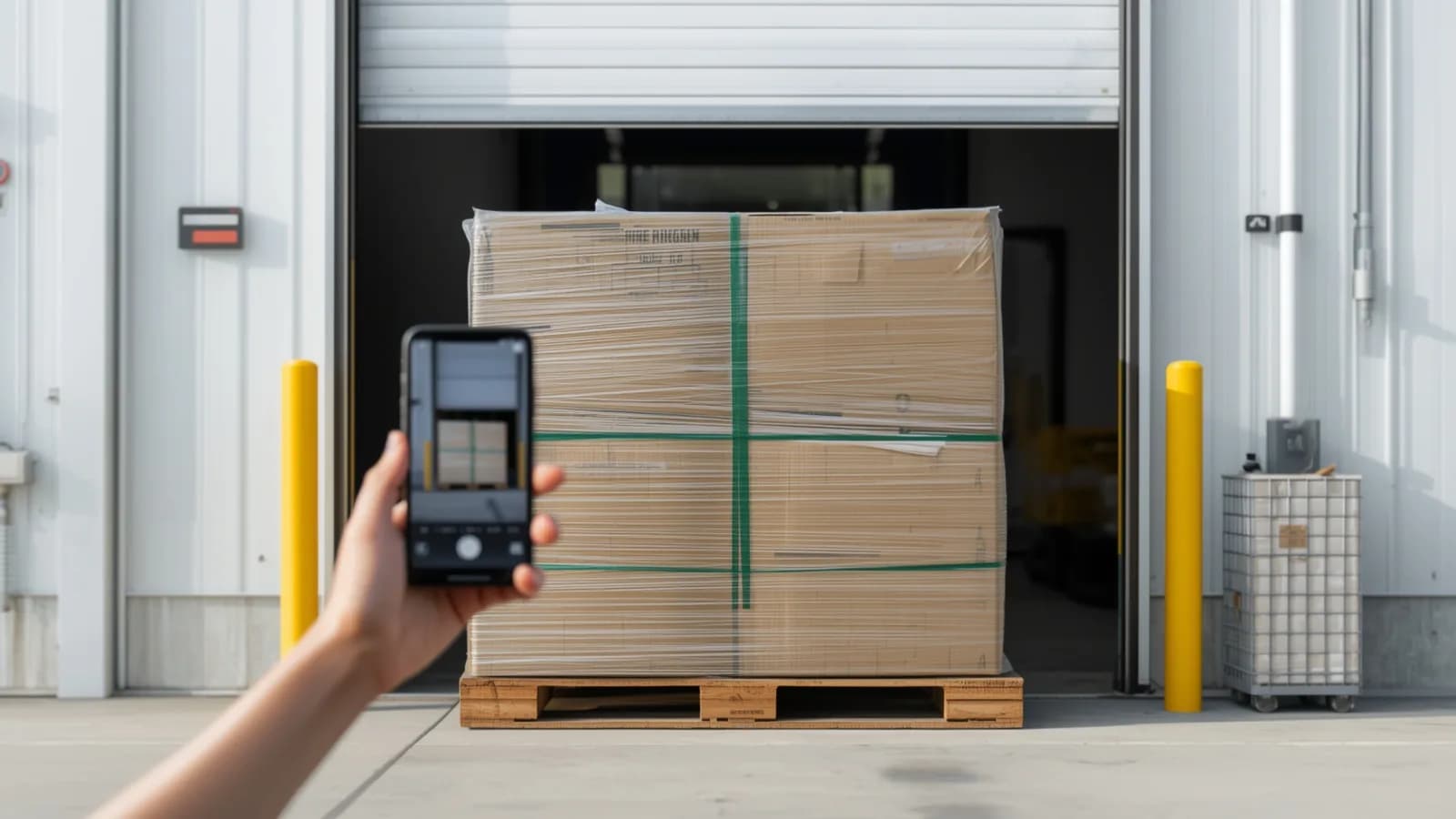
- Wrap intact or not. A pallet that arrives short with its wrap intact points back to the outbound build; one that arrives short with torn wrap points to transit. Photograph the wrap at both ends.
- Count at the pallet first, then the unit. Pallet and carton counts go on the delivery receipt before signing. Unit counts go on the manifest at breakdown.
Turning the checklist into evidence
Two references make the transfer traceable: the pallet ID and the seal number.
GS1 US describes the SSCC as a license plate for a logistic unit, such as a case or pallet, that can be linked to the electronic advance ship notice so one scan at receiving pulls up the contents; its introduction to the SSCC recommends a second label on the adjacent side of each pallet. If both 3PLs scan and photograph the same SSCC, the outbound and inbound records line up without anyone matching spreadsheets.
The seal ties the two docks together. A seal number that matches the BOL at both ends, on an intact seal, means the trailer was not opened in between. If the count still differs, the question moves to the outbound build or the inbound count, and the pallet photos answer it.
If the carrier is responsible, the photos become part of a claim. For claims under 49 CFR Part 370, a written claim must identify the shipment, assert liability and state an amount, and section 370.3 says shortage or damage notations standing alone are not enough. The full receiving procedure is in the receiving discrepancy report template.
How PallasMark digitizes the transfer
PallasMark gives each pallet a record under its transfer ID at both docks, on the phones the teams already carry, with no hardware to install at either building.
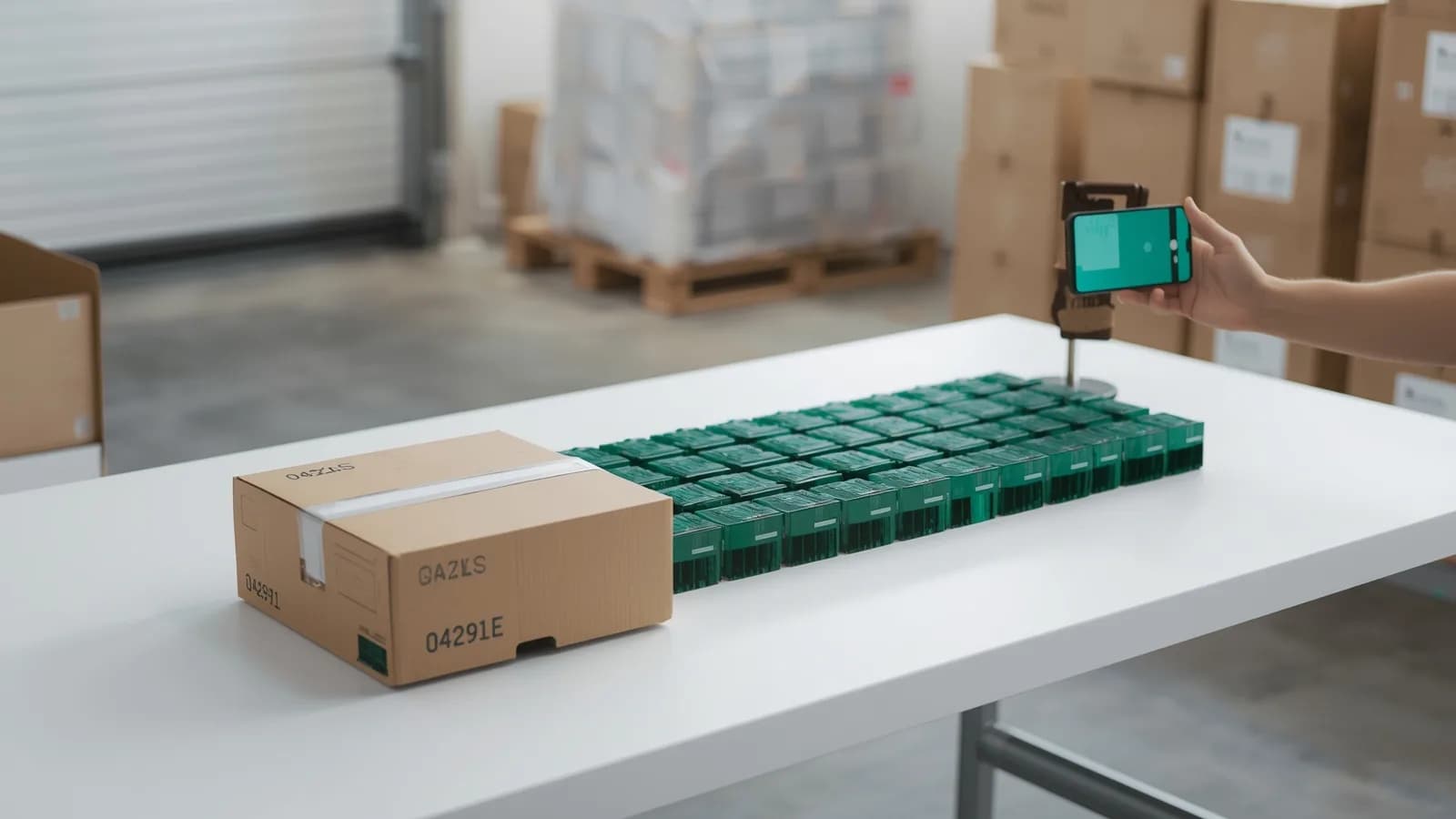
- Scan the pallet, open its record. The operator scans the pallet label and the record opens under that ID, at that facility, for that client brand. Standalone records need no store connection.
- The manifest in fields. Custom fields hold SKU, lot, quantity, seal number and BOL. On the Scale plan, AI label reading fills supplier, batch or lot, quantity and your custom fields from a photo of the label, for the operator to check before saving.
- Records both sides can trust. Every photo and video gets a SHA-256 fingerprint, each record shows who created it and when, and a location check records whether the capture happened inside the facility area. There is no edit button for recordings.
- Links for the reconciliation. Share the outbound or inbound record for any pallet with the brand or the other 3PL through a link with an expiry, an optional PIN and download settings. They open it without an account, see only that pallet, and can confirm on the verification page that nothing changed. You can revoke the link at any time.
- Loadout on the same app. The outgoing team records the trailer, doors and seal as freight loadout photos; the receiving team uses the same app for the doors-open view.
See PallasMark for 3PL fulfillment and Warehouse proof. The free plan needs no card; see pricing.
Related reading
This checklist is part of the 3PL evidence playbook. For who pays when stock goes missing in a 3PL's custody, read 3PL liability for lost or damaged inventory, and for the clauses that decide it in advance, the 3PL contract evidence clause.
Frequently asked questions
What should I document when moving inventory from one 3PL to another?
Document the count by SKU, lot and status before the move, a photo of every pallet with its label at outbound, the trailer seal number and loadout, the same pallets photographed and counted on arrival at the new 3PL, and a signed reconciliation that links each variance to the records on both sides. Without photos at the handoffs, a variance after the move has no owner.
Who is responsible for inventory lost during a 3PL transfer?
It depends on which handoff the loss happened at and on the contracts involved. The outgoing 3PL holds the goods until the carrier signs for them, the carrier holds them in transit, and the new 3PL holds them once it signs for delivery. Pallet photos and counts at each handoff are what show where the variance appeared.
How long does it take to switch 3PLs?
Plan in weeks, not days. The physical move is the short part; data mapping, integration tests, cutover planning and post-move reconciliation take longer. Schedule the move outside your peak season and keep an agreed window after cutover for reconciling counts.
Should damaged stock be moved to the new 3PL?
Decide before the move, and photograph it either way. Damaged or quarantined units that move without a status and photo record tend to be counted as sellable on arrival or blamed on the transfer. A clean option is to settle damaged stock at the outgoing 3PL, by disposal or return to vendor, and move only sellable inventory.
What is a pallet ID in an inventory transfer?
It is the reference both 3PLs use for the same pallet, such as an SSCC license plate or an agreed transfer number. When the outgoing 3PL's outbound photo and the new 3PL's receiving photo carry the same ID, any difference in count or condition can be traced to one leg of the move.
How does PallasMark help with a 3PL transfer?
Each pallet becomes a warehouse record under its transfer ID, with photos and video, a SHA-256 fingerprint on every file, the facility, the client brand and who recorded it. The outbound record and the inbound record can each be shared with the brand and the other 3PL through a link that needs no account, which makes the reconciliation meeting a comparison of records.
- switching 3pl
- 3pl migration
- inventory transfer
- reconciliation
- warehouse receiving