Part of the Warehouse and 3PL evidence guide
Freight Loadout Photos: Proof of Loading for LTL and FTL Shipments

On this page
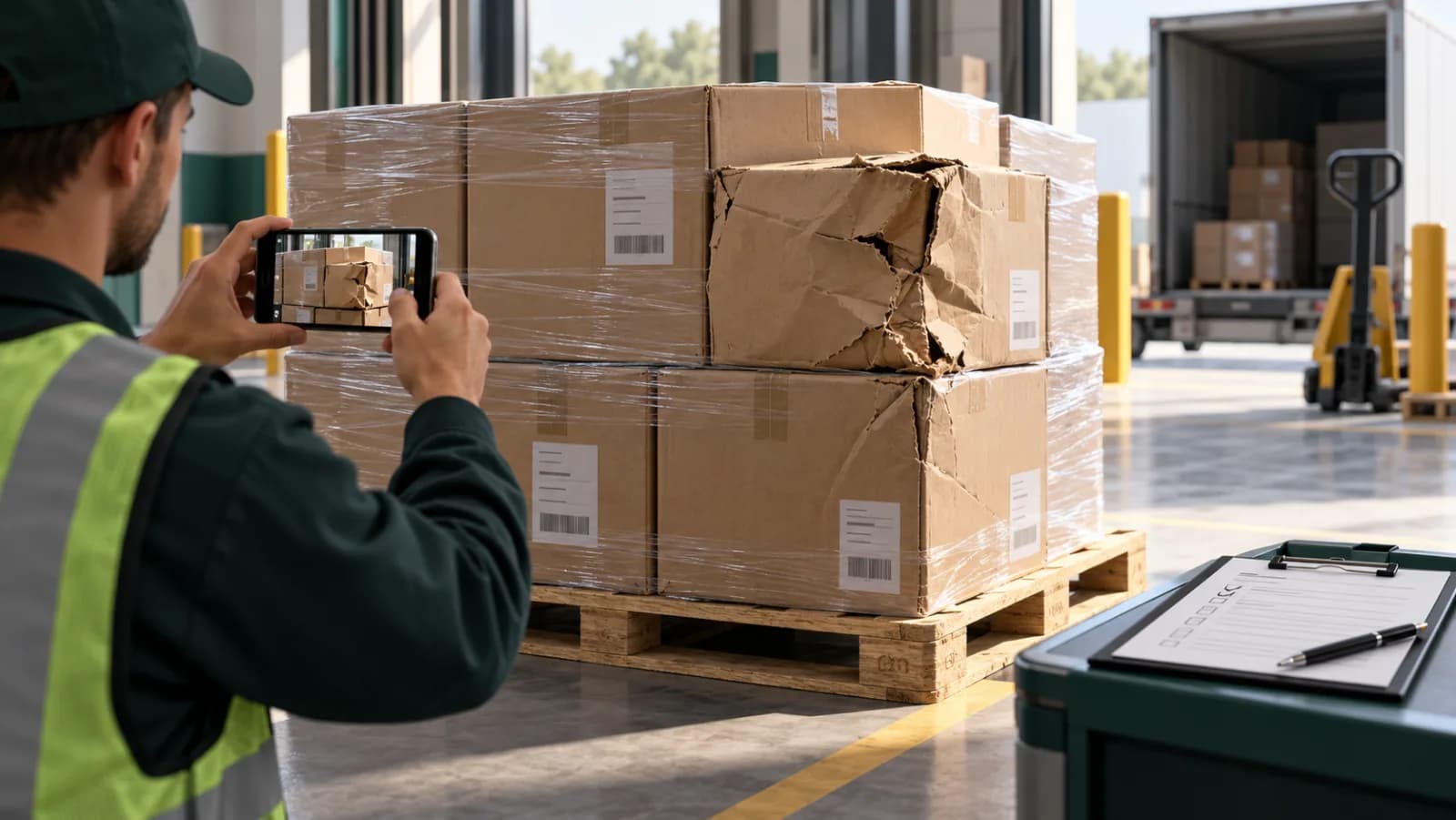
A consignee's receiving team notes "2 pallets leaning, 1 crushed corner" on the delivery receipt. Three weeks later the brand forwards a deduction from the retailer and a request for credit. The question is the same every time: was the freight like that when it left your dock?
Without a loadout record, the answer is your word against a signed delivery receipt. With one, it is a set of photos of those exact pallets, under that BOL, taken as they were loaded, with the seal number on the closed doors.
This guide covers why loadout photos became the expected standard, what a reviewer checks in a pallet condition dispute, the rules and windows that apply, a complete shot list, a step-by-step loading procedure, the proof-of-loading app landscape, and copy-ready messages.
Why loadout photos are now the standard
Loadout photos became the standard because large 3PLs started offering them for free. On March 3, 2026, ShipMonk announced that every LTL and FTL shipment that leaves a ShipMonk facility is now photographed during loadout, with no setup and no charge. Merchants see multi-angle shots of staged pallets and of freight loaded onto the truck, timestamped, in an "Order Images" tab on the order page. ShipMonk says it uses the photos when auditing chargeback claims under its Perfect Order Program: if a retailer disputes shipment quality or pallet condition, it has documentation of what left the facility.
Once one large provider bundles a service, brands start to expect it. A brand comparing 3PLs will ask whether you can show what its pallets looked like at loadout, and a 3PL that cannot is taking every pallet condition claim on trust.
There is also a security backdrop. U.S. Customs and Border Protection's CTPAT Minimum Security Criteria for importers say that, as documented evidence of a properly installed seal, digital photographs should be taken at the point of stuffing, and may include cargo markings, the loading process, where the seal was placed and the installed seal. Those criteria apply to CTPAT members, but the shot list is a good one for any outbound trailer.
What a reviewer checks in a pallet condition dispute
A reviewer in a pallet condition dispute checks whether the freight was in good order, correctly counted and properly loaded when the carrier took it, under a reference that matches the claim. Carrier claims desks, consignee receiving teams and retailer compliance teams all ask that question, in different words.
- Carriers compare the delivery exception with the shipper's account of condition at pickup. Racklify's entry on who pays for a Wayfair order incident puts it simply: carrier liability applies if evidence shows proper pack and tender.
- Consignees and brands want to know whether a short or damaged pallet left your dock that way, so they know whether to claim against the carrier or against you.
- Retailers check compliance: pallet height and build, label placement, ASN accuracy. Their deductions arrive at the brand and, increasingly, flow down to the 3PL under its SLA, as Terms.Law describes in its analysis of retail chargeback flowdown.
Cleverence's guide to 3PL liability for lost or damaged goods recommends outbound photos or condition scans at the dock for exactly this reason: to counter "it was fine when it left" disputes.
The rules and windows that apply
Pallet condition disputes run on carrier claim law, carrier tariffs and the contracts between shipper, brand and retailer. The rules below are U.S.-focused and were checked October 2026; other countries and modes differ.
| Rule | What it says | What it means for loadout evidence |
|---|---|---|
| Carrier claim filing period | Interstate motor carriers may not allow less than 9 months to file a claim or less than 2 years to sue (49 U.S.C. § 14706) | Keep loadout records at least as long as a claim can be filed |
| What counts as a claim | A written claim must identify the shipment, assert liability and state a specified or determinable amount; damage notations and inspection reports alone are not a claim (49 CFR § 370.3) | Photos support the claim; they do not replace the written claim |
| Concealed damage notice (LTL) | The NMFTA cut the time to report concealed damage to an LTL carrier from 15 days to 5, effective April 18, 2015 (Trinity Logistics) | The consignee must report fast; your loadout record is what they will ask for |
| Seal verification | CTPAT's VVTT check: view the seal and locking mechanisms, verify the seal number against shipment documents, tug the seal, twist and turn a bolt seal (CBP MSC) | Photograph the seal after the check, with the number legible |
| Seal photos | Digital photographs should be taken at the point of stuffing as evidence of a properly installed seal (same document) | Make the seal photo a fixed step, not an option |
| Carrier liability limits | Carriers may limit liability to a value declared by the shipper or agreed in writing (49 U.S.C. § 14706) | The record shows condition; the value is set by the BOL and tariff |
Carrier tariffs can set their own notice rules, so check the carrier's current rules tariff for the shipment in question. For carrier-specific damage claim procedures, see shipping damage claims by carrier.
The loadout shot list
The shot list below covers the trailer, every pallet and the handoff. It mirrors the outbound record Cargosnap describes in its guide to proving damage didn't happen in your facility: all pallet sides, wrap, seal, a visible label, the loader and the loading time.
Before loading: the trailer
Every pallet, before it goes in
The load and the handoff
Video helps for the wrap going on, because a pallet filmed being wrapped shows what was inside it when it closed; a wrapped pallet photographed at rest only shows that a pallet existed. The warehouse packing version of that principle is in how a warehouse records packing proof.
Step-by-step: record proof of loading for a shipment
The procedure below takes one LTL or FTL shipment from an empty trailer to a shared record. On a busy dock it adds a few photos per pallet; the reference scan at the start is what keeps them findable.
Step 7 is the one most 3PLs skip, and it is the one brands notice. A link sent at dispatch turns your evidence into a service. A link sent after a claim looks like a defense.
Proof-of-loading apps compared
Proof-of-loading apps guide a loader through the shots and file them under the shipment. They differ in what they are built around: containers, generic photo reports, or the whole warehouse evidence chain. Details below are from each vendor's own pages, checked October 2026.
| Tool | Built around | Reference capture | What the customer receives | Pricing on its site |
|---|---|---|---|---|
| ShipMonk loadout photos | ShipMonk's own LTL/FTL shipments | Tied to the ShipMonk order | Staging and truck-loading photos on the order page | No charge for ShipMonk merchants |
| Cordstrap Proof of Loading | Container outbound, container inbound and truck loading, with guided steps | Reads container and seal numbers from the photo | Branded PDF with timestamps per photo | Not listed; walkthrough on request |
| Blimp | Photo reports for logistics, including container loading inspections | Barcode and QR scanner, keywords | PDF reports, web access for customers or suppliers | Free sign-up offered |
| PallasMark | Loading and dispatch records, plus receiving, pick-pack and returns, per client and facility | Barcode scan opens the record; AI label reading on Scale | A link to one fingerprinted record with a public verification page, expiry and optional PIN | Free plan, no card; see pricing |
Cordstrap and Blimp produce a report: a PDF assembled from the photos. PallasMark produces a record a third party can check: every file is fingerprinted at upload, and the consignee or carrier can confirm on a verification page that the photos have not changed. It also keeps loadout in the same system as receiving and order packing, so the inbound and outbound records for a client's freight sit side by side.
For a broader comparison of warehouse photo tools, see warehouse photo documentation apps compared and the Cargosnap alternative.
Answering a pallet condition dispute
A pallet condition dispute is answered by comparing what the consignee recorded at delivery with what your loadout record shows for the same pallet. The comparison usually points to one leg of the journey.
| Consignee or retailer reports | Your loadout record shows | Where it points |
|---|---|---|
| Crushed or leaning pallet, noted on the delivery receipt | Square build, intact wrap, braced load, not stacked | Transit: a carrier claim, supported by your record |
| Broken pallet base | Intact deck boards at loadout | Carrier handling |
| Cartons missing, wrap cut or re-wrapped | Full count and a different wrap pattern at loadout | Pilferage in transit: carrier claim for shortage |
| Cartons missing, original wrap intact | Full count at loadout under the same wrap | A count error at the consignee, or a concealed shortage inside cartons at origin; ask for their receiving record |
| Damage inside undamaged cartons | Cartons clean outside at loadout | Concealed damage: the consignee must notify the carrier within its window; packaging or transit |
| Retailer chargeback for label placement or pallet build | Labels on the required sides, compliant height | Dispute the deduction with the photos; see retail compliance chargebacks evidence |
| Whole pallet missing | Counted at loadout, piece count on the signed BOL | Carrier claim for loss |
When the loadout record shows the problem was there before pickup, the honest answer is to accept it and fix the cause. The record earns its keep in the far more common case where it was not.
Copy-ready messages
Loadout messages work best short and factual, with the record linked: one at dispatch, one in reply to a condition claim, and one for concealed damage.
How PallasMark records the loadout
PallasMark records each loadout as one shipment record, on the phones your dock team already carries, tied to the reference everyone in a claim will quote.
Opened by the reference. The loader scans the BOL, load sheet or pallet label, and the record opens under that shipment, pallet or lot reference, with the facility and the client brand that owns the freight. Custom fields hold the seal number, PO, PRO or load ID. On the Scale plan, AI label reading fills supplier, batch or lot, quantity, location, condition and your custom fields from a photo of the label into an editable form the loader reviews; a scanned barcode always wins.
Photos and video in one record. Every pallet's sides, base and labels, the wrap going on, the loaded trailer, the seal and the signed BOL sit together under the shipment. Each capture also notes whether it was made inside the facility area, outside it, or not checked.
Sealed at upload. Every stored file gets a SHA-256 fingerprint, and the public verification page re-hashes the stored file on the spot, so a consignee, carrier or retailer can confirm nothing changed since the loader saved it. There is no edit button for recordings.
One link per shipment. Share the record with the client brand, consignee or carrier through a link with an expiry, an optional PIN and download settings, revocable at any time. They see that shipment and nothing else in your warehouse. Records are searchable later by facility, client, date, condition, creator and custom fields, including the seal number.
No dock cameras. No hardware to mount at dock doors, no per-door or per-station fees, and a free plan with no card. See warehouse proof, the warehouse solution, 3PL fulfillment and how the same record supports carrier and insurance claims.
For the inbound mirror of this procedure, see how to document freight damage at warehouse receiving. For every evidence moment in a 3PL and the disputes each one settles, see the 3PL evidence playbook; for who pays once a loss is established, see 3PL liability for lost or damaged inventory.
Frequently asked questions
What are freight loadout photos?
Freight loadout photos are timestamped images of each pallet and the trailer, taken while an LTL or FTL shipment is loaded and tied to its bill of lading, PRO and seal number. They record the condition, count and labeling of the freight at the moment custody passes to the carrier, which is what carriers, consignees and retailers dispute later.
What should loadout photos show?
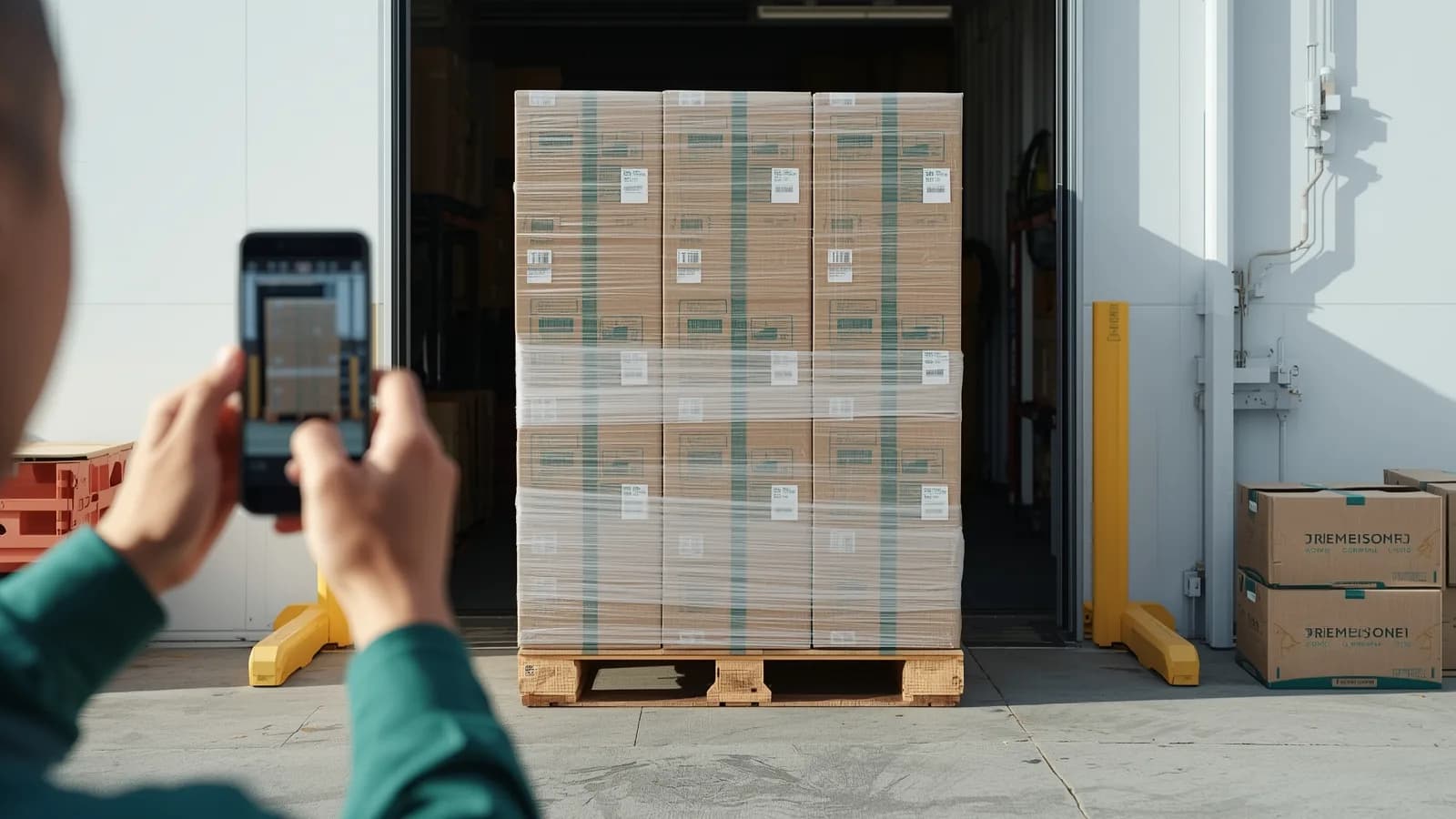
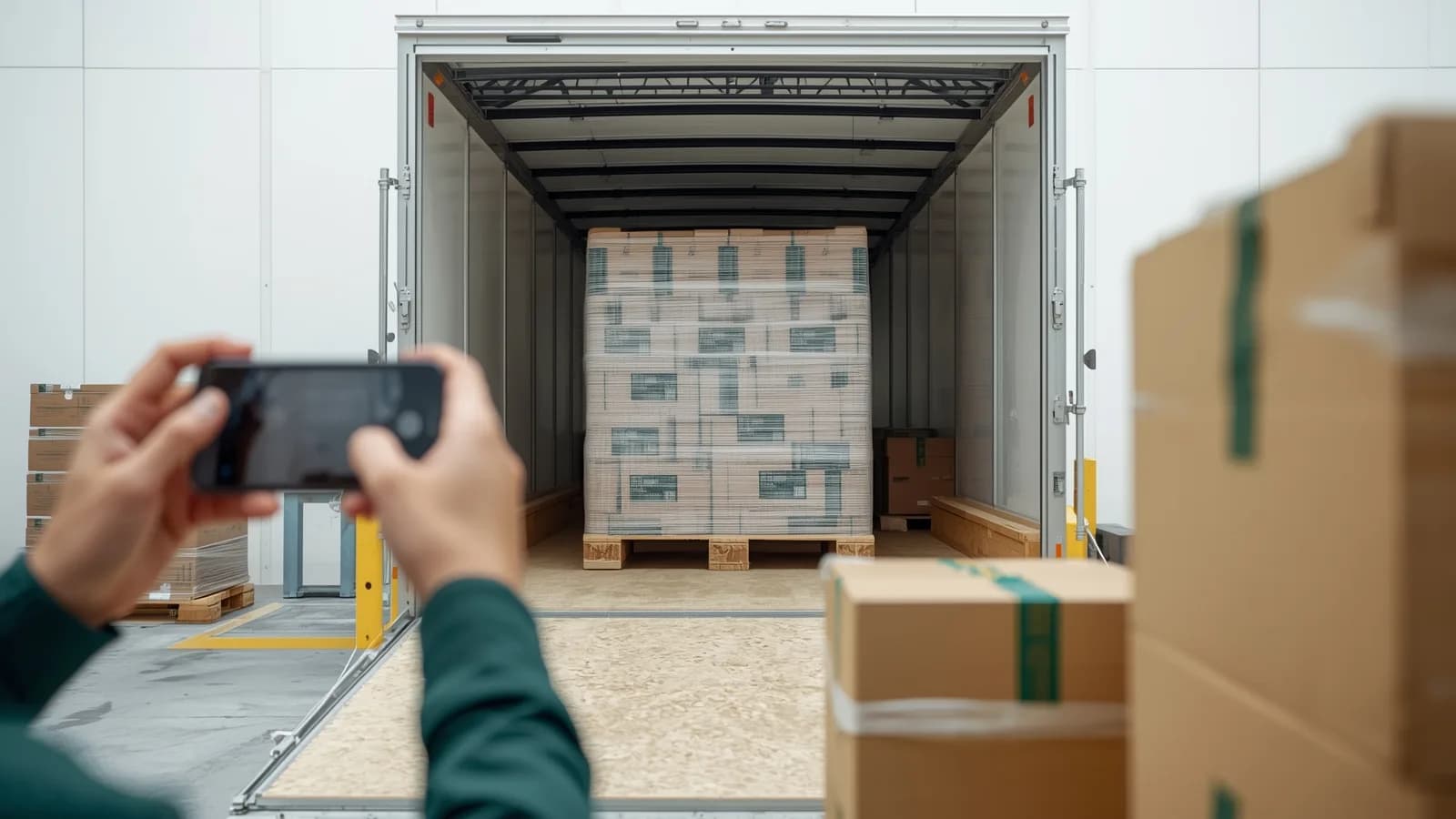
Per pallet: all four sides and the top, the pallet base, wrap and corner boards, and every label. Per trailer: the empty interior before loading, pallet positions and load securement, the full load from the doors, the closed doors, the seal with its number legible, and the signed BOL with the piece count.
Do loadout photos prove the carrier damaged the freight?
They prove the condition and count of the freight when it left your dock, under a reference the carrier recognizes. Combined with a delivery receipt noting damage, that places the damage in the transit leg, which is where a carrier claim belongs. The claim itself still has to be filed in writing with the amount, as 49 CFR 370.3 requires for U.S. motor carrier claims.
What is a proof of loading app?
An app that guides warehouse staff through photographing a load and files the result under the shipment, usually with a report to share with the customer. Cordstrap's Proof of Loading reads container and seal numbers from photos and exports a branded PDF; Blimp produces photo reports and PDFs for logistics teams; PallasMark ties loading records to the pallet or shipment reference, fingerprints every file and shares one record through a verification link.
How quickly must concealed damage be reported on an LTL shipment?
Quickly. Trinity Logistics reports that the National Motor Freight Traffic Association cut the time to report concealed damage to an LTL carrier from 15 days to five, effective April 18, 2015, with later reports left to the carrier's discretion. Check the carrier's current rules tariff. The full claim can be filed later: U.S. interstate carriers must allow at least nine months.
Should the seal number be visible in the loadout photos?
Yes. The seal number ties the closed trailer to the BOL, and a legible seal photo is what lets the consignee confirm the trailer was not opened in transit. CBP's CTPAT criteria describe a view, verify, tug and twist check for seals and recommend digital photographs at the point of stuffing as evidence of a properly installed seal.
Do we need fixed cameras at every dock door?
No. The evidence that matters is per pallet and per shipment, under its reference, and a phone records it at whichever door the trailer is on. Fixed dock cameras capture continuous footage that someone then has to search and match to a BOL; a phone-based record is filed under the shipment as it is made.
- freight
- loadout photos
- proof of loading
- ltl
- pallet condition
- bill of lading